
Runleader RL-HM055AD
Runleader Digital Maintenance Hour Meter User Manual
Model: RL-HM055AD
Brand: Runleader
1. Product Overview
The Runleader Digital Maintenance Hour Meter (Model RL-HM055AD) is a versatile device designed to accurately record the total operating hours of various equipment. It is suitable for a wide range of applications, including garden tractors, generators, scooters, club cars, forklifts, leaf trimmers, and more. This hour meter operates on a broad AC/DC voltage range from 5V to 277V, making it compatible with common voltages such as 12V, 24V, 36V, 48V, 72V, 90V, 110V, 120V, 220V, and 230V.

Figure 1: Runleader Digital Maintenance Hour Meter (Model RL-HM055AD)
2. Key Features
- Total Hours Record: The meter records total working hours when the machine is operating. The hour range is from 0 to 99,999 hours.

Figure 2: Hour meter displaying total accumulated hours.
- Wide Voltage Application: Compatible with external power sources ranging from AC/DC 5V to 277V.
- Strong Water Resistance (IP68): Constructed with 100% epoxy resin craft, ensuring high water resistance and normal operation even when submerged up to 10 meters.

Figure 3: The hour meter demonstrating its IP68 waterproof rating in a testing tank.
- Automatic Data Storage: Working data is saved by an inner CMOS EEPROM system, allowing hours to be viewed at any time, powered by a built-in CR2050 360mAh battery.

Figure 4: Illustration of the hour meter's automatic data storage feature, powered by a CR2050 battery.
3. Specifications
| Attribute | Value |
|---|---|
| Brand | Runleader |
| Model Number | RL-HM055AD |
| Material | Plastic |
| Dimensions (L x W x H) | 1.1 x 1.42 x 1.77 inches (27.94 x 36.07 x 44.96 mm) |
| Item Weight | 1.44 Ounces (40.82 grams) |
| Operating Voltage | AC/DC 5V to 277V |
| Hour Range | 0 to 99,999 hours |
| Waterproof Rating | IP68 |
| Internal Battery | CR2050 360mAh (included) |
| Panel Cut-out Size | 37.50mm x 24.50mm (1.48 inches x 0.96 inch) |

Figure 5: Detailed product dimensions for installation planning.
4. Product Accessories
The Runleader Digital Maintenance Hour Meter package typically includes the following items:
- 1 x Runleader Digital Maintenance Hour Meter
- 1 x Operating Instruction Manual
- 2 x Insert Spring Terminals
- 2 x Insert Spring Sheaths

Figure 6: Contents of the product package, including the hour meter, manual, and connection terminals.
5. Applications
This hour meter is broadly applicable to various AC/DC 5V to 277V equipment, providing accurate hour tracking for maintenance scheduling and usage monitoring. Common applications include:
- Lawn mowers
- Generators
- Golf carts
- Forklifts
- Scrubber machines
- Snowmobiles
- Other industrial and recreational equipment
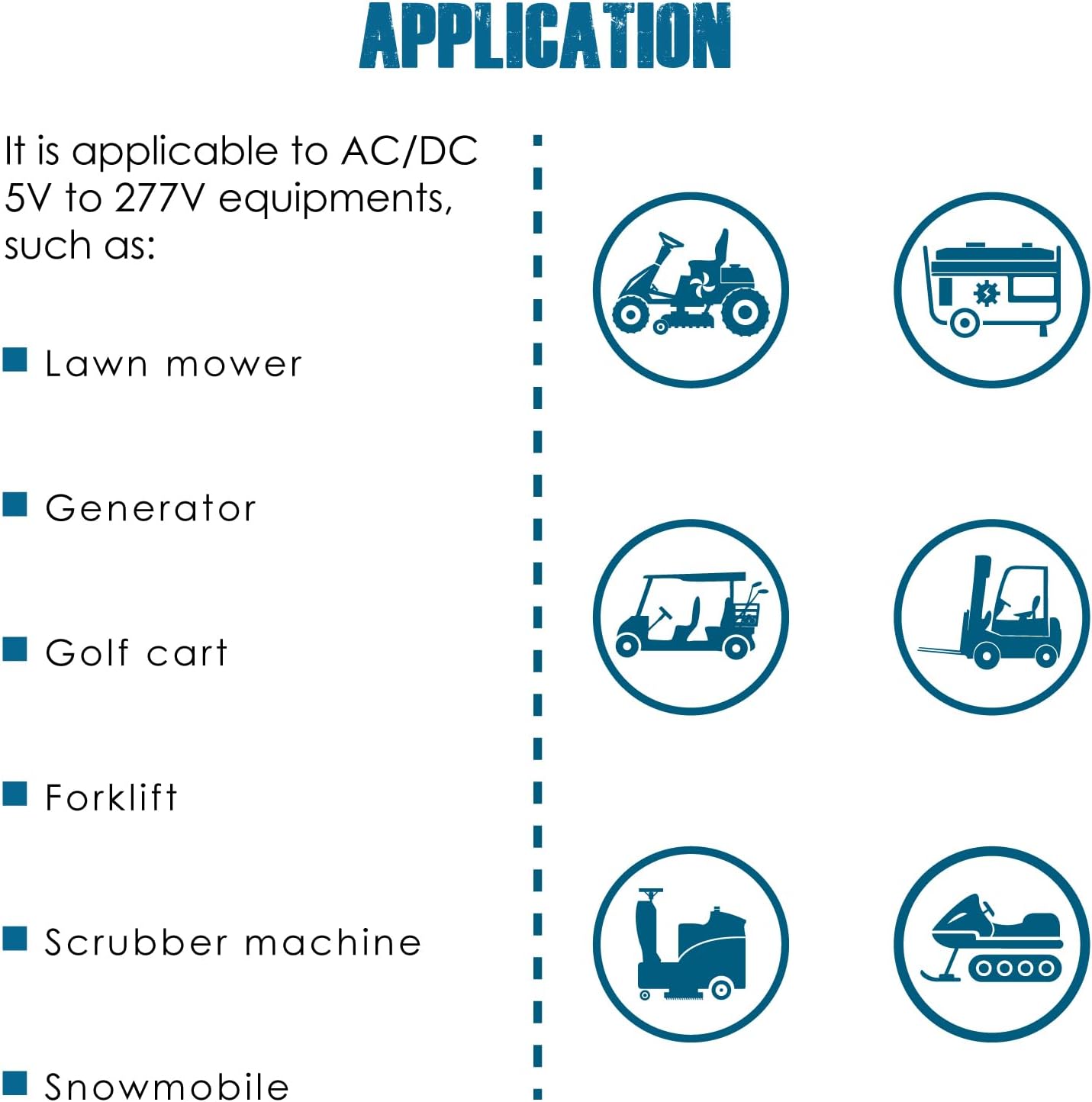
Figure 7: Examples of equipment where the Runleader hour meter can be effectively used.
6. Setup and Installation
6.1 Product Mounting
The hour meter is designed for easy drill-in and snap-in mounting. Identify a suitable location on your equipment's panel. Ensure the panel cut-out size matches the meter's dimensions for a secure fit.
- Measure and mark the panel cut-out area: 37.50mm (1.48 inches) by 24.50mm (0.96 inch).
- Carefully cut out the marked area on the panel.
- Insert the hour meter into the cut-out. The snap-in design will secure it in place.
6.2 Power Connection
The hour meter can be connected to your equipment's power source. The two pins on the meter are not polarity-sensitive (positive and negative are not divided), simplifying the connection process.
- Direct Power Connection: Connect the two pins of the hour meter directly to the AC/DC 5V to 277V power source of your equipment. The meter will begin recording hours as soon as power is supplied.
- Switch Power Connection: For applications where you want the hour meter to record only when the machine is actively running (e.g., when an ignition switch is on), connect one pin to the power source and the other pin to the switched power line.

Figure 8: Wiring diagrams for direct and switched power connections. Note that the power pins are not polarity-sensitive.
7. Operating Instructions
The Runleader Digital Maintenance Hour Meter operates automatically once properly installed and connected to a power source. There are no buttons or complex settings to configure.
- Automatic Recording: The meter automatically detects when the connected equipment is powered on and begins accumulating hours.
- Display: The digital display continuously shows the total accumulated operating hours. The display has 5 digits, showing hours up to 99,999.
- Data Retention: Thanks to its built-in CR2050 battery and CMOS EEPROM system, the recorded hours are saved even when the external power to the meter is off. This ensures that your data is never lost.
8. Maintenance
The Runleader Digital Maintenance Hour Meter is designed for minimal maintenance due to its robust construction and sealed design.
- Cleaning: Wipe the display and casing with a soft, damp cloth as needed. Avoid using harsh chemicals or abrasive materials.
- Battery: The internal CR2050 battery is designed for long-term operation and is not user-replaceable. If the display becomes blank or unreadable, it may indicate the end of the battery's lifespan, and the unit may need replacement.
- Inspection: Periodically check the wiring connections to ensure they remain secure and free from corrosion.
9. Troubleshooting
If you encounter issues with your hour meter, consider the following common troubleshooting steps:
- Display is Blank:
- Verify that the external power source is active and within the 5V to 277V range.
- Check the wiring connections for any loose or disconnected wires.
- If the external power is confirmed, the internal battery may have reached the end of its life. The unit is sealed and the battery is not user-replaceable.
- Hours Not Accumulating:
- Ensure the meter is correctly wired to a power source that is active when the equipment is running.
- For switch-controlled connections, confirm the switch is functioning correctly and providing power to the meter when the equipment is in operation.
- Inaccurate Readings:
- Ensure stable voltage supply. Fluctuations outside the specified range might affect accuracy.
- Verify the meter is securely mounted and not subject to excessive vibration, though it is designed to be robust.
10. Warranty and Support
Runleader provides reliable after-sales service and technical support for its products. For any questions, concerns, or technical assistance, please refer to the contact information provided in your product packaging or visit the official Runleader website.
Related documentsRL-HM055AD


Ask a question about this manual
Ask about setup, troubleshooting, compatibility, parts, safety, or missing instructions. Manuals+ will review the question and use this page’s manual context to help answer it.