Introduction
Welcome to the user manual for your new Senseo Original HD7806/51 Coffee Maker. This manual provides essential information for the safe and efficient operation, maintenance, and troubleshooting of your appliance. Please read all instructions carefully before first use and keep this manual for future reference.
The Senseo Original HD7806/51 is designed to deliver delicious coffee with a rich crema layer, offering convenience and quality in every cup. Its unique system allows for brewing one or two cups simultaneously, ensuring a perfect coffee experience tailored to your preference.
Important Safety Information
Always follow basic safety precautions when using electrical appliances to reduce the risk of fire, electric shock, and/or injury to persons.
- Do not immerse the appliance, power cord, or plug in water or any other liquid.
- Ensure the voltage indicated on the appliance corresponds to your local mains voltage before connecting.
- Do not operate the appliance with a damaged cord or plug, or after the appliance malfunctions or has been damaged in any manner.
- Keep the appliance and its cord out of reach of children.
- Always unplug the appliance from the power outlet before cleaning and when not in use.
- Do not touch hot surfaces. Use handles or knobs.
- Use only Senseo coffee pods with this appliance.
- Never fill the water reservoir with hot water, milk, or other liquids. Only use fresh, cold water.
Product Overview
Familiarize yourself with the components of your Senseo Original HD7806/51 Coffee Maker.
Components
- Water Reservoir: Removable tank for water.
- Lid: Covers the water reservoir.
- Coffee Spout: Dispenses brewed coffee.
- Pod Holder: Holds one or two coffee pods.
- Drip Tray: Collects excess liquid and supports cups.
- On/Off Button: Powers the machine.
- 1-Cup Button: For brewing a single cup of coffee.
- 2-Cup Button: For brewing two cups of coffee.

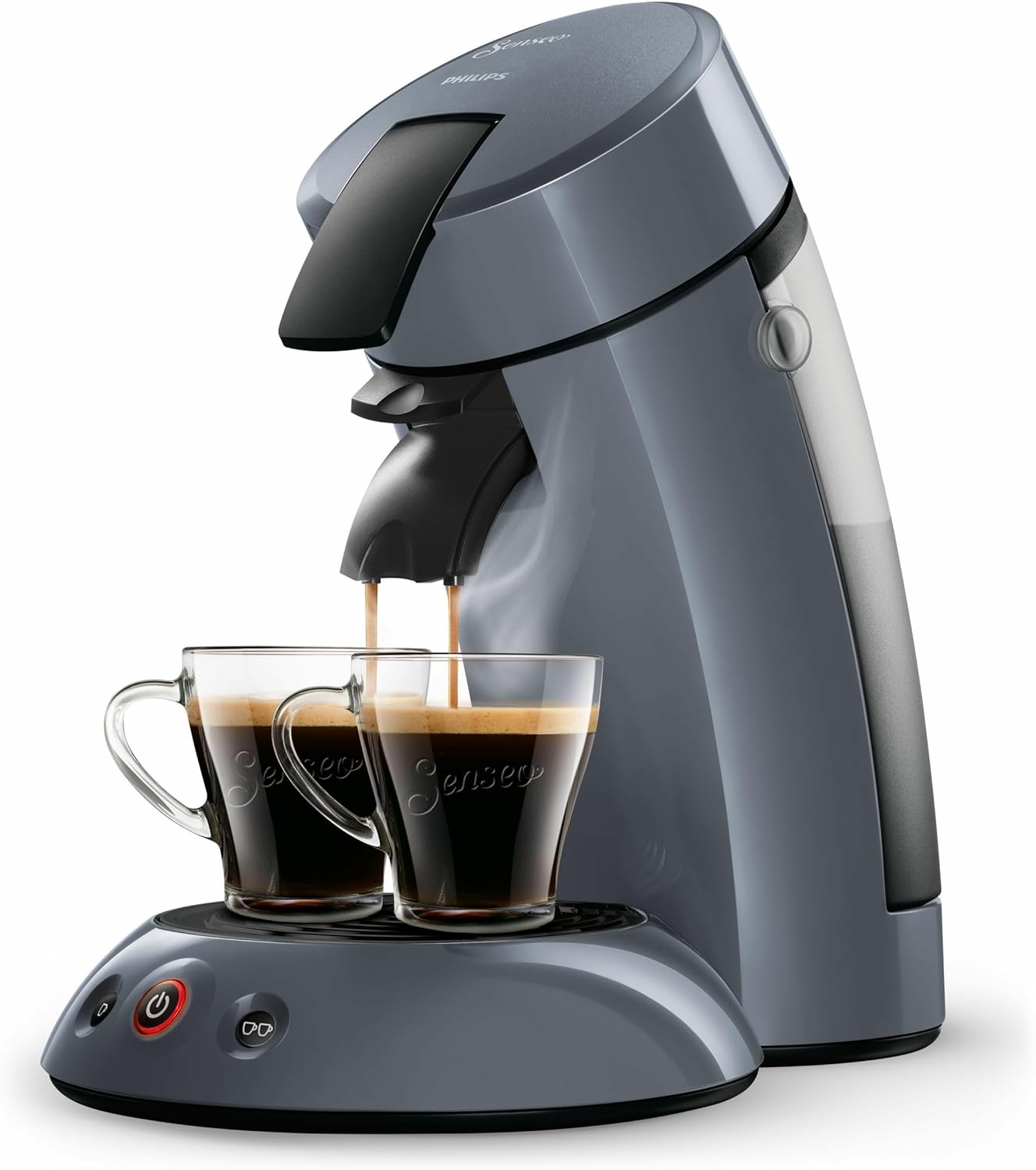
This image shows the Senseo Original HD7806/51 coffee maker in a dark grey color, actively brewing coffee into two clear Senseo cups placed on the drip tray. The water reservoir is visible on the right side.
Setup
Follow these steps for the initial setup of your coffee maker.
- Unpack the Appliance: Remove all packaging materials and dispose of them responsibly.
- Rinse the Water Reservoir: Remove the water reservoir and rinse it thoroughly with fresh, cold water.
- First Use Rinse Cycle:
- Fill the water reservoir with fresh, cold water up to the MAX indication.
- Place the 1-cup pod holder (without a coffee pod) in the appliance.
- Close the lid and ensure it is properly locked.
- Place a bowl or container under the coffee spout to collect the water.
- Plug the appliance into a grounded wall socket.
- Press the On/Off button. The light will flash slowly.
- Once the light is continuously lit, press the 2-cup button to start the rinse cycle.
- The appliance will dispense water. Repeat this process until the water reservoir is empty.
- Your Senseo coffee maker is now ready for use.
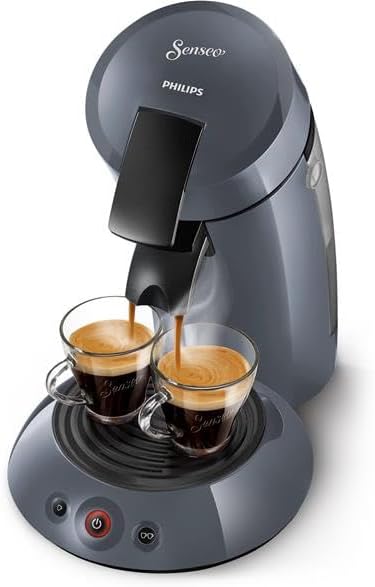
This image provides a view of the Senseo Original HD7806/51 coffee maker from a slightly elevated perspective, highlighting the two cups filled with coffee and the machine's compact design.
Operating Instructions
Brewing Coffee
- Ensure the water reservoir is filled with fresh, cold water.
- Open the lid and place one or two Senseo coffee pods in the appropriate pod holder. Use the 1-cup pod holder for one pod, and the 2-cup pod holder for two pods. Place the pod(s) in the center of the holder with the convex side facing down.
- Close the lid firmly until it locks.
- Place one or two cups under the coffee spout.
- Press the On/Off button. The light will flash slowly while the machine heats up. Once the light is continuously lit, the machine is ready.
- Press the 1-cup button for a single cup or the 2-cup button for two cups. The selected button will light up during brewing.
- The coffee maker will stop automatically when brewing is complete. The On/Off light will flash slowly again, indicating it's cooling down.
- After brewing, remove the used coffee pod(s) and rinse the pod holder.
Adjusting Coffee Volume (Manual Stop)
You can manually stop the brewing process to control the volume of coffee. While the coffee is being dispensed, press the 1-cup or 2-cup button again to stop the flow. This allows you to customize the strength and volume of your coffee.
Maintenance
Regular cleaning and maintenance will ensure the longevity and optimal performance of your Senseo coffee maker.
Daily Cleaning
- Drip Tray and Grid: Remove the drip tray and grid after each use. Empty any collected liquid and wash them with warm water and a mild dishwashing liquid. Rinse thoroughly and dry.
- Pod Holder: After each use, remove the pod holder and rinse it under running water. Ensure no coffee grounds remain in the small holes.
- Coffee Spout: The coffee spout can be removed for cleaning. Rinse it under running water.
- Water Reservoir: Rinse the water reservoir daily with fresh water. Do not use detergent.
- Exterior: Wipe the exterior of the appliance with a damp cloth. Do not use abrasive cleaning agents or scourers.
Descaling
Descaling is crucial to prevent limescale buildup, which can affect coffee taste and machine performance. The frequency of descaling depends on the hardness of your tap water and how often you use the machine. Generally, descale every 3 months or when the indicator light suggests it (if applicable).
General Descaling Process:
- Use a descaling agent specifically designed for coffee machines (e.g., citric acid-based descaler). Follow the instructions on the descaling agent packaging.
- Empty the water reservoir and fill it with the descaling solution according to the descaler's instructions.
- Place the 1-cup pod holder (without a pod) in the machine and close the lid.
- Place a large bowl under the coffee spout.
- Start a brewing cycle using the 2-cup button. Let the machine complete the cycle.
- Repeat the brewing cycle until the water reservoir is empty.
- Rinse the machine thoroughly by performing at least two full rinse cycles with fresh water (no descaler, no pods).
A direct front view of the Senseo Original HD7806/51 coffee maker, showing the two coffee cups positioned under the dispenser, emphasizing its dual-cup brewing capability.
Troubleshooting
If you encounter issues with your Senseo coffee maker, refer to the table below for common problems and their solutions.
| Problem | Possible Cause | Solution |
|---|---|---|
| Appliance does not turn on. | No power supply. | Check if the plug is properly inserted into the wall socket. Check the fuse/circuit breaker. |
| Coffee does not brew or only a small amount is dispensed. | Water reservoir is empty. / Pod holder is clogged. / Appliance needs descaling. | Fill the water reservoir. / Clean the pod holder. / Descale the appliance. |
| Coffee tastes weak or watery. | Incorrect pod placement. / Appliance needs descaling. / Pod holder is clogged. | Ensure pod is placed correctly. / Descale the appliance. / Clean the pod holder. |
| Appliance is leaking. | Water reservoir not properly seated. / Drip tray is full. | Ensure water reservoir is correctly placed. / Empty and clean the drip tray. |
| Coffee is not hot enough. | Appliance needs descaling. | Perform a descaling cycle. |
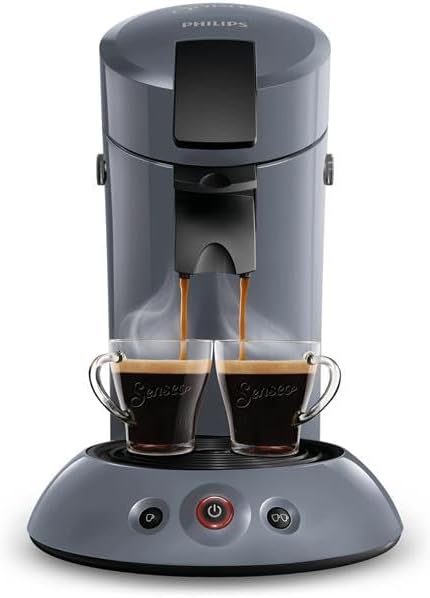
This image presents the Senseo Original HD7806/51 coffee maker from a frontal perspective, with two cups ready to receive coffee, highlighting the machine's sleek design.
Specifications
- Brand: Senseo
- Model Number: HD7806/51
- Color: Mystic Blue
- Power: 1450 Watts
- Voltage: 230 Volts
- Material: Plastic
- Item Weight: 2.23 Kilograms
- Product Dimensions: 36D x 23W x 39H centimeters
- Special Feature: Timer (Automatic shut-off after 30 minutes)
- Coffee Maker Type: Electric Filter Coffee Maker
- Filter Type: Metal
- Water Reservoir Capacity: 0.7 Liters (approx.)
Warranty and Support
Warranty Information
Your Senseo Original HD7806/51 Coffee Maker comes with a standard manufacturer's warranty. Please refer to the warranty card included in your product packaging for specific terms, conditions, and duration. Keep your proof of purchase for any warranty claims.
Customer Support
For further assistance, technical support, or to inquire about spare parts, please visit the official Senseo website or contact their customer service department. You can find more information and support resources on the Senseo Brand Store.


