
1. Product Overview
The Maclean MCE231 is an infrared motion detector designed for automatic lighting control. This energy-efficient PIR (Passive Infrared) sensor features a 360° detection angle and a maximum detection range of 6 meters. It includes a built-in twilight sensor for optimized operation, allowing the light to activate only when ambient light levels are below a set threshold. The device is suitable for controlling LED bulbs up to 100W and is designed for easy ceiling installation.
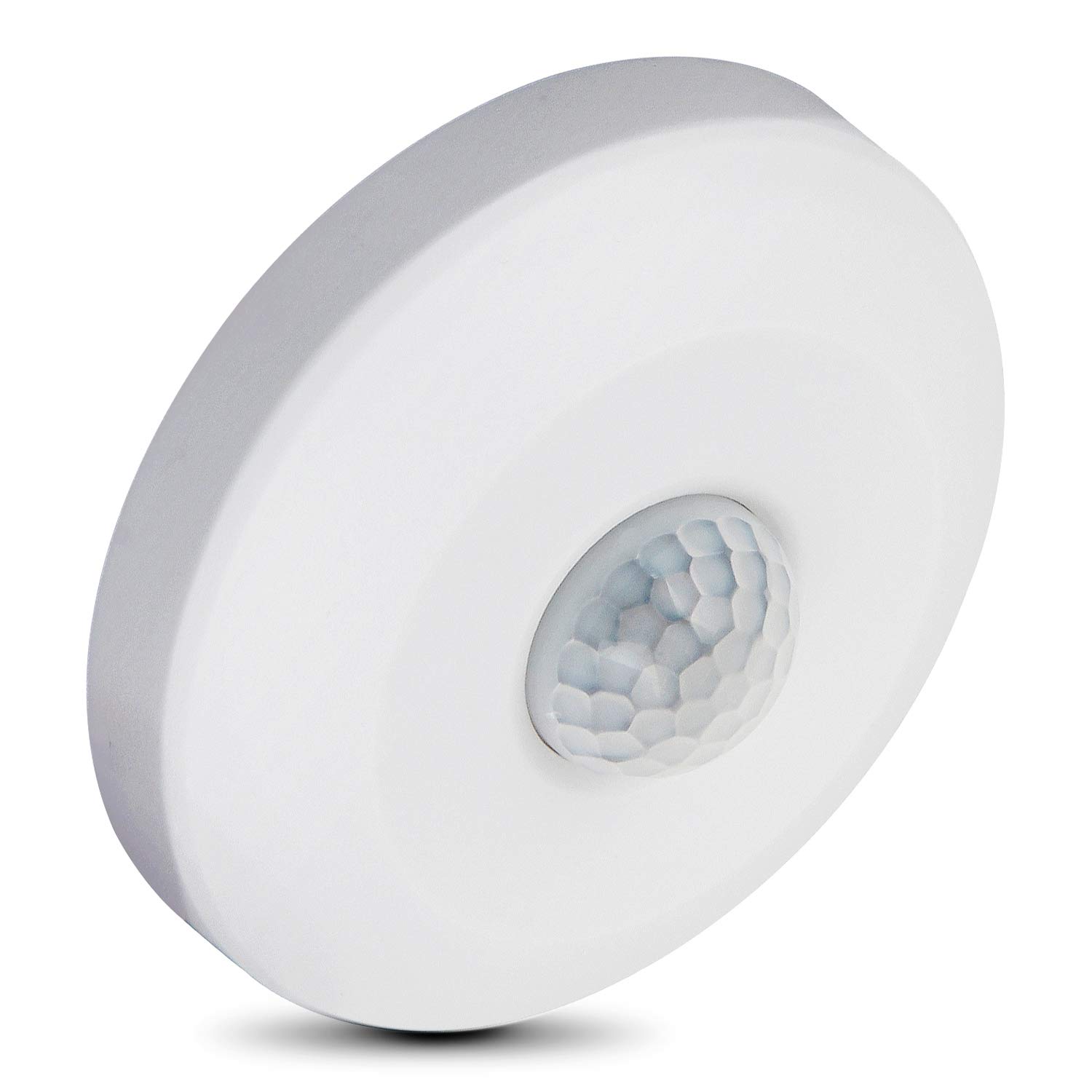
Figure 1: Front view of the Maclean MCE231 Infrared Motion Detector.
2. Safety Information
- Electrical Hazard: Always disconnect power at the main circuit breaker before attempting any installation, wiring, or maintenance. Failure to do so may result in electric shock or death.
- Qualified Installation: Installation should only be performed by a qualified electrician in accordance with local electrical codes and regulations.
- Load Capacity: Do not exceed the maximum rated load of 100W (LED). Overloading can cause damage to the device and create a fire hazard.
- Indoor Use Only: This device has an IP20 rating, indicating it is protected against solid objects larger than 12.5mm but has no protection against water. It is intended for indoor use only.
- Operating Temperature: Ensure the operating environment is within the specified temperature range of -20°C to +40°C.
3. Installation
3.1 Package Contents
Before installation, ensure all components are present:
- Maclean MCE231 Infrared Motion Detector
- Mounting Screws and Wall Plugs

Figure 2: Included mounting screws and wall plugs.
3.2 Mounting Location
The MCE231 is designed for ceiling mounting. For optimal performance, install the detector at a height of approximately 2.2 meters. Avoid installing near heat sources, air conditioning vents, or in direct sunlight, as these can interfere with detection.

Figure 3: Product dimensions (Diameter: 75mm, Height: 30mm).
3.3 Wiring Instructions
- Disconnect Power: Ensure the main power supply to the installation area is turned off at the circuit breaker.
- Prepare Wiring: Open the detector casing carefully. You will see terminals for wiring.
- Connect Wires: Connect the electrical wires according to the diagram below. Typically, this involves Live (L), Neutral (N), and Load (L') connections. Refer to the labels on the device.

Figure 4: Back view of the sensor showing wiring terminals (Red: Load, Blue: Neutral, Brown: Live).
- Mount the Detector: Secure the detector to the ceiling using the provided screws and wall plugs.
- Restore Power: Once installation is complete and all connections are secure, restore power at the circuit breaker.
4. Operating Instructions and Adjustments
The Maclean MCE231 features two adjustable dials for customizing its operation: LUX and TIME.

Figure 5: Front view showing LUX and TIME adjustment dials.
4.1 LUX Adjustment (Ambient Light Sensitivity)
The LUX dial controls the ambient light level at which the sensor will activate the connected light. This allows you to choose whether the light should turn on during daylight, only at dusk, or only in complete darkness.
- Turn the dial towards the "SUN" symbol (max setting) for the sensor to operate during both day and night, regardless of ambient light.
- Turn the dial towards the "MOON" symbol (min setting) for the sensor to operate only in low light conditions or darkness.
4.2 TIME Adjustment (Delay Time)
The TIME dial sets the duration the connected light remains on after motion is detected and then ceases. The adjustable range is from approximately 10 seconds to 7 minutes.
- Turn the dial towards "MIN" for a shorter delay time (approx. 10 seconds).
- Turn the dial towards "MAX" for a longer delay time (approx. 7 minutes).
Note: After the light turns off, there is a brief re-detection period before the sensor can detect new motion. If motion is detected during the delay time, the timer will reset.
5. Maintenance
- Cleaning: To clean the sensor, gently wipe the surface with a soft, dry cloth. Do not use abrasive cleaners, solvents, or excessive moisture, as these can damage the device.
- Sensor Lens: Ensure the sensor lens remains clear of dust, dirt, or obstructions to maintain optimal detection performance.
- Regular Checks: Periodically check the device for any signs of damage or loose connections. If any issues are found, disconnect power and consult a qualified electrician.
6. Troubleshooting
| Problem | Possible Cause | Solution |
|---|---|---|
| Light does not turn on when motion is detected. |
|
|
| Light stays on continuously. |
|
|
| Detection range is poor or inconsistent. |
|
|
7. Technical Specifications
| Model Number | MCE231 |
| Power Source | 220-240V/AC |
| Frequency | 50-60Hz |
| Detection Range | 360° |
| Detection Distance | Max 6m |
| Installation Height | 2.2m |
| Operating Temperature | -20°C to +40°C |
| Ambient Light | Adjustable |
| Time Delay | Min: 10 sec ± 3 sec / Max: 7 min ± 2 min |
| Rated Load | 100W (LED) |
| Detection Motion Speed | 0.6-1.5 m/s |
| IP Rating | IP20 |
| Dimensions (Diameter x Height) | 75mm x 30mm |
8. Warranty and Support
For warranty information, technical assistance, or customer support regarding your Maclean MCE231 Infrared Motion Detector, please contact your retailer or visit the official Maclean website. Keep your purchase receipt as proof of purchase.