
1. Introduction
The SENSSUN Nourish Digital Kitchen Food Scale (Model EK-IN7201B) is designed to assist you in precise food measurement and nutritional tracking. This smart scale connects via Bluetooth to a dedicated app, allowing you to monitor calorie intake and nutritional data for various foods. It features a capacity of 5kg (11lb) with a division of 0.1oz (1g), making it suitable for a wide range of kitchen tasks.

Image 1.1: The SENSSUN Nourish Digital Kitchen Food Scale, Model EK-IN7201B. This image shows the scale's sleek design and stainless steel platform.
2. Safety Information
- Do not immerse the scale in water or other liquids.
- Clean the scale with a damp cloth; avoid abrasive cleaners.
- Place the scale on a flat, stable surface for accurate measurements.
- Do not overload the scale beyond its maximum capacity of 5kg (11lb).
- Keep batteries out of reach of children. Dispose of used batteries responsibly.
- Avoid exposing the scale to extreme temperatures or direct sunlight.
- This device is for household use only.
3. Package Contents
Please check the package for the following items:
- SENSSUN Nourish Digital Kitchen Food Scale
- Vegetable Peeler (accessory)
- User Manual
- AAA Batteries (may be included or required separately)
4. Setup
4.1 Battery Installation
- Locate the battery compartment on the underside of the scale.
- Open the battery compartment cover.
- Insert two (2) AAA batteries, ensuring correct polarity (+/-).
- Close the battery compartment cover securely.
4.2 App Installation
The SENSSUN Nourish scale operates with the "Senssun Healthfood" application. Download the app from your device's app store (Apple App Store for iOS or Google Play Store for Android).
- Search for "Senssun Healthfood".
- Install the application on your smartphone or tablet.
4.3 Bluetooth Pairing
- Ensure Bluetooth is enabled on your smartphone or tablet.
- Open the "Senssun Healthfood" app.
- Turn on the SENSSUN Nourish scale by pressing the power button.
- The app should automatically detect and connect to the scale. Follow any on-screen prompts within the app to complete the pairing process.
5. Operating Instructions
5.1 Basic Weighing
- Place the scale on a hard, flat surface.
- Press the power button to turn on the scale. The display will show "0".
- Place the item to be weighed directly onto the center of the scale platform.
- The weight will be displayed on the LCD screen.

Image 5.1: The scale displaying a weight measurement with food on its platform. The display is designed for clear visibility.
5.2 Unit Conversion
Press the "UNIT" button on the scale to cycle through available measurement units: grams (g), ounces (oz), pounds (lb), and milliliters (ml). The scale can also measure water and milk volume.
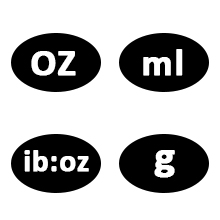
Image 5.2: Diagram illustrating the unit conversion options on the scale, including grams, ounces, pounds, and milliliters for water and milk.
5.3 Tare Function
The Tare function allows you to weigh items in a container by subtracting the container's weight.
- Place an empty container on the scale.
- Press the "ZERO" or "TARE" button. The display will reset to "0".
- Add the food item into the container. The display will show only the weight of the food.
5.4 Using the Senssun Healthfood App
The app enhances the scale's functionality by providing nutritional analysis and tracking.
- Food Search and Nutrition Facts:
Place food on the scale. In the app, search for the food item. The app will display nutritional data such as fats, cholesterol, fiber, protein, vitamins, carbohydrates, and sugar for up to 1999 foods.

Image 5.3: The Senssun Healthfood app interface displaying food search results and nutritional information for a weighed item.

Image 5.4: The Senssun Healthfood app displaying a detailed breakdown of nutritional facts for various food components.
- Customize Diary Recipes:
Use the app to customize and analyze your breakfast, lunch, dinner, and snack recipes. This helps in calculating your daily nutritional intake to achieve health goals.

Image 5.5: The app's interface for customizing and tracking daily meal entries and nutritional goals.
- Track Your Progress:
The app records your intake data on a daily, weekly, monthly, and yearly basis. You can review historical data to monitor your progress towards your dietary and health objectives.
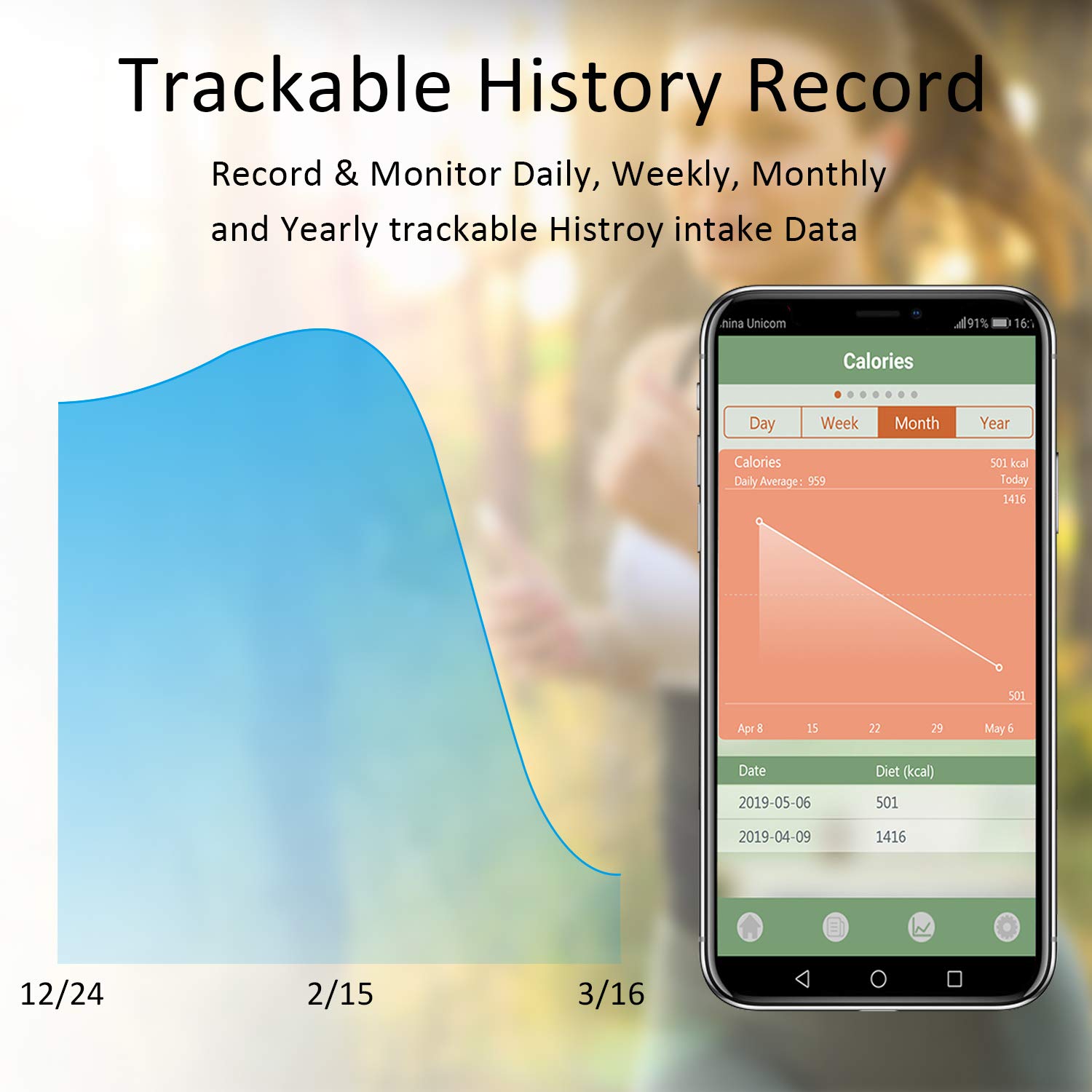
Image 5.6: The Senssun Healthfood app displaying a graph and data table of historical calorie intake, allowing users to track progress over time.
6. Maintenance
6.1 Cleaning
The scale features a durable stainless steel platform with an anti-fingerprint coating for easy cleaning. Wipe the surface with a soft, damp cloth. Do not use abrasive cleaners or immerse the scale in water.
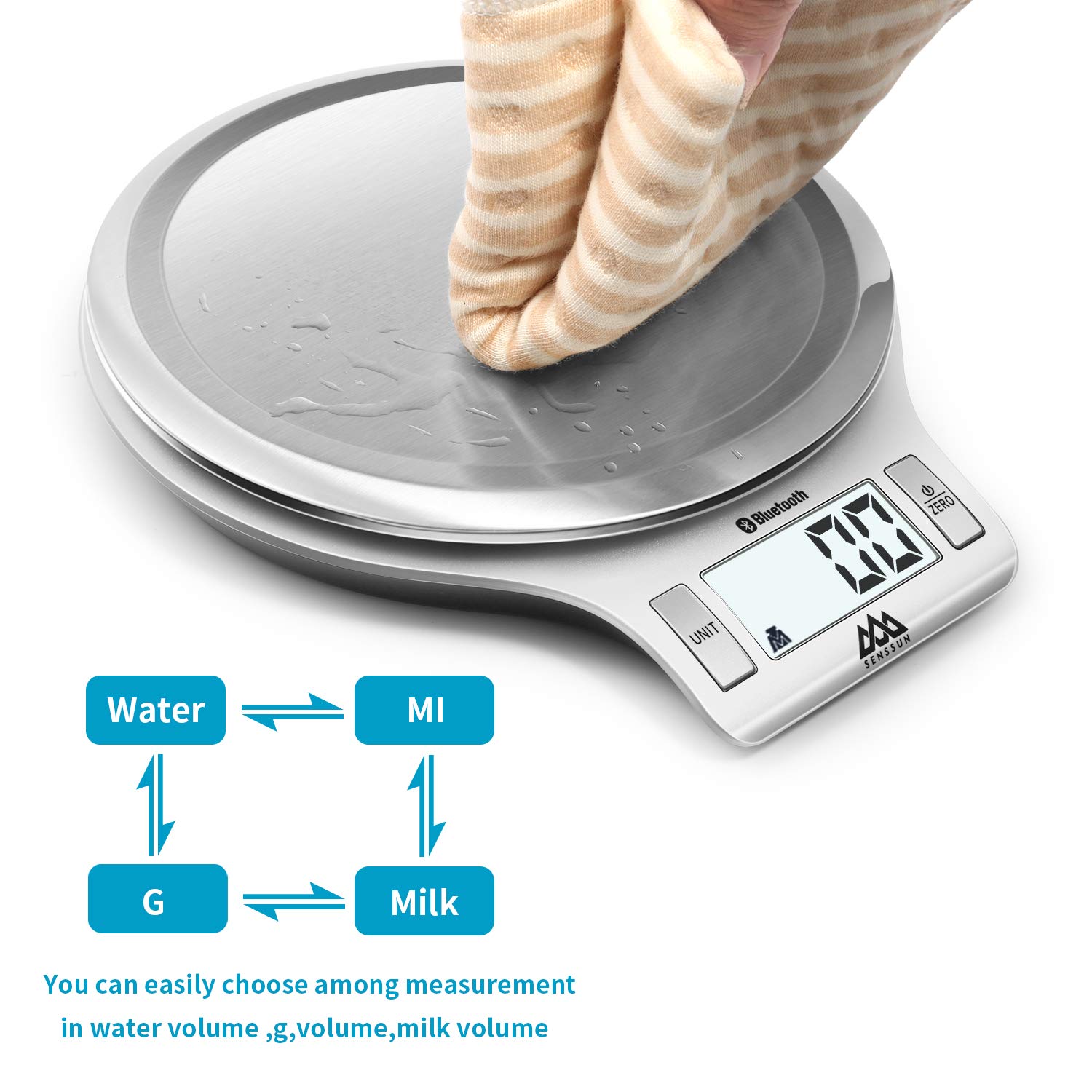
Image 6.1: A hand wiping the stainless steel surface of the scale, demonstrating its easy-to-clean design.
6.2 Storage
The scale's mini slim and sleek design allows for convenient storage. It can be stored flat in a drawer or hung on a wall hook to save kitchen space.
7. Troubleshooting
| Problem | Possible Cause | Solution |
|---|---|---|
| Scale does not turn on. | Low or dead batteries; incorrect battery installation. | Replace batteries with new AAA batteries. Ensure batteries are inserted with correct polarity. |
| Inaccurate readings. | Scale not on a flat, stable surface; overloaded; dirty sensors. | Place scale on a firm, level surface. Do not exceed 5kg/11lb. Clean the scale surface. Recalibrate if possible (refer to app for calibration options). |
| Bluetooth connection fails. | Bluetooth off on device; app not open; scale too far from device; interference. | Ensure Bluetooth is enabled on your phone/tablet. Open the "Senssun Healthfood" app. Bring the scale closer to your device. Restart both the scale and your device. |
| App not displaying nutrition data. | Food item not found in database; app error; no internet connection. | Ensure the food item is correctly searched. Check your internet connection. Update the app to the latest version. Restart the app. |
8. Specifications
- Brand: SENSSUN
- Model: EK-IN7201B
- Capacity: 5 kg / 11 lb
- Division: 1 g / 0.1 oz
- Units: g, oz, lb, ml (water/milk)
- Material: Stainless Steel
- Dimensions: 8 x 7 x 1 inches (20.3 x 17.8 x 2.5 cm)
- Item Weight: 12 ounces (0.34 kg)
- Power: 2 x AAA Batteries (not always included)
- Connectivity: Bluetooth
- App Compatibility: "Senssun Healthfood" (iOS & Android)
- Special Features: Auto Shut Off, Tare Function, Nutrition Tracking, Recipe Customization, Progress Monitoring
- UPC: 753936140288
9. Warranty & Support
For warranty information, please refer to the product packaging or the official SENSSUN website. For technical support or customer service inquiries, please contact SENSSUN customer support directly through their website or the contact information provided in the product documentation.
