
Introduction
The CasaCam GuardianCam Air Wireless Security Camera System (Model VS802) provides a comprehensive and user-friendly solution for home surveillance. This system includes a 7-inch touchscreen monitor and two 720p AC-powered cameras, offering features such as two-way audio, smart motion detection, and local recording to a 32GB SD card. Designed for easy DIY installation, it ensures continuous monitoring and real-time alerts for enhanced security.
What's in the Box
- 1 x 7-inch Touchscreen Monitor (with pre-installed rechargeable battery and 32GB SD card)
- 2 x 720p Wireless Security Cameras (AC Powered)
- 3 x Power Adapters (one for monitor, two for cameras)
- Mounting Hardware (screws and wall anchors)
- Instruction Manual
Setup
1. Initial Power-On
- Connect the monitor to its power adapter and plug it into an electrical outlet.
- Connect each camera to its respective power adapter and plug them into electrical outlets.
- The system should automatically power on and display the live feed from the cameras.
2. Language and Time Setup
- Upon first use, the monitor will prompt you to select a language.
- Follow the on-screen instructions to set the correct date, time, and time zone for accurate recording timestamps.
3. Camera Mounting
Strategically place cameras to cover desired areas such as driveways, backyards, or front doors. The cameras are weatherproof for outdoor use.

Image Description: A CasaCam security camera mounted on an exterior wall, showing its AC power cable connected. This image illustrates the physical installation of the camera.
- Choose a suitable location for each camera, ensuring it has a clear view and access to a power outlet.
- Use the provided mounting hardware (screws and wall anchors) to securely attach the camera bracket to the desired surface.
- Adjust the camera angle to cover the desired surveillance area.
4. App Setup (Optional for Remote Viewing)
For remote viewing and notifications, download the CloudEye 365 app on your smartphone or tablet. The monitor provides QR codes for easy download. Follow the app's instructions to pair your system for remote access.
Video Description: A quick start guide for the CasaCam VS802 system, demonstrating the unboxing, initial power-on, and basic setup steps for the monitor and cameras. It shows how to connect the monitor and cameras, and navigate the initial setup screens.
Operating
1. Monitor Navigation
- Split/Single View: The 7-inch touchscreen monitor supports single, split, or quad display modes. Tap on a camera view to enlarge it to single view, and tap again to return to split view.
- Physical Buttons: Use the physical buttons on the monitor for quick actions like power/sleep mode, volume control, and talk function.
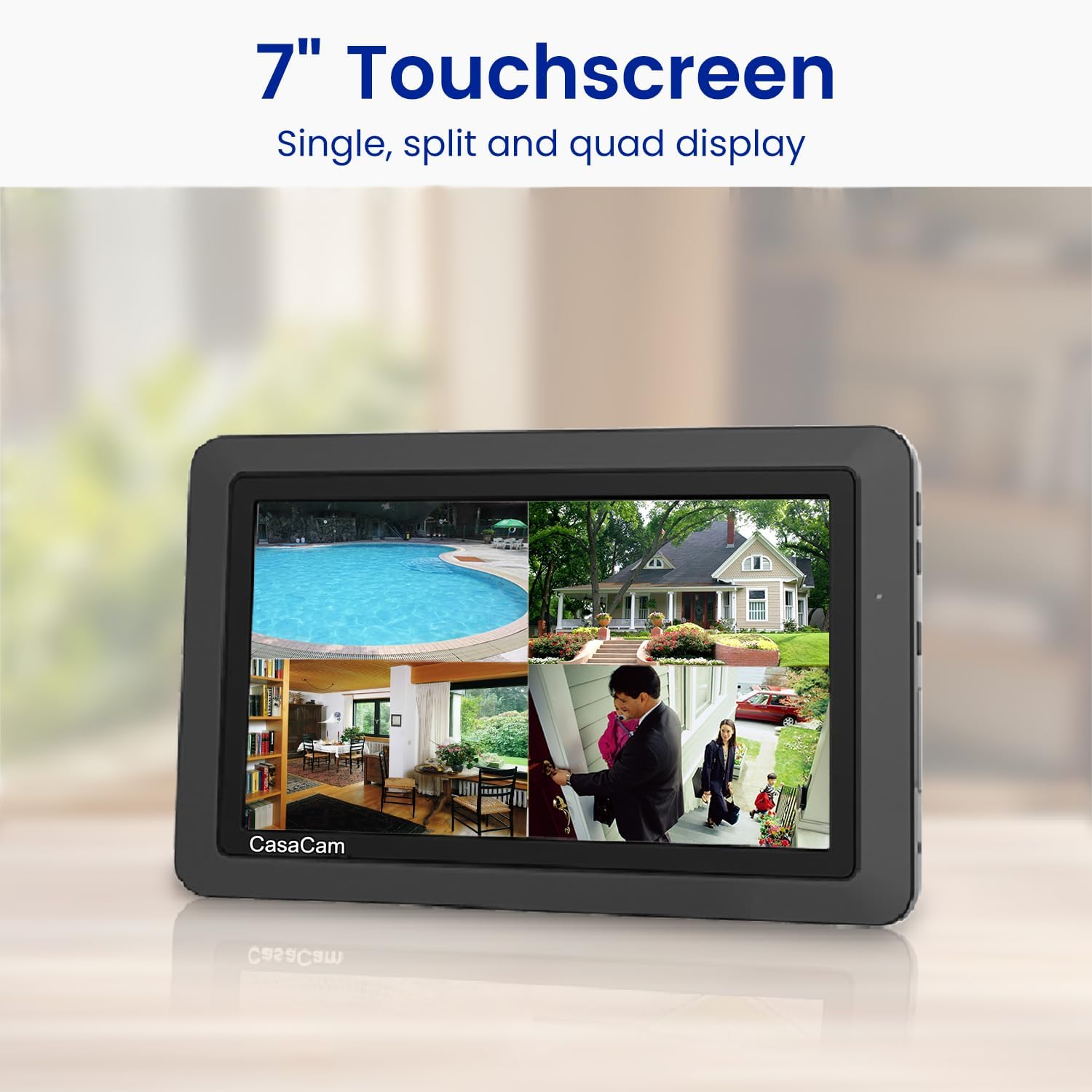
Image Description: A 7-inch touchscreen monitor displaying a quad view from multiple security cameras, showing different areas like a pool, a house exterior, and an indoor scene. This highlights the multi-camera display capability.
2. Recording Modes
The system offers multiple recording options:
- Continuous Recording: The system continuously records, ensuring no gaps in coverage.
- Motion-Triggered Recording: Utilizes dual sensors (heat and video motion) to minimize false alarms and records only when movement is detected.
- Scheduled Recording: Set specific times for recording based on your needs.
- Manual Recording: Start or stop recording manually via the monitor or app.

Image Description: Three panels illustrating different recording modes: manual recording showing a person at a door, schedule recording with a calendar interface, and trigger recording showing a child running in a yard. This demonstrates the flexibility of recording options.
3. Motion Detection and Alerts
The smart motion detection system uses dual sensors to accurately detect people, animals, and vehicles. When motion is detected, you receive real-time notifications directly to your phone (if app is configured) and alerts on the monitor.
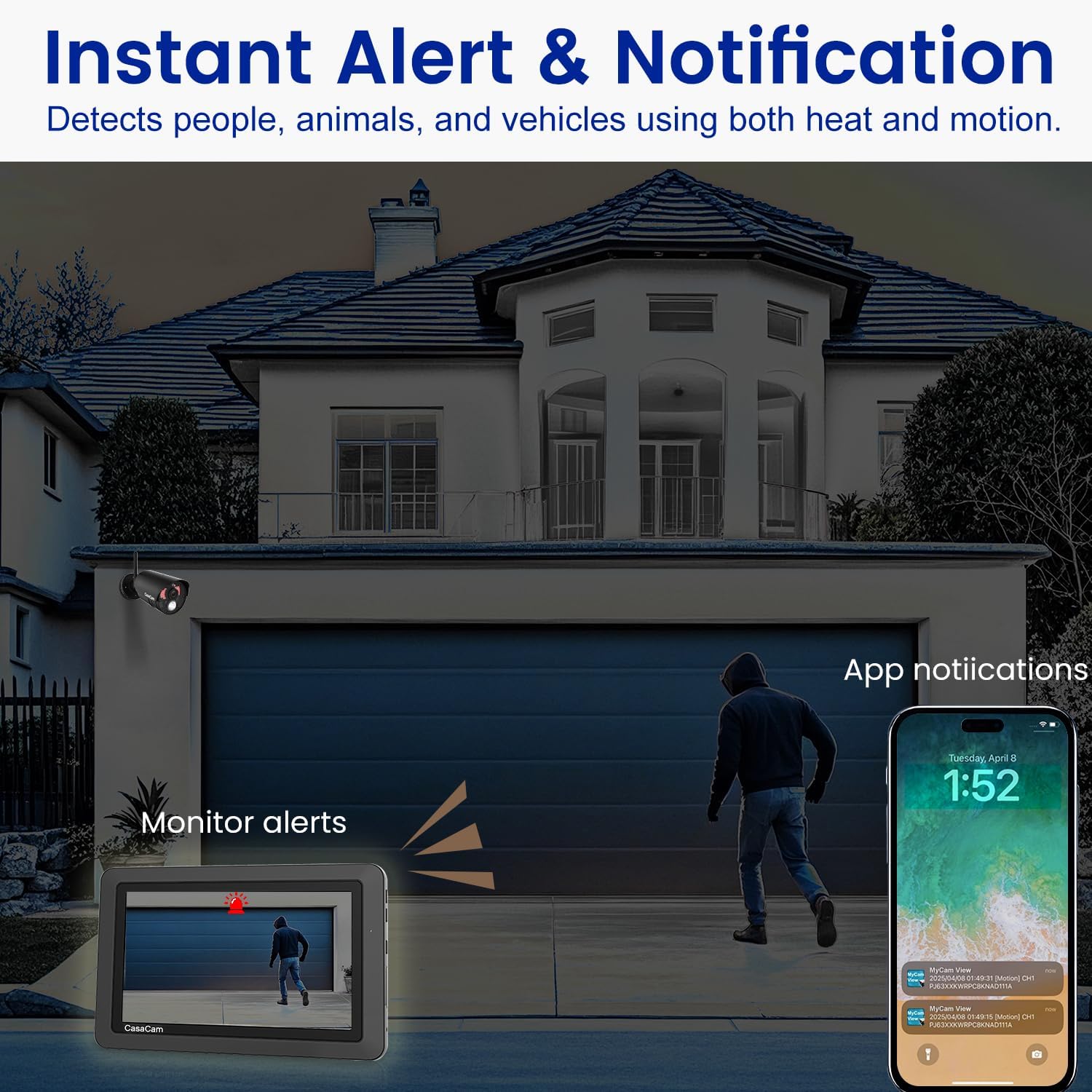
Image Description: An illustration showing a person approaching a garage door, with monitor alerts and app notifications appearing on a smartphone. This visualizes the instant alert and notification feature of the system.
4. Night Vision
The cameras feature color night vision, enhancing visibility in low-light conditions and providing bright, full-color images instead of grainy black and white footage. This allows for clearer identification of details like faces or license plates at night.
5. Two-Way Audio
The integrated two-way audio allows you to see, hear, and speak to people on your property directly from the 7-inch monitor, phone, or tablet. This feature is useful for communicating with visitors or deterring unwanted guests.
Maintenance
- SD Card: The system comes with a 32GB SD card for local storage. Ensure the SD card is properly inserted. The system supports up to 128GB.
- Battery: The monitor includes a rechargeable battery. For optimal performance, keep the monitor connected to power when not in portable use.
- Cleaning: Regularly clean camera lenses and monitor screen with a soft, dry cloth to ensure clear visuals.
- Weather Protection: Cameras are weatherproof (IP66 rated) but ensure power connections are secure and protected from extreme elements.
Troubleshooting
- No Camera Feed: Ensure both the monitor and cameras are properly powered on and connected to electrical outlets. Check for any loose cable connections.
- Weak Signal: If the app or monitor displays a weak signal, try repositioning the cameras or monitor to improve wireless connectivity. Ensure no major obstructions are blocking the signal.
- App Connectivity Issues: Verify your smartphone/tablet has a stable internet connection. Ensure the monitor is connected to your router (if using remote viewing).
- Night Vision Clarity: For optimal night vision, ensure there are no strong light sources directly facing the camera, which can cause washout. Avoid placing cameras to view through windows at night, as reflections can obscure the image.
- Volume Too Loud/Quiet: Adjust the volume using the physical buttons on the monitor or through the app settings.
- False Motion Alerts: Adjust the motion detection sensitivity settings in the monitor's menu to reduce unwanted alerts.
Specifications
- Brand: CasaCam
- Model Number: VS802
- Connectivity Technology: Wireless
- Video Capture Resolution: 720p (HD)
- Special Features: Human Detection, Color Night Vision, Two-Way Audio, Video Recording, Weatherproof (IP66)
- Number of Channels: 4 (supports up to 4 cameras)
- Memory Storage Capacity: 32 GB (included SD card), expandable up to 128GB
- Power Source: Corded Electric (AC Powered)
- Monitor Size: 7-inch Touchscreen
- Night Vision Range: Up to 100 Feet
- Frame Rate: 30 fps
- Recording Modes: Manual, Motion Detection, Scheduled
- Battery: 1 Lithium Polymer battery required (included in monitor)
Warranty & Support
For warranty information or technical support, please contact Home Tech LLC, the manufacturer of CasaCam products. Refer to the contact details provided in your product packaging or visit the official CasaCam website for assistance. Customer service has been noted for quick and helpful responses.