
1. Introduction
This manual provides detailed instructions for the setup, operation, and maintenance of your One For All URC4811 Universal Replacement Learning Remote Control. This remote is designed to be compatible with all LG Televisions, including LCD, LED, OLED, and Plasma models, offering a seamless replacement for your original LG remote.
2. Product Overview
The One For All URC4811 remote control is engineered for ease of use and broad compatibility with LG televisions. Key features include:
- Direct Compatibility: Functions like your original LG television remote. For most LG TVs, no setup is required; simply insert batteries and it is ready to use.
- Learning Feature: Allows customization of the remote to your specific needs by copying functions from your original remote.
- App Shortcut Keys: Provides direct access to your favorite streaming services.
- Number of Keys: 50.
- Remote Control Technology: Infrared (IR).
Product Images




3. Setup
3.1. Battery Installation
The remote requires 2 AAA batteries (not included). To install the batteries:
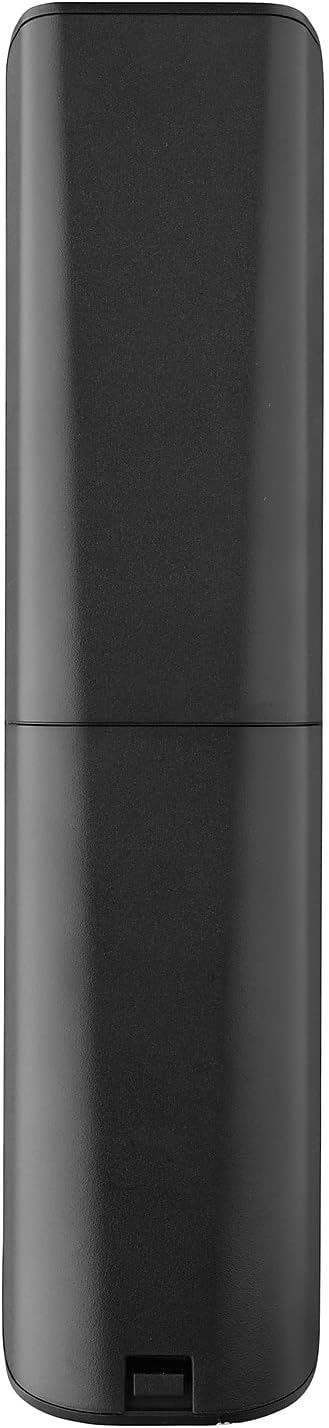
- Remove the battery compartment cover located on the back of the remote.
- Insert 2 AAA batteries, ensuring correct polarity (+ and - terminals).
- Replace the battery compartment cover until it clicks securely into place.
3.2. Initial Pairing / Codeless Setup
For most LG Televisions, the One For All URC4811 remote control is ready to use immediately after battery installation, requiring no additional setup. Simply point the remote at your LG TV and begin using it. If your TV does not respond, refer to the 'Learning Feature' section for advanced setup options.
4. Operating Instructions
4.1. Basic Functions
The remote provides all standard functions of an LG TV remote, including:
- Power On/Off: Use the dedicated power button to turn your TV on or off.
- Volume Control: Adjust volume up or down using the +/- buttons.
- Channel Navigation: Change channels using the CH +/- buttons or direct number input.
- App Shortcuts: Dedicated buttons provide quick access to popular streaming services.
4.2. Learning Feature
The learning feature allows you to copy specific functions from your original LG remote control to your One For All URC4811 remote. This is useful if a particular function is not pre-programmed or if you prefer a custom button layout. Refer to the Quick Setup Guide included with your remote for detailed steps on using the learning feature.
4.3. Official Product Video
5. Maintenance
To ensure the longevity and optimal performance of your remote control:
- Cleaning: Wipe the remote with a soft, dry cloth. Avoid using liquid cleaners or abrasive materials.
- Battery Care: Replace batteries when the remote's performance degrades. Remove batteries if the remote will not be used for an extended period to prevent leakage.
- Storage: Store the remote in a cool, dry place away from direct sunlight and extreme temperatures.
6. Troubleshooting
If you encounter issues with your remote control, try the following steps:
- Remote Not Responding: Check if the batteries are correctly inserted and have sufficient charge. Replace them if necessary.
- Line of Sight: Ensure there are no obstructions between the remote and the TV's IR receiver.
- Specific Functions Not Working: Use the learning feature to re-program the affected buttons from your original LG remote.
- TV Not Responding After Battery Change: For some LG models, the remote may require re-pairing or a quick setup process after battery replacement. Refer to the Quick Setup Guide.
7. Specifications
| Feature | Specification |
|---|---|
| Product Dimensions | 8.03 x 2.01 x 0.94 inches |
| Item Weight | 2.72 ounces |
| Item Model Number | URC4811 |
| Batteries Required | 2 AAA batteries (not included) |
| Brand | One For All |
| Special Feature | Universal, Learning Function |
| Color | Black |
| Max Number of Supported Devices | 1 (specifically for LG TVs) |
| Compatible Devices | LG Televisions (LCD, LED, OLED, Plasma) |
8. Warranty and Support
For warranty information and technical support, please refer to the documentation included with your product or visit the official One For All website. Keep your purchase receipt as proof of purchase for any warranty claims.


