Introduction
Welcome to the instruction manual for your new Hisense 65H9F 65-Inch 4K ULED Android Smart TV. This document provides essential information to help you set up, operate, and maintain your television, ensuring you get the most out of its advanced features. Please read this manual thoroughly before using your TV and retain it for future reference.
Safety Information
Always follow basic safety precautions when using this product to reduce the risk of fire, electric shock, and injury to persons. This includes, but is not limited to, proper ventilation, avoiding exposure to water, and using only manufacturer-specified attachments/accessories.
Setup
Unpacking and Initial Inspection
Carefully remove the TV from its packaging. Inspect the TV and all included accessories for any signs of damage. Ensure all components listed in the 'What's in the Box' section are present.
Attaching the Stand
If placing the TV on a flat surface, attach the included stand according to the instructions provided in the separate quick setup guide. Ensure the stand is securely fastened to prevent the TV from tipping.

Figure 1: Side view of the Hisense 65H9F TV with its stand attached, illustrating its thin profile.
Wall Mounting
For wall mounting, refer to the instructions provided with your wall mount kit. Ensure the wall mount is compatible with the TV's VESA mounting pattern and can support the TV's weight (approximately 38.9 pounds). Professional installation is recommended for wall mounting.

Figure 2: The Hisense 65H9F TV displayed in a living room setting, mounted on a wall above a media console.
Connecting Peripherals
The Hisense 65H9F TV offers various connectivity options:
- HDMI: Connect external devices such as Blu-ray players, gaming consoles, or cable boxes. The TV supports multiple HDMI inputs.
- USB: For connecting USB storage devices to play media.
- AV: For older devices using composite video and stereo audio.
- Antenna/Cable: Connect an antenna for over-the-air broadcasts or a cable connection.
- Ethernet (LAN): For a wired internet connection.
- Bluetooth & Wireless: For wireless internet access and connecting Bluetooth devices.

Figure 3: A close-up view of the Hisense 65H9F TV's rear panel, detailing the various input and output ports.
Initial Power On and Android TV Setup
After connecting the power cable, press the power button on the remote control. Follow the on-screen instructions to complete the initial setup, including network connection, language selection, and signing into your Google account for Android TV features.
Video 1: An official Hisense video showcasing the features of Hisense ULED Android TVs, including the user interface and smart capabilities.
Operating Your TV
Android TV Interface
The Hisense 65H9F runs on Android TV, providing access to a wide range of apps, streaming services, and smart features. Navigate the interface using the remote control to browse content, adjust settings, and manage applications.
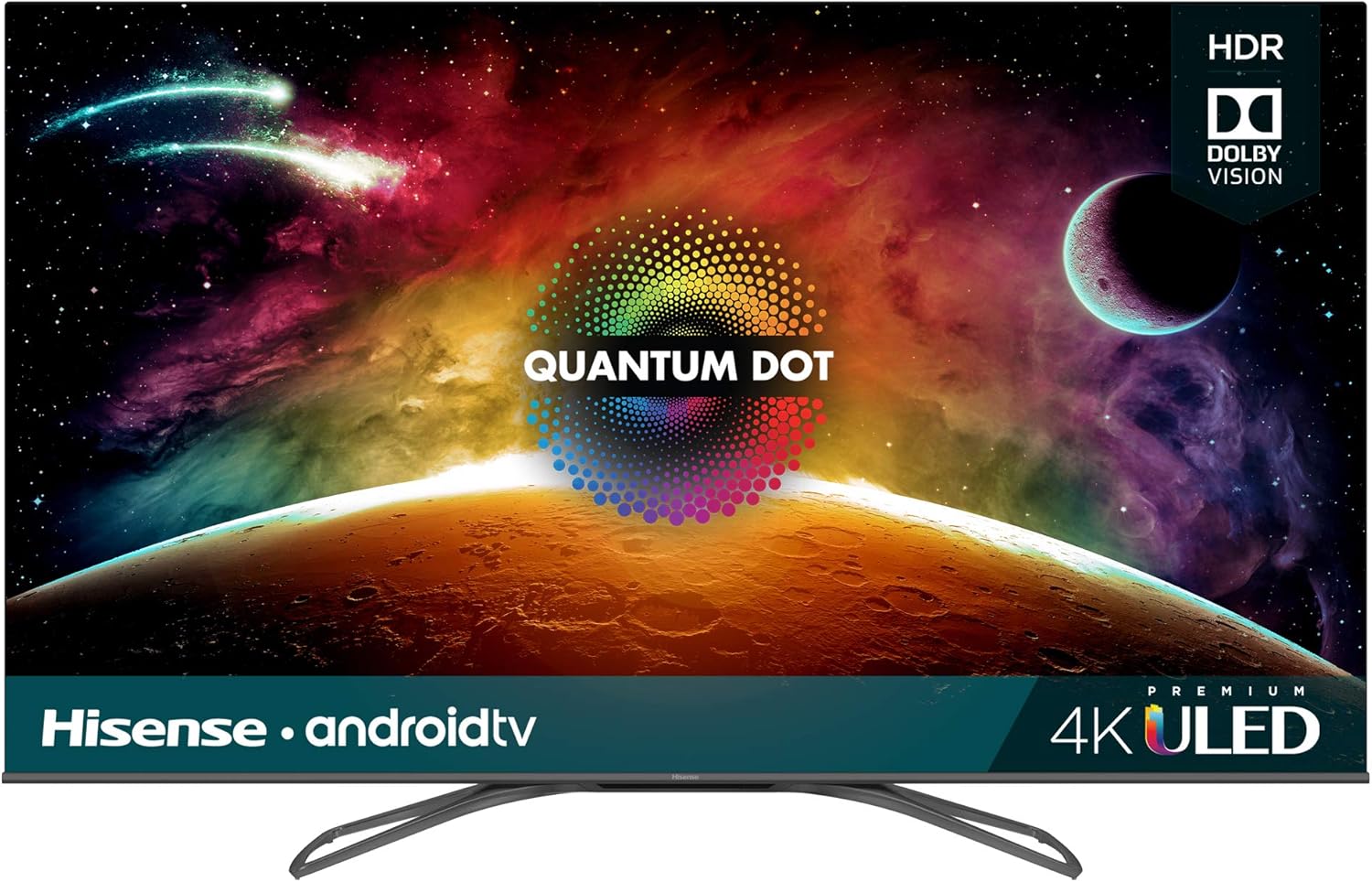
Figure 4: The front view of the Hisense 65H9F TV, showcasing its display with vibrant colors and the Android TV interface.
Voice Control
Utilize the built-in Google Assistant for voice control. Press the microphone button on your remote and speak commands to search for content, control smart home devices, or ask questions. The TV is also compatible with Alexa-enabled devices.
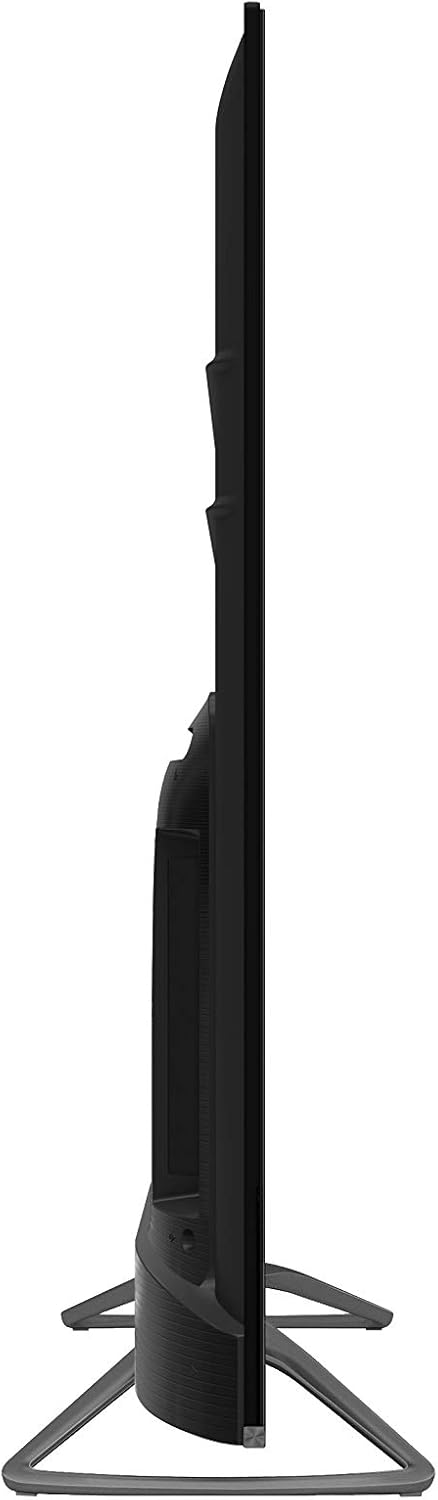
Figure 5: The remote control for the Hisense 65H9F TV, featuring a dedicated microphone button for voice commands.
Picture Settings and Technologies
The 65H9F features Hisense's ULED technologies, including Quantum Dot Wide Color Gamut and Full Array Local Dimming, to enhance picture quality. It supports 4K Ultra HD resolution and HDR (Dolby Vision HDR & HDR10) for a dynamic viewing experience. The native 120Hz panel with Motion Rate 480 ensures smooth motion in fast-paced scenes.
Sound Quality
The TV is designed to deliver clear audio. For an enhanced audio experience, external sound systems can be connected via HDMI ARC or Bluetooth.
Maintenance
Cleaning Your TV
- Always unplug the TV before cleaning.
- Use a soft, dry cloth to wipe the screen and cabinet.
- For stubborn marks, lightly dampen the cloth with water or a mild, non-abrasive screen cleaner.
- Never spray cleaner directly onto the screen.
Software Updates
Your Android TV may receive automatic software updates. Ensure your TV is connected to the internet to receive the latest firmware, which can improve performance and add new features. You can also manually check for updates in the TV's settings menu.
Troubleshooting
If you encounter issues with your TV, refer to the following common troubleshooting steps:
- No Power: Ensure the power cable is securely plugged into both the TV and a working electrical outlet. Try a different outlet.
- No Picture/Sound: Check all cable connections (HDMI, AV, etc.). Ensure the correct input source is selected. For sound, check volume levels and external audio device connections.
- Poor Picture Quality: Verify the input source is providing a high-quality signal. Adjust picture settings (brightness, contrast, color) in the TV menu.
- Network Connectivity Issues: Restart your router and modem. Check Wi-Fi password. For wired connections, ensure the Ethernet cable is properly connected.
- Remote Control Not Responding: Replace the batteries in the remote control. Ensure there are no obstructions between the remote and the TV.
For more detailed troubleshooting, consult the full user manual available on the Hisense support website.
Specifications
| Feature | Detail |
|---|---|
| Brand | Hisense |
| Model Number | 65H9F (Internal: see-weq-434) |
| Screen Size | 65 Inches |
| Display Technology | ULED (LED) |
| Resolution | 4K Ultra HD |
| Refresh Rate | 60 Hz (Native 120Hz panel for Motion Rate 480) |
| Special Feature | Flat, Android TV, HDR (Dolby Vision HDR & HDR10), Quantum Dot, Full Array Local Dimming, Voice Control |
| Connectivity Technology | Bluetooth, Ethernet, Wireless |
| Supported Internet Services | Google Play Store, Hulu, Netflix, YouTube |
| Item Weight | 38.9 pounds |
| Package Dimensions | 63 x 7 x 7 inches |
| Voltage | 120 Volts |
| Aspect Ratio | 16:9 |
| Included Components | Power Cable, Remote Control, Stand |

Figure 6: The Energy Guide label for the Hisense 65H9F TV, providing information on estimated yearly energy cost and consumption.
Warranty and Support
For detailed warranty information and customer support, please refer to the warranty card included with your product or visit the official Hisense website. You can also find additional resources and FAQs on the Hisense support pages.
First Available Date: February 20, 2019


