
1. Introduction
The SKYRC MC3000 is an advanced universal battery charger and analyzer designed for various cylindrical and multi-chemistry batteries. It provides smart charging, discharging, and monitoring capabilities for battery types such as NiMH, NiCd, NiZn, Eneloop, Lithium-Ion, LiIo4.35, LiFePO4, RAM, and LTO. The device features a 128x64mm backlit LCD display, built-in Bluetooth for smartphone app connectivity, and an aluminum cooler for efficient heat dissipation.
This manual provides instructions for the safe and efficient operation of your MC3000 charger.
2. Package Contents
- MC3000 Charger Unit
- AC Switching Adaptor
- AC Power Cord
- Instruction Manual (this document)
3. Safety Precautions
- Use only the provided AC adaptor and power cord.
- Do not operate the charger in wet conditions or expose it to water.
- Ensure proper ventilation during operation. Do not block the cooling fans.
- Only charge compatible battery types and sizes. Refer to the specifications.
- Keep out of reach of children.
- Disconnect power when not in use.
4. Setup
4.1 Connecting Power
- Connect the AC power cord to the AC switching adaptor.
- Plug the AC switching adaptor into a standard wall outlet.
- Connect the DC output plug of the adaptor to the DC input port on the back of the MC3000 charger.
- The charger's LCD display will illuminate, indicating it is powered on.
4.2 Inserting Batteries
The MC3000 supports various cylindrical battery sizes. The heavy-duty spring sliders ensure proper contact.
- Identify the positive (+) and negative (-) terminals of your battery.
- Carefully insert the battery into one of the four charging slots, ensuring the correct polarity. The spring slider will adjust to the battery length.
- Ensure the battery is securely seated in the slot.
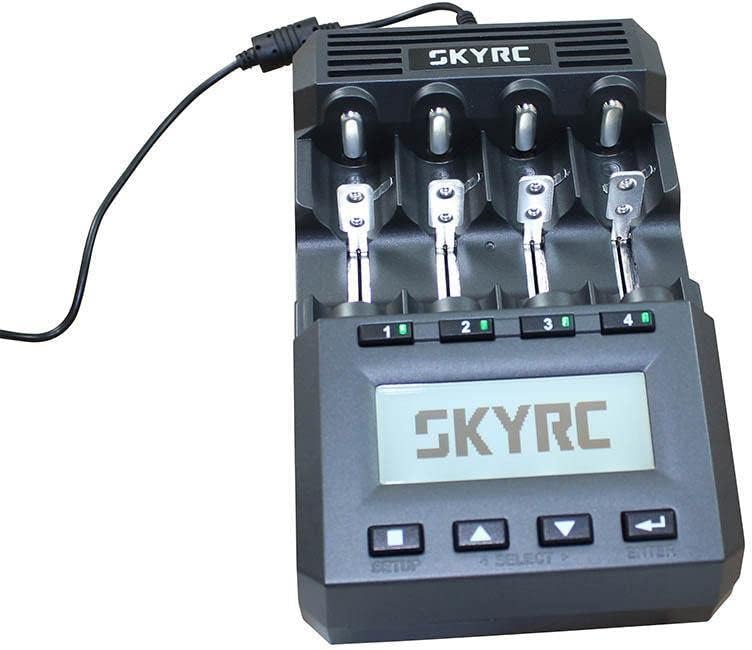
Image: SKYRC MC3000 charger with batteries inserted into the slots, demonstrating proper placement.
5. Operating Instructions
5.1 Navigating the Interface
The charger features a 128x64mm backlit LCD display and control buttons:
- SETUP: Enters the setup menu.
- SELECT: Navigates through options or selects a channel.
- UP/DOWN Arrows: Adjusts values or scrolls through menus.
- ENTER: Confirms selections.
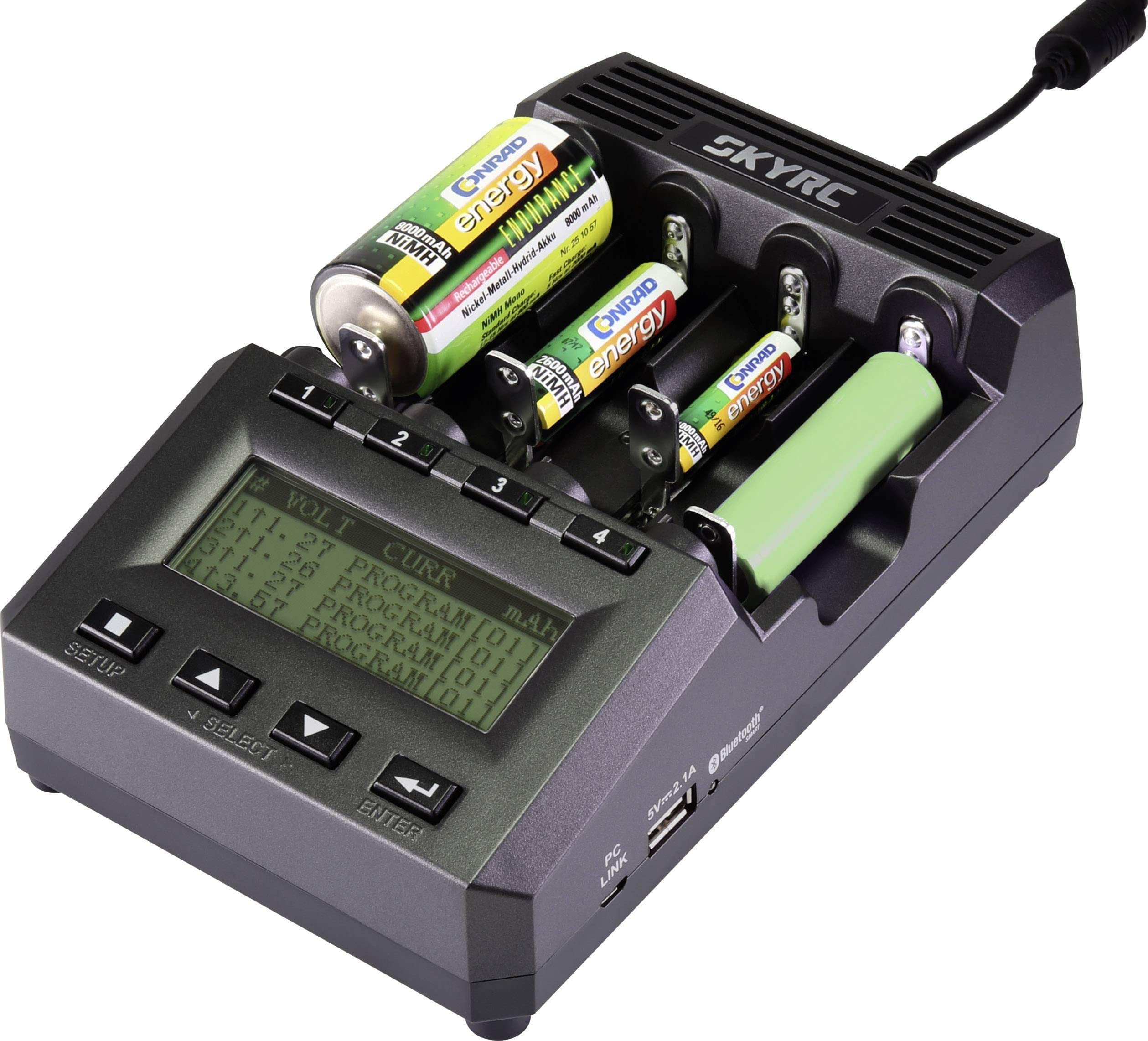
Image: Front view of the SKYRC MC3000 charger, highlighting the LCD display and control buttons for user interaction.
5.2 Basic Charging Operation
- Insert batteries into the desired slots (refer to Section 4.2).
- The charger will automatically detect the battery type or prompt for selection.
- Use the SELECT and UP/DOWN buttons to choose the desired charging program (e.g., Charge, Discharge, Refresh, Analyze).
- Adjust parameters such as charge current (0.05-3.00A) and battery capacity using the UP/DOWN buttons.
- Press ENTER to start the operation. The display will show real-time charging status.
- The charger uses Delta V detection to accurately determine full charge for compatible battery types.
- Once charging is complete, the display will indicate "DONE" or similar. Remove batteries carefully.
5.3 Bluetooth Connectivity and App Control
The MC3000 features built-in Bluetooth for connectivity with the SkyRC smartphone application. This allows for remote control and monitoring of charging processes, as well as detailed data analysis.
- Download the official SkyRC app from your device's app store.
- Ensure Bluetooth is enabled on your smartphone.
- Open the SkyRC app and follow the on-screen instructions to pair with your MC3000 charger.
- Once connected, you can monitor battery performance, health, internal resistance, and control charging parameters directly from your smartphone.

Image: The SKYRC MC3000 charger displayed alongside a smartphone running the SkyRC app, illustrating Bluetooth connectivity and remote monitoring capabilities.
5.4 PC Control and Data Analysis
The MC3000 can also be controlled and monitored via a PC. This feature allows for advanced data logging and analysis of battery performance and internal resistance.
- Connect the charger to your PC using a compatible USB cable (not included).
- Install the necessary SkyRC PC software (available from the official SkyRC website).
- Follow the software instructions to establish a connection and begin monitoring or controlling the charger.
- Data can be exported for further analysis.
6. Maintenance
- Cleaning: Disconnect the charger from power before cleaning. Use a soft, dry cloth to wipe the exterior. Do not use liquid cleaners or solvents.
- Storage: Store the charger in a cool, dry place away from direct sunlight and extreme temperatures.
- Cooling Fans: Ensure the cooling fan vents are free from dust and obstructions to maintain efficient heat dissipation.
7. Troubleshooting
- Charger not powering on:
- Check if the AC power cord and adaptor are securely connected to both the wall outlet and the charger.
- Verify the wall outlet is functional.
- Battery not detected or charging:
- Ensure the battery is inserted with correct polarity.
- Check if the battery terminals are clean and making good contact with the charger's spring sliders.
- Verify the battery type is supported by the MC3000.
- Bluetooth connection issues:
- Ensure Bluetooth is enabled on your smartphone.
- Restart both the charger and your smartphone.
- Make sure the SkyRC app is up to date.
- Ensure the charger is within Bluetooth range.
- Overheating:
- Ensure the charger's cooling vents are not blocked.
- Operate the charger in a well-ventilated area.
- If overheating persists, discontinue use and contact support.
8. Specifications
| Feature | Detail |
|---|---|
| Input Power | DC 11-18V/4A |
| Charge Current Range | 0.05-3.00A |
| Discharge Current Range | 0.05-2.00A |
| Max. Charge Power | 50W |
| Max. Discharge Power | 15W |
| Supported Battery Chemistry Types | NiMH, NiCd, NiZn, Eneloop, Lithium-Ion, LiIo4.35, LiFePO4, RAM, LTO |
| Supported Battery Capacity | 100-50000mAh |
| Operating Temperature | 0-40°C (32-104°F) |
| USB Power Output | DC 5V/2.1A |
| Dimensions (LxWxH) | 200×124×69mm |
| Weight (Without DC Adaptor) | 600g |
9. Warranty and Support
Warranty information for the SKYRC MC3000 is typically provided with the product packaging or available on the official SKYRC website. Please refer to these resources for details regarding warranty coverage and terms.
For technical support, service, or further inquiries, please visit the official SKYRC website or contact their customer service department. Contact information can usually be found on the product packaging or the manufacturer's website.


