
1. Introduction
This manual provides detailed instructions for the operation and maintenance of your AOPUTTRIVER AP-007WM Digital Anemometer Barometer. This device is designed to accurately measure various environmental parameters, including wind speed, wind temperature, relative humidity, dew point, altitude, and barometric pressure. Please read this manual thoroughly before using the device to ensure proper function and longevity.

Figure 1: The AOPUTTRIVER AP-007WM Digital Anemometer Barometer with its protective case, lanyard, and batteries.
2. Product Overview
2.1 Key Features
- Multi-function Measurement: Measures wind speed, wind temperature, relative humidity, dew point, altitude, and barometric pressure.
- Wide Measurement Range: Wind speed from 0.3-30 m/s, wind temperature from -10℃ to 45℃, relative humidity from 5-95% RH, and dew point from 0-50℃.
- Data Logging: Capable of logging up to 16 groups of barometric data.
- Multiple Units: Wind speed in mph, ft/min, km/h, m/s, or knots. Temperature in ℃/℉. Altitude in M/Ft. Atmospheric pressure in inHg/hpa mbar.
- Measurement Modes: Max/Min/Average/Current wind speed.
- LCD Backlight: For clear readability in low-light conditions.
- Power Saving: Automatic and manual power off options.
- Durable Design: Features 8 sensitive fan blades and dual anti-slip strips for stable operation.
2.2 Components and Display

Figure 2: Key components and display indicators of the AP-007WM.


Figure 3: Details of the 8-leaf wind wheel and dual wind chill sensors for accurate measurements.
2.3 Package Contents
- 1 x AOPUTTRIVER AP-007WM Barometer Anemometer
- 2 x 1.5V AAA Batteries
- 1 x Small Tripod
- 1 x Protective Case
- 1 x Lanyard
- 1 x User Manual (this document)

Figure 4: All items included in the product package.
3. Setup
3.1 Battery Installation
- Locate the battery compartment cover on the back of the device.
- Use a small screwdriver or your fingernail to carefully open the battery cover.
- Insert two 1.5V AAA batteries, ensuring correct polarity (+/-).
- Replace the battery compartment cover and secure it.
3.2 Attaching the Lanyard
Thread the provided lanyard through the designated loop on the device for secure handling and to prevent accidental drops.
3.3 Tripod Installation (Optional)
The AP-007WM features a standard tripod screw hole at the bottom. To mount the device on a tripod:
- Locate the tripod screw hole on the bottom of the anemometer.
- Align the anemometer with the screw of the small tripod.
- Gently rotate the anemometer clockwise onto the tripod until it is securely fastened.

Figure 5: Tripod installation point on the device.
4. Operating Instructions
4.1 Power On/Off
- Press the Power button (red circle) to turn the device on.
- Press and hold the Power button for approximately 3 seconds to turn the device off.
- The device will automatically power off after a period of inactivity to conserve battery life.
4.2 LCD Backlight
- With the device powered on, briefly press the Mode button to toggle the LCD backlight on or off.
- The backlight improves visibility in dark environments.

Figure 6: The device display with the backlight illuminated for improved visibility.
4.3 Unit Selection
To change measurement units:
- Wind Speed Units: Press the Wind button repeatedly to cycle through mph, ft/min, km/h, m/s, or knots.
- Temperature Units: Press the T/RH button to switch between Celsius (℃) and Fahrenheit (℉).
- Altitude Units: Press the Alt button to switch between meters (M) and feet (Ft).
- Barometric Pressure Units: Press the Baro button to switch between inHg and hpa mbar.
4.4 Wind Speed Measurement Modes
The device offers four wind speed measurement modes:
- Current: Displays the real-time wind speed.
- Maximum (MAX): Displays the highest wind speed recorded since power-on or reset.
- Minimum (MIN): Displays the lowest wind speed recorded since power-on or reset.
- Average (AVG): Displays the average wind speed recorded over a period.
To cycle through these modes, press the Mode button (after turning on the backlight, if needed, by a short press). A long press of the Mode button will activate/deactivate the backlight.
4.5 Data Logging (Barometer)
The AP-007WM can log up to 16 groups of barometric pressure data.
- To log the current barometric pressure reading, press and hold the Baro button for 3 seconds. The device will store the current reading.
- To review logged data, repeatedly short-press the Baro button after a long press to enter logging mode.
4.6 General Measurement Tips
- For accurate wind speed readings, ensure the fan blades are unobstructed and facing directly into the wind.
- Hold the device steady during measurements.
- Allow a few moments for readings to stabilize, especially for temperature and humidity.
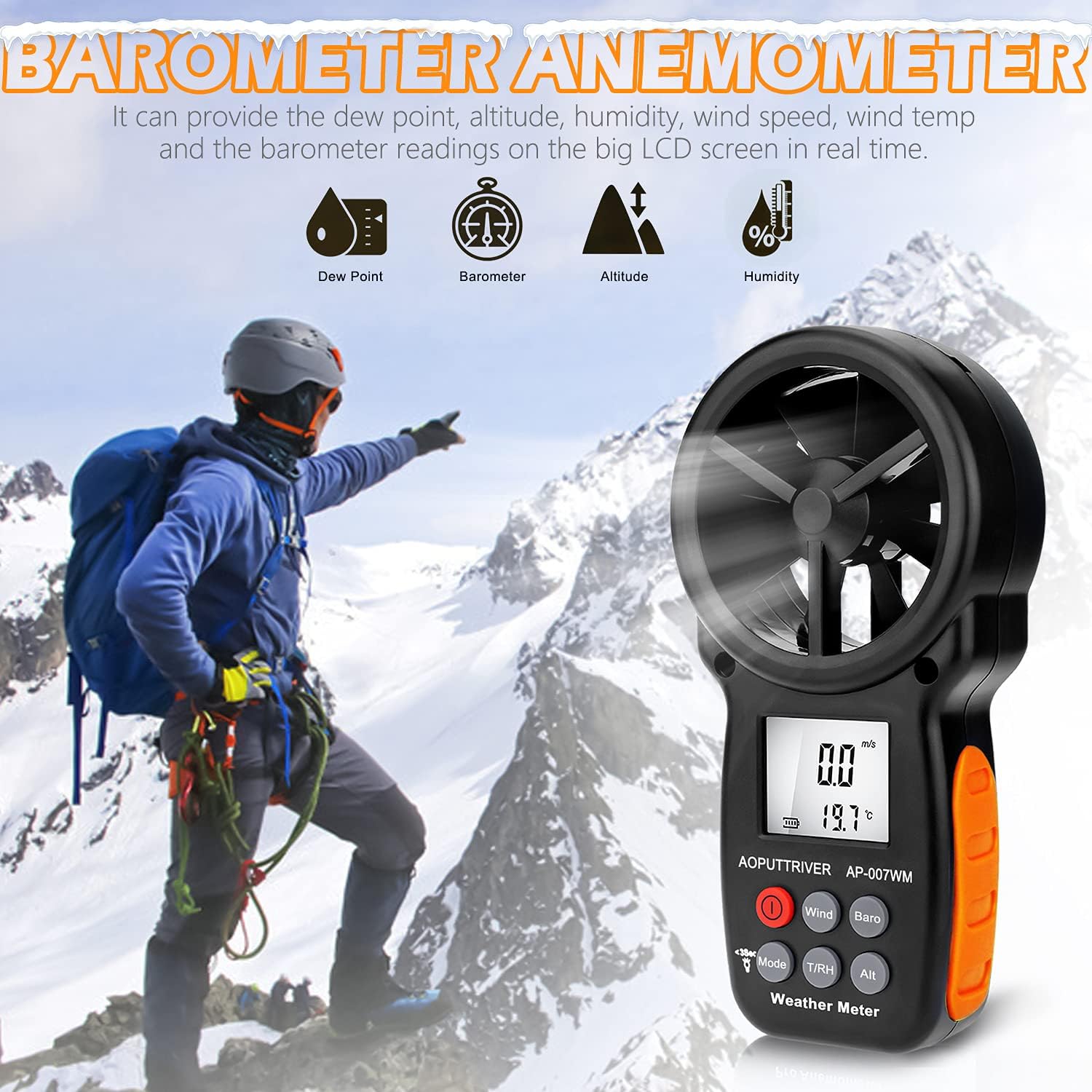
Figure 7: Using the anemometer in an outdoor environment.

Figure 8: Examples of practical applications for the AP-007WM anemometer.
5. Maintenance
5.1 Cleaning
- Wipe the device with a soft, dry cloth.
- Do not use abrasive cleaners or solvents, as these may damage the casing or display.
- Ensure the fan blades are free from dust and debris for accurate readings. Use a soft brush if necessary.
5.2 Battery Replacement
When the low battery indicator appears on the display, replace the batteries as described in Section 3.1. Always use fresh 1.5V AAA batteries.
5.3 Storage
- When not in use for extended periods, remove the batteries to prevent leakage.
- Store the device in its protective case in a cool, dry place, away from direct sunlight and extreme temperatures.
6. Troubleshooting
| Problem | Possible Cause | Solution |
|---|---|---|
| Device does not power on. | Dead or incorrectly installed batteries. | Replace batteries with new 1.5V AAA batteries, ensuring correct polarity. |
| Inaccurate wind speed readings. | Obstructed fan blades; device not facing wind directly; low battery. | Clear obstructions from fan blades. Ensure device is pointed directly into the wind. Replace batteries. |
| Display is dim or unreadable. | Backlight off; low battery. | Press the Mode button to activate backlight. Replace batteries. |
| Readings are inconsistent. | Environmental interference; rapid changes in conditions. | Ensure stable measurement conditions. Allow time for readings to stabilize. |
If you encounter issues not listed here or if solutions do not resolve the problem, please contact customer support.
7. Specifications
| Parameter | Value |
|---|---|
| Model | AP-007WM |
| Wind Speed Range | 0.3 - 30 m/s |
| Wind Temperature Range | -10℃ to 45℃ (14℉ to 113℉) |
| Relative Humidity Range | 5 - 95% RH |
| Dew Point Range | 0 - 50℃ (32℉ to 122℉) |
| Altitude Range | 0 - 6000 m (0 - 19685 ft) |
| Barometric Pressure Range | Units: inHg, hpa mbar |
| Wind Speed Units | m/s, km/h, mph, knots, ft/min |
| Power Source | 2 x 1.5V AAA Batteries |
| Product Dimensions | 6.49 x 3.34 x 1.5 inches (165 x 85 x 38 mm) |
| Item Weight | 7.1 ounces (200 Grams) |
| Manufacturer | AOPUTTRIVER |
8. Warranty and Support
AOPUTTRIVER provides 2 years of technical support for the AP-007WM Digital Anemometer Barometer. If you encounter any problems or have questions regarding your device, please contact our customer service team. We are committed to resolving any issues promptly, typically within 24 hours.
For support, please refer to the contact information provided with your purchase or visit the official AOPUTTRIVER website.

