
1. Introduction
This instruction manual provides detailed guidance for the proper use and maintenance of your AMERTEER Wireless Laser Pointer, Model RF038. Please read this manual thoroughly before using the device to ensure optimal performance and longevity. This device is designed to enhance presentations by providing remote control for slides and a laser pointer function.
2. Product Overview
The AMERTEER RF038 is a sleek, rechargeable wireless presenter designed for professional and educational environments. It features a slim, anti-slip body with a soft-touch matte finish and responsive buttons for smooth operation.
2.1 Components
- AMERTEER Wireless Laser Pointer (RF038)
- USB Receiver (stored magnetically within the presenter)
- USB Charging Cable
- Protective Storage Case
- Instruction Manual (Japanese)
2.2 Key Features
- Multi-functional Control: Advance/return slides, activate red laser pointer, black screen function, hyperlink access, and volume control.
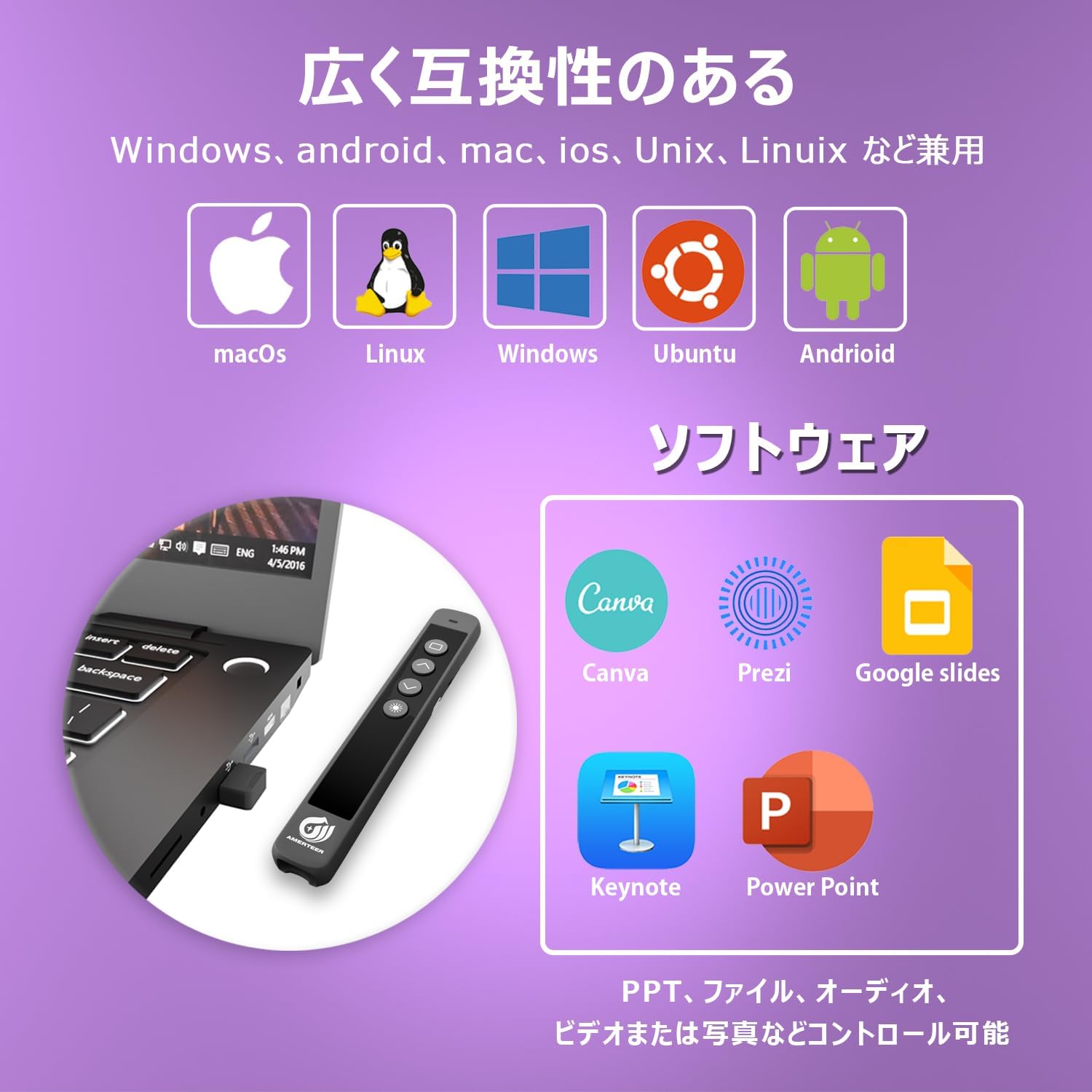
- Wide Compatibility: Supports PowerPoint, Keynote, and Google Slides. Compatible with Windows, Mac OS, and Linux operating systems.
- Reliable Wireless Range: Operates up to 100 feet (approximately 30 meters) using stable 2.4GHz wireless technology. Actual range may vary based on environment.
- Rechargeable Battery: Built-in lithium battery charges via USB, eliminating the need for disposable batteries.
- Plug and Play: Includes a USB receiver that requires no driver installation.
- Portable Design: Lightweight at approximately 30g, making it easy to carry for presentations on the go.

3. Setup
Follow these steps to set up your AMERTEER Wireless Laser Pointer:
- Charge the Presenter: Before first use, fully charge the device using the provided USB cable. Connect the cable to the charging port on the presenter and a USB power source (e.g., computer USB port, wall adapter). The charging indicator will show the charging status.
- Retrieve USB Receiver: The USB receiver is magnetically stored inside the presenter for convenience and to prevent loss. Gently pull it out from the designated slot.
- Connect USB Receiver: Insert the USB receiver into an available USB port on your computer (Windows, Mac, or Linux). The system will automatically detect and install the necessary drivers. No manual driver installation is required.
- Power On: Locate the ON/OFF switch on the side of the presenter and slide it to the 'ON' position.
- Test Connection: Open a presentation application (e.g., PowerPoint, Keynote, Google Slides) and test the slide navigation buttons and laser pointer to ensure proper functionality.

4. Operating Instructions
The AMERTEER RF038 features intuitive buttons for controlling your presentation:

- Page Up (▲): Press to move to the previous slide.
- Page Down (▼): Press to move to the next slide.
- Laser Pointer (Sun/Star icon): Press and hold to activate the red laser pointer. Release to turn off.
- Black Screen (Square icon): Press to toggle between a black screen and the current slide.
- Hyperlink/Volume Control: This button (often represented by a square or specific icon) may offer additional functions such as activating hyperlinks or adjusting system volume, depending on the software and operating system. Refer to your presentation software for specific compatibility.
4.1 Compatibility
The presenter is compatible with a wide range of operating systems and presentation software:
- Operating Systems: Windows, Mac OS, Linux
- Presentation Software: Microsoft PowerPoint, Apple Keynote, Google Slides, Canva, Prezi
4.2 Wireless Range
The AMERTEER RF038 provides a reliable wireless connection up to 30 meters (100 feet), allowing you freedom of movement during your presentation. The laser pointer has an effective range of up to 200 meters.

5. Maintenance
Proper maintenance ensures the longevity and optimal performance of your device.
- Charging: The built-in lithium battery requires approximately 1 hour for a full charge, providing up to 20 hours of continuous use or 1 week of typical use. Charge the device when the battery indicator shows low power.

- Storage: When not in use, store the USB receiver inside the presenter's magnetic slot to prevent loss. Keep the device in its protective storage case to shield it from dust and physical damage.
- Cleaning: Use a soft, dry cloth to clean the exterior of the presenter. Avoid using harsh chemicals or abrasive materials.
- Environmental Conditions: Avoid exposing the device to extreme temperatures, direct sunlight, high humidity, or corrosive environments.
6. Troubleshooting
If you encounter issues with your AMERTEER Wireless Laser Pointer, refer to the following common problems and solutions:
| Problem | Possible Cause | Solution |
|---|---|---|
| Presenter not responding |
|
|
| Laser pointer not working |
|
|
| Slide navigation not working |
|
|
| Black screen function not working as expected |
|
|
7. Specifications
| Feature | Specification |
|---|---|
| Model Number | RF038 |
| Brand | AMERTEER |
| Color | Black |
| Connectivity Technology | USB (2.4GHz Wireless) |
| Compatible Devices | Windows, Mac OS, Linux |
| Battery Type | Rechargeable Lithium Battery |
| Charging Time | Approx. 1 hour |
| Usage Time (Full Charge) | Up to 20 hours continuous, 1 week typical |
| Wireless Operating Range | Up to 30 meters (100 feet) |
| Laser Projection Distance | Up to 200 meters |
| Item Weight | 35 grams |
| Package Dimensions | 16 x 4.1 x 2.8 cm |
8. Warranty and Support
Your AMERTEER Wireless Laser Pointer RF038 is backed by a 12-month warranty from the date of purchase. Additionally, a 30-day return policy is offered. Please retain your proof of purchase for warranty claims.
For technical support or warranty inquiries, please contact AMERTEER customer service through the retailer where the product was purchased.