
1. Overview
The Fujifilm X-T30 is a compact and powerful mirrorless digital camera designed for both enthusiasts and professionals. It features a 26.1MP APS-C X-Trans CMOS 4 sensor and X-Processor 4 Quad-Core CPU, delivering exceptional image quality and fast performance. This manual provides essential information for setting up, operating, and maintaining your camera.
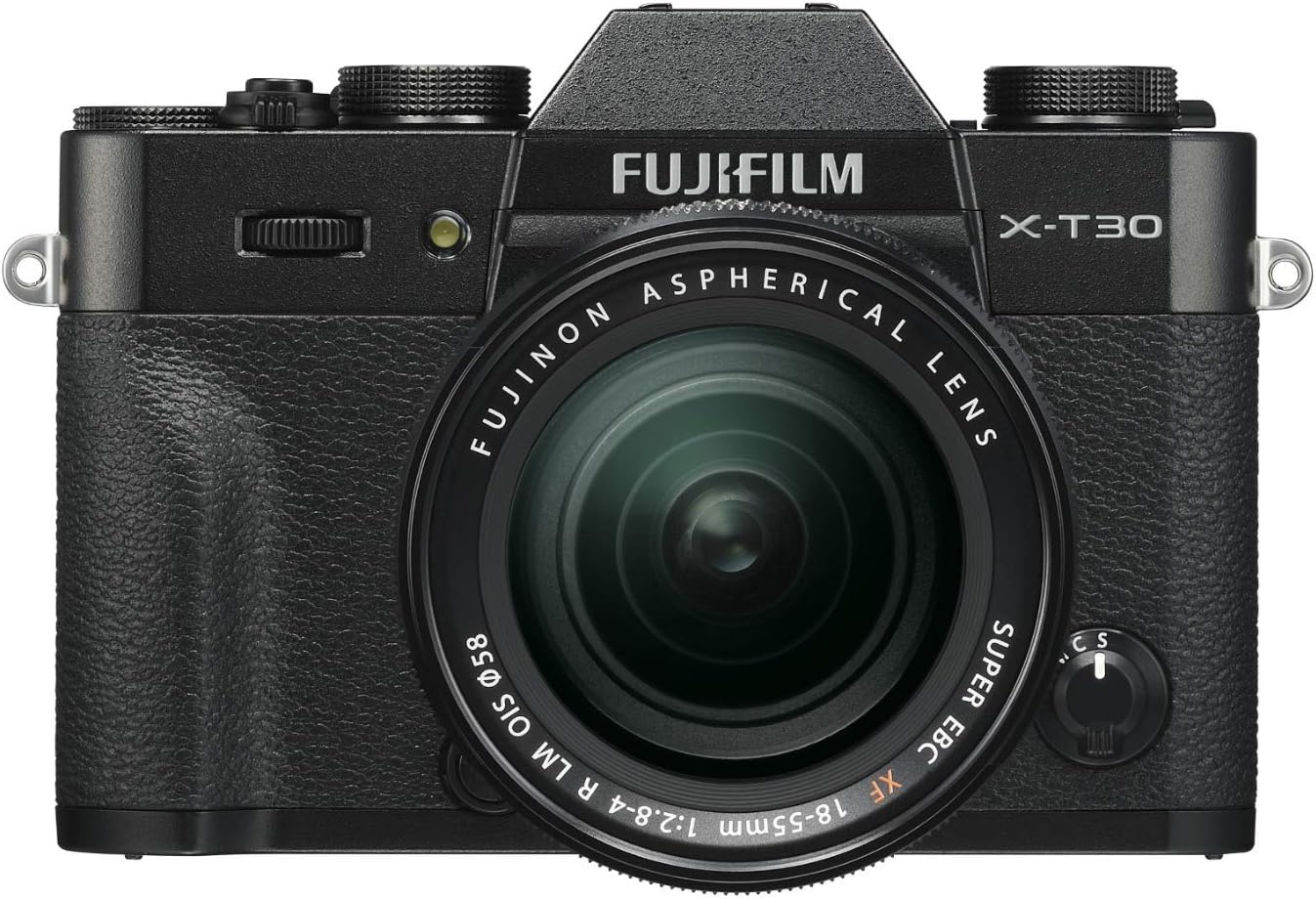
Figure 1.1: Front view of the Fujifilm X-T30 camera with the XF18-55mm lens attached.
2. Setup
2.1. Battery and Memory Card Installation
Before using your camera, ensure the battery is fully charged and a compatible memory card is inserted.
- Open the battery/memory card compartment cover located on the bottom of the camera.
- Insert the supplied Lithium Ion battery (NP-W126S) into the battery slot, ensuring the correct orientation.
- Insert an SD, SDHC, or SDXC memory card into the memory card slot until it clicks into place.
- Close the compartment cover securely.
2.2. Attaching the Lens
To attach the XF18-55mm lens:
- Remove the body cap from the camera and the rear lens cap from the lens.
- Align the white mounting mark on the lens with the white mounting mark on the camera body.
- Mount the lens by rotating it clockwise until it clicks into place.
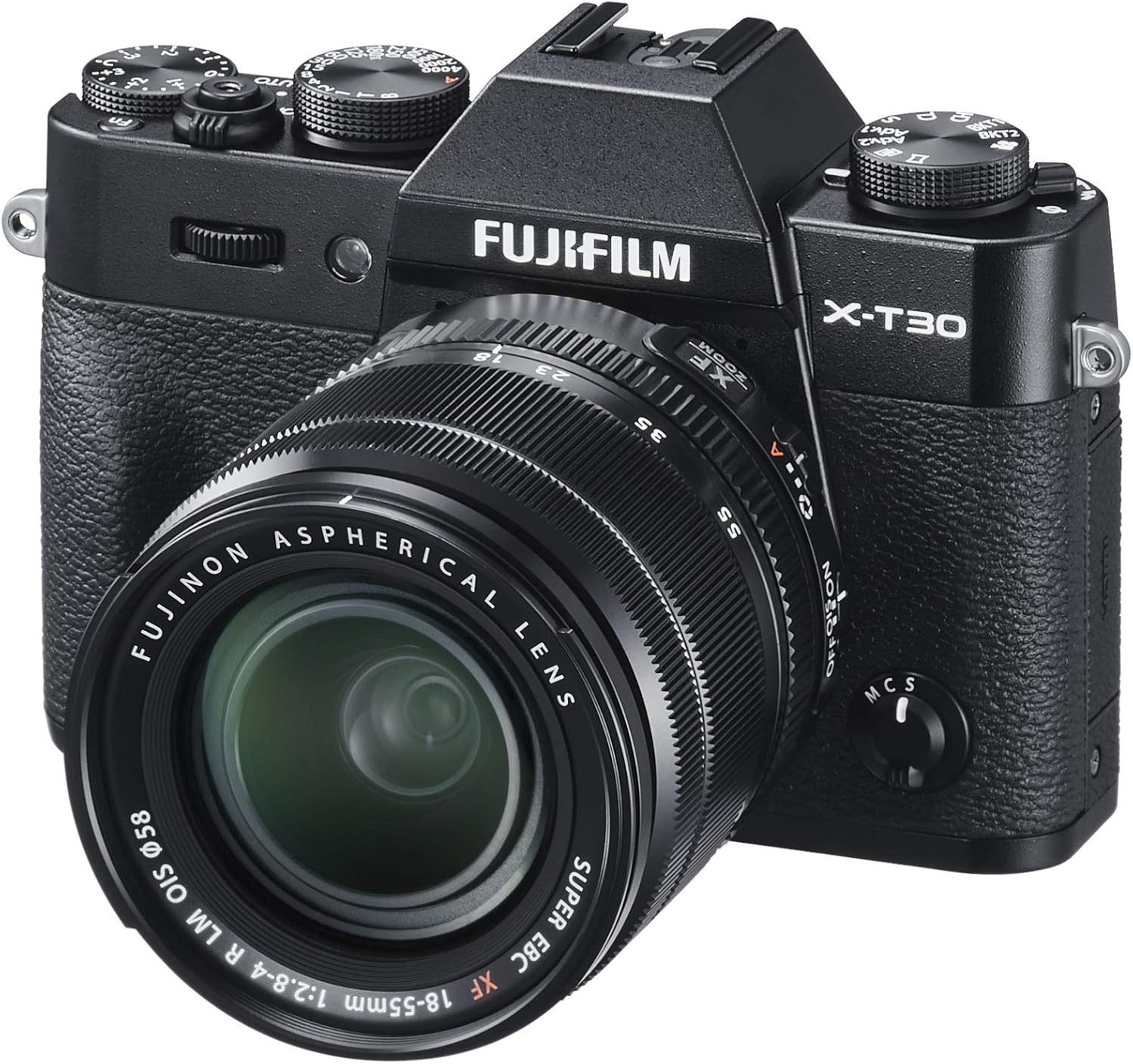
Figure 2.1: Angled view of the Fujifilm X-T30, showing the lens attachment.
3. Operating Your Camera
3.1. Power On/Off and Basic Shooting
Turn the camera on by rotating the ON/OFF switch. The X-T30 offers intuitive controls for various shooting scenarios.
- Control Dials: Utilize the dedicated dials for exposure compensation and shutter speed for quick adjustments.
- Auto/Manual Toggle: A simple toggle allows for quick switching between manual and fully automatic shooting modes, including the advanced SR Auto mode with 58 presets.
- High-Resolution Viewfinder: The built-in OLED electronic viewfinder offers 2.36 million dots and a maximum refresh rate of 100 frames per second for a crisp and responsive image.
- Tilting Touchscreen: The 3.0-inch touch LCD with 2-way tilting improves efficiency for shooting in challenging situations and offers intuitive touch controls.
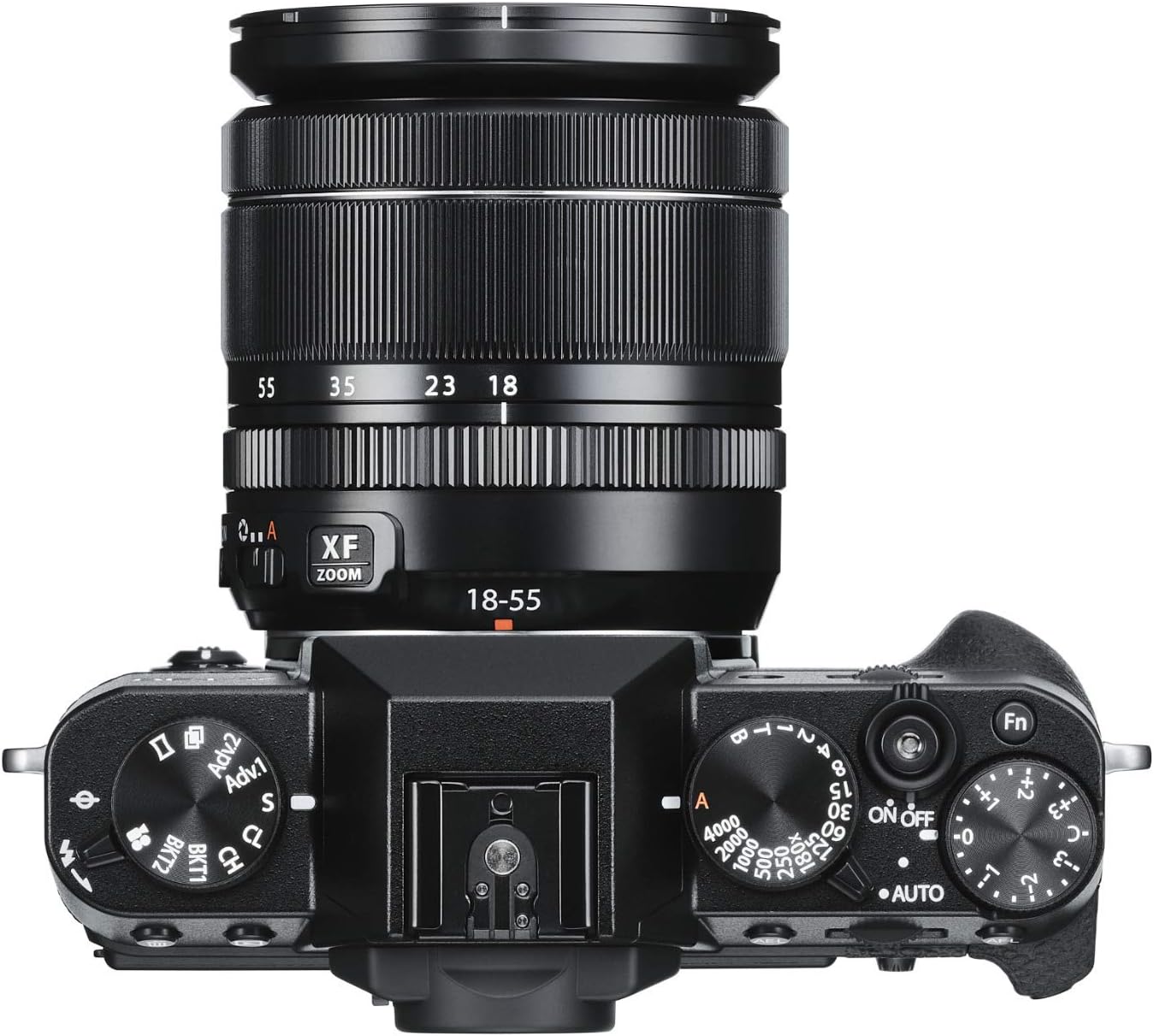
Figure 3.1: Top view of the Fujifilm X-T30, highlighting the control dials.
3.2. Autofocus System
The X-T30 features Fujifilm's latest 425-point hybrid autofocus system, offering fast and accurate face detection for moving subjects. Eye-detection AF also works in AF-C mode for precise focus tracking of portrait subjects. The low-light limit for phase detection AF has been extended to -3EV, allowing for operation in a wide range of lighting conditions.
3.3. Video Recording
The camera supports high-quality video recording:
- Record 4K video at 30 frames per second (4K DCI 2160P) without a crop.
- Capture 120 frames per second at 1080P for super slow-motion effects.
- For extreme color fidelity, record 10-bit, 4:2:2 color through the camera’s HDMI port.
3.4. Wireless Connectivity
Built-in Wi-Fi and Bluetooth V.4.2 enable seamless digital communication with the free FUJIFILM Camera Remote app. This allows you to wirelessly control the camera and share images directly to your smart devices.
4. Maintenance
Proper maintenance ensures the longevity and optimal performance of your Fujifilm X-T30 camera.
- Cleaning the Camera Body: Use a soft, dry cloth to wipe the camera body. For stubborn dirt, lightly dampen the cloth with water or a mild cleaning solution. Avoid using strong solvents.
- Cleaning the Lens: Use a lens brush or blower to remove dust from the lens surface. For smudges, use a specialized lens cleaning cloth and lens cleaning fluid. Never touch the lens surface with your fingers.
- Sensor Cleaning: The camera features a sensor cleaning function. If dust spots appear on your images, use the built-in sensor cleaning option in the camera menu. For persistent dust, consult a professional service center.
- Battery Care: Store batteries in a cool, dry place. Avoid fully discharging batteries for extended periods. Charge them regularly, even if not in use, to maintain battery health.
- Storage: When not in use for extended periods, store the camera in a dry, well-ventilated area, preferably with a desiccant to prevent mold and mildew. Remove the battery before long-term storage.
5. Troubleshooting
This section addresses common issues you might encounter with your Fujifilm X-T30.
| Problem | Possible Cause / Solution |
|---|---|
| Camera does not turn on. | Battery is depleted or incorrectly inserted. Ensure battery is charged and inserted correctly. |
| Images are blurry. | Lens is not in focus. Check autofocus settings or focus manually. Shutter speed is too slow. Increase shutter speed or use image stabilization. |
| Memory card error. | Memory card is full, corrupted, or incompatible. Try formatting the card (this will erase all data) or use a different card. |
| Flash does not fire. | Flash is set to OFF or in a mode where it won't fire (e.g., Silent Mode). Check flash settings. |
| Wi-Fi/Bluetooth connection issues. | Ensure the FUJIFILM Camera Remote app is updated. Restart both camera and smart device. Check network settings. |
For more detailed troubleshooting, please refer to the full user manual PDF or contact Fujifilm support.
6. Specifications
- Product Dimensions: 9.7 x 8 x 5 inches
- Item Weight: 2.46 pounds
- ASIN: B07NQ8FLX5
- Item Model Number: X-T30 XF18-55MM Kit Black
- Batteries: 1 Lithium Ion battery required (included)
- Manufacturer: FUJIFILM
- Compatible Mountings: Fujifilm X
- Photo Sensor Technology: CMOS
- Supported File Format: JPEG, RAW
- Image Stabilization: Digital
- Maximum Focal Length: 55 Millimeters
- Optical Zoom: 3x
- Maximum Aperture: 2.8 f
- Expanded ISO Minimum: 100
- Metering Description: Average, Center Weighted, Multi-Zone, Spot
- Video Capture Resolution: 4K DCI 2160P
- Viewfinder Type: Electronic
7. Warranty and Support
Fujifilm products are manufactured to the highest quality standards. For information regarding your product's warranty, please refer to the warranty card included with your purchase or visit the official Fujifilm website.
For further assistance, technical support, or service inquiries, please contact Fujifilm customer support or visit their official support pages. You can also refer to the comprehensive user manual for detailed instructions and information:

