
1. Introduction
Thank you for purchasing the FINLUX 32-FHD-5620 32-inch Smart HD Ready LED TV. This television combines high-definition viewing with smart features, including Freeview Play, Amazon Prime Video, and Alexa compatibility. This manual provides essential information for setting up, operating, and maintaining your new television. Please read it thoroughly before use and retain it for future reference.
2. Safety Information
Always observe the following safety precautions to avoid electric shock, fire, or damage to the television.
- Power Source: Connect the TV only to an AC power supply as indicated on the label.
- Ventilation: Ensure adequate ventilation. Do not block ventilation openings.
- Water and Moisture: Do not expose the TV to rain or moisture. Do not place objects filled with liquids on the TV.
- Cleaning: Unplug the TV before cleaning. Use a soft, dry cloth. Do not use liquid or aerosol cleaners.
- Placement: Place the TV on a stable, level surface. Avoid placing it in direct sunlight or near heat sources.
- Servicing: Do not attempt to service the TV yourself. Refer all servicing to qualified service personnel.
3. What's in the Box
Carefully unpack your television and check that all the following items are included:
- FINLUX 32-FHD-5620 32-inch Smart HD Ready LED TV
- Remote Control (with 2 AAA batteries included)
- TV Stand
- Instruction Booklets
- Power Cable

Image 1: Front view of the FINLUX 32-FHD-5620 TV with a colorful landscape displayed on screen, showcasing its design and central stand.
4. Setup
4.1 Attaching the Stand
- Place the TV face down on a soft, clean surface to prevent screen damage.
- Align the stand with the mounting holes on the bottom of the TV.
- Secure the stand using the provided screws. Ensure it is firmly attached.
- Carefully lift the TV to its upright position on a stable surface.
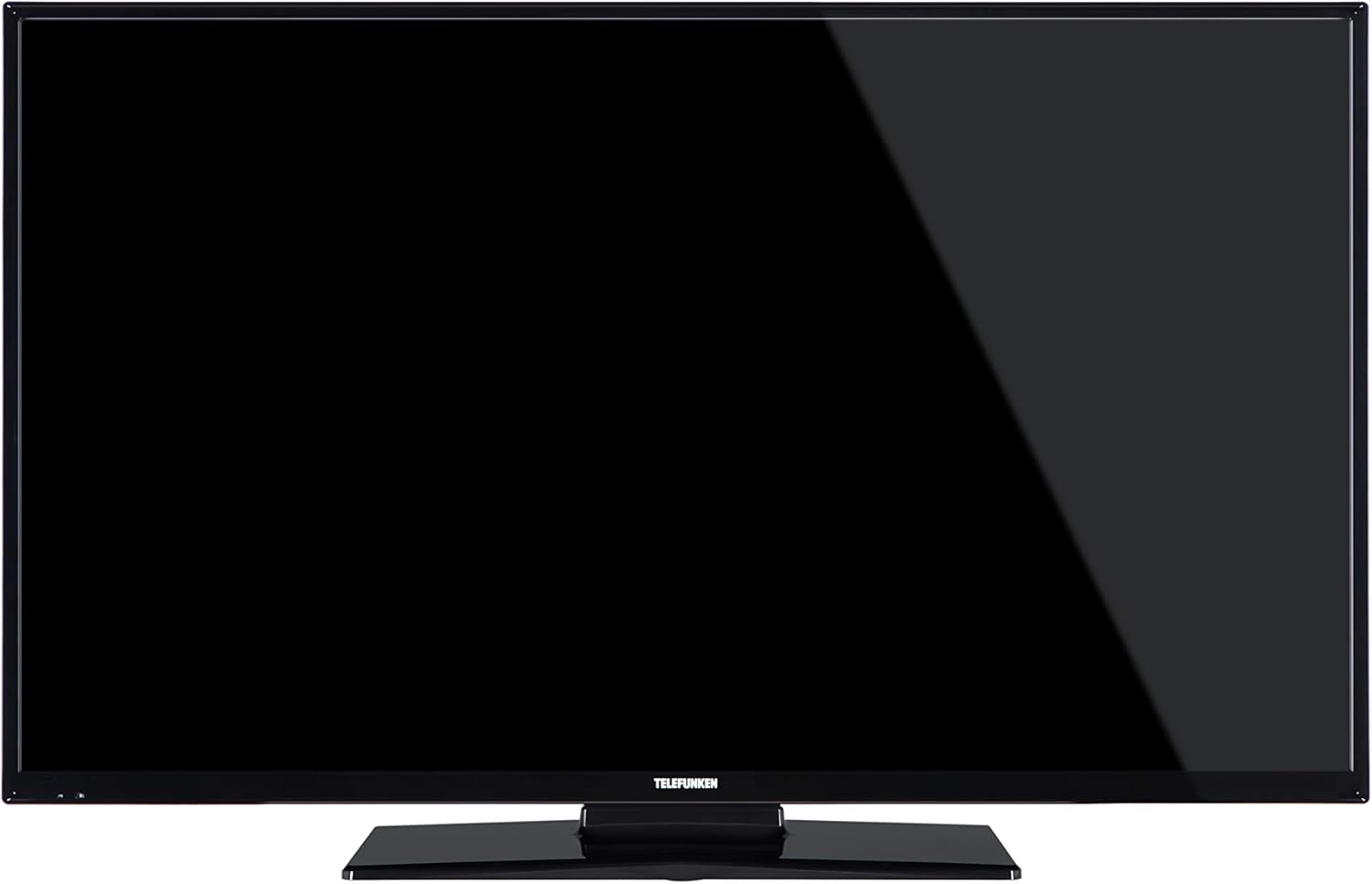
Image 2: Front view of the FINLUX 32-FHD-5620 TV with a black screen, demonstrating the TV's appearance with the stand installed.
4.2 Wall Mounting (Optional)
If you choose to wall mount your TV, ensure you use a VESA-compatible wall mount kit (not included) and follow the instructions provided with the wall mount. Always consult a professional for wall mounting to ensure safety and proper installation.
4.3 Connecting External Devices
Your FINLUX TV offers various connectivity options. Refer to the image below for port locations.

Image 3: Side view of the FINLUX 32-FHD-5620 TV, highlighting the accessible input ports for external devices.
- HDMI: Connect Blu-ray players, game consoles, or set-top boxes.
- USB: Connect USB storage devices for media playback.
- Antenna/Cable: Connect your aerial for Freeview Play channels.
- Ethernet: For a wired internet connection.
- VGA: Connect a computer.
4.4 Power Connection
Plug the power cable into the TV's power input, then into a wall socket.
4.5 Initial Setup Wizard
Upon first power-on, the TV will guide you through an initial setup process. This includes:
- Language selection.
- Country/Region selection.
- Channel scanning (for Freeview Play).
- Network connection (Wi-Fi or Ethernet).
- Time zone settings.
5. Operating Your TV
5.1 Remote Control
Insert the two AAA batteries into the remote control, ensuring correct polarity. The remote allows you to control all TV functions, including power, volume, channel selection, smart TV navigation, and menu access.
5.2 Basic TV Functions
- Power On/Off: Press the power button on the remote or TV.
- Volume Control: Use the VOL +/- buttons.
- Channel Selection: Use the CH +/- buttons or number pad.
- Input Source: Press the SOURCE button to switch between HDMI, USB, TV, etc.
5.3 Smart TV Features
Your FINLUX Smart TV provides access to a range of online content and services.
- Freeview Play: Access over 60 TV channels and up to 15 HD channels. Scroll back in the TV Guide (EPG) to watch programs from the last 7 days from BBC iPlayer, ITV Hub, All 4, and Demand 5. Ensure your TV is connected to the internet.
- Amazon Prime Video: Enjoy a wide selection of movies and TV shows.
- Alexa Integration: Control your TV using voice commands through an Amazon Echo or Echo Dot device. Pair your Alexa device with your TV to enable this feature.
- Amazon Dash Replenishment: This feature allows the TV to automatically reorder batteries when they run low. Register for this service via the Dash Replenishment application on your TV.
5.4 Network Connection
To access Smart TV features, your TV must be connected to the internet.
- Wi-Fi: Navigate to the TV's network settings, select your Wi-Fi network, and enter the password.
- Ethernet: Connect an Ethernet cable from your router to the LAN port on the TV.
6. Maintenance
6.1 Cleaning Your TV
- Always unplug the TV before cleaning.
- Use a soft, dry, lint-free cloth to wipe the screen and cabinet.
- Do not use liquid or spray cleaners, as they may damage the screen or cabinet.
6.2 Software Updates
Your TV may receive software updates to improve performance and add new features. Ensure your TV is connected to the internet to receive these updates automatically or check for them manually in the settings menu.
7. Troubleshooting
If you encounter issues with your TV, refer to the following common problems and solutions.
| Problem | Possible Solution |
|---|---|
| No power | Check if the power cable is securely plugged into the TV and the wall outlet. Ensure the wall outlet has power. |
| No picture, but sound is present | Check the input source. Ensure external devices are powered on and connected correctly. Try a different HDMI cable. |
| No sound, but picture is present | Check the volume level. Ensure mute is not activated. Check audio settings and external audio connections. |
| Remote control not working | Replace the batteries. Ensure there are no obstructions between the remote and the TV's IR sensor. |
| Cannot connect to Wi-Fi | Ensure your router is on and working. Re-enter the Wi-Fi password. Try restarting your router and TV. |
| Smart features not loading | Check your internet connection. Restart the TV. Ensure the TV's software is up to date. |
If the problem persists after trying these solutions, please contact customer support.
8. Specifications
| Model Number | 32-FHD-5620 |
| Brand | FINLUX |
| Screen Size | 32 Inches |
| Display Technology | LED |
| Resolution | HD Ready (e.g., 1366x768 pixels). Note: Specifications mention 4K resolution, which may refer to supported input signals. The panel's native resolution is HD Ready. |
| Refresh Rate | 50 Hz |
| Special Features | Amazon Dash Replenishment, Works with Alexa, Freeview Play, Smart TV |
| Connectivity Technology | Ethernet, HDMI, USB, VGA |
| Supported Internet Services | Alexa, Amazon Prime Video |
| Mounting Type | Wall Mount, Table Mount |
| Batteries | 2 AAA (included for remote) |
| Package Dimensions (approx.) | 91 x 58 x 15.5 cm |
| Package Weight (approx.) | 7.1 kg |
9. Warranty and Support
9.1 Warranty Information
Your FINLUX TV is covered by a manufacturer's warranty. Please refer to the warranty card included in your product packaging or visit the official FINLUX website for detailed warranty terms and conditions. Keep your proof of purchase for warranty claims.
9.2 Customer Support
For technical assistance, troubleshooting beyond this manual, or service inquiries, please contact FINLUX customer support. Contact details can typically be found on the official FINLUX website or in the documentation provided with your TV.
Online Support: Visit the official FINLUX website for FAQs, software downloads, and support contact information.


