
Introduction
The WowWee Fingerlings Light-Up Baby Black Panther and Mini is an interactive toy designed to respond to touch and motion. This manual provides essential information for setting up, operating, and maintaining your Fingerlings toy to ensure optimal performance and enjoyment.

Image: The Fingerlings Light-Up Baby Black Panther (Benny) and its mini cub (Kali).
What's Included
Your package should contain the following items:
- 1 Fingerlings Light-Up Baby Black Panther (Benny)
- 1 Fingerlings Mini Cub (Kali)

Image: Front packaging of the Fingerlings toy, showing both the main toy and the mini cub.
Setup
Battery Installation
The Fingerlings toy requires 1 'A' battery, which is included. To install or replace the battery:
- Locate the battery compartment on the back of the Fingerlings toy's head.
- Using a small Phillips head screwdriver (not included), unscrew the battery compartment cover.
- Insert the 'A' battery, ensuring correct polarity (+/-).
- Replace the cover and secure it with the screw.
The mini cub does not require batteries.
Operating Instructions
Your Fingerlings toy is designed to interact with you through various actions and responses. Here's how to engage with it:
Power On/Off
To turn the Fingerlings toy on or off, locate the switch on the back of its head.
Interactions
- Touch and Motion: The Fingerlings toy responds to motion and touch. Pet its head, rock it, or hold it upside down to trigger different reactions, including blinking eyes, head turns, and purring sounds.
- Light-Up Hair: The toy's hair will light up in various colors to indicate its mood or reaction to your interactions.
- Kiss Tech: Bring the Fingerlings toy close to your cheek, and its Kiss Tech feature will detect it, giving you a sweet kiss sound.
- Hanging: The Fingerlings toy has special paws that allow it to hang on your finger or other objects.

Image: The Fingerlings toy demonstrating its ability to hang upside down on a finger.
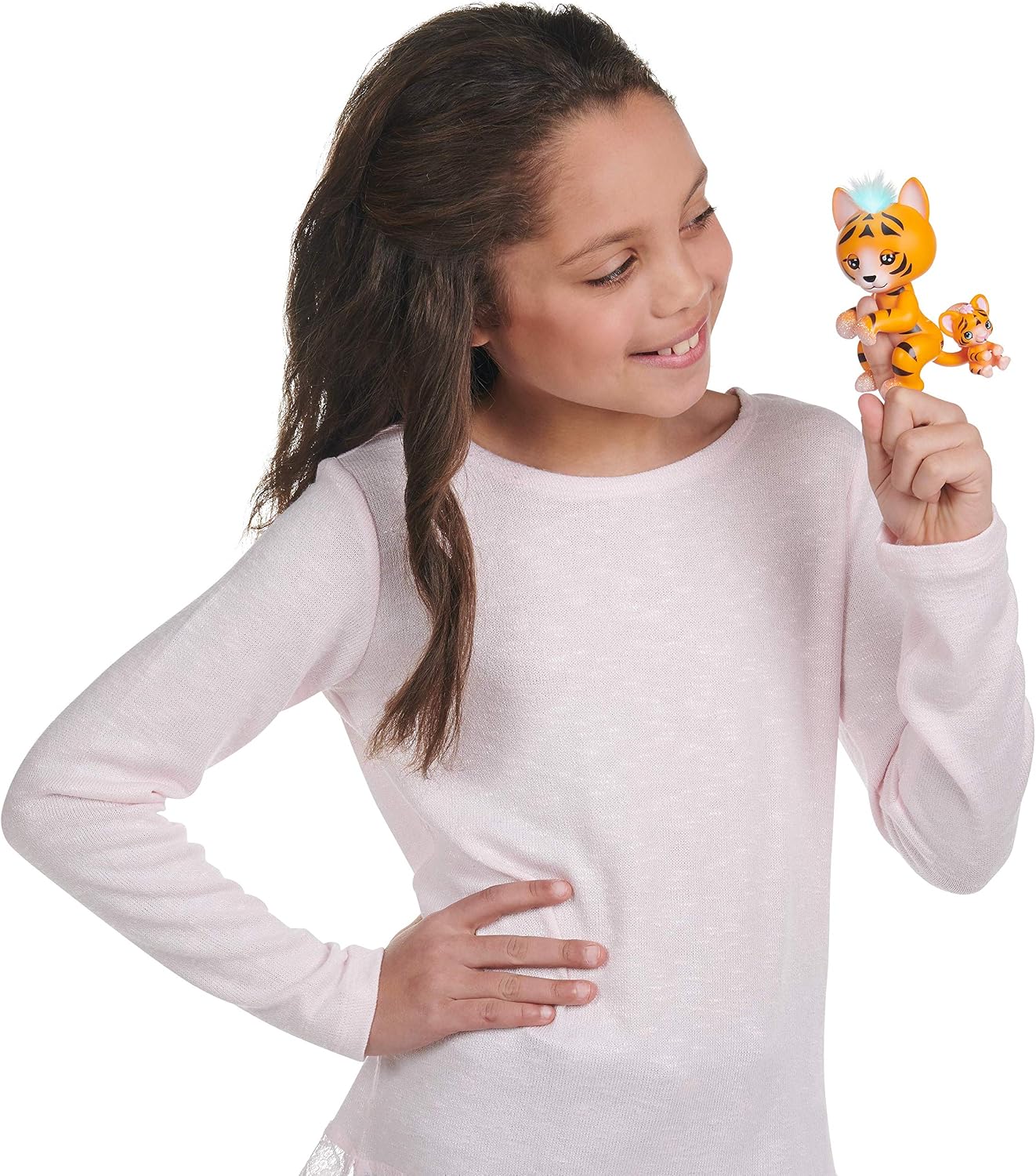
Image: A child interacting with the Fingerlings toy, showing its size relative to a child's hand.
Official Product Video
Video: An official product video demonstrating the features and interactions of the Fingerlings Purrfect Series, including the Black Panther model.
Maintenance
- Cleaning: Wipe the toy with a soft, dry cloth. Do not immerse in water or use harsh cleaning agents.
- Storage: Store the toy in a cool, dry place away from direct sunlight when not in use.
- Battery Care: Remove batteries if the toy will not be used for an extended period to prevent leakage.
Troubleshooting
| Problem | Solution |
|---|---|
| Toy does not turn on. | Check battery installation and ensure correct polarity. Replace with a fresh battery if necessary. Ensure the power switch is in the 'ON' position. |
| Toy is not responding to touch/motion. | Ensure the toy is powered on. Try different types of interactions (petting, rocking, holding upside down). Replace batteries if responses are weak. |
| Light-up hair is not working. | This feature is linked to the toy's responses. If the toy is otherwise functioning, ensure it is being interacted with to trigger mood changes. Check battery level. |
Specifications
- Brand: WowWee
- Model Name: Fingerlings Light-Up Baby Black Panther and Mini
- Model Number: 3521
- Material: Plastic
- Item Dimensions (L x W x H): 3.54" x 3.23" x 5.71"
- Item Weight: 110 Grams
- Batteries: 1 'A' battery (included)
- Recommended Age: 5+ years (Manufacturer Minimum Age: 60 months)
Warranty and Support
For warranty information, technical support, or further assistance, please refer to the official WowWee website or contact their customer service department. Keep your proof of purchase for any warranty claims.
WowWee Official Website: Visit the WowWee Store on Amazon