
1. Introduction
Thank you for purchasing the Luceco Rechargeable Pivoting LED Torch. This manual provides essential information for the safe and efficient operation, maintenance, and troubleshooting of your device. Please read this manual thoroughly before use and retain it for future reference.
2. Safety Information
Always observe the following safety precautions to prevent injury or damage to the product:
- Do not look directly into the LED light when it is on, as it may cause eye damage.
- Keep the device away from water and moisture. This product has an IP20 rating, meaning it is protected against solid objects over 12.5mm, but has no protection against liquids.
- Do not attempt to disassemble or modify the torch. Repairs should only be performed by qualified personnel.
- Use only the provided USB charging cable for recharging.
- Store the torch in a cool, dry place when not in use.
- Keep out of reach of children.
3. Product Overview
The Luceco Rechargeable Pivoting LED Torch is designed for versatile lighting needs, featuring a robust construction and multiple functionalities.

Figure 3.1: Front view of the Luceco Rechargeable Pivoting LED Torch, showing its main light panel and green power button.
Key Features:
- Pivoting LED Torch: Provides clear and bright LED light with two illumination modes.
- Rechargeable with Integrated Power Bank: No batteries needed; simply plug in and charge. Includes a USB charging cable. The integrated power bank allows charging of other devices.
- Robust and Durable Design: Engineered to withstand daily wear and tear in demanding environments. Features rubber moulding for a comfortable grip.
- Multiple Attachment Options: Equipped with a tiltable magnetic base and a 360° foldable hook for hands-free operation and versatile positioning.
- Single Source Light: Designed to prevent multi-shadowing, providing clear illumination.

Figure 3.2: Illustration showing the single source light feature of the torch, which prevents multiple shadows, ideal for professional use.

Figure 3.3: The torch demonstrating its hands-free operation using the folding hook and the 360° rotatable and tiltable magnetic base.
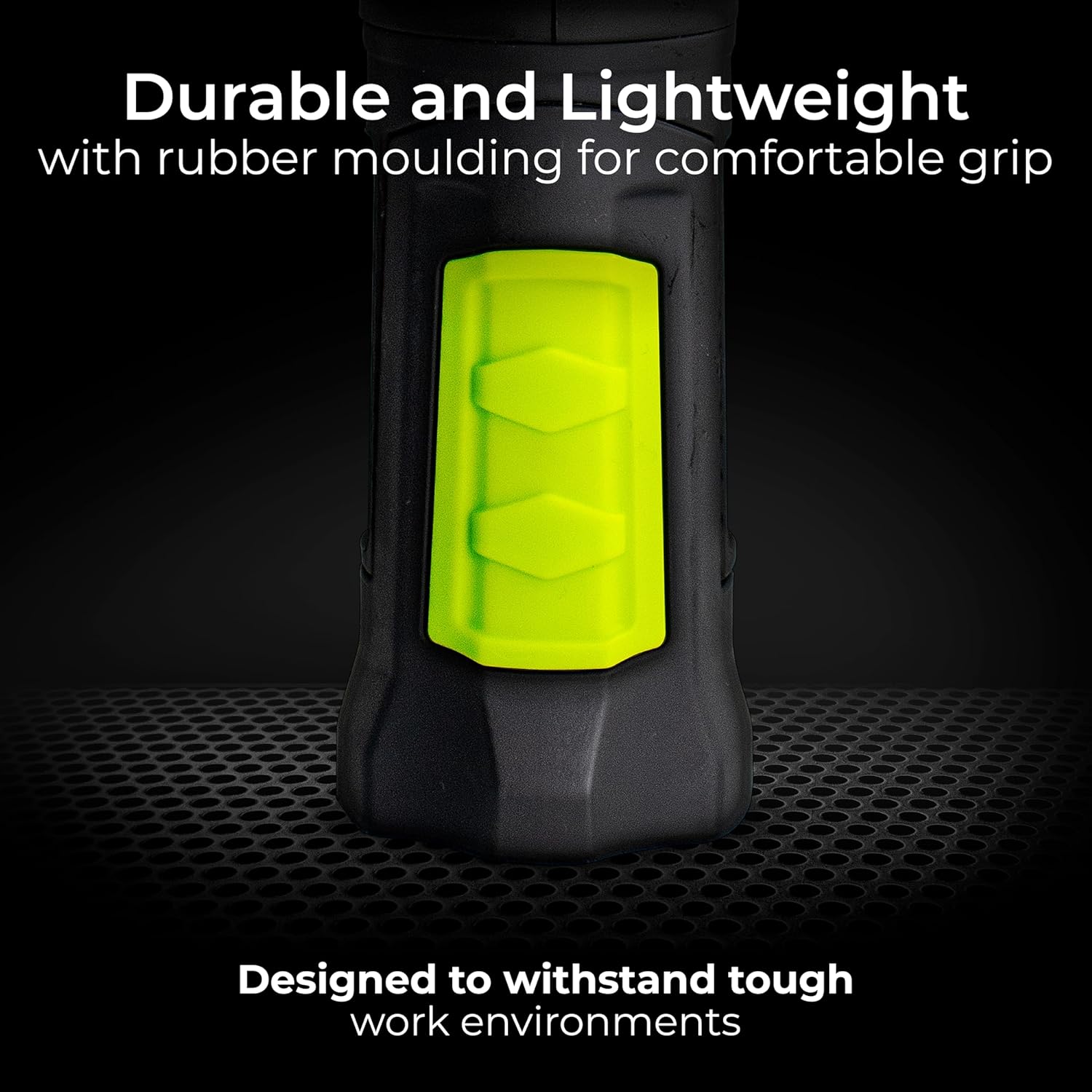
Figure 3.4: Close-up view of the durable and lightweight design, highlighting the rubber moulding for a comfortable grip.

Figure 3.5: The torch being used as an integrated USB power bank to charge a mobile device, showcasing its high capacity battery.

Figure 3.6: Close-up of the USB-C charging port and USB-A output port, indicating that the torch is USB-C rechargeable with the cable included.
4. Setup
4.1 Initial Charge
- Before first use, fully charge the torch.
- Connect the provided USB charging cable to the USB-C input port on the torch.
- Connect the other end of the cable to a standard USB power adapter (not included) or a computer USB port.
- The charging indicator light will show the charging status.
5. Operating Instructions
5.1 Power On/Off and Light Modes
- To turn on the torch, press the green power button located on the side.
- Press the button again to cycle through the two available light modes (e.g., high brightness, low brightness, or spotlight/lamp mode).
- To turn off the torch, press the button until the light switches off.
5.2 Using the Pivoting Head
The torch head can pivot to direct light where needed. Gently rotate the head to adjust the angle of illumination.
5.3 Utilizing the Magnetic Base and Hook
- Magnetic Base: The base of the torch contains a strong magnet. Attach it to any ferrous metal surface for hands-free lighting. The base can also be tilted for optimal positioning.
- Folding Hook: Extend the integrated hook from the base to hang the torch from a nail, pipe, or other suitable fixture. The hook can rotate 360° for flexible placement.

Figure 5.1: A user inspecting a car engine with the Luceco torch, demonstrating its utility in tight spaces.

Figure 5.2: The torch providing illumination for a user working under a sink, highlighting its hands-free capabilities.
5.4 Using as a Power Bank
- Connect your device's USB charging cable to the USB-A output port on the torch.
- The torch's internal battery will begin charging your device.
- Note that using the power bank feature will deplete the torch's battery.
6. Maintenance
6.1 Cleaning
Wipe the torch with a soft, damp cloth. Do not use abrasive cleaners or solvents. Ensure the charging ports are free of dust and debris.
6.2 Storage
When storing for extended periods, charge the battery to approximately 50% every 3-6 months to maintain battery health. Store in a cool, dry place away from direct sunlight.
7. Troubleshooting
| Problem | Possible Cause | Solution |
|---|---|---|
| Torch does not turn on. | Battery is depleted. | Recharge the torch using the provided USB cable. |
| Light is dim. | Low battery level. | Recharge the torch. |
| Device not charging from power bank. | Torch battery is low or cable is faulty. | Ensure torch is charged. Try a different USB cable. |
| Torch not charging. | Faulty cable or power adapter. | Try a different USB-C cable or power adapter. Ensure connections are secure. |
8. Specifications
| Feature | Detail |
|---|---|
| Brand | Luceco |
| Model Number | LILT30R65-01 |
| Dimensions (L x W x H) | 4.58 x 5.58 x 24.5 cm |
| Weight | 270 grams |
| Power | 3 Watts |
| Luminous Flux | 300 Lumens |
| Color Temperature | 6500 Kelvin |
| Color Rendering Index (CRI) | 80 |
| Battery Type | 1 Lithium-ion (included) |
| Voltage | 5 Volts (DC) |
| Ingress Protection (IP) Rating | IP20 |
| Average Lifespan | 30,000 Hours |
| Material | Plastic |
| Special Features | Rechargeable, Integrated Power Bank, Magnetic Mount, Folding Hook |
9. Warranty and Support
9.1 Warranty Information
The Luceco Rechargeable Pivoting LED Torch comes with a 3-year warranty from the date of purchase. This warranty covers defects in materials and workmanship under normal use. It does not cover damage caused by misuse, accident, unauthorized modification, or improper maintenance.
9.2 Technical Support
For technical assistance, troubleshooting beyond this manual, or warranty claims, please contact Luceco customer support. Refer to the Luceco website or product packaging for the most current contact information.


