1. Product Overview
This manual provides instructions for the Ecovacs DK3G-KTA Accessory Kit, designed to maintain the optimal performance of your compatible Ecovacs Deebot robot vacuum. Regular replacement of these components ensures efficient cleaning and extends the lifespan of your device.
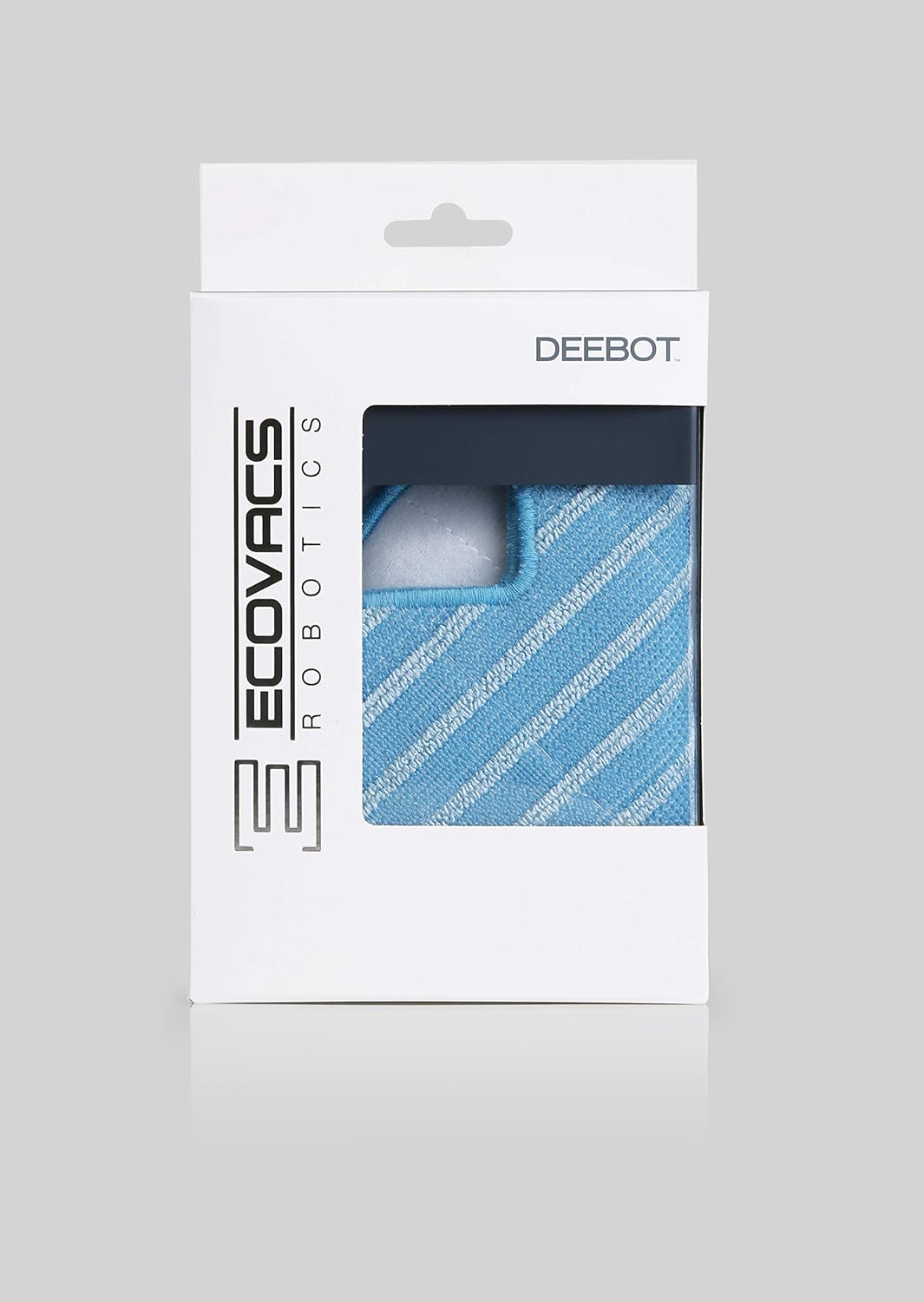
2. What's Included
The Ecovacs DK3G-KTA Accessory Kit contains the following original Ecovacs Robotics components:
- 4 x Side Brushes
- 3 x Fine Dust Filters
3. Compatibility
This accessory kit is specifically designed for and compatible with the Ecovacs Deebot OZMO Slim 10 robot vacuum cleaner.
4. Setup and Installation
Replacing the accessories is a straightforward process and requires no special tools.
4.1. Replacing Side Brushes
- Turn off your Deebot OZMO Slim 10 robot vacuum and place it upside down on a flat surface.
- Locate the worn side brush.
- Gently pull the old side brush upwards to remove it from its post.
- Align a new side brush with the post and press it down firmly until it clicks into place.
- Repeat for the other side brush if necessary.
4.2. Replacing Fine Dust Filters
- Turn off your Deebot OZMO Slim 10 robot vacuum.
- Open the dustbin cover and remove the dustbin.
- Locate the filter compartment within the dustbin.
- Remove the old fine dust filter. Dispose of it properly.
- Insert a new fine dust filter into the compartment, ensuring it is seated correctly.
- Close the dustbin cover and reinsert the dustbin into the robot vacuum.
5. Operating Instructions
The accessories in this kit are replacement parts for your robot vacuum. Once installed, the robot vacuum operates as usual. For detailed operating instructions of your Deebot OZMO Slim 10, please refer to its main user manual.
6. Maintenance
To ensure your Ecovacs Deebot OZMO Slim 10 maintains its cleaning efficiency, it is recommended to:
- Replace side brushes every 3-6 months, or when visibly worn.
- Replace fine dust filters every 2-3 months, or more frequently if the robot is used often or in dusty environments.
- Regularly clean the side brushes and filters between replacements to prolong their effectiveness.
7. Troubleshooting
If you experience reduced cleaning performance after replacing accessories:
- Check Installation: Ensure all brushes and filters are correctly installed and securely seated.
- Inspect for Obstructions: Verify that no hair or debris is tangled in the side brushes or blocking the filter.
- Verify Compatibility: Confirm that the accessories are indeed compatible with your Deebot OZMO Slim 10 model.
If issues persist, consult the main user manual for your robot vacuum or contact Ecovacs customer support.
8. Specifications
| Feature | Detail |
|---|---|
| Brand | ECOVACS |
| Model Number | DK3G-KTA |
| Product Dimensions (L x W x H) | 66.3 x 52.7 x 10.8 cm |
| Item Weight | 20 grams |
| Included Components | 4 Side Brushes, 3 Fine Dust Filters |
| Compatibility | Deebot OZMO Slim 10 |
9. Warranty and Support
This accessory kit is an original Ecovacs Robotics product. For information regarding warranty, returns, or technical support, please refer to the official Ecovacs website or contact their customer service directly. Keep your purchase receipt for any warranty claims.


