
1. Introduction
This manual provides instructions for the uxcell Metal Battery Spring Contact Plate. This product is designed as a replacement component for various electronic devices that utilize AA, A, CR2, or 9V batteries. The contact plates are made from metal, ensuring good electrical conductivity for reliable power transmission.
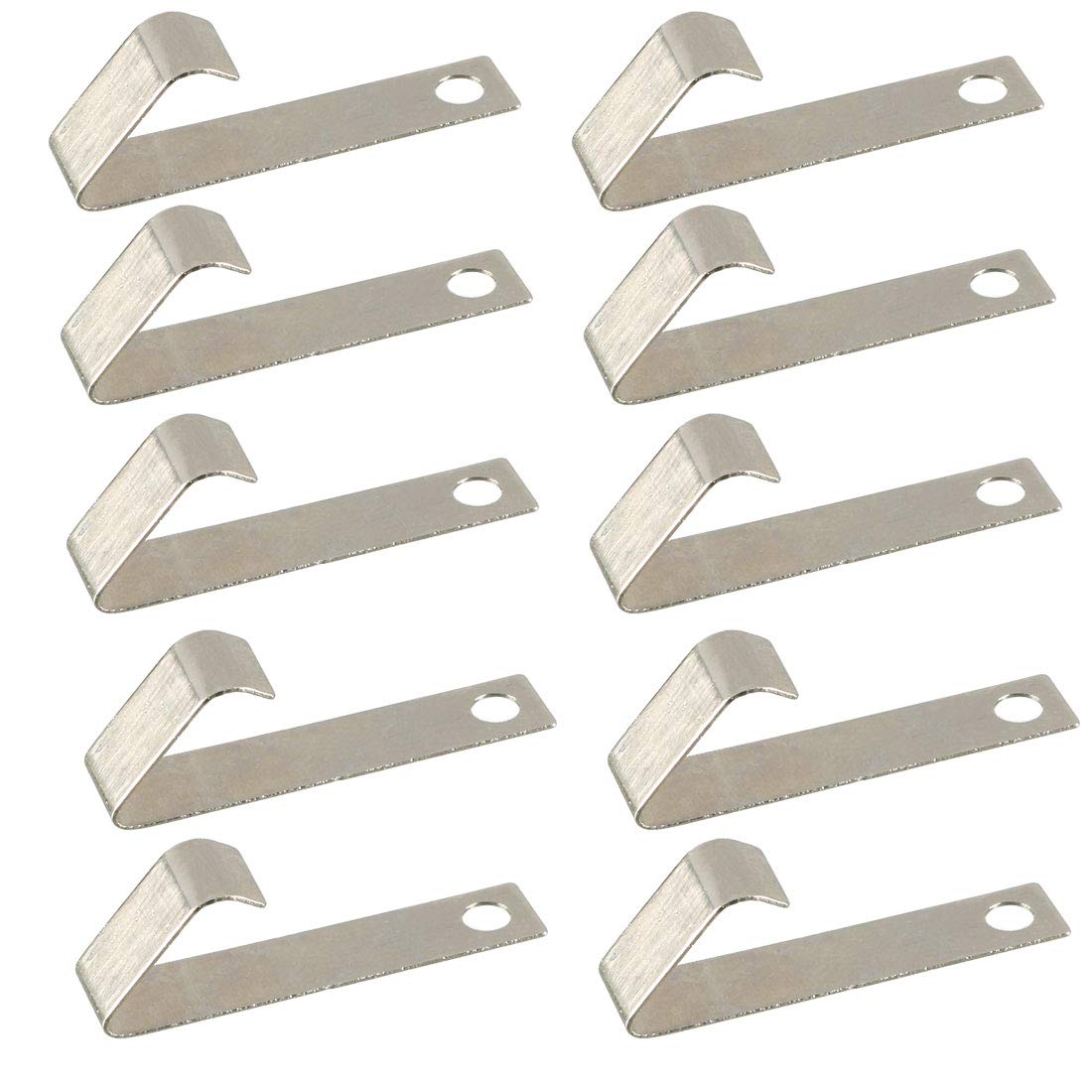
Image: Multiple uxcell battery spring contact plates, showcasing their design and metallic finish.
2. Setup and Installation
The uxcell Battery Spring Contact Plate is intended for replacement in existing battery compartments. Proper installation is crucial for device functionality.
- Preparation: Ensure the device is powered off and any existing batteries are removed. Identify the faulty or corroded battery contact plate that needs replacement.
- Removal: Carefully remove the old contact plate. This may involve desoldering or prying, depending on the device's design. Use appropriate tools such as a small screwdriver or soldering iron if necessary.
- Cleaning: Clean the area where the new contact plate will be installed. Remove any residue, corrosion, or debris to ensure a clean electrical connection.
- Placement: Position the new uxcell Battery Spring Contact Plate in the designated area. Ensure it aligns correctly with the battery terminal and any mounting points.
- Secure Connection: Secure the contact plate. This may involve soldering it into place or ensuring it is firmly seated if it's a pressure-fit component. Verify that the spring mechanism is free to move and make proper contact with the battery.
- Polarity Check: Always ensure that the contact plate is installed with the correct polarity (positive or negative) as indicated by the device's battery compartment markings. Incorrect polarity can damage the device.

Image: Diagram showing a battery spring contact plate installed in a device, connecting to a battery.
3. Operating Instructions
Once correctly installed, the uxcell Battery Spring Contact Plate functions passively to establish an electrical connection between the battery and the device's circuitry. There are no direct user operations for the contact plate itself beyond its initial installation.
- Insert the appropriate battery (AA, A, CR2, or 9V) into the device's battery compartment, ensuring correct polarity.
- The spring contact plate will compress and make contact with the battery terminal, completing the electrical circuit.
- Close the battery compartment cover securely.
4. Maintenance
Regular maintenance helps ensure optimal performance and longevity of the battery contact plates.
- Cleaning: Periodically inspect the contact plates for dirt, dust, or corrosion. If cleaning is required, use a dry, soft cloth or a cotton swab lightly dampened with isopropyl alcohol. Ensure the device is powered off and batteries are removed before cleaning. Allow the contacts to dry completely before reinserting batteries.
- Inspection: Check for any signs of physical damage, bending, or excessive wear on the spring mechanism. Ensure the plate is securely attached and not loose.
- Storage: If the contact plates are not immediately used, store them in a dry, cool environment away from direct sunlight and corrosive materials.

Image: Close-up of a single uxcell battery spring contact plate, showing the nickel-plated spring.
5. Troubleshooting
If the device does not power on after installing the uxcell Battery Spring Contact Plate, consider the following:
- No Power:
- Check Installation: Verify that the contact plate is securely installed and making firm contact with both the battery and the device's internal wiring.
- Polarity: Ensure the battery is inserted with the correct positive (+) and negative (-) orientation.
- Battery Condition: Test the battery to ensure it is charged and functional. Try a new battery if unsure.
- Cleanliness: Re-inspect the contact points for any dirt, corrosion, or debris that might be obstructing the electrical flow.
- Device Issue: If all checks on the contact plate and battery are satisfactory, the issue might lie with the device itself.
6. Specifications
| Feature | Detail |
|---|---|
| Product Name | Battery Spring Contact Plate |
| Fit For Battery Types | AA, A, CR2, 9V Batteries |
| Overall Size (L*W*H) | 24.4 x 5 x 8mm / 0.96" x 0.2" x 0.31" |
| Material | Metal |
| Package Content | 10 Pcs of Battery Spring Contact Plate (Battery not included) |
| Item Model Number | a17032200ux0178 |
| Manufacturer | uxcell |
| Item Weight | 0.176 ounces |
| Package Dimensions | 3.75 x 2 x 0.5 inches |
7. Warranty and Support
Warranty information for the uxcell Battery Spring Contact Plate is not provided within this document. For specific warranty details or technical support, please contact uxcell directly through their official channels or the retailer from whom the product was purchased.