
1. Introduction
The Zebronics Zeb-CLOSIC Mirror is a portable Bluetooth speaker designed for versatile audio playback and additional utility functions. It features a mirror-finish LED display and supports multiple connectivity options including Bluetooth, USB, Micro SD card, and AUX input. Beyond audio, it integrates an FM radio, a temperature sensor, and a clock with alarm functionality, along with a call function for hands-free communication.
2. Package Contents
- 1 x Zebronics Zeb-CLOSIC Mirror Speaker
3. Product Overview
3.1 Controls and Ports
Familiarize yourself with the various controls and connectivity options on your Zeb-CLOSIC Mirror speaker.

Figure 1: Multi Connectivity Options
This image illustrates the various connectivity ports located on the rear of the speaker, including the USB port for media playback, DC input for charging, a temperature sensor, an AUX input for wired audio, and a Micro SD card slot.

Figure 2: Volume / Media Controls
The top panel features control buttons for managing volume, media playback (play/pause, next/previous track), changing modes (Bluetooth, FM, AUX, USB/SD), and the power button.

Figure 3: Informative LED Display
The front of the speaker features an informative LED display with a mirror finish, showing current mode (e.g., 'BLUE' for Bluetooth), time, and temperature.
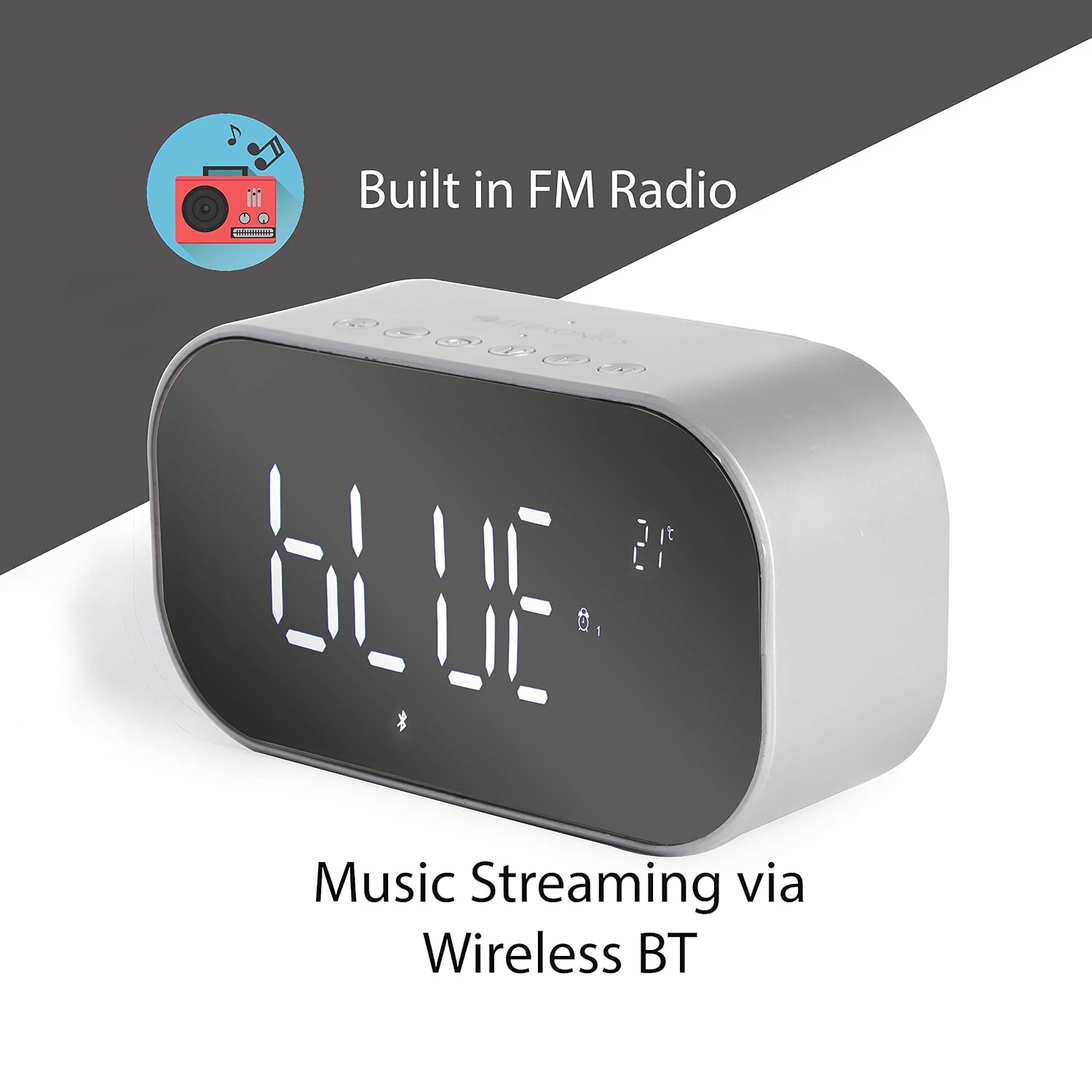
Figure 4: Built-in FM Radio & Bluetooth Streaming
This view highlights the speaker's capability for both built-in FM radio and wireless music streaming via Bluetooth, with the LED display showing relevant information.

Figure 5: Temperature Display & Dimensions
The speaker includes a temperature display function, showing the ambient temperature. The image also provides product dimensions: 142 mm (W), 50 mm (D), and 78 mm (H).
4. Setup
4.1 Charging the Speaker
- Connect the micro USB end of the charging cable to the DC Input port on the speaker (refer to Figure 1).
- Connect the USB-A end of the charging cable to a 5V USB power adapter (not included) or a computer's USB port.
- The LED display will indicate charging status. A full charge takes approximately 4 hours, providing up to 4 hours of playback time.
4.2 Powering On/Off
- To power on, press and hold the Power Button (refer to Figure 2) for a few seconds until the LED display illuminates.
- To power off, press and hold the Power Button again until the display turns off.
5. Operating Instructions
5.1 Bluetooth Mode
- Power on the speaker. It will automatically enter Bluetooth pairing mode, indicated by 'BLUE' flashing on the LED display.
- Enable Bluetooth on your smartphone or tablet and search for available devices.
- Select "Zeb-CLOSIC Mirror" from the list of devices.
- Once paired, the speaker will confirm the connection, and 'BLUE' will stop flashing.
- You can now play audio from your connected device. Use the Volume Controls and Media Control Keys on the speaker or your device to manage playback.
5.2 USB / Micro SD Card Playback
- Insert a USB drive into the USB Port or a Micro SD card into the SD Card slot (refer to Figure 1).
- The speaker will automatically detect the storage device and begin playing audio files.
- Use the Media Control Keys (Play/Pause, Next/Previous) to navigate tracks.
5.3 AUX Mode
- Connect one end of a 3.5mm AUX cable (not included) to the AUX Input port on the speaker (refer to Figure 1).
- Connect the other end to the audio output of your external device (e.g., MP3 player, laptop).
- Press the Mode Change Key (M) (refer to Figure 2) until 'AUX' is displayed on the screen.
- Audio will now play through the speaker from your connected device. Control playback from your external device.
5.4 FM Radio
- Press the Mode Change Key (M) (refer to Figure 2) until 'FM' is displayed on the screen.
- To auto-scan and save available FM stations, press and hold the Play/Pause button. The speaker will scan and store stations automatically.
- Use the Next/Previous track buttons to switch between saved FM stations.
5.5 Clock and Alarm Function
The speaker features a digital clock and alarm. Refer to the specific button combinations for setting time and alarms, typically involving long presses on the Mode or Play/Pause buttons in clock mode.
5.6 Temperature Display
The speaker includes a built-in temperature sensor that displays the ambient temperature on the LED screen (refer to Figure 5).
5.7 Call Function
When connected via Bluetooth to a smartphone, the speaker can be used for hands-free calls.
- Answer Call: Press the Play/Pause button once to answer an incoming call.
- End Call: Press the Play/Pause button once during a call to end it.
- Reject Call: Press and hold the Play/Pause button to reject an incoming call.
6. Maintenance
- Clean the speaker with a soft, dry cloth. Do not use abrasive cleaners or solvents.
- Avoid exposing the speaker to extreme temperatures, direct sunlight, or moisture.
- Store the speaker in a cool, dry place when not in use for extended periods.
7. Troubleshooting
- No Power: Ensure the speaker is charged. Connect it to a power source using the charging cable.
- No Sound: Check the volume levels on both the speaker and the connected device. Ensure the correct mode (Bluetooth, AUX, USB/SD, FM) is selected.
- Bluetooth Pairing Issues: Ensure the speaker is in Bluetooth mode and discoverable. Turn off and on Bluetooth on your device and try pairing again. Move the speaker closer to your device.
- Clock Display Disappears: Some users report the clock display turning off after a short period. This may be a power-saving feature. Refer to the full product manual or contact support for specific settings related to display persistence.
- FM Radio Reception Poor: Ensure the speaker is in an open area away from interference.
8. Specifications
| Feature | Specification |
|---|---|
| Model Name | Zeb-CLOSIC Mirror |
| Output Power (RMS) | 3W x 2 (6 Watts total) |
| Frequency Response | 90Hz-20kHz |
| Connectivity Technology | Bluetooth, USB, Micro SD, AUX |
| Wireless Communication | Bluetooth |
| Power Source | Battery Powered |
| Battery Capacity | 1800mAh |
| Playback Time | Up to 4 hours |
| Control Method | Touch buttons |
| Special Features | Portable, LED Display, FM Radio, Temperature Sensor, Clock/Alarm, Call Function |
| Product Dimensions (LxWxH) | 6.2 x 17.7 x 14.5 cm |
| Item Weight | 520 g |
| Color | Silver |
| Manufacturer | CHINA OWL CO LTD |
| Imported By | ZEBRONICS INDIA PVT LTD |
9. Warranty and Support
The Zebronics Zeb-CLOSIC Mirror speaker comes with a 1-year warranty from the date of purchase. For any warranty claims, technical support, or service inquiries, please contact Zebronics customer service.
Manufacturer: CHINA OWL CO LTD
Importer: ZEBRONICS INDIA PVT LTD, NO : 118, POONAMMALE HIGH ROAD , VEPERY
Please retain your purchase receipt for warranty validation.