
1. Introduction
This manual provides essential instructions for the safe and efficient use of your Herdio 4 Inch 200 Watt Outdoor Indoor Bluetooth Speakers, Model HOS-401WBT. Please read this manual thoroughly before installation and operation to ensure optimal performance and longevity of your speakers.
2. Package Contents
Verify that all items listed below are included in your package:
- 2 x Herdio 4 Inch Speakers (1 Active, 1 Passive)
- 1 x 12V Power Adapter and Supply
- 1 x 16FT/5M Speaker Cable
- 1 x User Manual
- Mounting Brackets and Screws

3. Specifications
| Feature | Detail |
|---|---|
| Model Name | HOS-401WBT |
| Speaker Type | Outdoor / Indoor |
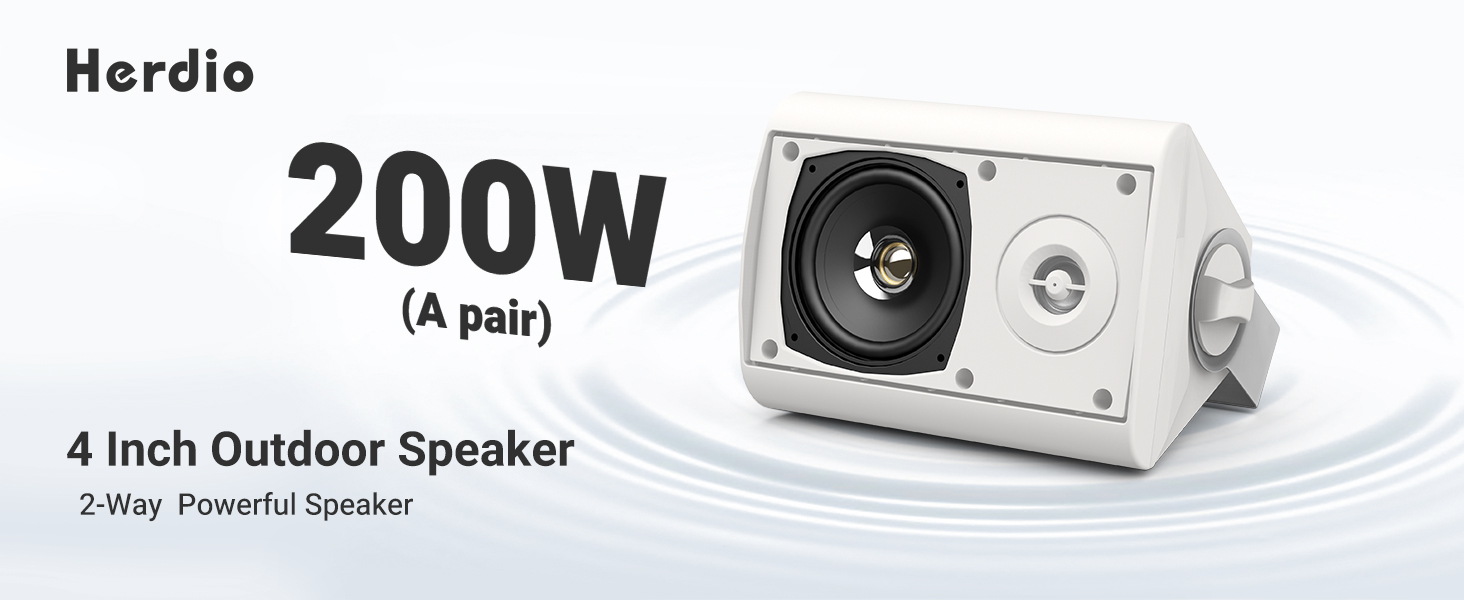
| Power Output | 200 Watts (100W per speaker) |
| Woofer Diameter | 4 Inches |
| Tweeter Diameter | 1 Inch |
| Connectivity | Bluetooth, Wired (Passive speaker connection) |
| Bluetooth Range | Up to 20.12 meters (66 feet) |
| Water Resistance Level | IP66 (Water Resistant) |
| Material | Acrylonitrile Butadiene Styrene (ABS) |
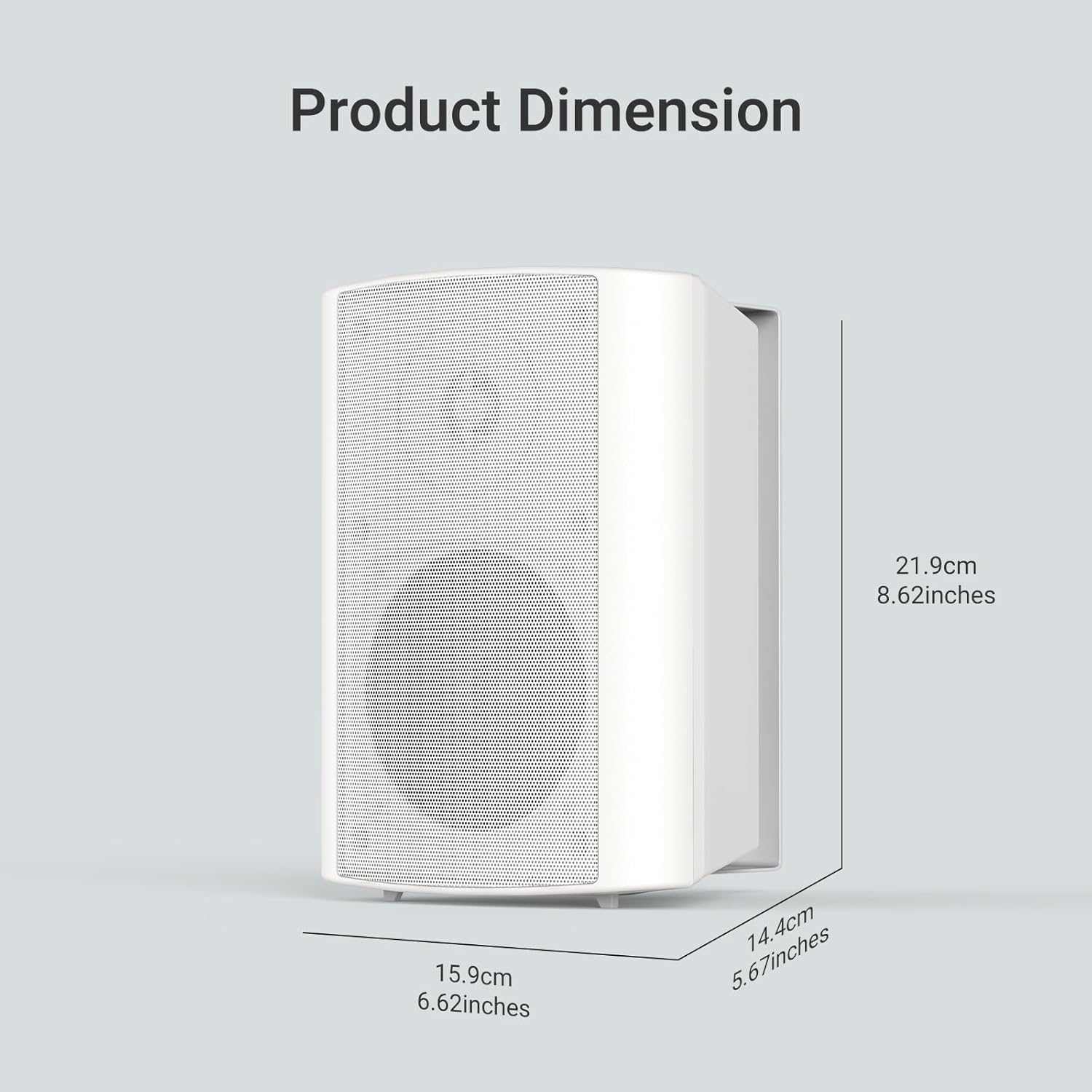
| Product Dimensions (L x W x H) | 8.62" x 5.67" x 6.62" (219mm x 144mm x 159mm) |
| Input Voltage | 12 Volts |
| Audio Output Mode | Stereo |
4. Setup
4.1 Mounting the Speakers
The Herdio speakers come with versatile swivel brackets for flexible placement. These brackets allow for a 90-120 degree range of motion, enabling you to direct sound as desired.
- Remove Brackets: Unscrew the knobs on the sides of the speakers to detach the mounting brackets.
- Mark Placement: Choose your desired location (e.g., patio, garage, living room wall). Use the detached bracket to mark the drill points for the screws.
- Install Brackets: Securely attach the brackets to the wall or ceiling using appropriate screws (provided).
- Attach Speakers: Slide the speakers onto the installed brackets. Adjust the speaker angle and tighten the knobs to secure them in place.

4.2 Wiring the Speakers
The Herdio speaker system consists of one active speaker and one passive speaker. The active speaker contains the amplifier and Bluetooth module, while the passive speaker connects to the active one via the provided speaker cable.
- Connect Passive to Active: Locate the red (+) and black (-) terminals on the back of both speakers. Connect the red wire of the speaker cable to the red terminal on both speakers, and the black wire to the black terminal on both speakers. Ensure a secure connection by turning the terminal clockwise to tighten.
- Power Connection: Plug the 12V power adapter into the DC 12V input port on the active speaker. Then, plug the power adapter into a suitable electrical outlet.

5. Operation
5.1 Bluetooth Pairing
Once powered on, the active speaker will automatically enter Bluetooth pairing mode. The Bluetooth indicator light will flash, indicating it's ready to connect.
- Activate Bluetooth: On your smartphone or tablet, enable Bluetooth.
- Search for Device: Look for "HOS-401WBT" in the list of available Bluetooth devices.
- Connect: Select "HOS-401WBT" to pair. A confirmation tone will sound from the speakers once successfully connected.

5.2 Audio Playback
After successful pairing, you can play audio from your connected device. The speakers will output stereo sound.
- Volume Control: Adjust the volume directly from your connected device.
- Sound Quality: The speakers are designed to deliver full-range sound with deep bass and clear highs.
6. Maintenance
- Cleaning: Use a soft, dry cloth to clean the speaker surfaces. Avoid abrasive cleaners or solvents.
- Weather Protection: Although IP66 rated, it is recommended to protect the power adapter from direct exposure to rain or extreme weather conditions.
- Storage: If storing the speakers for an extended period, disconnect them from power and store them in a cool, dry place.
7. Troubleshooting
| Problem | Possible Cause | Solution |
|---|---|---|
| No power | Power adapter not connected or faulty outlet. | Ensure the power adapter is securely plugged into the active speaker and a working electrical outlet. |
| No sound | Speakers not paired, volume too low, or incorrect wiring. | Verify Bluetooth connection, increase device volume, and check speaker cable connections between active and passive speakers. |
| Bluetooth disconnection | Device out of range or interference. | Ensure the paired device is within 20 meters (66 feet) of the active speaker. Minimize obstacles and interference. |
| Distorted sound | Volume too high or poor audio source. | Reduce the volume on your device. Try a different audio source or file. |
8. Warranty and Support
All Herdio speaker products come with a 1-year Limited Warranty against defects in materials and workmanship. Proof of purchase is required for all claims.
During the warranty period, Herdio will replace any defective part and correct any defect in workmanship without charge for either parts or labor.
The Technical Support Center at HERDIO is available from Monday to Friday, excluding holidays.
For questions or support, please contact us at: support@herdiotech.com


