
PEDAL COMMANDER PC18
PEDAL COMMANDER Throttle Response Controller User Manual
Model: PC18BT-F350 | Compatible with Ford F350 Super Duty Trucks (2011-2025)

The PEDAL COMMANDER Throttle Response Controller, shown with a compatible Ford F350 Super Duty truck.
1. Introduction
The PEDAL COMMANDER Throttle Response Controller is designed to enhance your vehicle's throttle response by modifying the electronic signal from your accelerator pedal to the engine control unit (ECU). This device offers customizable settings to suit various driving preferences and conditions, eliminating throttle lag for a more immediate and responsive driving experience.
Official video explaining the functionality and benefits of the Pedal Commander.
2. Safety Information
The Pedal Commander throttle response controller is intended to boost your vehicle’s performance, including its acceleration capabilities. Pedal Commander shall not be liable for any decisions made by the driver while operating any on or off-road vehicle. Please read the full description and the instructions manual before installing and operating the device. Always drive responsibly and adhere to all traffic laws.
3. What's in the Box
Your PEDAL COMMANDER package includes the following items:
- Pedal Commander Unit
- User Manual
- Zip ties
- Mounting Adhesive
- Wet Wipe
- Harness with OEM plug
- Bracket
4. Setup and Installation
The Pedal Commander features a simple plug-and-play installation process that typically takes less than 15 minutes and requires no special tools or wire cutting.
- Turn off the ignition: Ensure your vehicle's ignition is completely off.
- Key fob away: Keep the key fob 30-35 feet away from the vehicle.
- ECU shutdown: Leave the driver's door open for 15 minutes to allow the ECU to shut down completely.
- Locate gas pedal plug: Identify the gas pedal plug located above your accelerator pedal.
- Install Pedal Commander: Connect the Pedal Commander unit until you hear a click, ensuring a secure connection.
- Secure the unit: Use the included zip ties and mounting adhesive to tuck away the harness and mount the PC unit to your desired location on your dash.

Visual guide for the plug-and-play installation process.
Official installation video for the Pedal Commander on a Ford F350 Super Duty truck.
5. Operating Instructions
The Pedal Commander offers 4 main driving modes and 36 sensitivity levels to fine-tune your throttle response. You can adjust these settings directly on the device or via the smartphone app.
5.1. Device Controls
- Mode Selection: Press the star button (yellow) to cycle through the four main modes: Eco, City, Sport, and Sport+. The corresponding LED will illuminate.
- Sensitivity Adjustment: Use the '+' and '-' buttons to adjust the sensitivity level within the selected mode. Each mode has 9 levels, ranging from -4 (least sensitive) to +4 (most sensitive).
5.2. Smartphone App Control
The free Pedal Commander app allows for convenient wireless control of your device. Connect via Bluetooth to switch modes, adjust sensitivity, and access additional features like Anti-Theft mode.
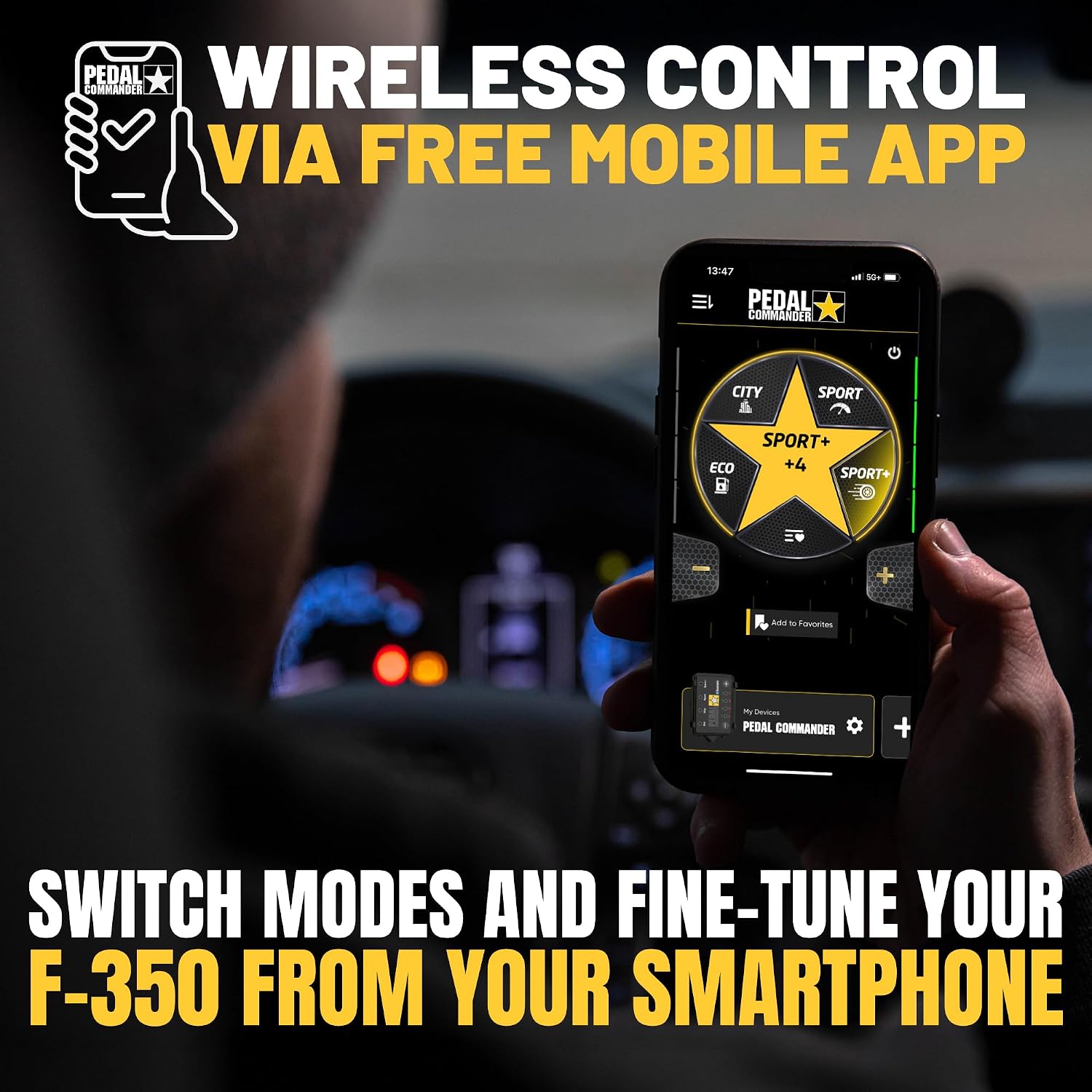
The Pedal Commander smartphone app provides wireless control over settings.
Official video demonstrating the various driving modes of the Pedal Commander.
5.3. Anti-Theft Mode
The Pedal Commander offers a subscription-based Anti-Theft mode accessible via the mobile app. This feature locks the accelerator pedal, preventing unauthorized use of your vehicle. Activate and manage this feature through the app for added security.
Official video demonstrating the Anti-Theft mode feature of the Pedal Commander.
6. Modes Explained
The Pedal Commander offers four distinct modes, each with 9 adjustable sensitivity levels (-4 to +4), providing a total of 36 customizable settings:
- Eco Mode: Designed for improved fuel efficiency and smoother throttle response, ideal for slippery surfaces or when maximum fuel economy is desired.
- City Mode: Provides better gas pedal feedback with reduced delay, suitable for enhanced daily driving in urban environments.
- Sport Mode: Offers faster throttle response for improved performance on the road or at the jobsite.
- Sport+ Mode: Delivers the sharpest throttle response for maximum power and acceleration, recommended for situations requiring full power.

An overview of the four main driving modes and their impact on throttle response.
7. Maintenance
The Pedal Commander is a low-maintenance device. To ensure optimal performance and longevity:
- Keep all connections clean and dry.
- Avoid exposing the unit to extreme temperatures or direct moisture.
- Periodically check the wiring for any signs of wear or damage.
8. Troubleshooting
If you encounter any issues with your Pedal Commander, consider the following:
- Device not powering on: Ensure all connections are secure and properly seated. Check your vehicle's power source.
- App not connecting: Verify Bluetooth is enabled on your smartphone and the Pedal Commander unit. Try restarting the app and/or the vehicle.
- Unexpected throttle behavior: Reset the Pedal Commander to stock mode (all lights off) to confirm the issue is with the device settings. Re-install the unit if necessary.
- Persistent issues: Contact customer support for further assistance.
9. Specifications
- Brand: PEDAL COMMANDER
- Model: PC18BT-F350
- Compatibility: Ford F350 Super Duty Trucks (2011-2025)
- Dimensions: 2.5 x 1.75 x 0.5 inches
- Item Weight: 9.6 ounces
- Special Features: Bluetooth, Plug and Play
10. Warranty and Support
The PEDAL COMMANDER Throttle Response Controller comes with a 2-year product coverage. For any questions, technical assistance, or warranty claims, please contact our dedicated US-based customer support team.
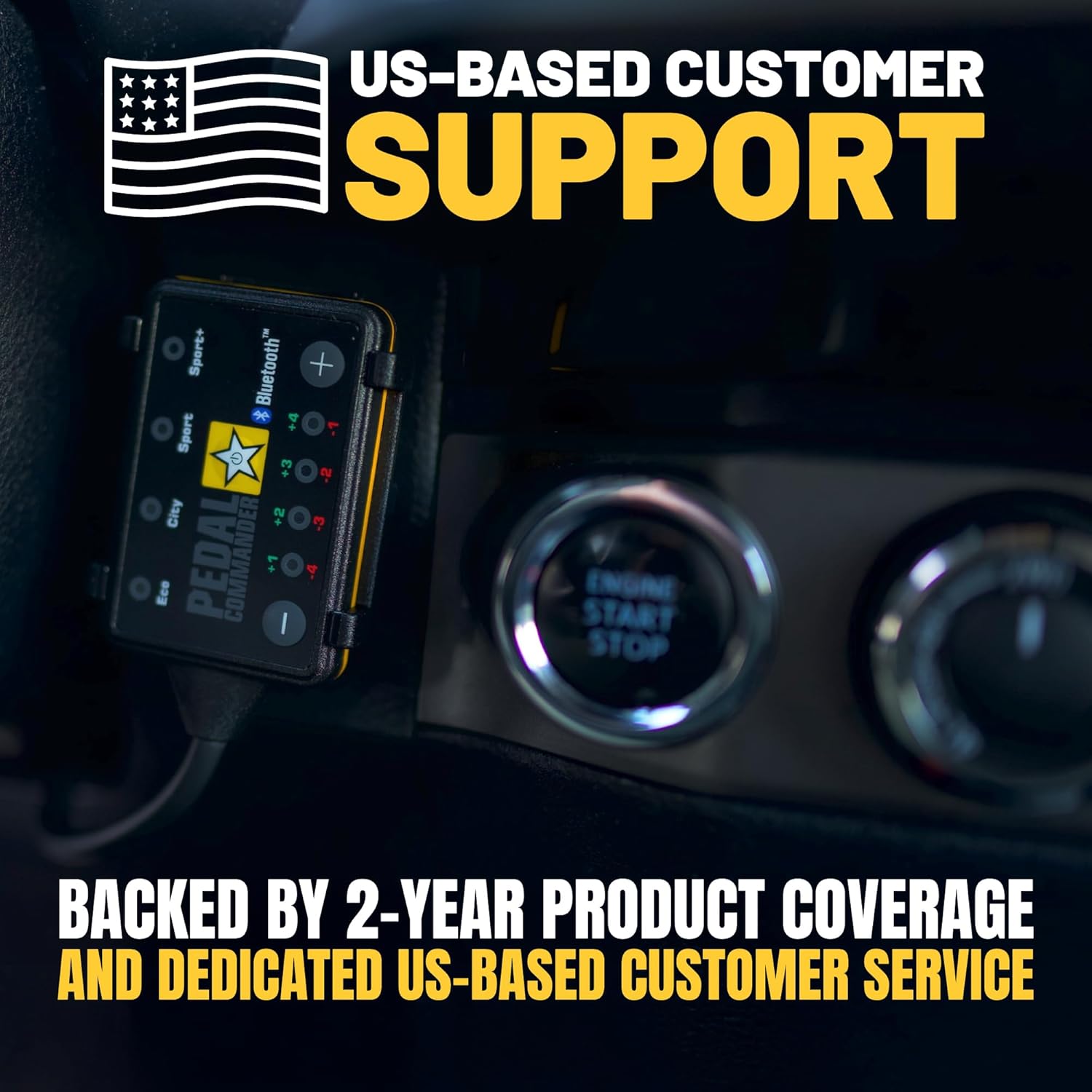
PEDAL COMMANDER offers US-based customer support for assistance.
Related documentsPC18


Ask a question about this manual
Ask about setup, troubleshooting, compatibility, parts, safety, or missing instructions. Manuals+ will review the question and use this page’s manual context to help answer it.