
Runleader RL-HM011E
Runleader Digital Hour Meter Tachometer User Manual
Model: RL-HM011E | Brand: Runleader
1. Introduction
The Runleader Digital Hour Meter Tachometer is a multi-functional device designed to monitor the performance and usage of various gas-powered equipment. It combines an hour meter, tachometer, and maintenance reminder into a compact, durable unit. This manual provides detailed instructions for installation, operation, and maintenance to ensure optimal performance and longevity of your device.
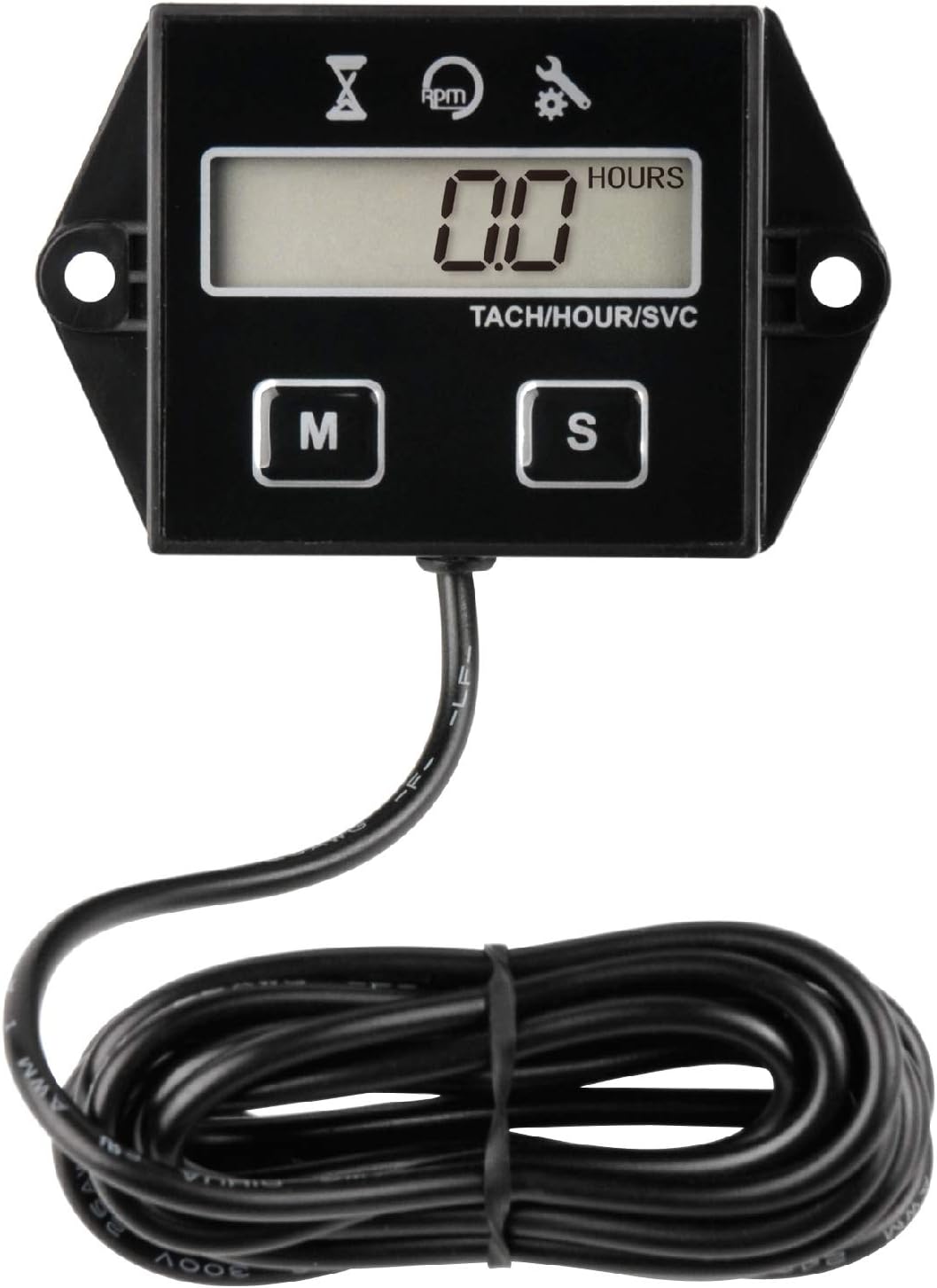
Image: The Runleader Digital Hour Meter Tachometer, a compact black unit with an LCD display and two control buttons, connected to a long black wire.
2. Key Features
- Hour Meter: Displays total engine run time with 0.1 hours accuracy. The total hours remain visible when the engine is off and can be reset.
- Maintenance Reminder: Features a programmable service interval timer (SERVICE). A warning icon flashes when maintenance is due.
- Tachometer: Accurately records real-time RPMs when the engine is running. Can be programmed for different engine firing patterns to ensure accurate readings.
- User Shutdown: The device can be turned off via an operation button.
- Durability: IP65 waterproof rating, suitable for various outdoor environments.
- Power Source: Internal CR2450 battery (included).
- Certifications: CE and ROHS certified.
Image: Visual representation of the meter's features, including a 5-digit display, total hours (TOT), RPM, service reminder (SVC), user shutdown, and IP65 waterproof rating.
3. Setup and Installation
Proper installation is crucial for accurate readings and device longevity. Follow these steps carefully:
3.1 Engine Signal Connection
The device obtains RPM and hour data by sensing the electrical pulses from the spark plug wire. Wrap the signal wire from the tachometer around the engine's spark plug wire approximately 5 times. Ensure a secure connection to prevent signal loss.
3.2 Product Mounting
The Runleader Digital Hour Meter Tachometer offers two primary mounting options:
- Stick-on Mounting: Use the provided double-sided tape to adhere the device to a clean, flat surface on your equipment. Ensure the surface is free of dirt, grease, and moisture for optimal adhesion.
- Screw-on Mounting: The device features mounting holes for screw-on installation. Screws are not included and must be prepared by the user. This method provides a more permanent and secure attachment.

Image: A visual guide showing how to connect the signal wire to an engine's spark plug and diagrams illustrating both stick-on and screw-on mounting options for the device.
4. Operating Instructions
The device features two buttons, 'M' (Mode) and 'S' (Set), for navigation and configuration.
4.1 Display Modes
- Total Hours (TOT): When the engine is off, the display shows the total accumulated run time of the engine. This value remains visible and can be reset.
- Real-time RPM: When the engine is running, the display shows the current engine revolutions per minute (RPM). This helps in adjusting engine idle and monitoring performance.
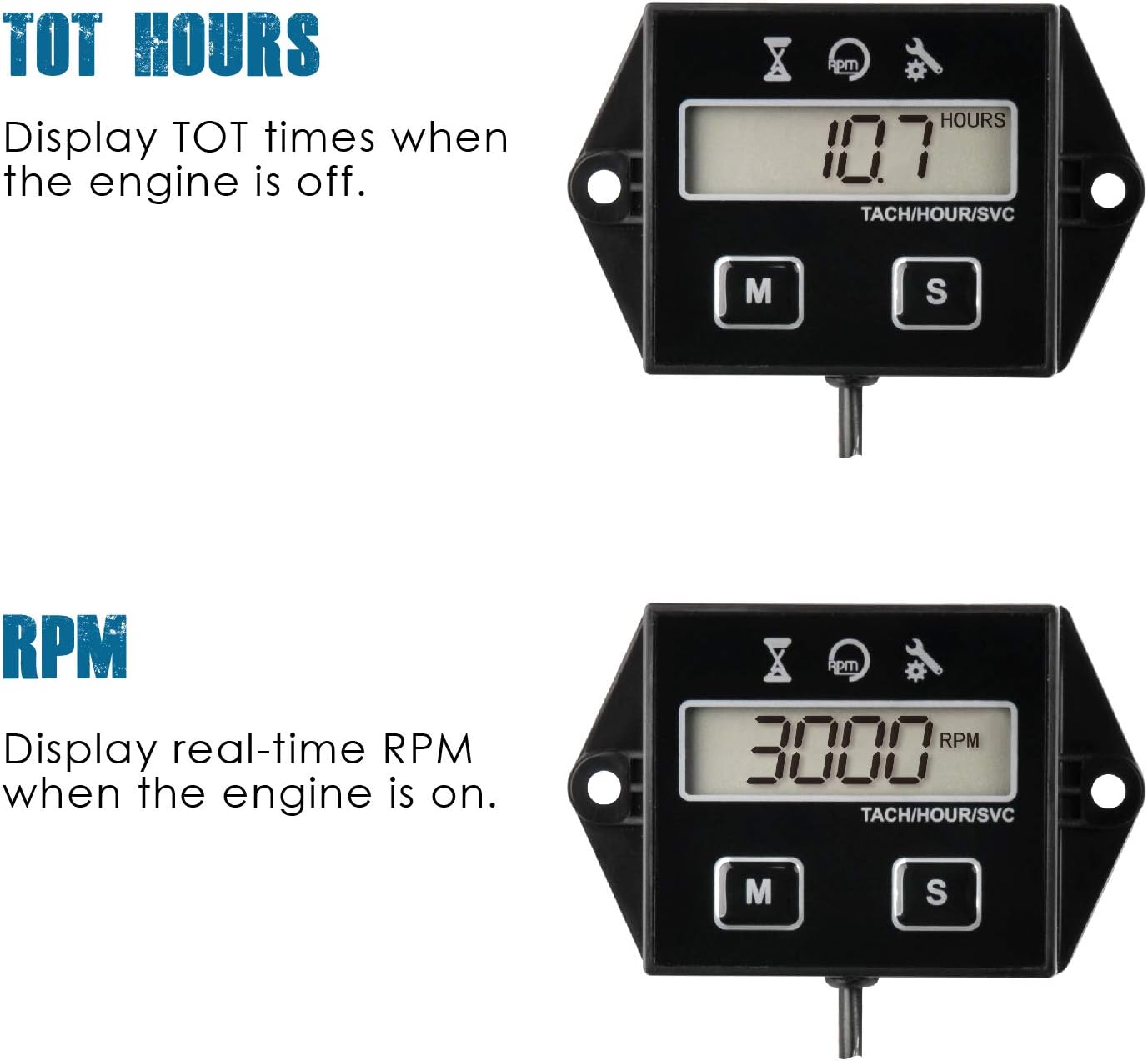
Image: The meter's display showing "10.7 HOURS" indicating total accumulated engine run time.

Image: The meter's display showing "3000 RPM" indicating the engine's current revolutions per minute.
4.2 Resetting Total Hours
The total accumulated hours can be reset. Refer to the detailed instructions in the included user manual for the specific button sequence to perform a reset. This function allows you to track hours for specific tasks or maintenance cycles.
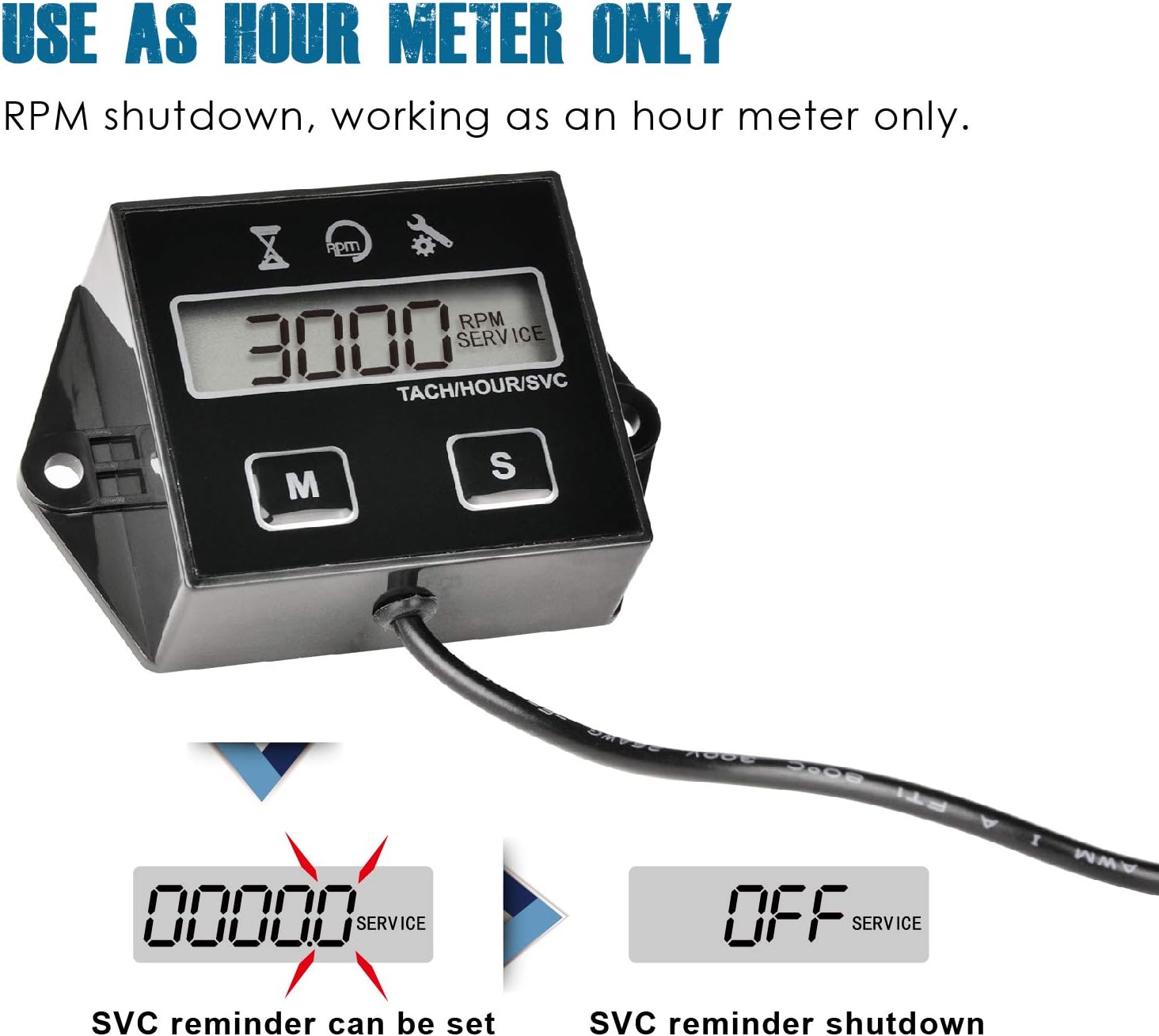
Image: A graphic illustrating the process of resetting the total hours display from a high number to "0.0 HOURS" with a "RESET" indicator.
4.3 Programmable Firing Patterns
To ensure accurate RPM readings, the device can be programmed to match different engine firing patterns. This setting is crucial for various engine types.
| Engine Firing Pattern | Engine Type |
|---|---|
| 1P1R | 4 stroke 2 cylinder, 2 stroke 1 cylinder |
| 1P2R | 4 stroke 1 cylinder |
| 2P1R | 4 stroke 4 cylinder, 2 stroke 2 cylinder |
| Hour | No RPM, only TOT (works as an hour meter only) |
Consult the detailed instructions in the included user manual for how to enter the programming mode and select the correct firing pattern for your engine.

Image: A diagram showing the signal wire wrapped around a spark plug wire, alongside a table detailing engine firing patterns and corresponding engine types for accurate RPM measurement.
5. Maintenance Reminder
The device features a programmable maintenance interval service timer (SERVICE). You can set a countdown for when the next service is due. When the set maintenance time arrives, a service warning icon will flash on the display to remind you. This feature helps ensure timely maintenance, prolonging the life of your equipment.

Image: The meter's display showing "00000.0 SERVICE" with a flashing icon, indicating a service reminder, and an option to shut down the service reminder.
6. Troubleshooting
If you encounter issues with your Runleader Digital Hour Meter Tachometer, consider the following general troubleshooting steps:
- No Display/Power: Ensure the internal CR2450 battery is properly seated and has sufficient charge. If the display is blank, the battery may need replacement.
- Inaccurate RPM Readings: Verify that the signal wire is correctly wrapped around the spark plug wire (approximately 5 turns) and securely connected. Check that the correct engine firing pattern is programmed into the device (refer to Section 4.3).
- Display Not Updating: Ensure the engine is running and generating sufficient electrical pulses for the device to detect.
- Water Damage (despite IP65): While IP65 rated, extreme conditions or prolonged submersion can still affect the device. Ensure proper installation and avoid direct high-pressure water jets.
For persistent issues, refer to the comprehensive troubleshooting section in the full user manual or contact Runleader customer support.
7. Specifications
| Attribute | Detail |
|---|---|
| Brand | Runleader |
| Model Number | RL-HM011E |
| Material | Acrylonitrile Butadiene Styrene (ABS) |
| Item Dimensions (L x W x H) | 2.89 x 0.79 x 1.85 inches (73.5 x 20 x 47 mm) |
| Screen Size | 2.89 Inches |
| Item Weight | 2.39 ounces |
| Power Source | 1 Lithium Metal battery (CR2450, included) |
| Waterproof Rating | IP65 |
| Manufacturer | Ningbo Jiangbei Run Leader Electronics Co., Ltd |
| UPC | 713721649020 |
| Country of Origin | China |

Image: A technical drawing showing the precise dimensions of the Runleader Digital Hour Meter Tachometer, along with icons illustrating its wide scope of application across various gas-powered equipment like lawn mowers, generators, chainsaws, and ATVs.
8. Warranty and Support
8.1 Warranty Information
The Runleader Digital Hour Meter Tachometer comes with a 2-year warranty from the date of purchase. This warranty covers defects in materials and workmanship under normal use. Please retain your proof of purchase for warranty claims.
8.2 Customer Support
For any questions, technical assistance, or warranty claims, please contact Runleader customer support through the retailer where you purchased the product or visit the official Runleader website for contact information. Ensure you have your product model number (RL-HM011E) and purchase details ready when contacting support.
Related documentsRL-HM011E


Ask a question about this manual
Ask about setup, troubleshooting, compatibility, parts, safety, or missing instructions. Manuals+ will review the question and use this page’s manual context to help answer it.