
1. Product Overview
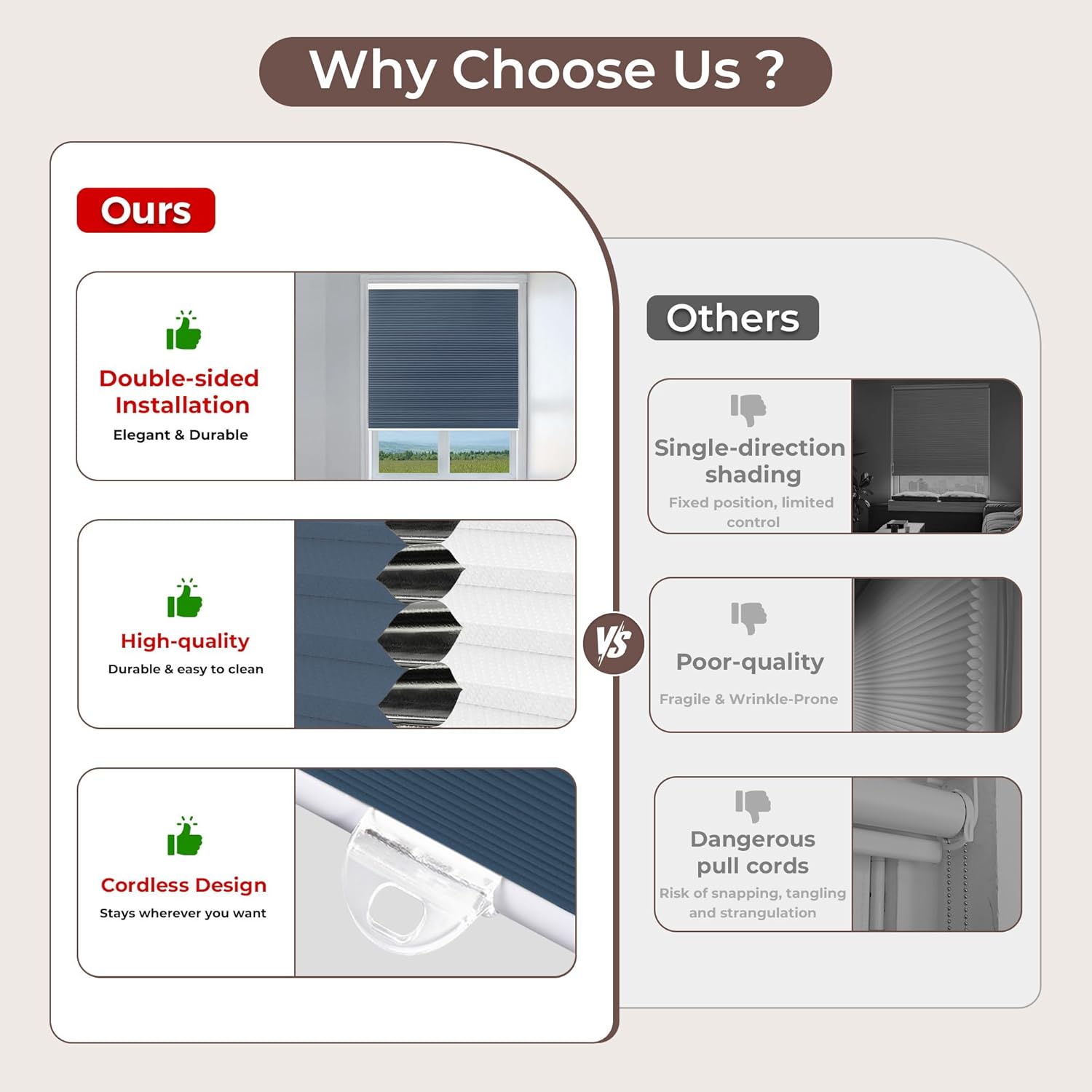
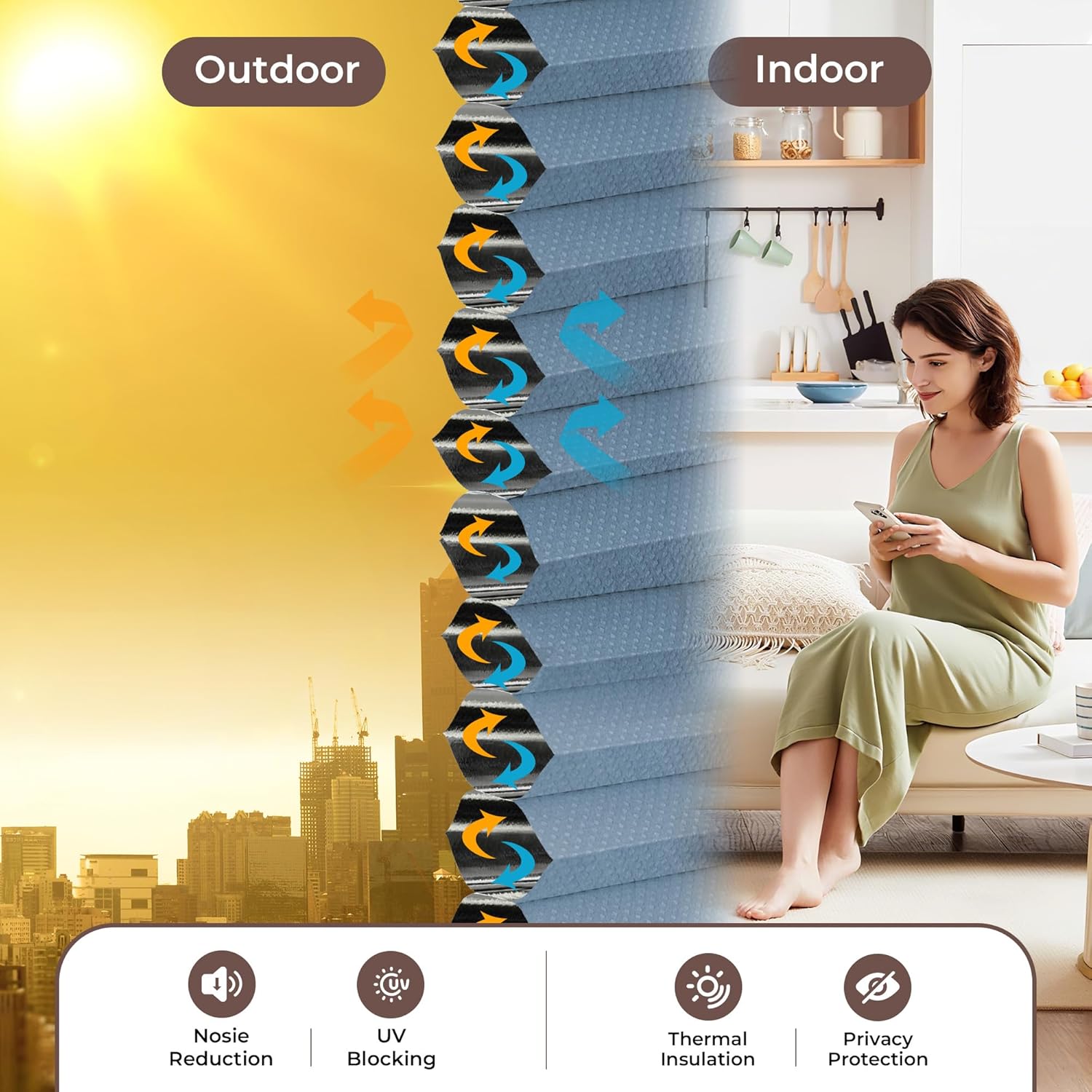
The Allesin Cordless Blackout Cellular Shades are designed to provide complete light blockage and privacy for your windows. Featuring a honeycomb structure, these shades offer thermal insulation and noise dampening properties, contributing to a more comfortable indoor environment. The cordless design ensures safe and easy operation.
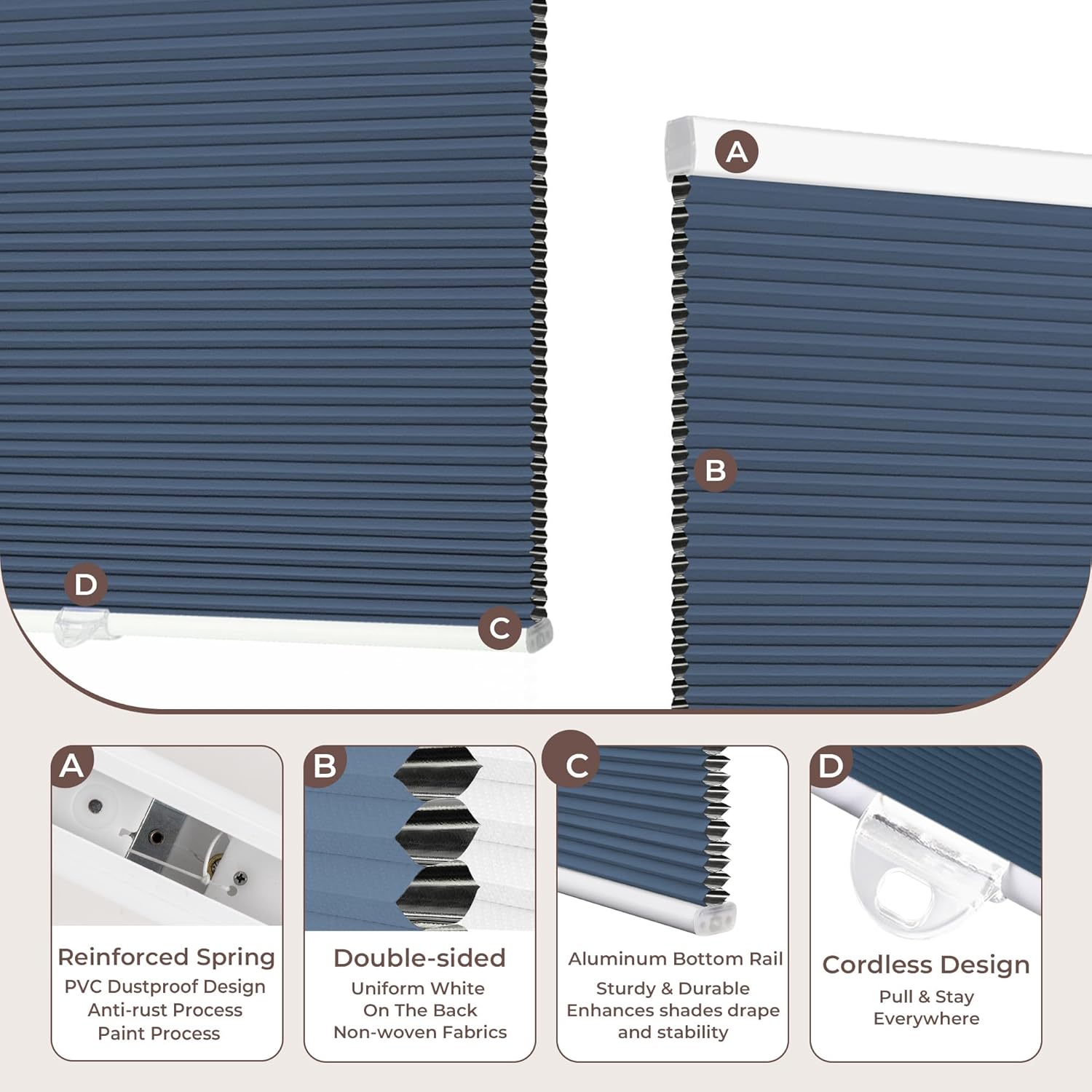
- 100% Blackout & Privacy: Built with an aluminum foil core, these shades block 100% of incoming light and UV rays, ensuring total privacy.
- Smooth One-Hand Operation: The upgraded spring mechanism allows for smooth, quiet adjustment without cords, making it child-safe and pet-friendly.
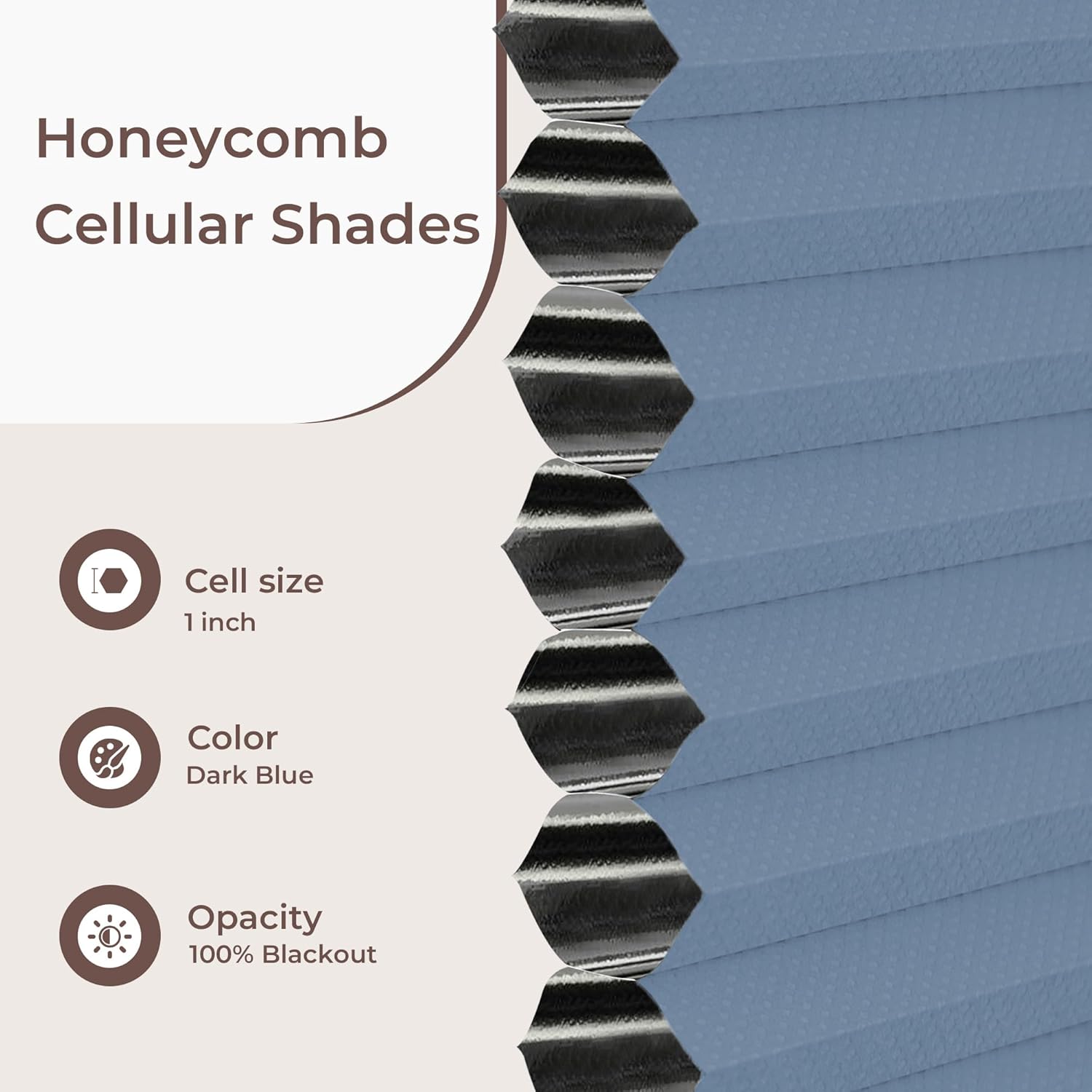
- Energy Saving Honeycomb: Triple-layer hexagonal cells create a thermal barrier, helping to regulate room temperature and reduce outside noise.
- Durable & Dust-Resistant: Crafted from premium polyester, the pleats resist sagging and fading. The anti-static fabric repels dust for easy maintenance.
2. Setup and Installation
2.1 Measuring Your Window
Accurate measurements are crucial for a proper fit. Determine whether you will use an inside mount (within the window frame) or an outside mount (outside the window frame).

Inside Mount:
- Measure the window depth. It must be greater than 2 inches.
- Measure the window width at the top (W1) and bottom (W2). The order width should be the smaller value between W1 and W2.
- Measure the window height (H). The order height must be greater than H.
Outside Mount:
- Order shade width equal to window width + 4 to 6 inches.
- Order shade height equal to window height + 4 to 6 inches.
- Measuring Tip: Outside mount will cover your entire window opening along with the window frame. Add 4 to 6 inches to your measurements for optimal coverage.
2.2 Recommended Order Width (Inside Mount)
Refer to the table below for recommended order widths based on your window width range for inside mount installations.
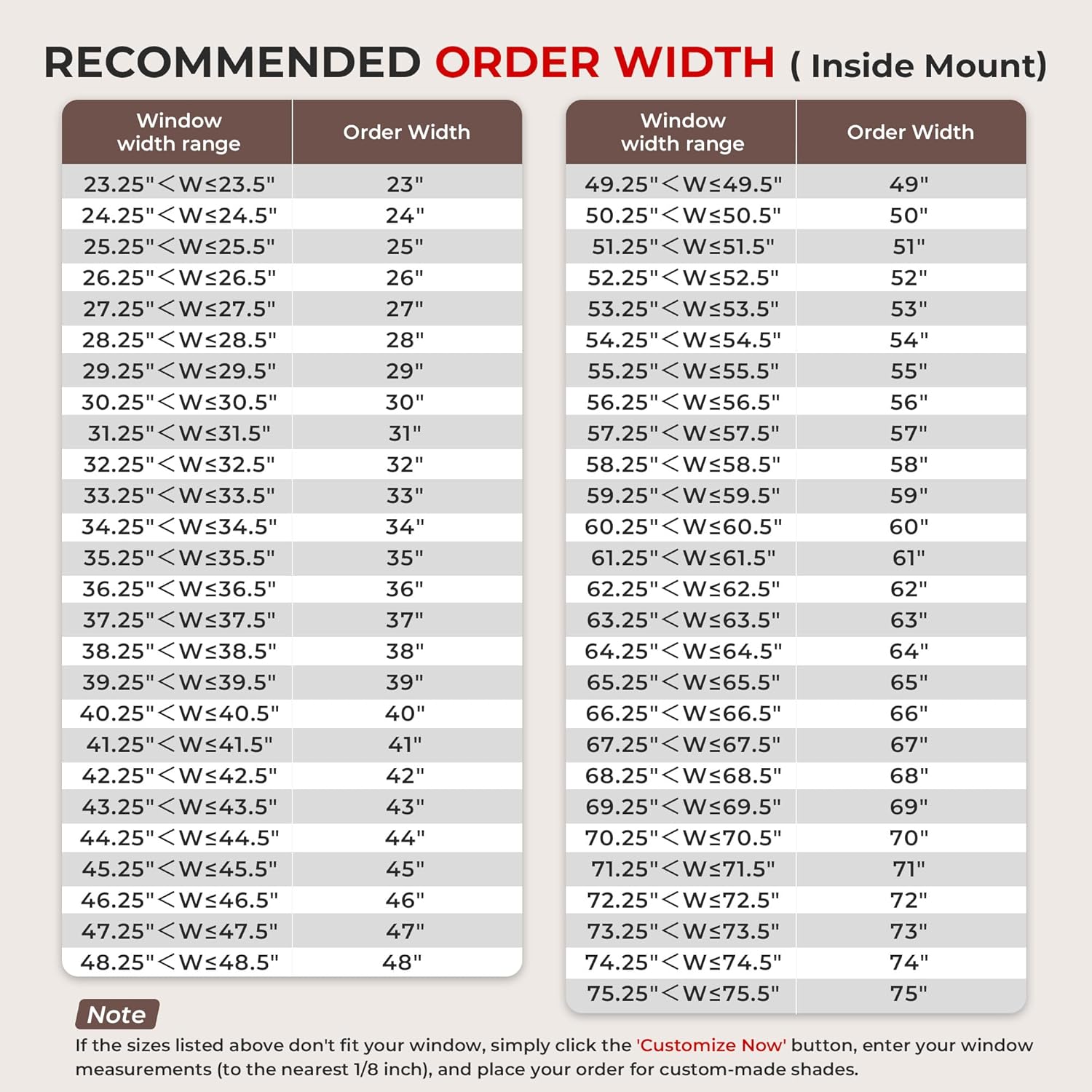
Note: If the listed sizes do not fit your window, you may need to order a custom size. Contact customer support for assistance with custom orders.
2.3 Installation Steps
The shades are designed for quick installation and can be firmly installed on various wall types.
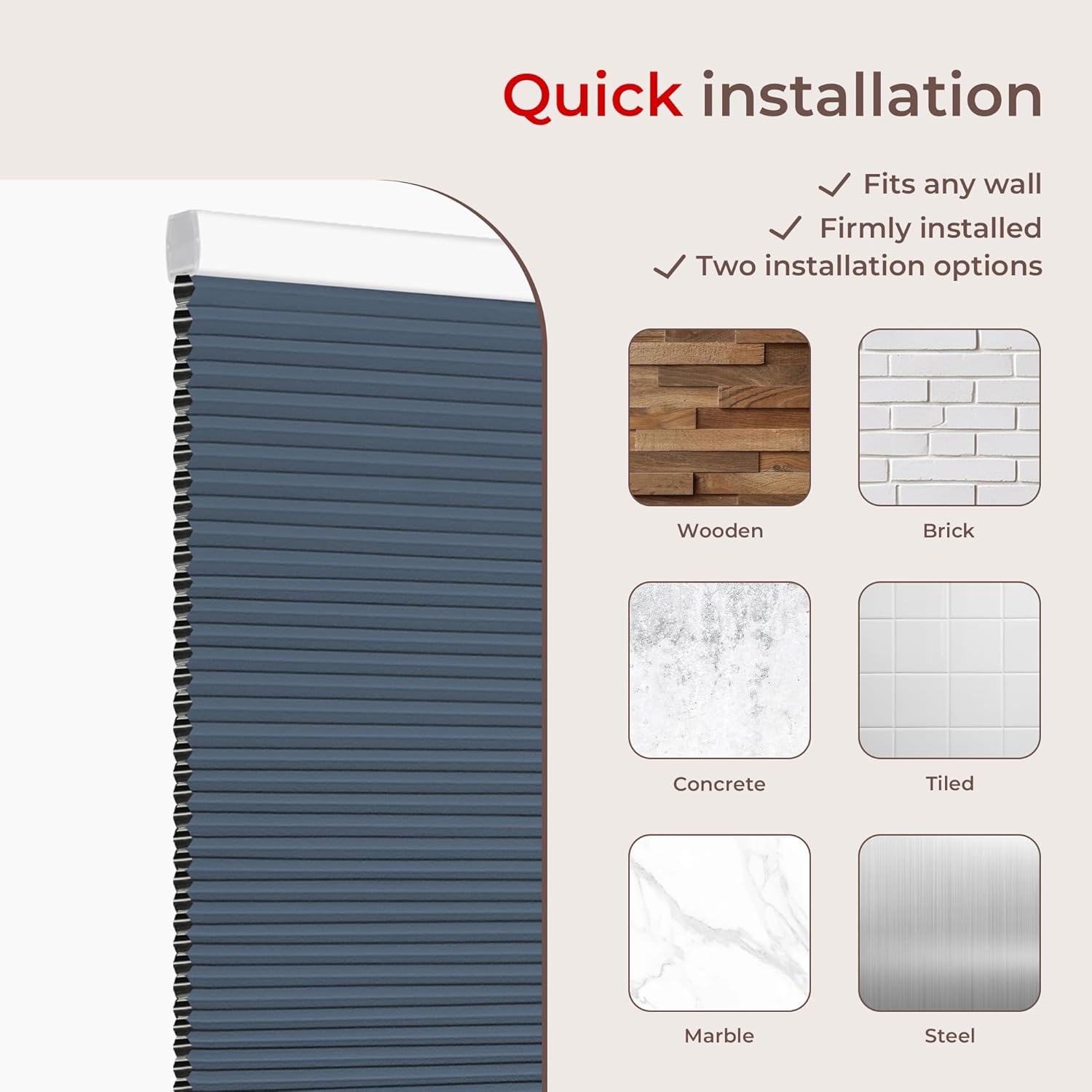
- Prepare Tools: Gather a drill, screwdriver, measuring tape, and pencil.
- Mark Bracket Locations: Hold the shade in the desired position and mark where the installation brackets will be placed. Ensure marks are level.
- Install Brackets: Drill pilot holes if necessary, then secure the mounting brackets using the provided screws. Ensure brackets are firmly attached.
- Attach Shade: Align the headrail of the cellular shade with the installed brackets. Push the shade firmly into the brackets until it snaps securely into place.
- Test Operation: Gently raise and lower the shade to ensure it operates smoothly and stays at the desired height.
3. Operating Instructions
Your Allesin Cordless Blackout Cellular Shade features a smooth, spring-loaded mechanism for easy height adjustment.
- To Lower the Shade: Gently grasp the bottom rail or the small clear handle attached to it. Pull the shade downwards to the desired position. The shade will hold its position once released.
- To Raise the Shade: Gently grasp the bottom rail or handle. Push the shade upwards to the desired position. The shade will hold its position once released.
- Smooth Movement: Avoid sudden or forceful movements. The mechanism is designed for a smooth, quiet glide.
4. Maintenance
Proper care will extend the life and appearance of your cellular shades.
- Cleaning: The shades are made from anti-static fabric that repels dust. For general cleaning, use a soft brush or vacuum with a brush attachment to gently remove dust.
- Spot Cleaning: For stains, spot clean only. Use a damp cloth with mild soap and water. Gently blot the stained area. Do not rub vigorously. Allow to air dry completely.
- Avoid Water Immersion: These shades are not water-resistant. Do not immerse them in water or use harsh chemical cleaners.
5. Troubleshooting
If you encounter issues with your cellular shades, refer to the following common problems and solutions:
- Shade Does Not Stay Up/Down:
The cordless mechanism relies on spring tension. If the shade is not holding its position, gently raise and lower it fully a few times to reset the spring. Ensure there are no obstructions in the mechanism or along the window frame. If the issue persists, the spring tension may have weakened over time. Contact customer support for further assistance. - Shade is Difficult to Move:
Check for any obstructions along the sides of the shade or in the top rail. Ensure the shade is installed correctly and not binding against the window frame. If the movement is stiff, try operating it gently several times. - Shade Appears Uneven:
Verify that the installation brackets are level and securely mounted. An uneven installation can cause the shade to hang or operate improperly. Re-check measurements and bracket placement.
6. Specifications
Key technical details for the Allesin Cordless Blackout Cellular Shades:
| Feature | Detail |
|---|---|
| Brand | Allesin |
| Model Number | Blue-100% Blackout |
| Material | Polyester |
| Product Dimensions (L x W) | 36"L x 24"W (for 24"W x 36"H size) |
| Color | Blue-100% Blackout |
| Opacity | Blackout |
| Operation Mode | Manual, Cordless |
| Mounting Type | Inside Mount (also supports Outside Mount) |
| Item Weight | 2.3 pounds |
| Water Resistance Level | Not Water Resistant |
| Included Components | Honeycomb Shade, Kit of Fittings, Installation Instruction |
7. Warranty Information
Allesin products are manufactured to high-quality standards. For specific warranty details regarding your cellular shades, please refer to the documentation included with your purchase or visit the official Allesin website. Keep your proof of purchase for any warranty claims.
8. Customer Support
If you have any questions, require assistance with installation, or need troubleshooting help that is not covered in this manual, please contact Allesin customer support. You can typically find contact information on the product packaging, the Allesin brand store on Amazon, or the official Allesin website.
For online resources, visit the Allesin Store on Amazon.