
Introduction
This manual provides essential instructions for the safe and proper use of your Hot Wheels Race N Crash Gazella R motorized toy car. Please read this manual thoroughly before operating the product and retain it for future reference.
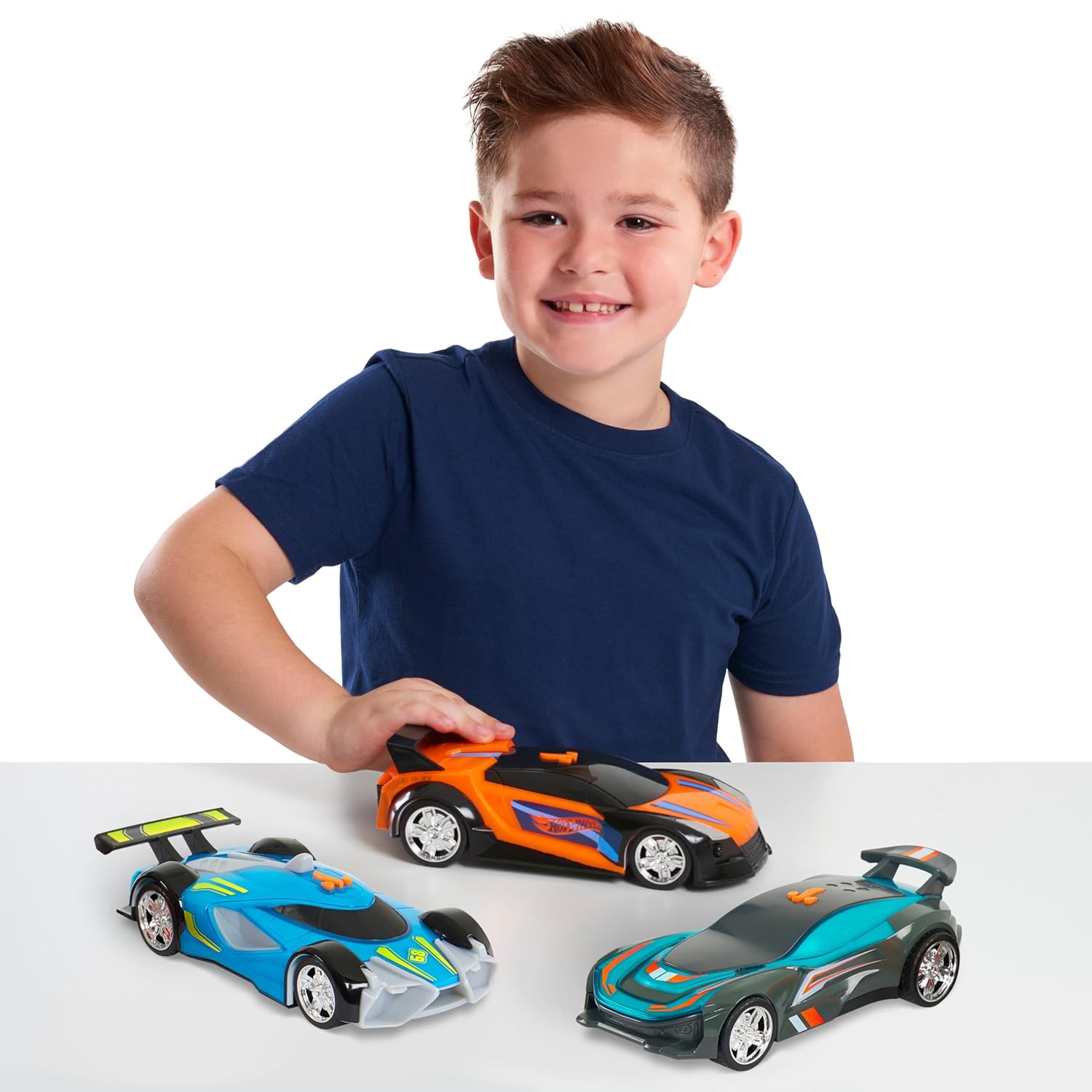
Image: Hot Wheels Race N Crash Gazella R cars with a child.
Safety Information
WARNING: CHOKING HAZARD - Small Parts. Not for children under 3 years.
- Always supervise children during play.
- Do not modify the toy in any way.
- Keep away from water and extreme temperatures.
- Ensure batteries are inserted correctly to avoid damage or injury.
Package Contents
The Hot Wheels Race N Crash Gazella R package includes:
- 1 x Hot Wheels Race N Crash Gazella R Motorized Vehicle
- 3 x AA Batteries (pre-installed or included separately)

Image: Multiple Hot Wheels Race N Crash Gazella R cars.
Setup
Battery Installation
The Hot Wheels Race N Crash Gazella R requires 3 AA batteries for operation. These batteries are typically included with the product.
- Locate the battery compartment on the underside of the vehicle.
- Using a small Phillips head screwdriver (not included), unscrew the battery compartment cover.
- Insert 3 new AA batteries, ensuring the correct polarity (+/-) as indicated inside the compartment.
- Replace the battery compartment cover and secure it with the screw.
Note: Always use fresh batteries for optimal performance. Do not mix old and new batteries, or different types of batteries.
Operating Instructions
The Hot Wheels Race N Crash Gazella R is designed for engaging play with motorized movement and interactive crash features.
Basic Operation
- Ensure batteries are correctly installed.
- Locate the power/activation button on the vehicle (usually on the top or side).
- Press the button to activate the motorized drive. The vehicle will move forward with realistic vehicle sounds and music.
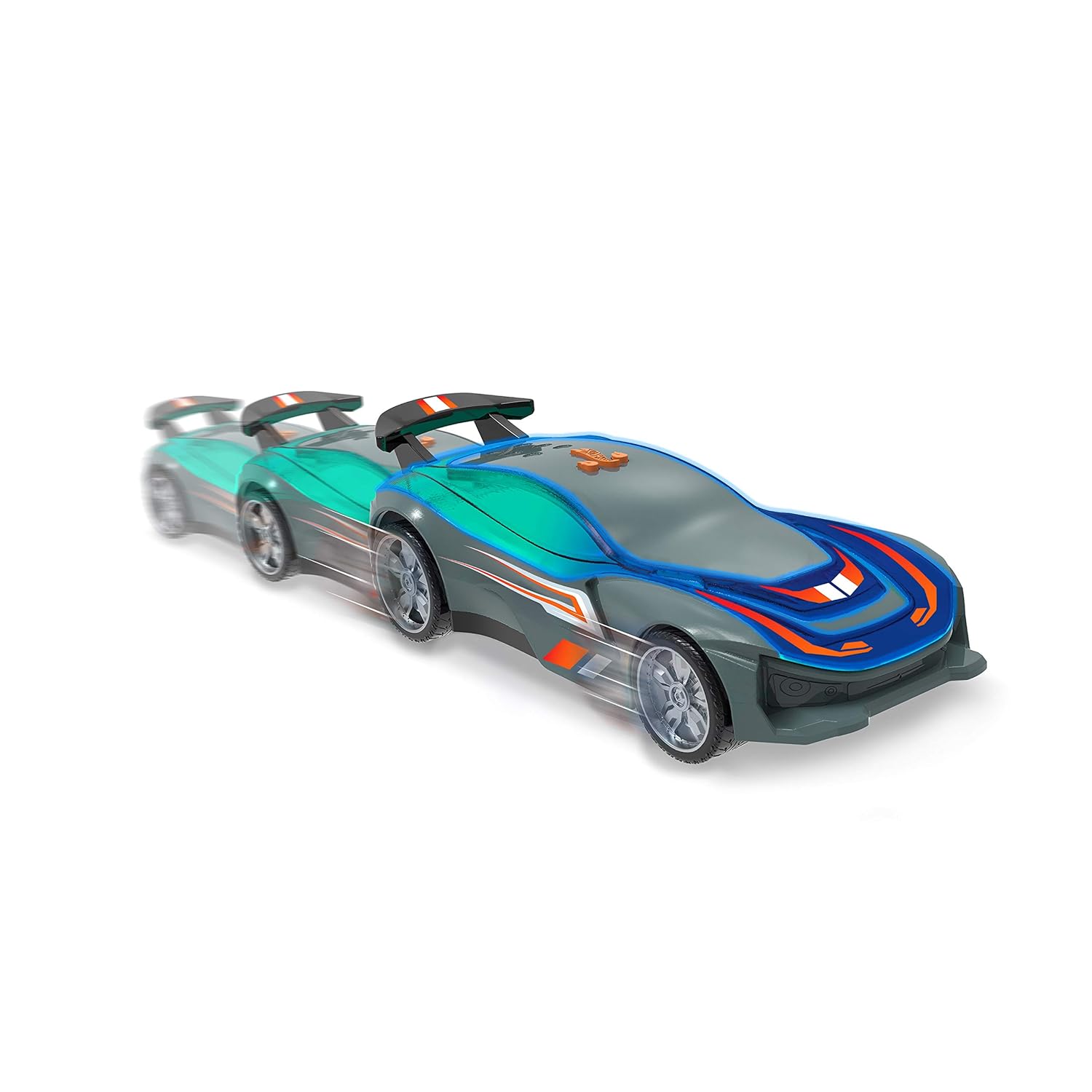
Image: Hot Wheels Race N Crash Gazella R in motion.
Impact Features
The vehicle is equipped with impact triggers that activate special effects:
- When the vehicle experiences an impact, flashing lights will activate.
- Intense crashing sounds will also play, enhancing the play experience.

Image: Hot Wheels Race N Crash Gazella R activating crash features.

Image: Child demonstrating the crash feature.
Maintenance
Cleaning
To clean the vehicle, wipe it with a damp cloth. Do not immerse the toy in water or use harsh chemicals, as this may damage the electronic components.
Battery Care
- Remove batteries if the toy will not be used for an extended period to prevent leakage.
- Dispose of used batteries responsibly according to local regulations.
Troubleshooting
| Problem | Possible Cause | Solution |
|---|---|---|
| Vehicle does not move or make sounds. |
|
|
| Lights or sounds are weak/intermittent. |
|
|
Specifications
| Brand | Hot Wheels |
| Model Name | Hot Wheels Race N Crash Gazella R |
| Model Number | 98002 |
| GTIN / UPC | 886144980022 |
| Manufacturer | Just Play |
| Minimum Recommended Age | 3 years |
| Power Source | 3 x AA Batteries (included) |
| Material | Plastic |
| Color | Multicolor |
| Item Dimensions (L x W x H) | 30.5 x 12.7 x 12.7 Centimeters |
| Assembly Required | No |
Warranty and Support
Specific warranty information is not available in the provided product details. For warranty claims or technical support, please refer to the manufacturer's official website or contact their customer service directly. Contact details are typically found on the product packaging or the manufacturer's official website.