
Important Safety Information
Before operating this lawn mower, carefully read and understand all instructions and safety warnings provided in this manual. Failure to follow these instructions may result in serious injury or property damage. Keep this manual for future reference.
- Always wear appropriate personal protective equipment, including eye protection and sturdy footwear.
- Ensure the work area is clear of debris, children, and pets before starting the mower.
- Never operate the mower in wet conditions or on steep slopes where stability may be compromised.
- Disconnect the battery before performing any maintenance, cleaning, or when clearing blockages.
Setup
Assembly
The Snapper XD lawn mower requires minimal assembly. Unfold the handle and secure it in place using the provided knobs. Ensure all connections are tight before proceeding.
Battery Installation
This mower features a dual-battery powerhead. To install the batteries:
- Open the battery compartment cover located on top of the mower deck.
- Insert fully charged 82V MAX batteries into the battery slots until they click securely into place.
- Close the battery compartment cover.
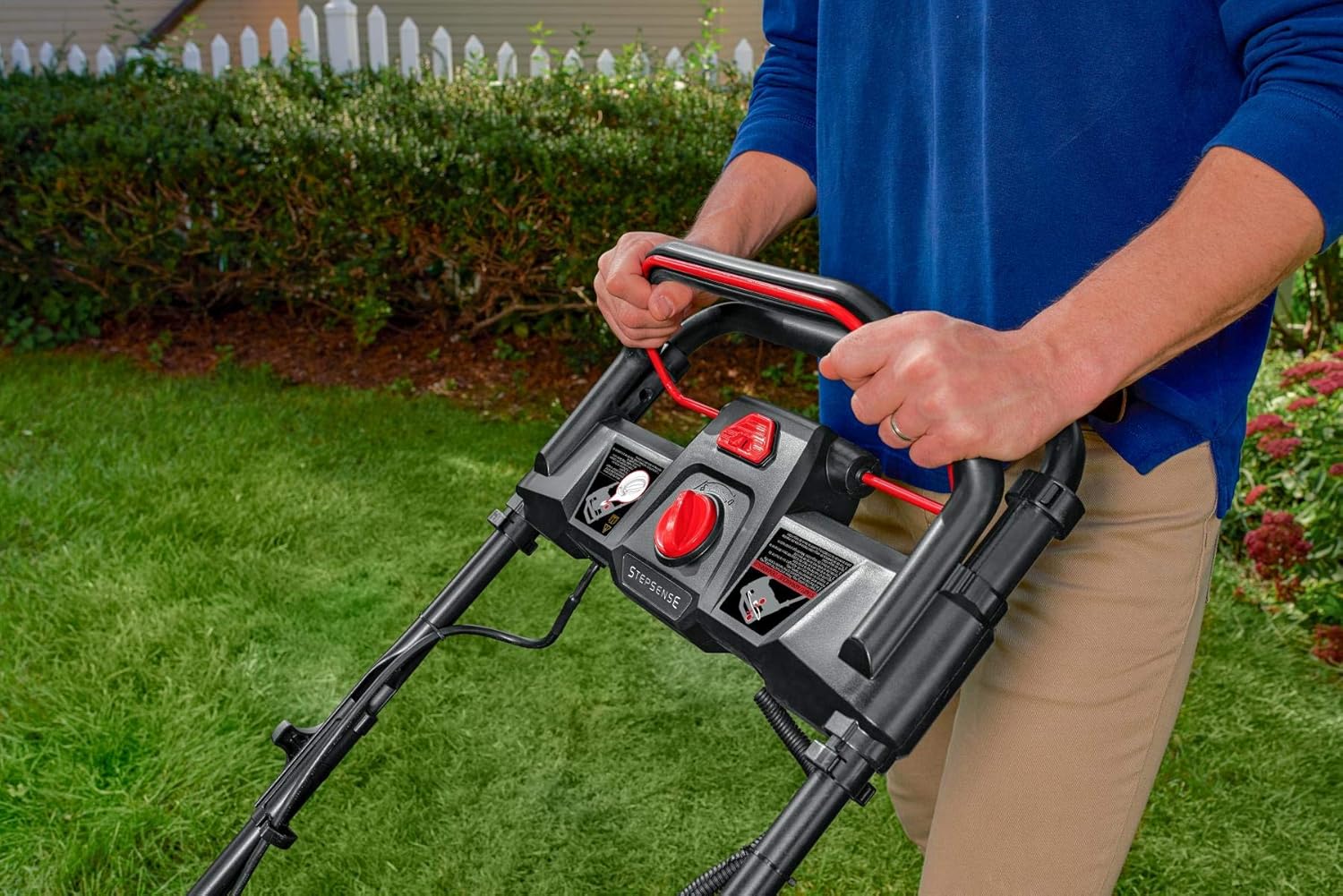
The dual-battery powerhead allows for extended run time. Ensure both batteries are charged for optimal performance.
Operating Instructions
Starting the Mower
To start the mower, press and hold the safety button, then pull the bail lever towards the handle. Release the safety button once the mower starts.
Step Sense Automatic Drive System
The Step Sense system intelligently senses your speed and automatically adjusts the mower's self-propelled feature to match your mowing pace. Simply engage the drive system and walk at your desired speed; the mower will adjust accordingly.
Cutting Height Adjustment
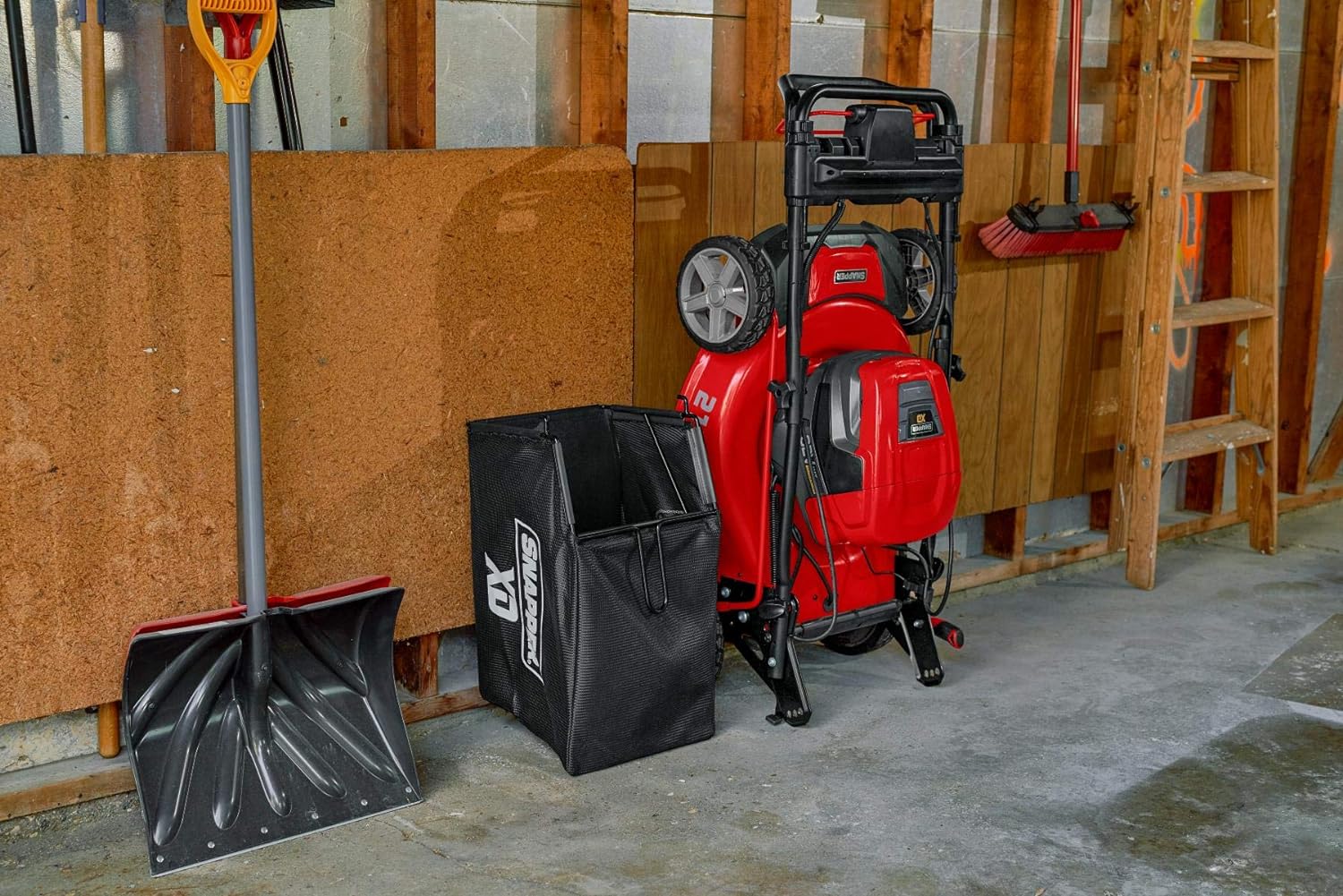
Adjust the cutting height using the single lever located on the mower deck. There are 7 positions available to achieve your preferred lawn height, ranging from 1 inch to 7 inches.
Mowing Modes
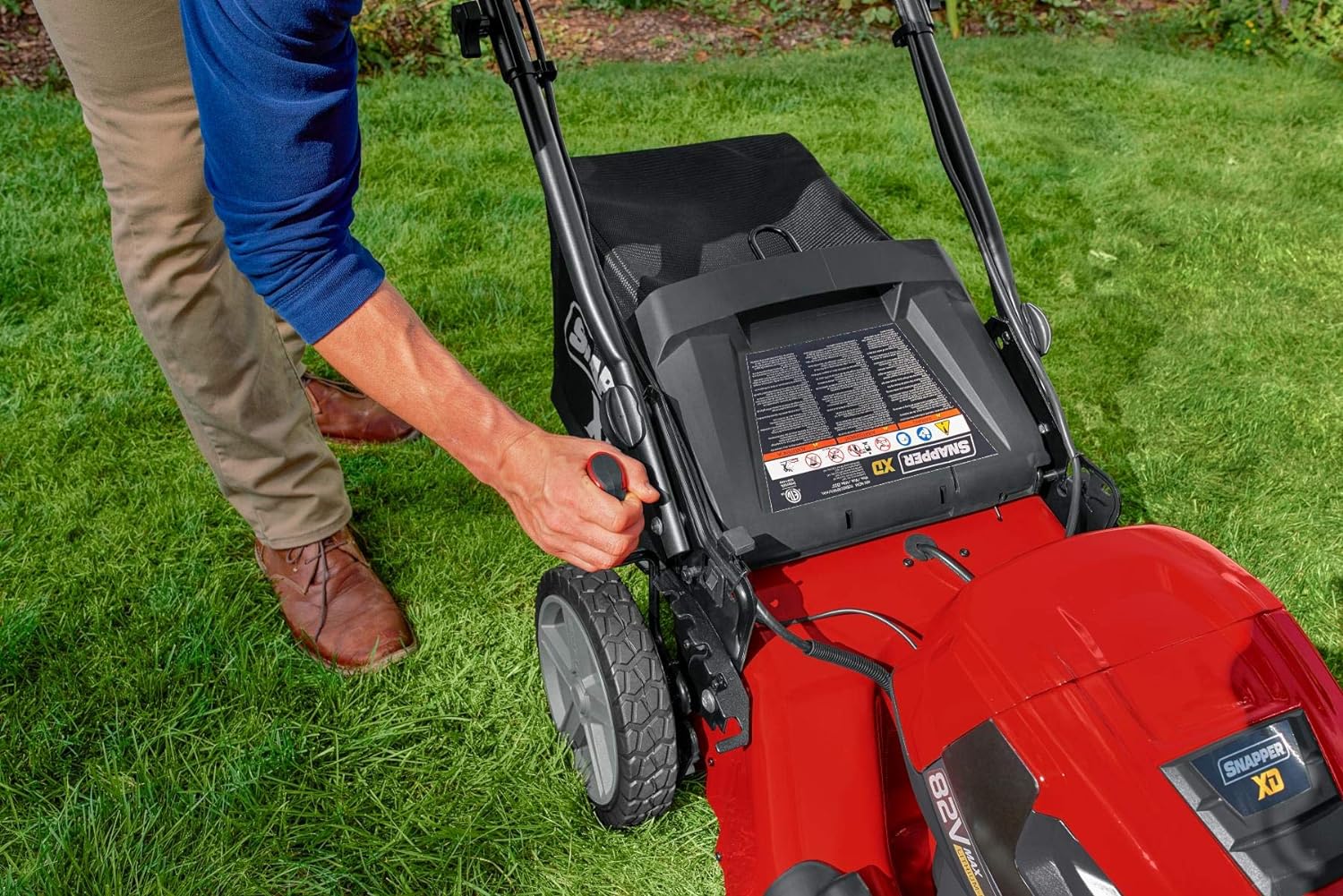
The 21-inch steel mowing deck offers a 3-in-1 design for mulching, bagging, or side-discharging grass clippings. Select the appropriate mode based on your lawn care needs.
Official Product Video
This video demonstrates the features and operation of the Snapper XD 82V MAX Step Sense Lawn Mower, including the Step Sense Automatic Drive System, dual-battery powerhead, and 3-in-1 mowing capabilities.
Maintenance
Cleaning
After each use, ensure the mower deck is clean of grass clippings and debris. Use a brush or cloth to remove any buildup. Do not use a pressure washer directly on electrical components.
Storage
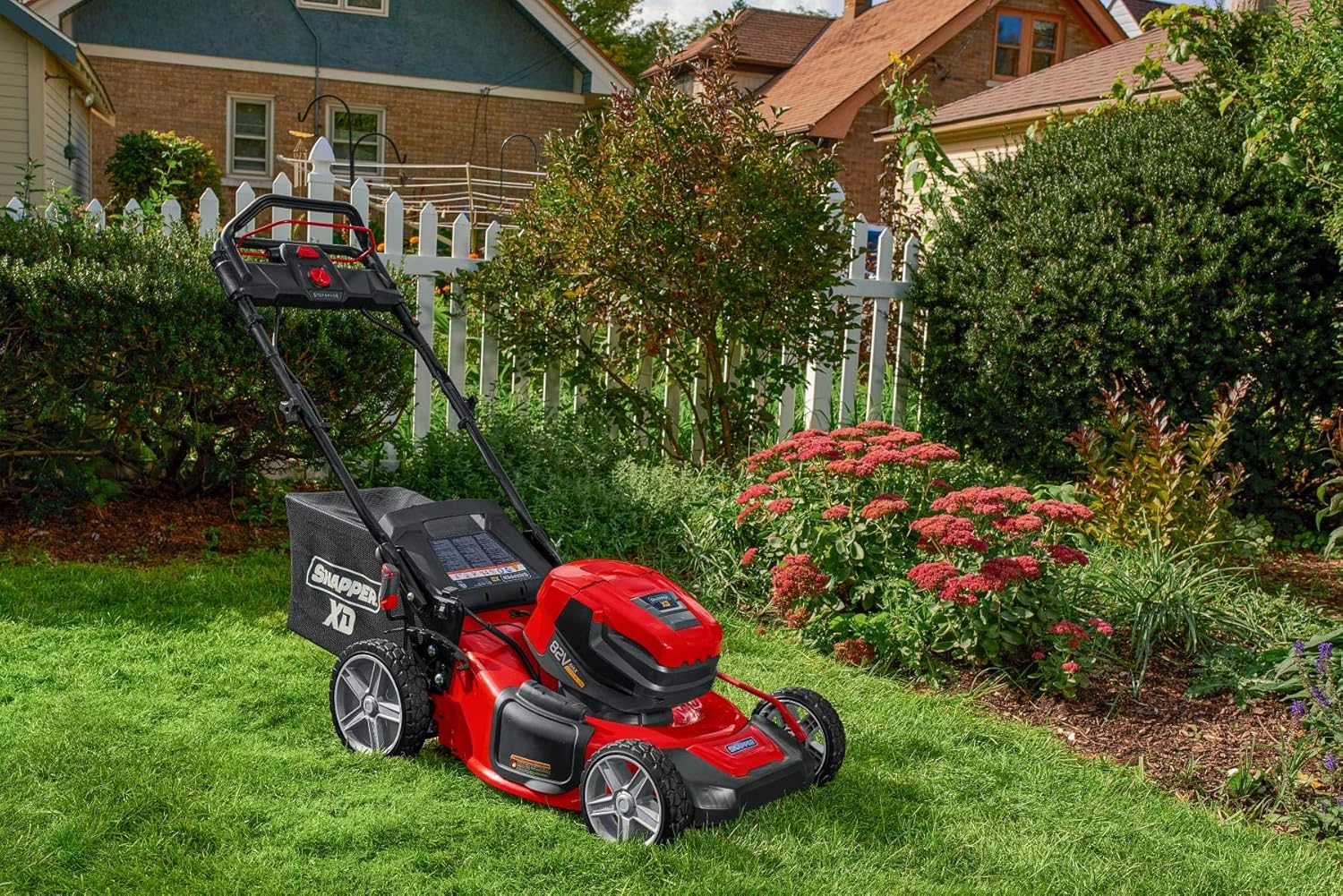
The Snapper XD lawn mower features vertical storage capabilities, saving valuable space. Ensure the battery is removed and the mower is clean and dry before storing. Fold the handle down and position the mower upright as shown.
Troubleshooting
If you encounter issues with your Snapper XD lawn mower, refer to the following common troubleshooting steps:
- Mower Not Starting: Ensure batteries are fully charged and properly seated in the compartment. Check that the safety button and bail lever are engaged correctly.
- Reduced Run Time: Verify batteries are fully charged. Run time can be affected by grass thickness, cutting height, and battery age.
- Poor Cutting Performance: Check for dull or damaged blades. Ensure the mower deck is clear of excessive grass buildup. Adjust cutting height if necessary.
For more detailed troubleshooting and solutions, please consult the complete owner's manual or contact Snapper customer support.
Specifications
| Feature | Specification |
|---|---|
| Brand | Snapper |
| Model Number | 2691528 |
| Power Source | Battery Powered (82V MAX) |
| Cutting Width | 21 Inches |
| Cutting Height Adjustment | Single lever, 7 positions (1 to 7 inches) |
| Mowing Deck Material | Steel |
| Mowing Functions | 3-in-1 (Mulch, Bag, Side-Discharge) |
| Item Weight | 71.6 Pounds |
| Product Dimensions | 64 x 21.8 x 42 inches |
| Operation Mode | Automatic (Step Sense), Manually |
Warranty and Support
Warranty Information
This Snapper XD lawn mower typically comes with a 5-year limited product warranty. For complete warranty details, including terms and conditions, please refer to the official Snapper website or the warranty documentation included with your product.
Customer Support
For technical assistance, parts, or service inquiries, please visit the official Snapper website or contact their customer service department. Have your model number (2691528) and serial number ready when contacting support.