
SENSSUN B07MPBB59K
SENSSUN Smart Body Fat Bathroom Scale User Manual
Model: B07MPBB59K
Introduction
The SENSSUN Smart Body Fat Bathroom Scale is an advanced body composition monitor designed to provide comprehensive insights into your health and fitness. Utilizing Bio-electrical Impedance Analysis (BIA) technology and an ITO conductive surface, this scale offers precise and reliable measurements. It features a hidden LED display for direct readings and seamlessly connects with the "SENSSUN Life" app for detailed tracking and analysis of 14 key body composition metrics.
Safety Information
- Do not use this device if you have a pacemaker or other implanted medical device.
- This scale is not intended for use by pregnant women. Consult a medical professional for advice.
- The scale is designed for household use only and should not be used for medical diagnosis or treatment.
- Keep the scale dry. Avoid placing it in excessively humid environments or allowing water to come into contact with electronic components.
- Do not jump on the scale or use it for purposes other than weighing.
- Place the scale on a hard, flat, and stable surface. Uneven surfaces can affect accuracy.
Package Contents
- 1 x SENSSUN Smart Body Fat Bathroom Scale
- 4 x AAA Batteries
- 1 x User Manual (this document)
Setup Guide
1. Battery Installation
Locate the battery compartment on the underside of the scale. Open the compartment cover and insert the 4 AAA batteries, ensuring correct polarity (+/-). Close the battery compartment cover securely.

Image: Underside of the scale with the battery compartment open and the unit switch visible.
2. Unit Selection
On the underside of the scale, near the battery compartment, you will find a small switch. Toggle this switch to select your preferred unit of measurement: kilograms (kg) or pounds (lb).
3. App Download and Setup
Search for and download the "SENSSUN Life" app from your device's App Store (for iOS) or Google Play Store (for Android). Open the app and create a new user account. Follow the in-app instructions to add your personal information such as gender, age, and height, which are crucial for accurate body composition analysis.
4. Bluetooth Pairing
Ensure Bluetooth is enabled on your smartphone or tablet. Place the SENSSUN scale on a hard, flat surface. Open the "SENSSUN Life" app. Step onto the scale to activate it; the display will show "0.0" or your weight. The app should automatically detect and pair with the scale. If not, refer to the pairing instructions within the app's settings.
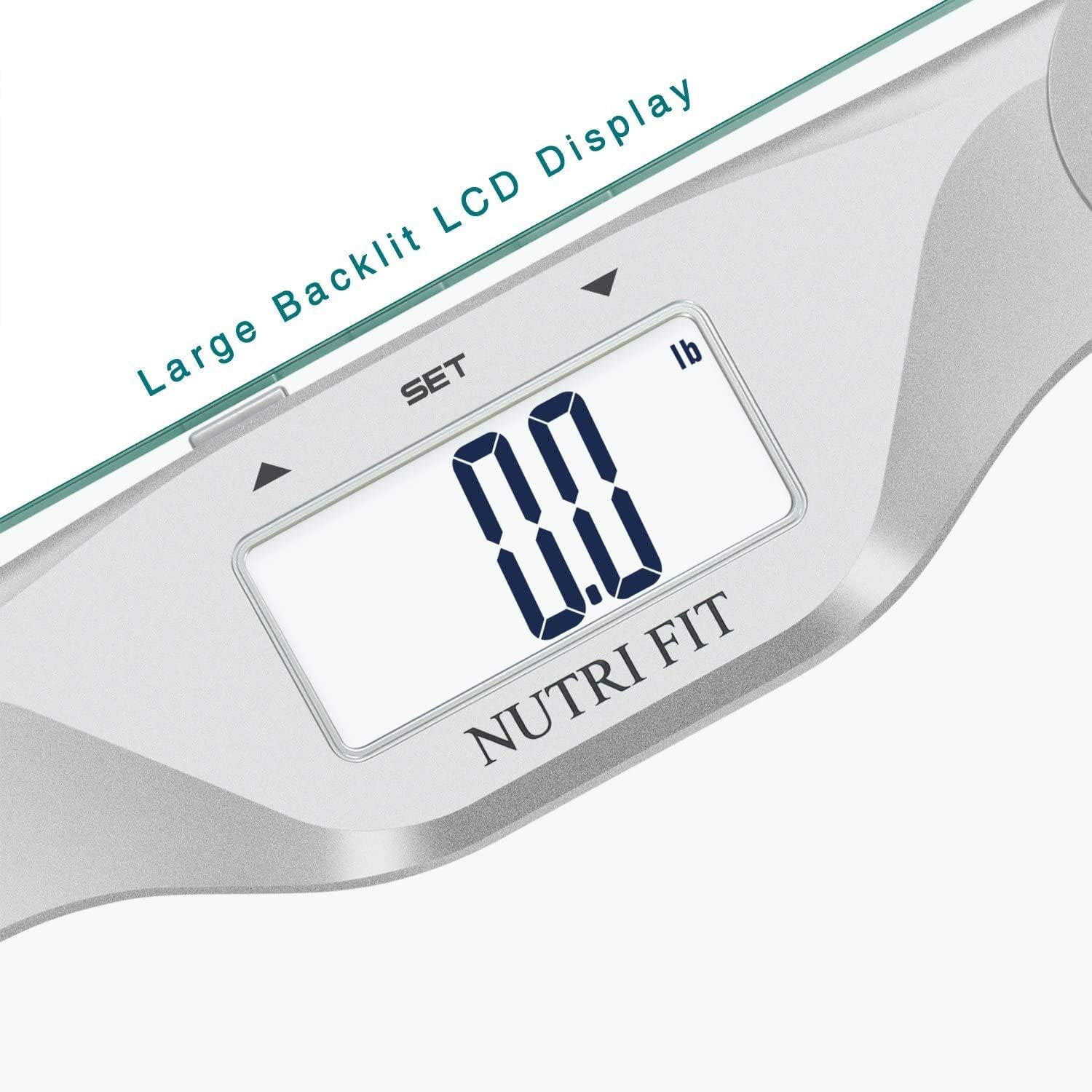
Image: The SENSSUN scale displaying measurements, alongside a smartphone screen showing the connected "SENSSUN Life" app.
Operating Instructions
Taking a Measurement
- Place the scale on a hard, flat, and stable surface. Avoid carpets or uneven flooring.
- Ensure your feet are clean and dry.
- Step onto the scale barefoot, placing your feet on the ITO conductive surface (the entire glass platform).
- Stand still until your weight is displayed and stabilized on the hidden LED screen.
- The scale will automatically transmit data to the "SENSSUN Life" app if it's open and Bluetooth is connected.
- The hidden LED screen will display your weight, body fat percentage, and water content directly on the scale.

Image: A person standing barefoot on the scale, illustrating the correct way to take a measurement.
Understanding Measurements
The SENSSUN Smart Body Fat Scale utilizes Bio-electrical Impedance Analysis (BIA) technology to provide 14 body composition measurements. These include:
- Body Weight
- BMI (Body Mass Index)
- Body Fat Percentage
- Water Content
- Muscle Mass
- Bone Mass Percentage
- BMR (Basal Metabolic Rate)
- Calorie
- Protein
- And other data points available in the app.
For detailed tracking, historical data, and personalized insights, refer to the "SENSSUN Life" app. The app allows you to set goals, track progress over time, and sync data with other popular fitness applications like Fitbit, Apple Health, and Google Fit.

Image: The scale's display showing body weight and BMI, illustrating the direct readings available.
Maintenance and Care
- Cleaning: Wipe the scale surface with a damp cloth and mild detergent. Do not use abrasive cleaners or immerse the scale in water.
- Storage: Store the scale in a cool, dry place. Avoid direct sunlight and extreme temperatures.
- Battery Replacement: Replace all 4 AAA batteries when the low battery indicator ("Lo") appears on the display.
- Calibration: The scale features auto-calibration. If moved, step on it briefly to turn it on and off, allowing it to recalibrate to "0.0" before taking a measurement.
Troubleshooting
| Problem | Possible Cause | Solution |
|---|---|---|
| Scale does not turn on. | Batteries are dead or incorrectly installed. | Check battery polarity or replace with new AAA batteries. |
| "Lo" displayed. | Low battery. | Replace all 4 AAA batteries. |
| "ERR" displayed. | Overload or unstable measurement. | Ensure weight is within capacity (400lb/180kg). Step off and on again, ensuring stable footing. |
| No body composition data (only weight). | Feet are not bare, dry, or properly placed on the ITO surface. Bluetooth not connected. | Ensure bare, dry feet cover the entire ITO surface. Check Bluetooth connection in the app. |
| App not connecting to scale. | Bluetooth is off, app not open, or scale not activated. | Ensure Bluetooth is on. Open "SENSSUN Life" app. Step on scale to activate. Restart app/phone if needed. |
Specifications
- Capacity: 400lb / 180kg
- Division: 0.2lb / 0.1kg
- Units: kg / lb
- Dimensions: Approximately 12" x 12" x 1.7" (30.2 x 30.2 x 2.2 cm)
- Material: 6mm Tempered Glass Platform
- Display: 85mm x 32mm Backlit LED display
- Power: 4 x AAA batteries
- Technology: BIA (Bio-electrical Impedance Analysis), ITO Conductive Surface
- Connectivity: Bluetooth
- App Compatibility: "SENSSUN Life" (iOS & Android)
Warranty and Support
The SENSSUN Smart Body Fat Bathroom Scale comes with a 12-month warranty from the date of purchase. It is FDA, CE, and RoHS approved, ensuring product safety and quality.
For technical support, warranty claims, or any inquiries, please contact SENSSUN customer service. Refer to the product packaging or the "SENSSUN Life" app for specific contact details. SENSSUN offers 24-hour response and a 30-day money-back guarantee for customer satisfaction.
Ask a question about this manual
Ask about setup, troubleshooting, compatibility, parts, safety, or missing instructions. Manuals+ will review the question and use this page’s manual context to help answer it.