
1. Introduction
The Progress Lighting Sanford 24-inch Enclosed Ceiling Fan with LED Light is designed to provide both air movement and illumination. This modern fixture is suitable for various settings, including porches, foyers, bath, and vanity areas. It features an integrated 23W LED module for energy-efficient lighting and includes a remote control for convenient operation. This manual provides essential information for the safe installation, operation, and maintenance of your ceiling fan.
While the product description indicates suitability for both interior and outdoor settings, the specifications list its usage as 'Indoor'. Please consult local electrical codes and ensure the installation environment is appropriate for an indoor-rated appliance.
2. Safety Information
WARNING: To reduce the risk of fire, electric shock, or personal injury, always turn off power to the fan at the main circuit breaker or fuse box before installation, cleaning, or servicing.
- Read all instructions carefully before beginning installation.
- All wiring must be in accordance with national and local electrical codes. If you are unfamiliar with wiring, consult a qualified electrician.
- Ensure the installation site can support the weight of the fan (approximately 25.8 pounds).
- Do not operate the fan with damaged parts. Inspect the fan for any damage before installation.
- Keep hands, clothing, and other objects clear of the fan blades during operation.
- This product contains chemicals known to the State of California to cause cancer and birth defects or other reproductive harm. Please check your local laws before purchasing this product.
3. Package Contents
Verify that all components are present before beginning installation. If any parts are missing or damaged, contact customer service.
- Sanford Enclosed Ceiling Fan Unit
- Remote Control (with 1 x 12V Alkaline battery included)
- Installation Sheet
- Mounting Hardware
4. Setup and Installation
4.1 Tools Required (Not Included)
- Phillips screwdriver
- Flathead screwdriver
- Adjustable wrench
- Wire strippers
- Electrical tape
- Ladder
4.2 Mounting Location
Select a location where the fan can operate without obstruction. Ensure the ceiling structure can support the fan's weight. The fan is designed for a protruding mount installation.
4.3 Downrod Selection Guide
For optimal performance and safety, allow at least 7 feet (84 inches) from the floor to the bottom of the fan. An ideal placement is typically 8 or 9 feet above the floor.

This image illustrates various downrod lengths recommended for different ceiling heights to ensure proper fan clearance and airflow. For example, an 8-9 foot ceiling typically uses a 4-inch downrod, while a 15-17 foot ceiling may require a 72-inch downrod.
4.4 Choosing the Perfect Fan Size
Use the following chart to determine the appropriate fan size for your room to ensure effective air circulation.

This image displays a chart recommending fan sizes based on room square footage. For instance, a room of 0-75 sq ft suggests a fan size of 0-36 inches, while a room over 401 sq ft requires a fan of 60 inches or more.
4.5 Assembly and Wiring
Follow the detailed instructions provided in the included 'Installation Sheet' for step-by-step assembly and wiring. Ensure all electrical connections are secure and properly insulated. The fan operates on 120 Volts AC power.
This image shows the Progress Lighting Sanford ceiling fan with its downrod and canopy, illustrating the assembled appearance before final ceiling installation.

This diagram provides the overall dimensions of the Sanford ceiling fan: 22-7/8 inches in diameter and 17-3/4 inches in height, crucial for planning installation space.
5. Operating Instructions
5.1 Remote Control Functions
The Sanford ceiling fan is operated using the included remote control. Ensure the 12V Alkaline battery is correctly installed.

This image displays the remote control for the Sanford ceiling fan, featuring buttons for fan speed, light control, and power.
- Power Button: Turns the fan and light on or off.
- Fan Speed Buttons: Adjusts the fan speed (typically low, medium, high).
- Light Button: Controls the integrated LED light (on/off, dimming if applicable).
5.2 Airflow Direction (Seasonal Use)
The fan offers two airflow directions to optimize comfort throughout the year. The direction can typically be changed via a switch on the fan housing or the remote control, if equipped with this feature.

This diagram illustrates the two airflow directions for a ceiling fan. In counter-clockwise (forward) mode, air is blown downward for a cooling effect in warmer months. In clockwise (reverse) mode, air is drawn upward to circulate warm air near the ceiling during cooler months.
- Counter-Clockwise / Forward (Summer Mode): This direction creates a downward breeze, making the room feel cooler.
- Clockwise / Reverse (Winter Mode): This direction draws air upwards, circulating warm air near the ceiling and along the walls, making the room feel warmer.
6. Maintenance
6.1 Cleaning
To maintain the appearance and performance of your fan, clean it periodically. Always turn off power to the fan at the circuit breaker before cleaning.
- Use a soft, damp cloth to wipe down the fan housing and blades.
- Do not use abrasive cleaners or solvents, as these can damage the finish.
- Avoid getting water into the motor housing or electrical components.
6.2 LED Module
The Sanford fan features an integrated LED module. This module is designed for long-lasting performance and is generally not user-serviceable. If the LED light fails, contact customer support for assistance.
6.3 General Care
Periodically check all screws and connections for tightness. Tighten any loose connections as needed. No lubrication is required for the fan motor.
7. Troubleshooting
Before performing any troubleshooting, ensure the power to the fan is turned off at the circuit breaker.
| Problem | Possible Cause | Solution |
|---|---|---|
| Fan does not start | No power to the fan Loose wire connections Remote control battery low/dead | Check circuit breaker/fuse Verify all wire connections are secure Replace remote control battery |
| Light does not work | Loose wire connections Integrated LED module failure | Check light wiring connections Contact customer support for LED module replacement |
| Remote control not working | Battery low/dead Remote not paired with fan | Replace remote control battery Refer to installation sheet for remote pairing instructions |
| Excessive fan wobble/noise | Loose mounting screws Improper installation | Ensure all mounting hardware is tightened Review installation steps in the manual |
8. Specifications
| Feature | Detail |
|---|---|
| Brand | Progress Lighting |
| Model Name | Sanford |
| Model Number | P2594-12930K |
| Color | Bronze |
| Material | Alloy Steel (Fan Body), Plastic (Shade) |
| Style | Modern, Contemporary |
| Product Dimensions (L x W x H) | 22.88" x 22.88" x 17.75" |
| Indoor/Outdoor Usage | Indoor |
| Power Source | AC |
| Installation Type | Protruding Mount, Ceiling Mount |
| Control Method | Remote Control |
| Light Source Type | Integrated LED |
| LED Module Wattage | 23W |
| Total Wattage | 37 watts |
| Brightness | 3450 Lumens |
| Color Temperature | 3000 Kelvin |
| Air Flow Capacity | 1008 Cubic Feet Per Minute |
| Voltage | 120 Volts |
| Included Components | Fan Unit, Remote Control, Installation Sheet |
| Batteries | 1 x 12V Alkaline (included) |
| Item Weight | 25.8 pounds |
| UPC | 785247230327 |
| ASIN | B07MN3TM1L |
9. Warranty and Support
9.1 Warranty Information
This Progress Lighting product is covered by a Limited Lifetime Warranty. This warranty guarantees your satisfaction with your purchase and covers defects in materials and workmanship under normal use. For specific details regarding coverage and limitations, please refer to the warranty documentation included with your product or visit the official Progress Lighting website.
9.2 Customer Support
For technical assistance, replacement parts, or warranty claims, please contact Progress Lighting customer service. Have your model number (P2594-12930K) and purchase date available when contacting support.
Contact Information:
Please refer to the official Progress Lighting website or your product packaging for the most current customer service contact details.
10. Product Overview
This section provides a visual overview of the Progress Lighting Sanford ceiling fan.

Close-up view of the Progress Lighting Sanford ceiling fan in bronze finish, highlighting the enclosed design and integrated light bands.

The Sanford ceiling fan installed in a modern bedroom setting, showcasing its contemporary aesthetic and how it complements interior decor.
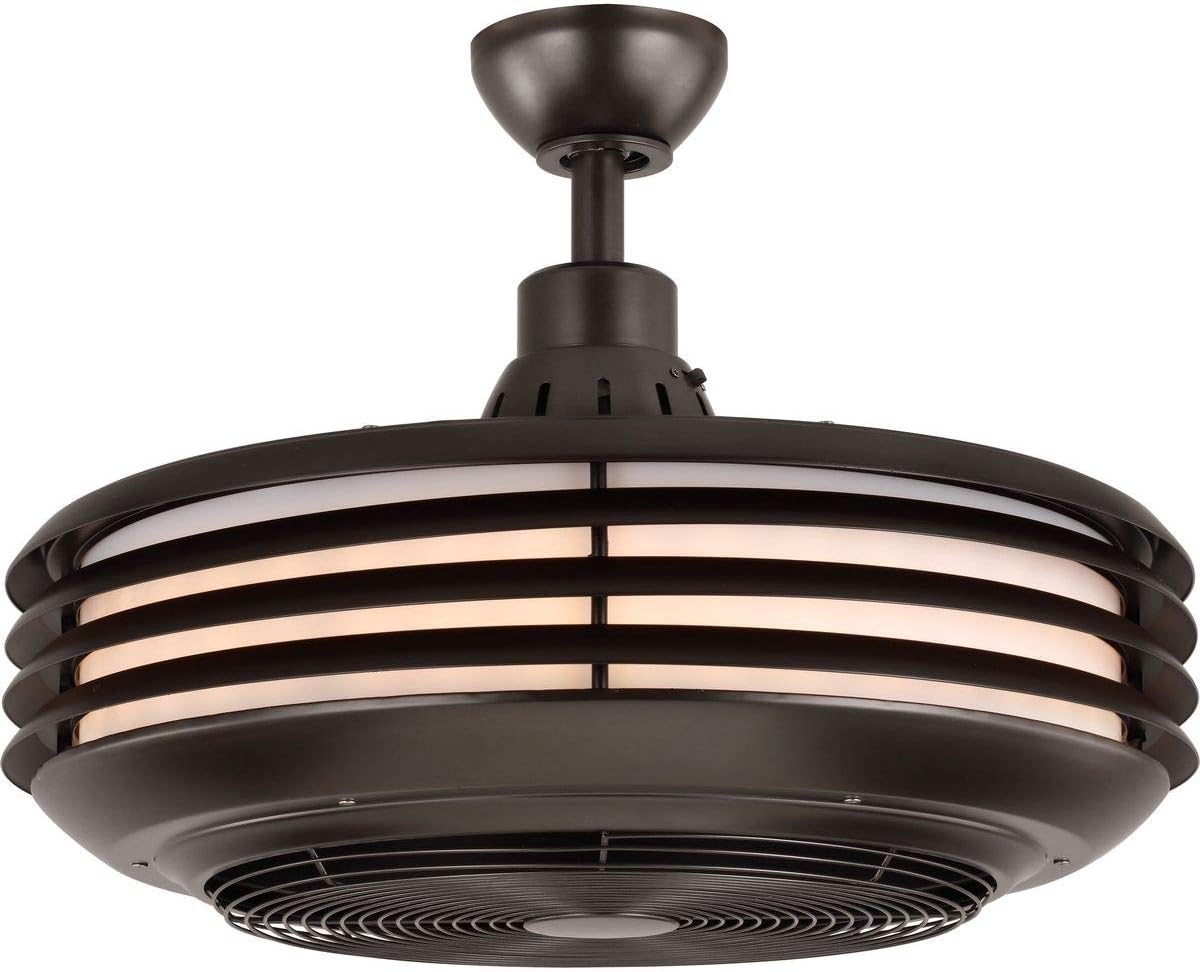
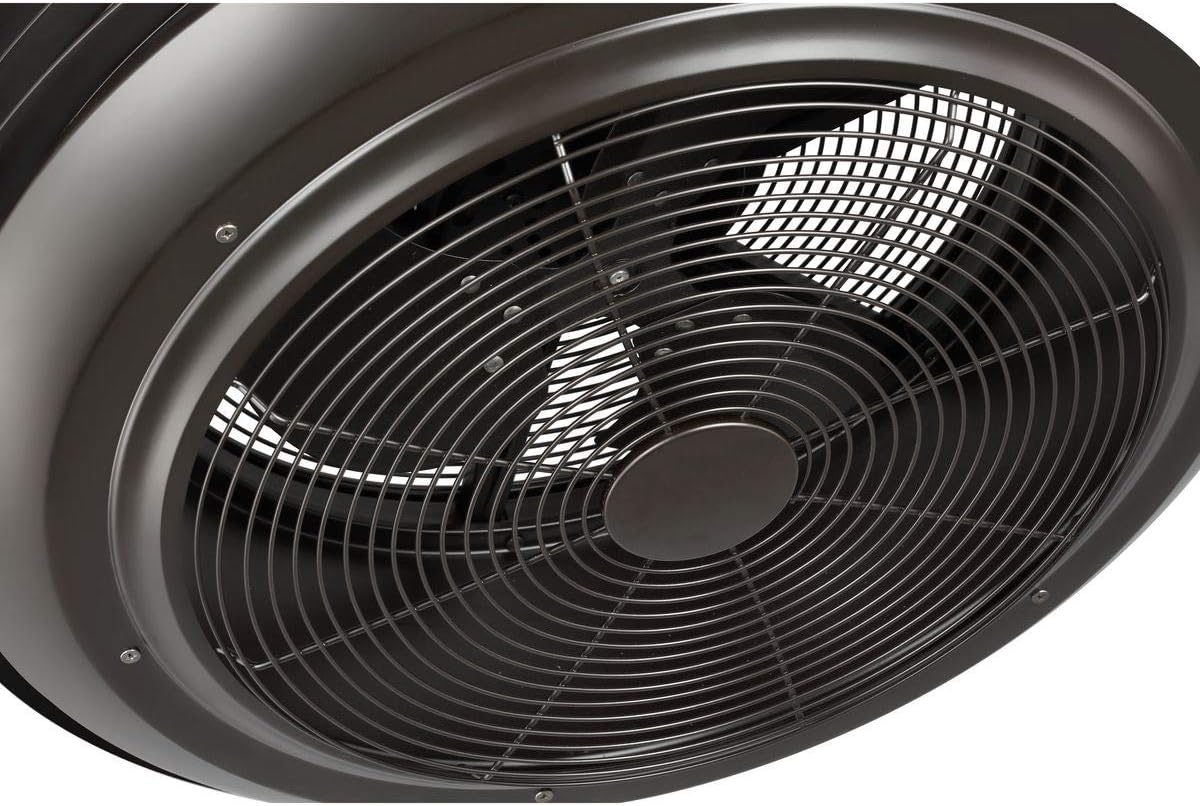
Underside view of the Progress Lighting Sanford ceiling fan, detailing the protective grille covering the fan blades.
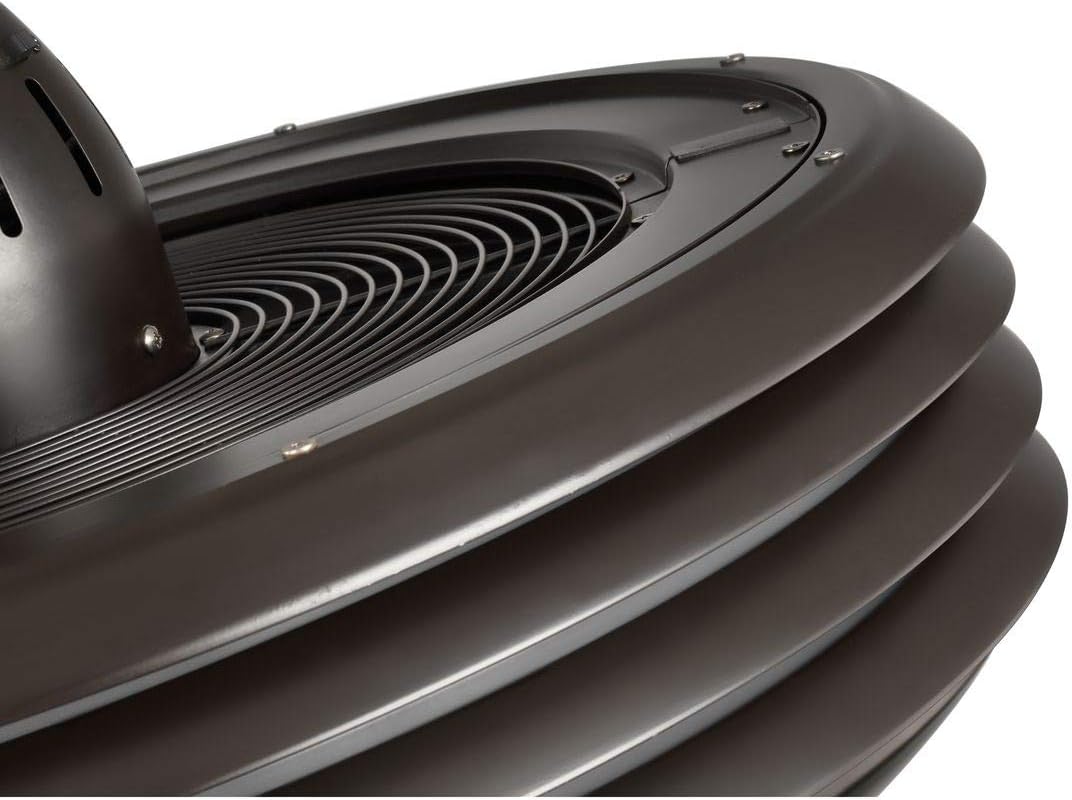
Detail of the integrated LED light bands on the Sanford ceiling fan, providing efficient illumination.
10.1 Product Video
Watch this video for a brief overview of the Progress Lighting Sanford ceiling fan.
This video provides a 35-second visual demonstration of the Progress Lighting Sanford ceiling fan, showcasing its design and features.


