Introduction
The LaCie d2 Professional is an external desktop hard drive designed for creative professionals and users requiring substantial storage capacity and high performance. It is ideal for those using SSD-based laptops or all-in-one computers with limited internal storage. This manual provides essential information for setting up, operating, maintaining, and troubleshooting your LaCie d2 Professional hard drive.

Image: LaCie d2 Professional 8TB External Hard Drive, showcasing its sleek black aluminum enclosure and blue indicator light.
What's in the Box
Verify that all components are present in the packaging:
- LaCie d2 Professional 8TB USB 3.1 TYPE C External Hard Drive
- USB-C to USB-C cable
- USB-C to USB 3.0 (Type A) adapter cable
- External power supply
- Quick start guide (this manual serves as a comprehensive guide)
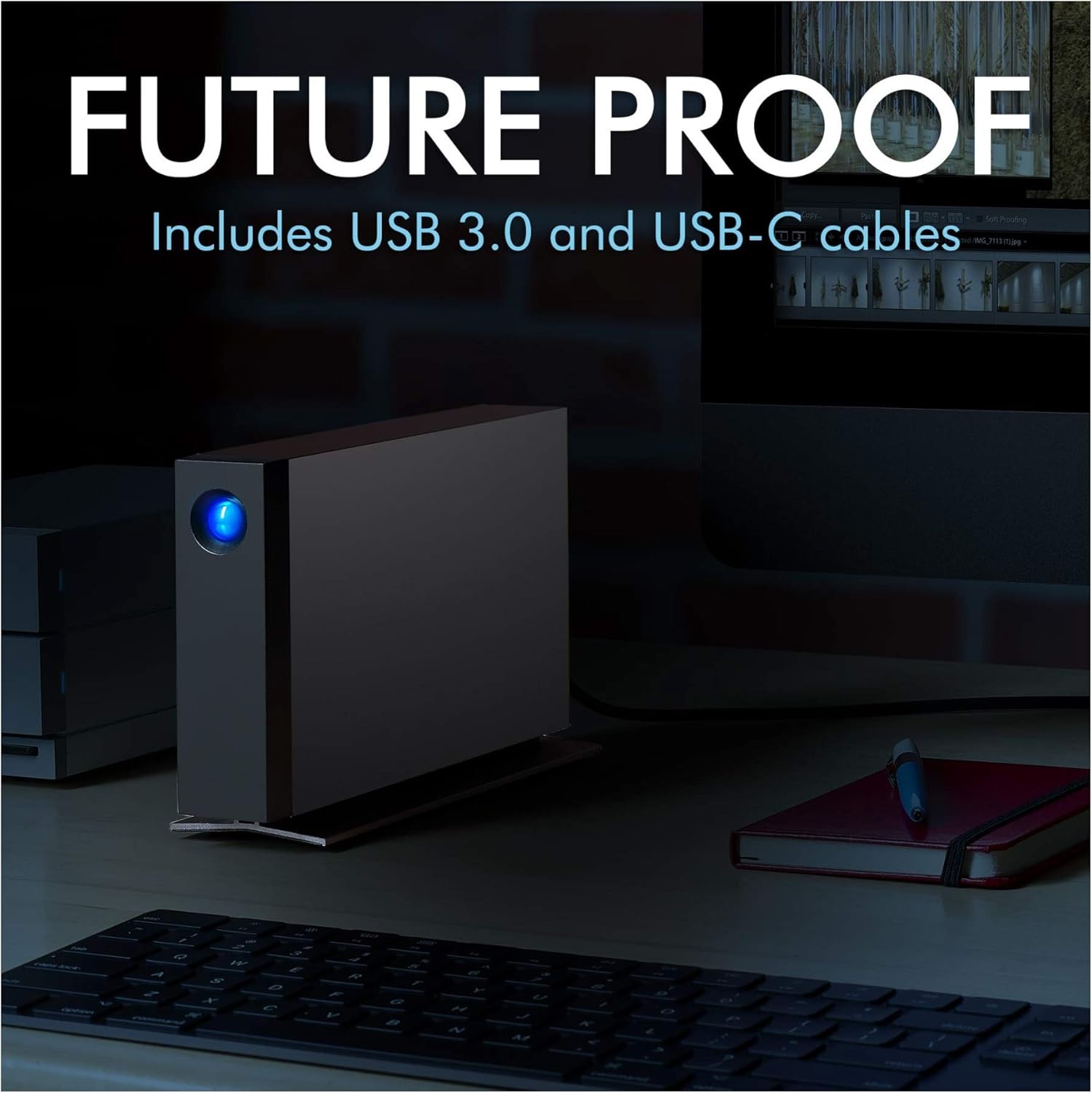
Image: LaCie d2 Professional hard drive connected to a computer, illustrating the included USB-C and USB 3.0 cables for versatile connectivity.
Setup
- Connect the Power Supply: Plug the external power supply into the hard drive's power input and then into a wall outlet.
- Connect to Your Computer:
- For USB-C or Thunderbolt 3 ports: Use the provided USB-C to USB-C cable.
- For USB 3.0 (Type A) ports: Use the provided USB-C to USB 3.0 (Type A) adapter cable.
- Initial Drive Setup:
Upon first connection, the drive may appear as a new volume on your desktop. It is pre-formatted for universal compatibility. For optimal performance and specific operating system features (e.g., Time Machine for Mac), you may need to reformat the drive using your computer's disk utility. Refer to your operating system's documentation for detailed formatting instructions.
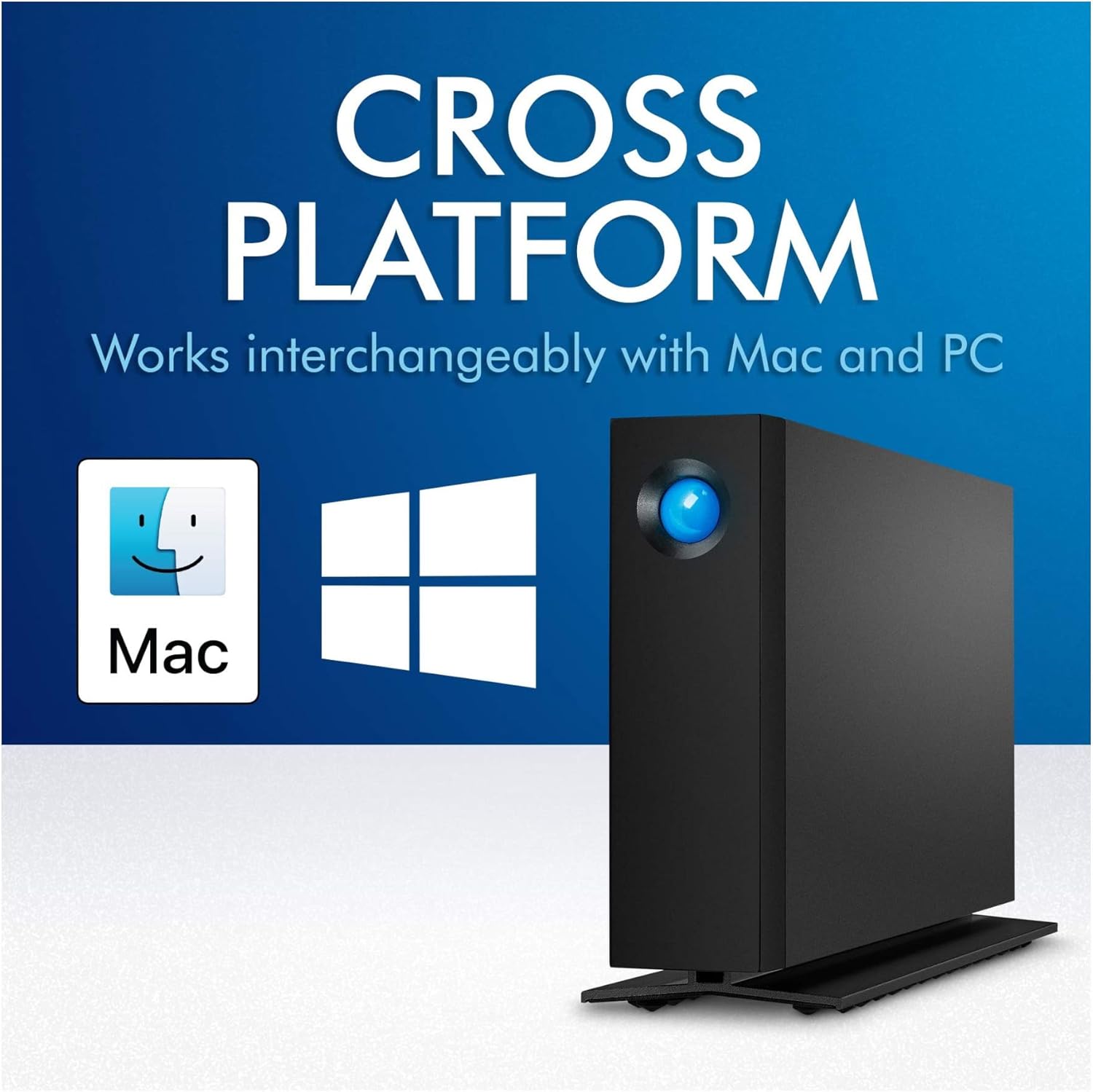
Image: LaCie d2 Professional hard drive demonstrating its cross-platform compatibility with both Mac and PC operating systems.
Operating the Device
The LaCie d2 Professional is designed for straightforward operation. Once connected and recognized by your computer, it functions like any other external storage device.
- Data Transfer: Drag and drop files to and from the drive, or use your operating system's copy/paste functions. The drive offers speeds of up to 240MB/s for efficient data transfer.
- Indicator Light: The blue LED on the front of the drive indicates power and activity. A solid blue light typically means the drive is powered on and idle, while a blinking light indicates data transfer or activity.
- Ejecting the Drive: Always safely eject the drive from your operating system before disconnecting it to prevent data corruption.
- Windows: Right-click the drive icon in 'This PC' or 'My Computer' and select 'Eject'.
- macOS: Drag the drive icon to the Trash, or click the Eject button next to the drive name in Finder.
- Noise and Vibration: The aluminum form factor helps reduce noise and vibration during operation, providing a quieter working environment.
Maintenance
Proper maintenance ensures the longevity and optimal performance of your LaCie d2 Professional hard drive.
- Keep it Clean: Use a soft, dry cloth to clean the exterior of the drive. Avoid liquid cleaners or abrasive materials.
- Ventilation: Ensure the drive is placed in a location with adequate airflow to prevent overheating. Do not block the ventilation openings.
- Firmware Updates: Periodically check the LaCie support website for any available firmware updates for your model. Firmware updates can improve performance and stability.
- Data Backup: While the drive is reliable, it is always recommended to maintain backups of critical data on multiple devices or cloud storage.
Troubleshooting
If you encounter issues with your LaCie d2 Professional, try the following steps:
- Drive Not Detected:
- Ensure the power supply is securely connected and the drive's indicator light is on.
- Try a different USB port on your computer.
- Test with a different USB cable if available.
- Restart your computer.
- Check your computer's Disk Management (Windows) or Disk Utility (macOS) to see if the drive is recognized but not mounted.
- Slow Performance:
- Ensure you are using a USB 3.0 or USB-C port for optimal speeds. Connecting to a USB 2.0 port will result in significantly slower performance.
- Close any unnecessary applications running in the background.
- Check for fragmented files (though modern operating systems often handle this automatically).
- Drive Disconnects Randomly:
- Ensure all cables are securely connected.
- Disable power-saving features for USB ports in your computer's settings.
- Ensure the drive is placed on a stable surface and not subject to vibrations.
Specifications
| Feature | Detail |
|---|---|
| Model Number | STHA8000800 |
| Digital Storage Capacity | 8 TB |
| Hard Drive Type | Mechanical Hard Disk |
| Hard Drive Rotational Speed | 7200 RPM |
| Interface | USB-C (USB 3.1 Gen 2 compatible), USB 3.0 (via adapter) |
| Connectivity Technology | USB |
| Compatible Devices | Desktop (Mac, PC) |
| Dimensions (LxWxH) | 2.36 x 5.12 x 7.42 inches |
| Item Weight | 2.36 pounds |
| Manufacturer | SEAGATE |
Warranty and Support
The LaCie d2 Professional includes a comprehensive warranty and data recovery service for peace of mind.
- Limited Warranty: The product comes with a five-year limited warranty. Please refer to the official LaCie website or the warranty card included with your product for full terms and conditions.
- Rescue Data Recovery Services: Included with your purchase are five years of Rescue Data Recovery Services. This service can help recover data in the event of accidental data loss, mechanical failure, or natural disaster. For more information and to initiate a recovery request, visit the LaCie support portal.
- Technical Support: For technical assistance, driver downloads, or further inquiries, please visit the official LaCie support website.

Image: Graphic indicating "Recovery Included" with 5 years of Rescue Data Recovery Services, symbolized by a large blue 'R' with a cross.


