
1. Introduction
This manual provides essential information for the proper installation, use, and maintenance of your Aexit RC Helicopter Inner Shaft. This component is designed as a replacement part for Double Horse RC Helicopter models DH 9050, DH 9053, and DH 9118. Please read this manual thoroughly before attempting any installation or repair to ensure safe and effective operation.
2. Product Overview
The Aexit RC Helicopter Inner Shaft is a critical component for the main rotor assembly of compatible RC helicopters. It is constructed from durable plastic and metal, ensuring reliable performance. The package includes one inner shaft.

Figure 1: Aexit RC Helicopter Inner Shaft, showing the full component with its metal shaft and plastic housing.
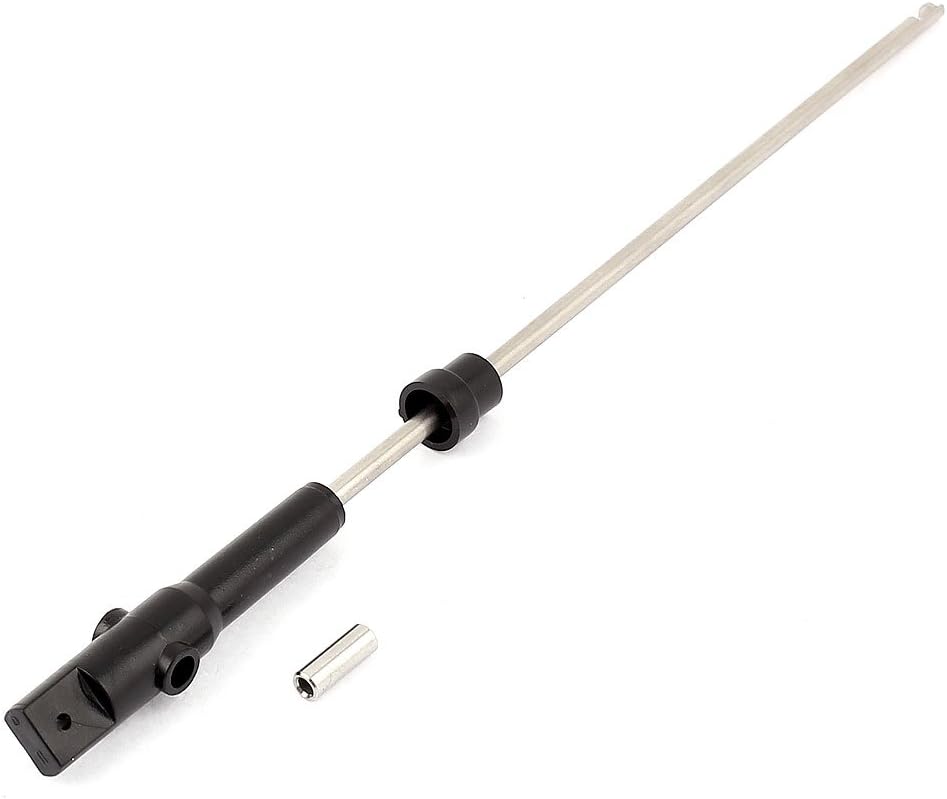
Figure 2: Alternate view of the Aexit RC Helicopter Inner Shaft, highlighting its construction.
3. Safety Information
Please observe the following safety guidelines when handling and installing this product:
- Do not allow children to have casual contact with the product.
- Handle the component with care; do not shake forcefully.
- Avoid using or storing the product in extreme temperatures, such as near open flames or in super high-temperature environments.
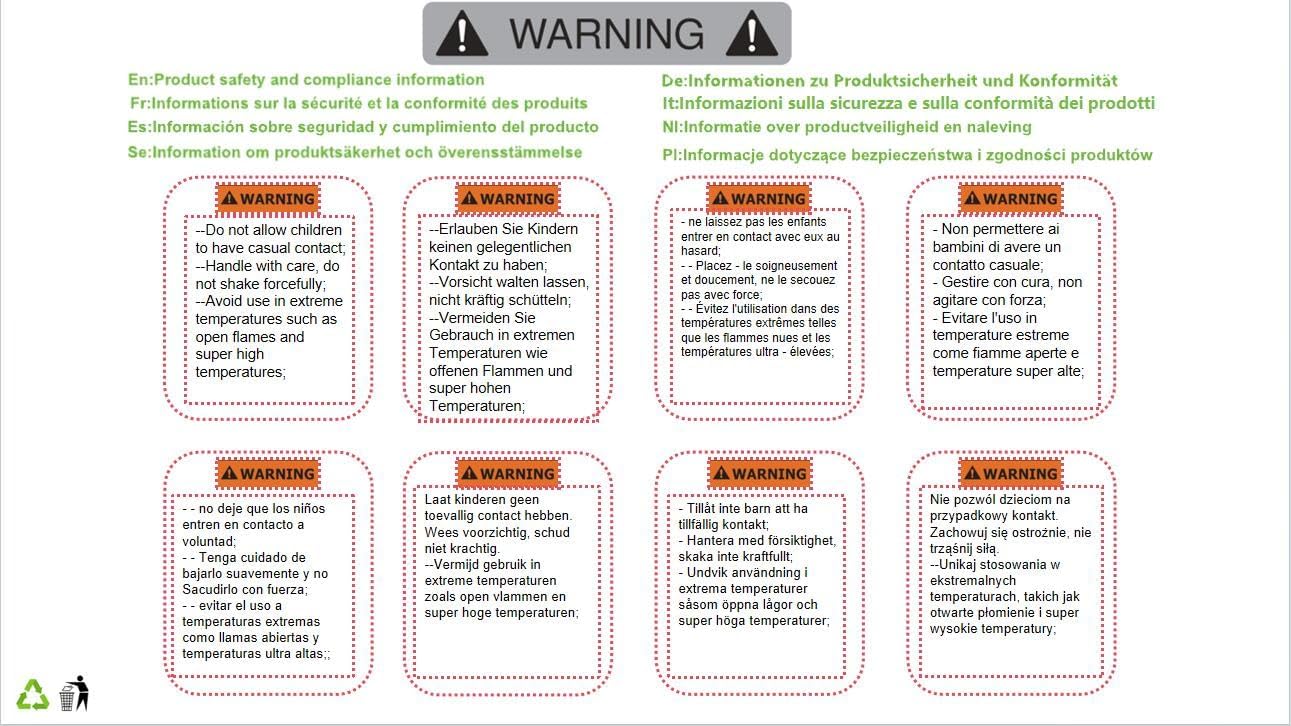
Figure 3: Product safety and compliance information, including warnings regarding handling and temperature exposure.
4. Specifications
| Product Name | RC Helicopter Inner Shaft |
| Compatibility | Double Horse 9050, 9053, 9118 RC Helicopters |
| Shaft Diameter | 3mm / 0.12 inches |
| Color | Silver Tone, Black |
| Overall Size (L*Max.D) | 180 x 9mm / 7.0 x 0.35 inches |
| Material | Plastic, Metal |
| Net Weight | 13g |
| Package Content | 1 x RC Helicopter Inner Shaft |
| Manufacturer | Aexit |
| Part Number | f190412ae078274 |
5. Installation Guide
This section provides general guidance for replacing the inner shaft. Specific steps may vary depending on your helicopter model. Always refer to your helicopter's original service manual for detailed instructions.
- Preparation: Ensure the helicopter's power is off and the battery is disconnected. Gather necessary tools, which typically include small screwdrivers and possibly pliers.
- Disassembly: Carefully remove the main rotor blades and any components obstructing access to the inner shaft. This may involve detaching the flybar, rotor head, and upper frame sections.
- Remove Old Shaft: Locate the existing inner shaft. It is usually secured by a retaining collar or screw at the bottom, and passes through the main gear and rotor head. Carefully remove any fasteners and slide out the old shaft.
- Install New Shaft: Insert the new Aexit inner shaft into position, ensuring it aligns correctly with the main gear and rotor head components. The flat end of the shaft (see Figure 4) typically engages with a specific part of the rotor head or main gear.
- Secure Shaft: Re-install any retaining collars, screws, or pins that secure the inner shaft in place. Ensure all connections are firm but do not overtighten.
- Reassembly: Reattach all removed components in reverse order. Double-check that all screws are tightened and parts are correctly aligned.
- Pre-Flight Check: Before powering on, manually check the rotor head for smooth movement and ensure there is no binding or excessive play.

Figure 4: Close-up view of the inner shaft's end, showing the flat section for proper component engagement.
6. Function and Operation
The inner shaft is a stationary or rotating component (depending on helicopter design) that provides structural support for the main rotor head and allows for the transmission of power from the main gear to the rotor blades. Its proper function is essential for the helicopter's stability and control during flight. Once installed, the inner shaft operates as an integral part of the helicopter's main rotor system.
7. Maintenance
To ensure the longevity and optimal performance of your RC helicopter, regular maintenance of the inner shaft and surrounding components is recommended:
- Inspection: Periodically inspect the inner shaft for any signs of bending, cracks, or wear, especially after hard landings or crashes.
- Cleaning: Keep the shaft and its bearings free from dirt, dust, and debris. Use a soft brush or compressed air for cleaning.
- Lubrication: If your helicopter's design requires lubrication for the inner shaft bearings, apply appropriate RC-grade lubricant sparingly as per your helicopter's original manual.
- Replacement: Replace the inner shaft immediately if any damage is detected, as a compromised shaft can lead to unstable flight or further damage to the helicopter.
8. Troubleshooting
If you experience issues after replacing the inner shaft, consider the following:
- Unstable Flight/Vibrations: This could indicate an improperly installed shaft, a bent shaft, or issues with other rotor head components. Re-inspect the installation and check for any damage.
- Binding/Stiffness: Ensure the shaft is not overtightened and that all bearings are clean and properly seated.
- Rotor Head Play: If there is excessive vertical or horizontal play in the rotor head, verify that all retaining clips, collars, and screws are correctly installed and secured.
For persistent issues, consult your helicopter's original service manual or seek assistance from an experienced RC enthusiast or technician.