
Liectroux C30B
Liectroux C30B Robotic Vacuum Cleaner User Manual
Model: C30B
Brand: Liectroux
1. Introduction
The Liectroux C30B Robotic Vacuum Cleaner is an advanced cleaning device designed to efficiently clean various floor types in your home. Featuring 2D map navigation, powerful 3000Pa suction, smart memory, and WiFi app control, it offers a convenient and thorough cleaning experience. This manual provides essential information for the safe and effective use of your robotic vacuum cleaner.

The Liectroux C30B Robotic Vacuum Cleaner, shown alongside a smartphone displaying its real-time cleaning map, highlights its smart navigation capabilities.
2. Safety Instructions
Please read all safety warnings and instructions carefully before using this appliance to avoid injury or damage.
- Do not use the robot in wet environments or near water.
- Ensure the charging station is placed against a wall in an open area, free from obstacles.
- Keep loose cables, curtains, and other objects that could entangle the robot out of its path.
- Do not allow children or pets to operate the robot.
- Regularly clean the brushes and dustbin to maintain optimal performance and prevent blockages.
- The robot features an anti-fall system; however, exercise caution near stairs or elevated surfaces.
3. What's in the Box
Verify that all components are present upon unboxing:
- Main body (x1)
- Charging station (x1)
- Remote controller (x1) - Batteries not included
- AC adapter (x1)
- Dust bin (x1)
- Electric water tank (x1)
- Extra mop (x1)
- Cleaning brush (x1)
- Extra side Brush (x2)
- Extra HEPA filter (x1)
- User manual (x1)

An overview of all included accessories and the main unit of the Liectroux C30B Robotic Vacuum Cleaner.
4. Product Features
The Liectroux C30B is equipped with several advanced features for superior cleaning:
- 2D Map Navigation: The robot maps its environment to plan efficient cleaning paths, ensuring comprehensive coverage with low repetition.
- 3000Pa Suction Power: Provides strong suction for effective cleaning of various debris.
- Smart Memory: Remembers cleaned areas to optimize future cleaning routes.
- WiFi App Control: Connects to a mobile app for real-time monitoring of cleaning routes and remote control.
- 350ml Electric Water Tank: Ensures even water seepage for wet mopping, stopping automatically when the robot is idle.
- Voice Reminder: Provides audio alerts for charging, cleaning status, dustbin full, and glitches.
- Interchangeable Dustbin and Water Tank: Allows for easy switching between vacuuming and mopping functions.
- Low Noise Operation: Designed for quieter cleaning, suitable for use even when people are present.
- Anti-Fall System: Detects stairs and drops to prevent falls.
- Compatibility: Works with Amazon Alexa and Google Assistant for voice control.

The robot utilizes 2D map navigation to ensure thorough cleaning coverage with minimal repetition.

Designed for low noise operation, the Liectroux C30B maintains a quiet environment during cleaning.
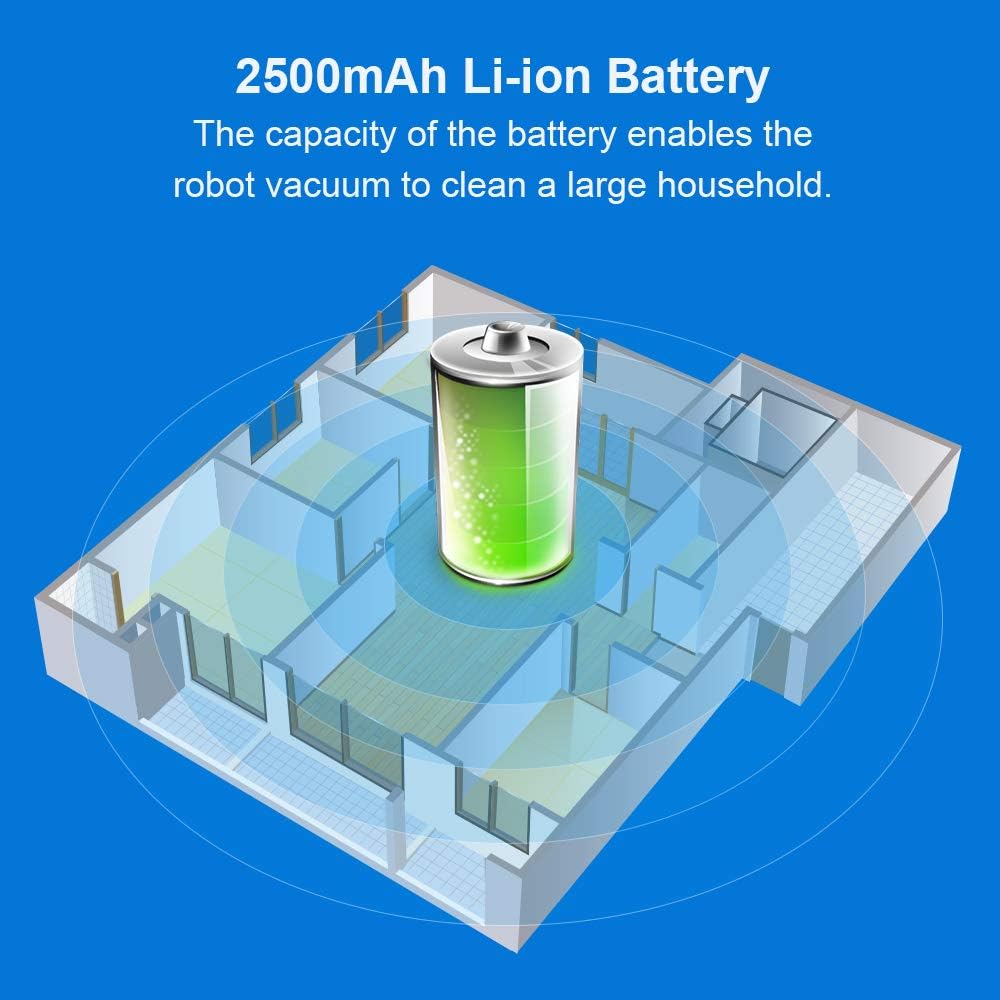
The 2500mAh Li-ion battery provides sufficient power for cleaning large households.

The electric water tank ensures controlled water release for effective wet mopping.
5. Setup
- Unpack: Carefully remove all components from the packaging.
- Charging Station Placement: Place the charging station against a wall in an open, clutter-free area. Ensure there is at least 1 meter of clear space on either side and 2 meters in front of the station.
- Connect Power: Plug the AC adapter into the charging station and then into a power outlet. The indicator light on the charging station should illuminate.
- Initial Charge: Place the robot onto the charging station. Ensure the charging contacts on the robot align with those on the station. Allow the robot to fully charge before its first use (approximately 4-5 hours).
- Install Side Brushes: Attach the side brushes to the designated posts on the bottom of the robot until they click into place.
- App Connection (Optional): Download the Liectroux app from your smartphone's app store. Follow the in-app instructions to connect your robot to your home WiFi network for advanced control and mapping features.
6. Operating Instructions
The Liectroux C30B offers multiple operating modes:
- Auto Cleaning: Press the power button on the robot or the remote control, or select 'Auto' in the app. The robot will automatically clean your home based on its mapped environment.
- Spot Cleaning: Place the robot in a specific area you want to clean intensively and select 'Spot' mode. The robot will clean in a spiral pattern.
- Edge Cleaning: Select 'Edge' mode to instruct the robot to clean along the walls and edges of your rooms.
- Scheduled Cleaning: Use the mobile app to set a cleaning schedule for specific times and days.
- Wet Mopping: Fill the electric water tank with clean water and attach the mop cloth. Replace the dustbin with the water tank assembly. The robot will then perform wet mopping. Ensure to remove the water tank when not in use.

Monitor and control your robot's cleaning progress and map directly from the mobile app.
7. Maintenance
Regular maintenance ensures optimal performance and extends the lifespan of your robot:
- Dustbin Emptying: Empty the dustbin after each use. Press the release button and remove the dustbin, then open and discard collected debris.
- Filter Cleaning: Tap the HEPA filter to remove dust. For thorough cleaning, gently brush it. Replace the HEPA filter every 3-6 months, or as needed.
- Main Brush Cleaning: Use the provided cleaning brush to remove hair and debris from the main brush. Detach the brush cover to access the main brush.
- Side Brush Cleaning: Remove any tangled hair or debris from the side brushes. Replace worn or damaged side brushes.
- Sensor Cleaning: Wipe the cliff sensors and charging contacts on the robot and charging station with a clean, dry cloth.
- Water Tank Maintenance: After wet mopping, empty any remaining water from the tank and allow it to air dry. Clean the mop cloth thoroughly.
8. Troubleshooting
If you encounter issues with your Liectroux C30B, refer to the following common solutions:
| Problem | Possible Cause | Solution |
|---|---|---|
| Robot does not turn on | Low battery; Power switch off | Charge the robot; Ensure power switch is ON |
| Robot cannot find charging station | Charging station obstructed; Robot too far | Clear obstacles around station; Manually place robot closer |
| Suction power is weak | Dustbin full; Filter clogged; Main brush tangled | Empty dustbin; Clean/replace filter; Clean main brush |
| Robot gets stuck frequently | Loose cables/rugs; Narrow spaces | Clear obstacles; Use virtual walls if available |
| Mopping is ineffective | Water tank empty; Mop cloth dirty | Refill water tank; Clean/replace mop cloth |
| WiFi connection issues | Incorrect password; Router issues; Robot too far from router | Re-enter password; Restart router; Move robot closer to router |
9. Specifications
| Parameter | Value |
|---|---|
| Brand | Liectroux |
| Model Name | C30B |
| Special Feature | Wet, Dry |
| Suction Power | 3000Pa |
| Battery Type | 2500mAh Li-ion Battery |
| Battery Life | Up to 100 minutes |
| Dustbin Capacity | 0.6 Liters |
| Water Tank Capacity | 0.35 Liters |
| Voltage | 14.4 Volts |
| Power | 28W |
| Product Dimensions | 12.99 x 12.99 x 2.91 inches (D330*H74MM) |
| Item Weight | 5.94 pounds (2.7KG) |
| Operating Temperature | -10℃ to 45℃ |
| Compatible Devices | Amazon Echo, Google Home |
10. Warranty and Support
Liectroux products are designed for reliability and performance. For warranty information, technical support, or service inquiries, please refer to the contact details provided on the product packaging or the official Liectroux website. Keep your purchase receipt as proof of purchase for warranty claims.
Related documentsC30B


Ask a question about this manual
Ask about setup, troubleshooting, compatibility, parts, safety, or missing instructions. Manuals+ will review the question and use this page’s manual context to help answer it.