
Product Overview
The STANLEY SS4LS 600 peak battery amps portable jump starter and power pack is designed to provide reliable starting power for vehicles and portable charging for electronic devices. This ultra-compact device delivers 600 peak battery amps, capable of jump-starting most vehicles, including V6 powered cars and trucks, without the need for another vehicle. It features a built-in dual USB port for charging phones and other electronic devices, a bright LED light for illumination in dark conditions, and a reverse polarity alarm for safe operation. The unit is designed for portability and convenience, making it an essential tool for roadside emergencies or on-the-go power needs.

Figure 1: Front view of the STANLEY SS4LS Power Station, showcasing its compact design and display screen.
What's in the Box
- STANLEY SS4LS Lithium Ion Power Station
- Heavy-duty Smart Cables with Battery Clamps
- AC Adapter for recharging
- DC Adapter for recharging
- User Manual (this document)
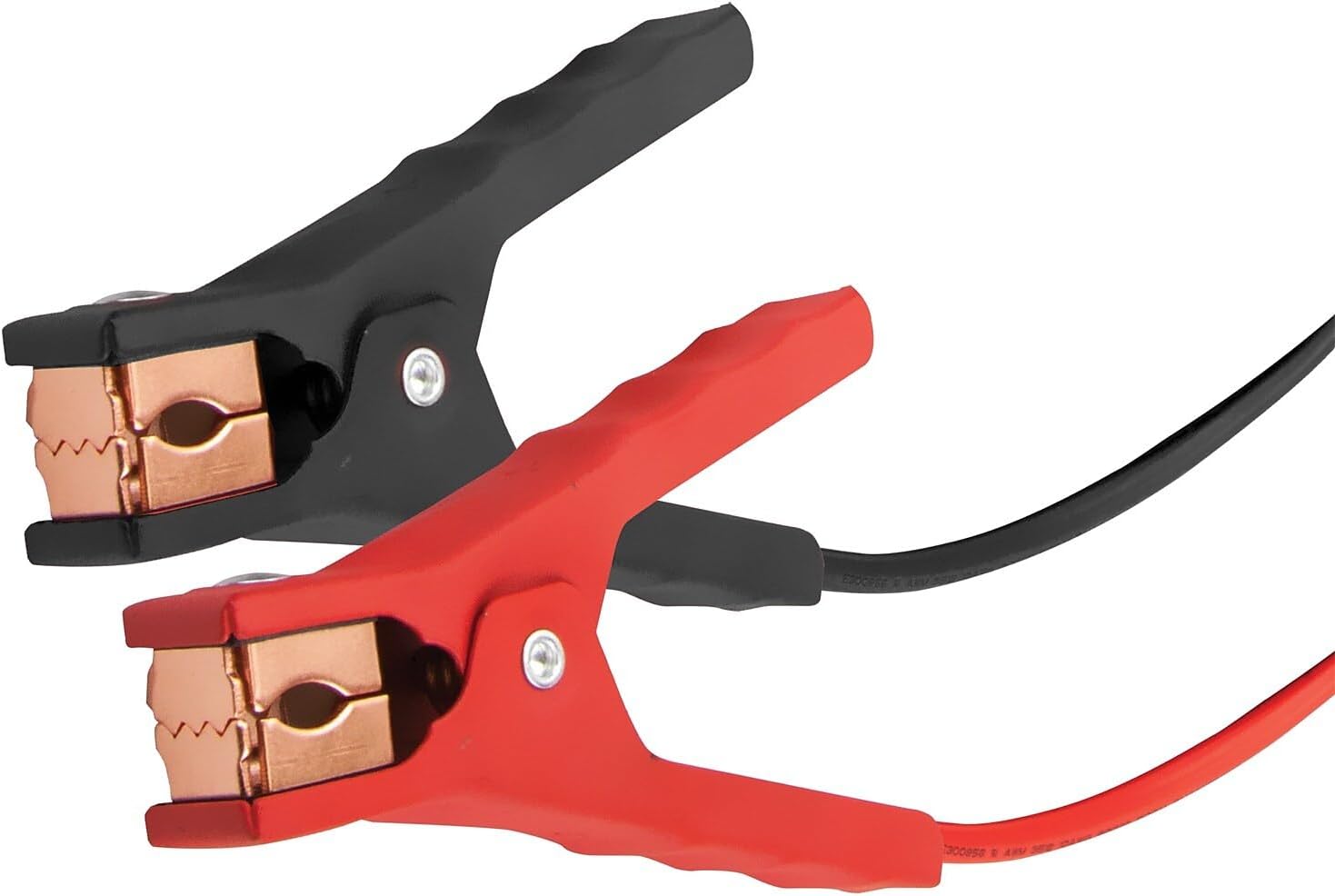
Figure 2: Included AC and DC adapters for charging the power station.
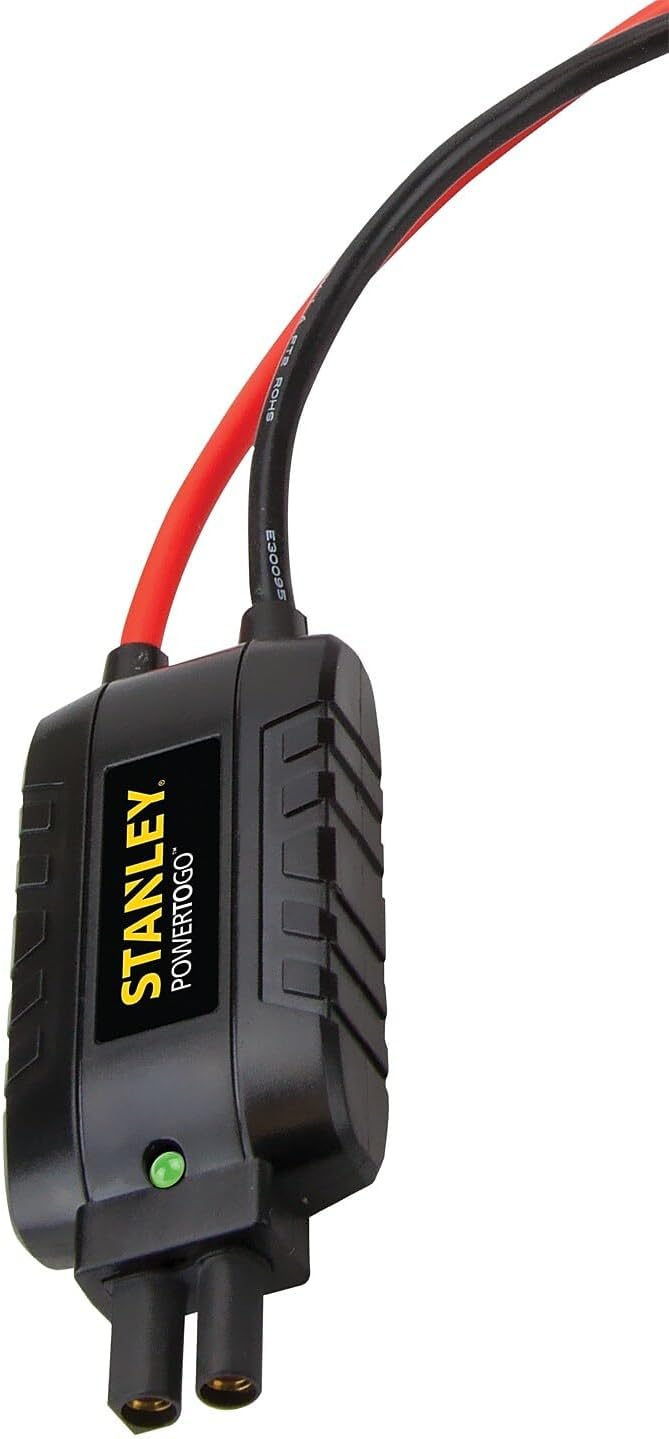
Figure 3: Heavy-duty battery clamps for secure connection during jump starting.
Setup and Charging
Initial Charge
Before first use, fully charge the STANLEY SS4LS unit. A full charge can take approximately 5 hours. The unit holds 90% of its charge for over a year, but regular charging is recommended to maintain optimal battery health.
- Connect the AC adapter to the charging port on the unit.
- Plug the AC adapter into a standard wall outlet (120V AC).
- The display will indicate charging status. Charge until the battery indicator shows full.
- Alternatively, use the DC adapter to charge the unit from a vehicle's 12V DC accessory outlet.

Figure 4: Side view of the power station, highlighting the charging and USB ports.
Operating Instructions
Jump Starting a Vehicle
The SS4LS can jump start most vehicles, including V6 powered cars and trucks, with its 600 peak battery amps.
- Ensure the vehicle's ignition is off and all accessories are unplugged.
- Connect the red (positive, +) clamp to the positive terminal of the vehicle's battery.
- Connect the black (negative, -) clamp to a non-moving metal part of the vehicle's chassis, away from the battery and fuel lines. Do not connect the black clamp directly to the negative battery terminal.
- Turn on the switch on the STANLEY SS4LS unit.
- If an improper connection is detected, the reverse polarity alarm will sound. Correct the connection before proceeding.
- Start your vehicle. Once the vehicle starts, immediately disconnect the black clamp, then the red clamp.
- Turn off the STANLEY SS4LS unit.
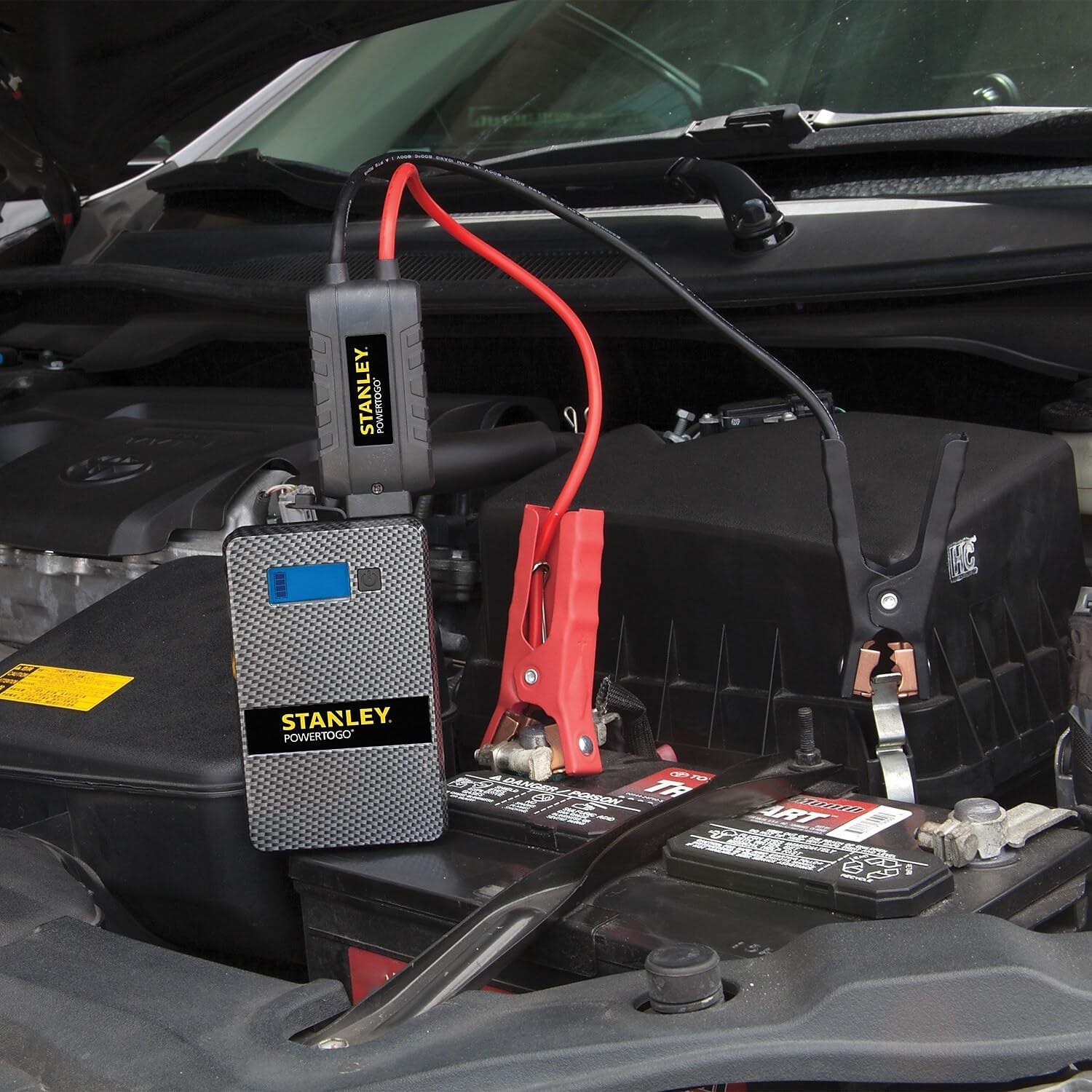
Figure 5: The STANLEY SS4LS connected to a vehicle battery for jump starting.
Using as a Portable Power Bank
The unit features dual 3.1A USB ports to charge your electronic devices.
- Connect your USB charging cable to one of the USB ports on the STANLEY SS4LS.
- Connect the other end of the cable to your electronic device (e.g., smartphone, tablet).
- The unit will begin charging your device. The 8000 mAh capacity allows for multiple device recharges.

Figure 6: The power station actively charging a tablet and a smartphone via its USB ports.
Using the LED Light
A bright LED light is integrated into the unit to assist in dark environments.
- Locate the power button for the LED light on the unit.
- Press the button once to turn the light on.
- Press again to turn the light off.
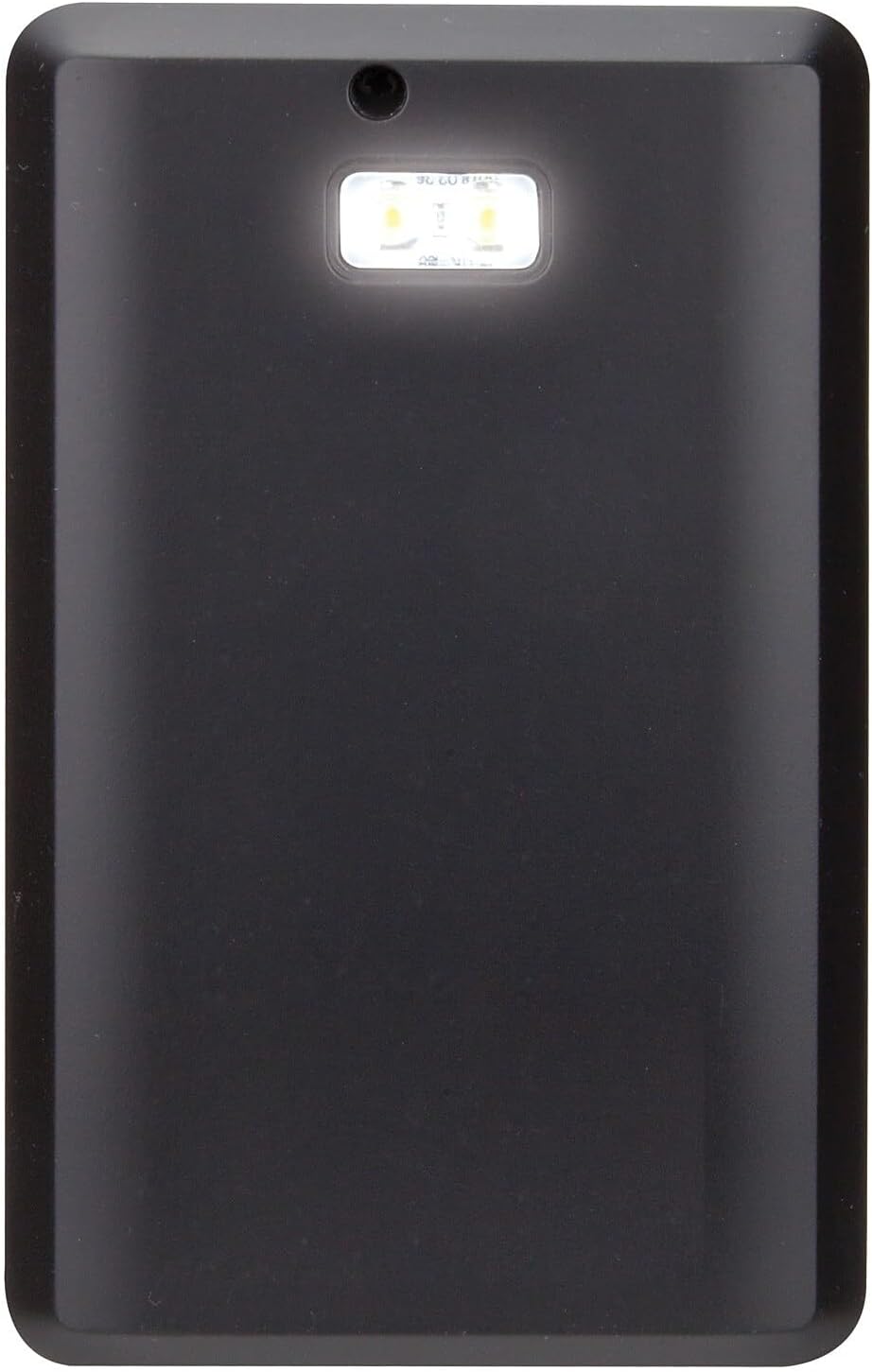
Figure 7: Top view of the power station showing the bright LED light.
Maintenance
Recharging the Unit
To ensure the longevity and readiness of your STANLEY SS4LS, it is important to recharge it regularly, especially after each use or every 3-6 months if stored. The unit can hold 90% of its charge for over a year, but periodic recharging is crucial for battery health.
- Always recharge the unit fully after each jump start or significant power bank usage.
- For long-term storage, recharge the unit every 3-6 months to maintain battery capacity.
- Use only the provided AC or DC adapters for recharging.
Storage
Store the unit in a cool, dry place, away from direct sunlight and extreme temperatures. Ensure the unit is fully charged before storing for extended periods.
Cleaning
Wipe the unit with a soft, damp cloth. Do not use harsh chemicals or abrasive cleaners. Ensure all ports are free of dust and debris.
Troubleshooting
| Problem | Possible Cause | Solution |
|---|---|---|
| Unit does not turn on or charge devices. | Battery is fully discharged. | Recharge the unit using the provided AC or DC adapter. |
| Vehicle does not start after jump attempt. | Incorrect clamp connection; Vehicle battery severely discharged; Vehicle issue unrelated to battery. | Check clamp connections (ensure no reverse polarity alarm). Allow unit to charge vehicle battery for a few minutes before attempting to start again. Consult a mechanic if the issue persists. |
| Reverse polarity alarm sounds. | Clamps are connected incorrectly (positive to negative, or negative to positive). | Immediately disconnect clamps and re-connect them correctly: Red (+) to positive battery terminal, Black (-) to vehicle chassis. |
| USB devices not charging. | Unit battery low; USB cable faulty; Device not compatible. | Recharge the unit. Try a different USB cable. Ensure your device is compatible with standard USB charging. |
Specifications
| Feature | Detail |
|---|---|
| Model | SS4LS |
| Brand | STANLEY |
| Peak Battery Amps | 600 Amps |
| Battery Type | Lithium Ion (8000 mAh) |
| USB Ports | Dual 3.1A USB Ports |
| Product Dimensions | 3.2"D x 1.1"W x 5"H |
| Item Weight | 1.5 Pounds |
| Manufacturer | Baccus Global LLC |
| UPC | 814632013549 |
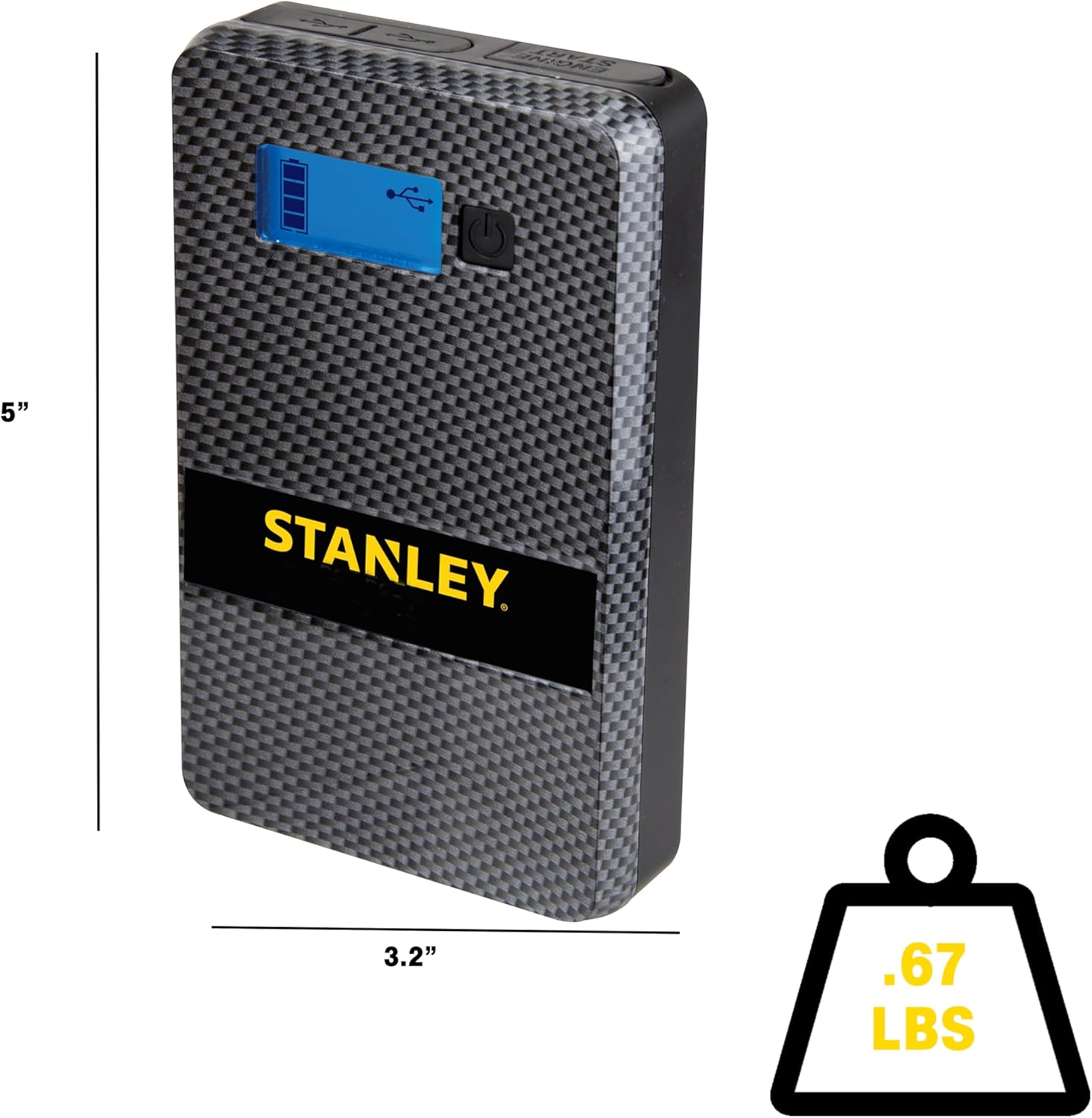
Figure 8: Visual representation of the power station's dimensions and weight.
Warranty and Support
Warranty Information
The STANLEY SS4LS Lithium Ion Power Station Jump Starter comes with a Limited 1-Year Manufacturer Warranty. Please retain your proof of purchase for warranty claims.
Additional Resources
For further assistance or detailed information, you may refer to the official user guides:
For customer support, please visit the official STANLEY website or contact their customer service department.
Important Safety Information
WARNING - Cancer and reproductive harm. For more information go to www.P65Warnings.ca.gov.
Always read and understand all safety warnings and instructions before using this product. Failure to follow the warnings and instructions may result in electric shock, fire, and/or serious injury.

