
1. Introduction
This manual provides essential information for the proper installation, operation, and maintenance of the NOTIFIER FST-951H High Temperature Thermal Sensor. The FST-951H is a state-of-the-art thermal sensor designed for use with compatible Notifier fire alarm control panels utilizing FlashScan technology. It is engineered to detect abnormally high temperatures, providing early warning in fire detection systems.
Please read this manual thoroughly before attempting to install or operate the device. Retain this manual for future reference.
2. Safety Information
Important Safety Instructions:
- Installation and wiring must be performed by qualified personnel in accordance with all national and local codes and regulations.
- Disconnect power before installing, servicing, or removing the sensor.
- Do not paint the sensor. Paint can interfere with the sensor's ability to detect temperature changes accurately.
- Ensure the sensor is installed in an environment within its specified operating temperature and humidity ranges.
- Regular testing and maintenance are crucial for reliable operation.
This device is part of a fire alarm system and must be installed and maintained as such. Failure to follow these instructions may result in property damage, injury, or death.
3. Setup and Installation
The FST-951H thermal sensor is designed for easy integration into Notifier FlashScan systems. Proper placement and wiring are critical for optimal performance.
3.1 Unpacking the Sensor
Carefully remove the sensor from its packaging. Inspect the sensor for any signs of damage during transit. If damage is found, do not install the unit and contact your supplier.
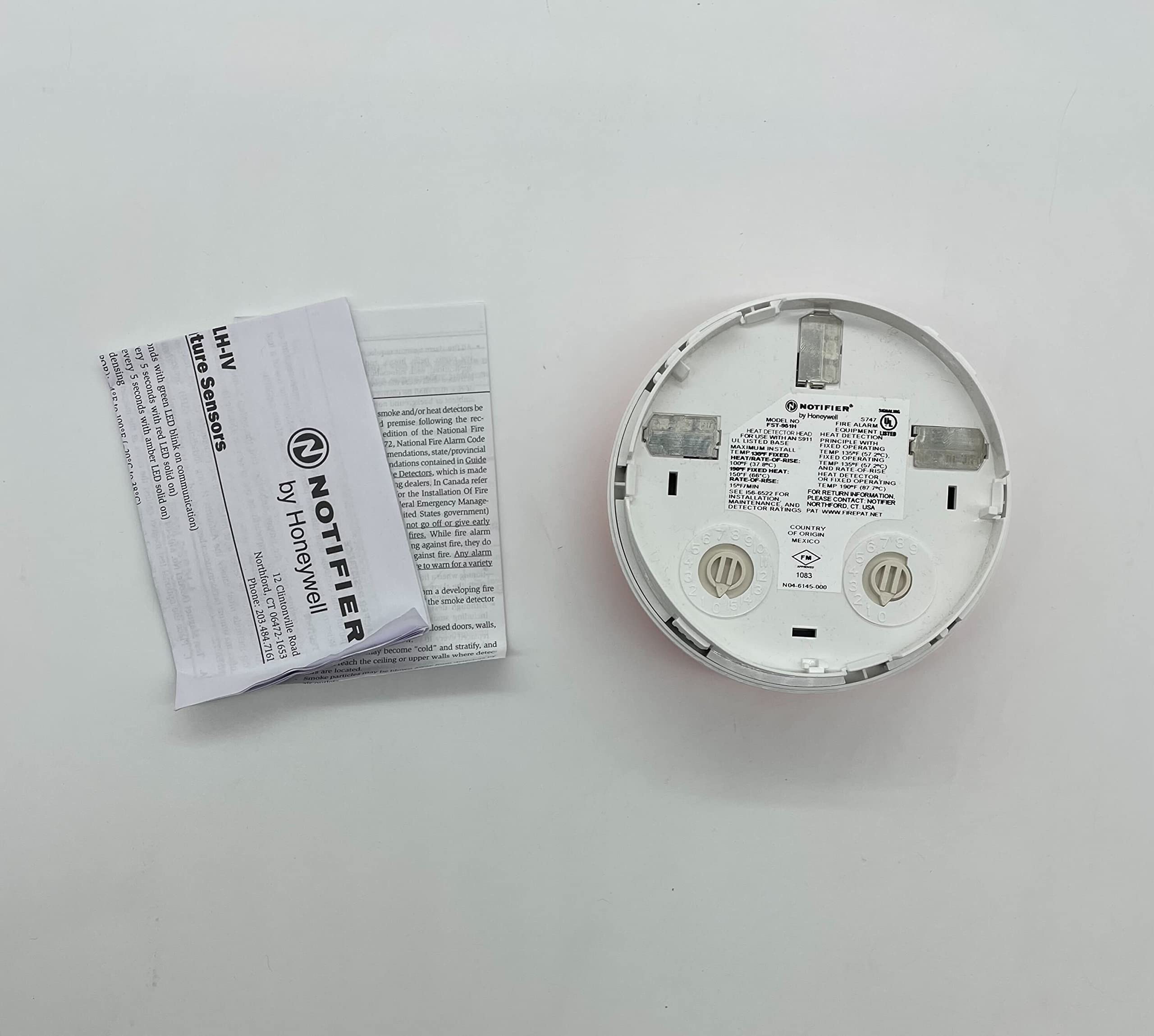
Figure 1: NOTIFIER FST-951H High Temperature Thermal Sensor in its open cardboard box, showing the sensor unit and accompanying documentation.
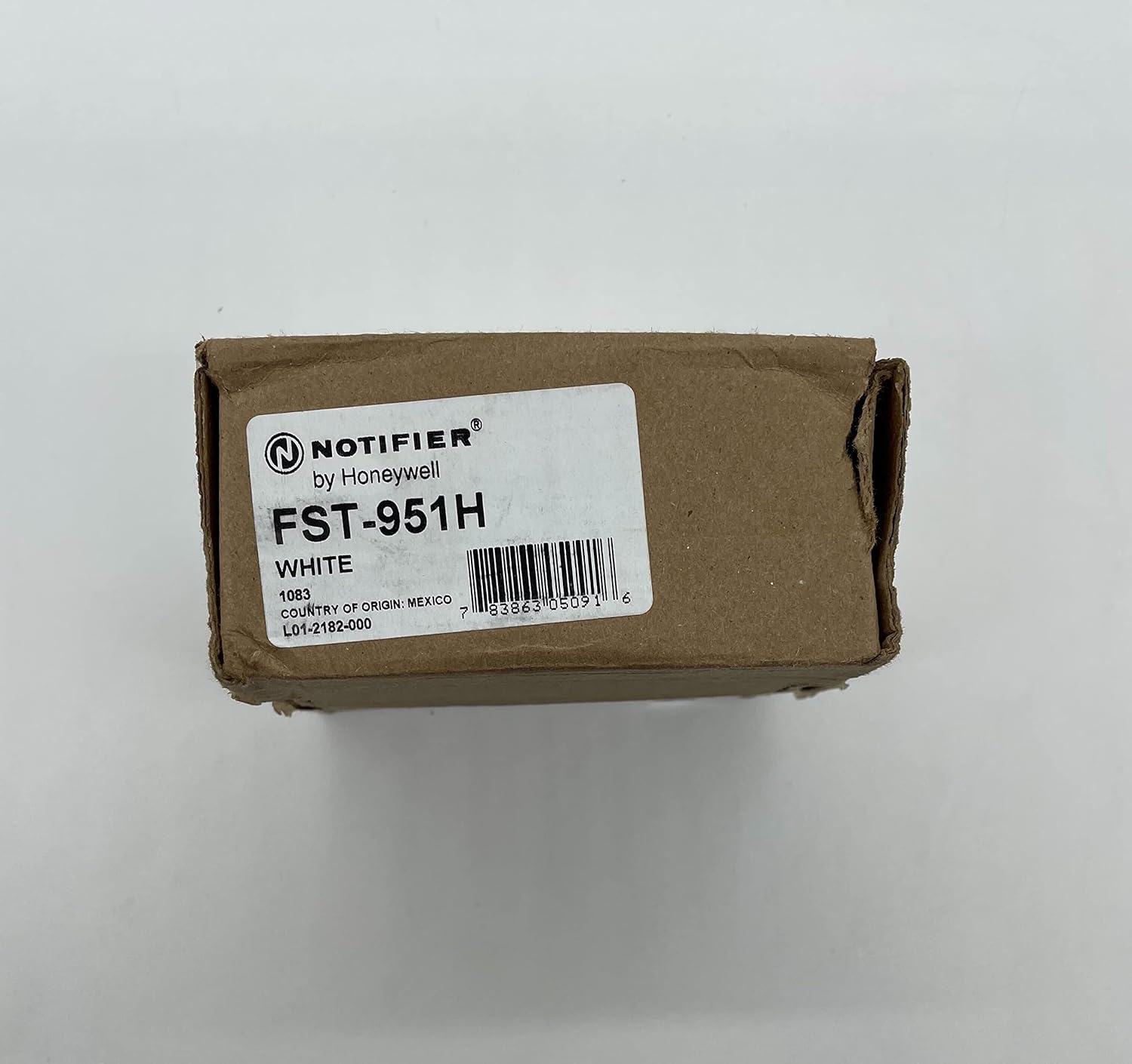
Figure 2: The product packaging for the NOTIFIER FST-951H, showing the label with model number FST-951H, color WHITE, country of origin, and UPC 0783863050916.
3.2 Mounting Location
Select a mounting location that ensures optimal temperature detection. Avoid areas with high air velocity, near heating/cooling vents, or in direct sunlight, as these can affect sensor accuracy. Refer to NFPA 72 (National Fire Alarm and Signaling Code) for specific guidelines on thermal detector placement.
3.3 Wiring
The FST-951H connects to a compatible Notifier FlashScan intelligent loop. Ensure proper polarity when connecting the wiring to the sensor base (sold separately). Consult the specific wiring diagrams provided with your Notifier control panel and sensor base for detailed instructions. Incorrect wiring can prevent the sensor from functioning correctly and may damage the device or control panel.
- Connect the positive (+) and negative (-) wires from the FlashScan loop to the designated terminals on the sensor base.
- Ensure all connections are secure.
3.4 Sensor Installation onto Base
Once the sensor base is mounted and wired, align the sensor head with the base. Rotate the sensor clockwise until it clicks into place. This ensures proper electrical contact and mechanical security. Verify that the sensor is firmly seated.
4. Operating Instructions
The NOTIFIER FST-951H is an automatic thermal sensor designed to continuously monitor ambient temperature. It operates by detecting when the temperature in its vicinity exceeds a predetermined threshold.
4.1 Normal Operation
Under normal conditions, the sensor continuously monitors the ambient temperature. The control panel communicates with the sensor to ensure its operational status. A status LED on the sensor (if present, refer to control panel documentation for specific indications) may flash periodically to indicate normal communication.
4.2 Alarm Condition
When the ambient temperature at the sensor location rises above its high-temperature threshold, the sensor will enter an alarm state. It will then communicate this alarm condition to the connected Notifier fire alarm control panel. The control panel will then initiate its programmed alarm sequence, which may include activating audible and visual alarms, notifying monitoring stations, and other actions.
The FST-951H is a fixed-temperature thermal sensor, meaning it activates when a specific temperature is reached, rather than detecting a rate of temperature rise.
4.3 Restoring the System
After an alarm, the fire alarm control panel must be reset. Ensure that the cause of the high-temperature alarm has been identified and resolved before resetting the system. The sensor will automatically return to its normal monitoring state once the temperature drops below the alarm threshold and the control panel is reset.
5. Maintenance
Regular maintenance is essential to ensure the continued reliable operation of your FST-951H thermal sensor.
5.1 Cleaning
Dust and debris can accumulate on the sensor over time, potentially affecting its performance. Clean the exterior of the sensor periodically using a soft, damp cloth. Do not use harsh chemicals or abrasive cleaners. Ensure no moisture enters the sensor housing.
5.2 Testing
The FST-951H sensor should be tested regularly as per local codes and NFPA 72 requirements. Testing typically involves applying a heat source (e.g., a hairdryer on a low setting, held at a safe distance) to the sensor until it activates an alarm on the control panel. Always follow the testing procedures outlined in your fire alarm control panel's manual and local regulations. After testing, ensure the system is reset.
Note: Do not use an open flame or excessive heat that could damage the sensor or surrounding materials.
5.3 Inspection
Periodically inspect the sensor for any visible damage, discoloration, or obstructions. Ensure it is securely mounted to its base.
6. Troubleshooting
If you encounter issues with your FST-951H thermal sensor, refer to the following common troubleshooting steps. For more complex issues, consult your fire alarm system installer or Notifier technical support.
- Sensor Not Responding / Trouble Indication:
- Check wiring connections at the sensor base and control panel for security and correct polarity.
- Ensure the sensor is correctly seated and twisted into its base.
- Verify that the control panel is powered on and the FlashScan loop is operational.
- Inspect the sensor for physical damage.
- False Alarms:
- Review the sensor's mounting location. Is it too close to a heat source (e.g., oven, furnace, direct sunlight, hot air vent)?
- Ensure the sensor is clean and free of dust or debris.
- Verify the sensor type and its temperature rating are appropriate for the environment.
- No Alarm During Test:
- Ensure sufficient heat is being applied to the sensor during testing.
- Confirm the sensor is properly installed and communicating with the control panel (no trouble indications).
- Check the control panel's programming to ensure the sensor is correctly configured.
Always refer to the Notifier control panel manual for specific diagnostic procedures and error codes.
7. Specifications
| Model Number: | FST-951H |
| Brand: | Notifier |
| Sensor Type: | High Temperature Thermal Sensor (Fixed Temperature) |
| Technology: | FlashScan |
| Color: | White |
| Power Source: | Loop Powered (No Batteries Required) |
| Alarm Type: | Audible (via control panel) |
| Item Weight: | 3.2 ounces (approx. 0.2 lbs) |
| UPC: | 734038305102 |
| Part Number: | NFST951H |
| Manufacturer: | NOTIFIER |
Note: Specifications are subject to change without notice. Refer to the latest product datasheet for the most current information.
8. Warranty and Support
For warranty information, please refer to the documentation provided with your purchase or contact your authorized Notifier distributor. Notifier products are typically covered by a limited warranty against defects in materials and workmanship.
For technical support, installation assistance, or service, please contact your local authorized Notifier dealer or visit the official Notifier website. Do not attempt to repair the sensor yourself, as this may void the warranty and compromise the safety of the fire alarm system.
Contact Information:
- Notifier Official Website: www.notifier.com (Example link, actual link may vary)
- Customer Service: Refer to your purchase documentation or local dealer for contact details.

