1. Introduction
Thank you for choosing the GLACIER FRESH GF-MWF Refrigerator Water Filter. This manual provides essential information for the proper installation, operation, and maintenance of your new water filter. Designed to provide clean, fresh-tasting water, this filter is a premium replacement for various refrigerator models.
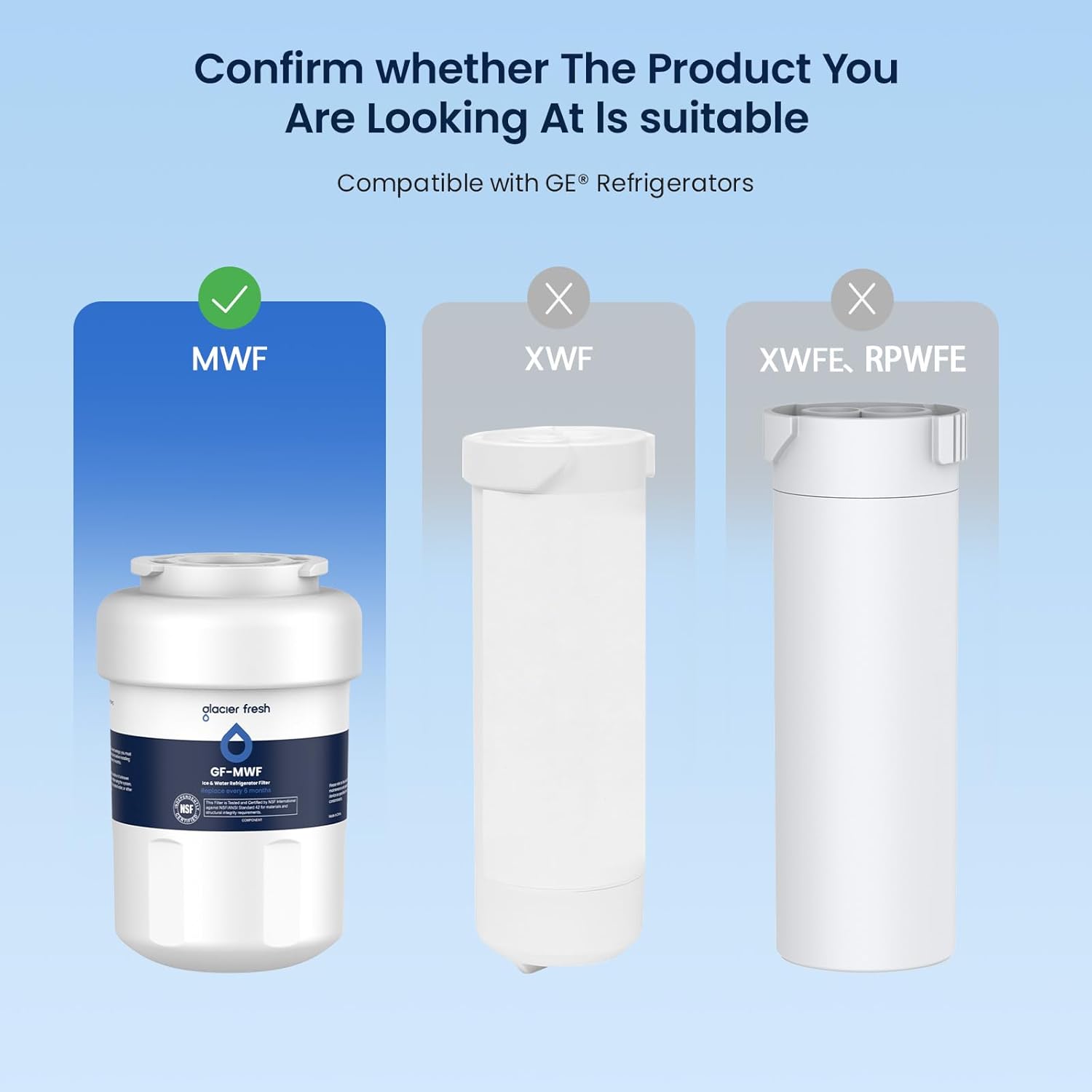
2. Compatibility
The GLACIER FRESH GF-MWF water filter is compatible with a wide range of refrigerator models, including but not limited to:
- SmartWater Filter
- MWF Water Filter, MWFP Water Filter, MWFA Water Filter, MWFAP Water Filter, MWFINT Water Filter
- GWF Water Filter, GWF01 Water Filter, GWF06 Water Filter, GWFA Water Filter
- HWF Water Filter, HWFA Water Filter
- FMG-1 Water Filter, FMG Water Filter
- Kenmore* 46-9991 Water Filter, Kenmore* 46 9991 Water Filter, Kenmore* 469991 Water Filter, Kenmore* 9991 Water Filter
- GE GSH22JSDSS
Please verify your refrigerator's model number to ensure compatibility. For detailed compatibility information, refer to the product packaging or the official GLACIER FRESH website.
3. Key Features
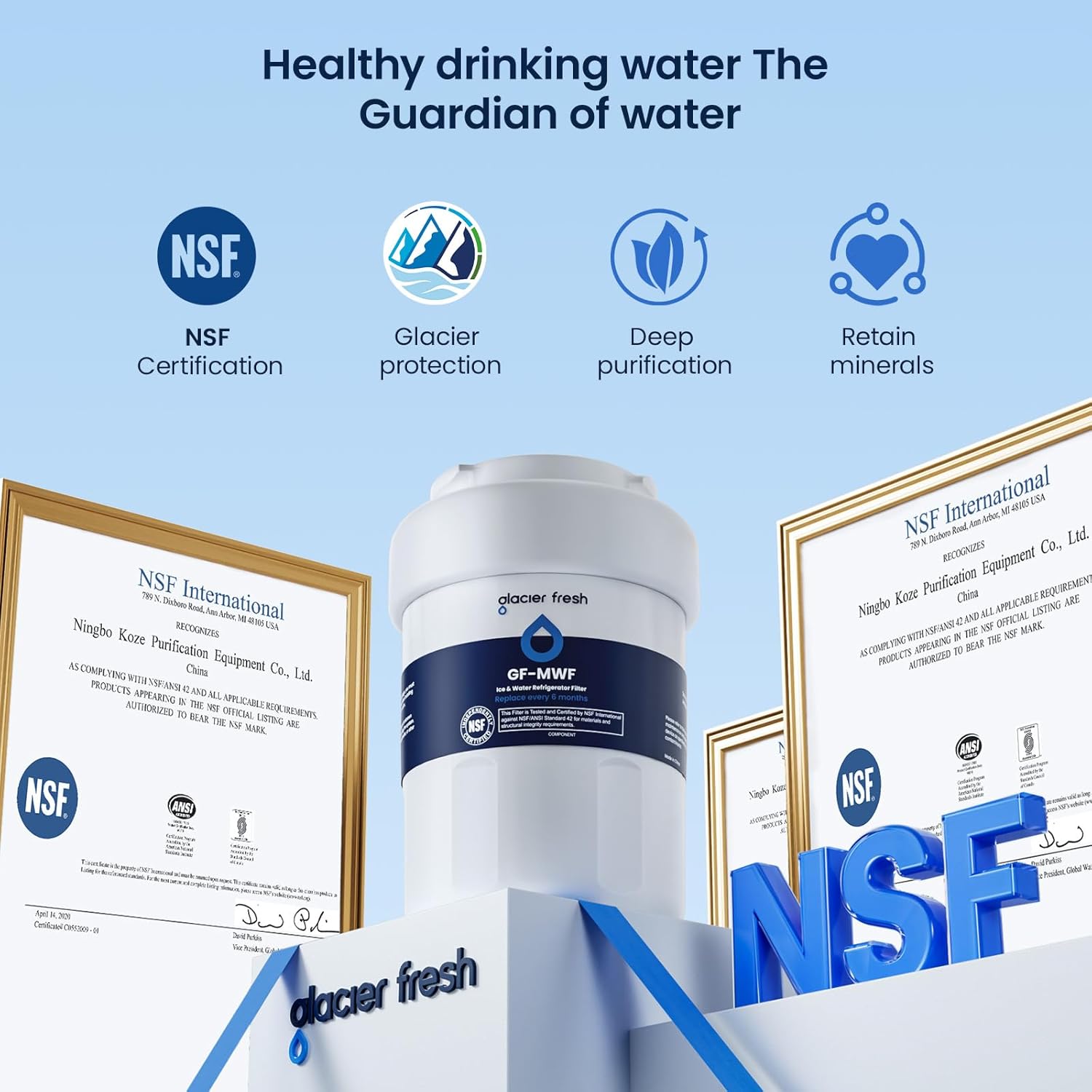
- NSF 42 Certified: Materials and construction comply with NSF42 standards for the reduction of chlorine, taste, and odor.
- Advanced Filtration: Utilizes high-grade coconut carbon blocks to effectively reduce 97.9% of chlorine, sediment, suspended solids, and improve water's smell and taste.
- Safe Materials: Made from BPA-free, lead-free, and food-grade materials.
- Twist and Lock Design: Ensures a precise, leak-proof fit for tool-free, no-mess replacement.
- Long Filter Life: Recommended replacement every six months or 300 gallons, whichever comes first.


4. Setup and Installation
Follow these steps to install your GLACIER FRESH water filter:
- Shut off the main water supply valve to the refrigerator.
- Remove the old filter by twisting it counter-clockwise until it stops, then pull it down.
- Remove the protective cap from the new GLACIER FRESH filter.
- Insert the new filter into the refrigerator's filter housing.
- Twist the filter clockwise until it locks securely into place.
- Turn on the main water supply valve to the refrigerator.
- Flush the filter by dispensing 3-4 gallons of water (approximately 6-8 minutes) to remove air and carbon fines.
- Check for any leaks.
- Reset the 'Change Filter' indicator on your refrigerator, if applicable.
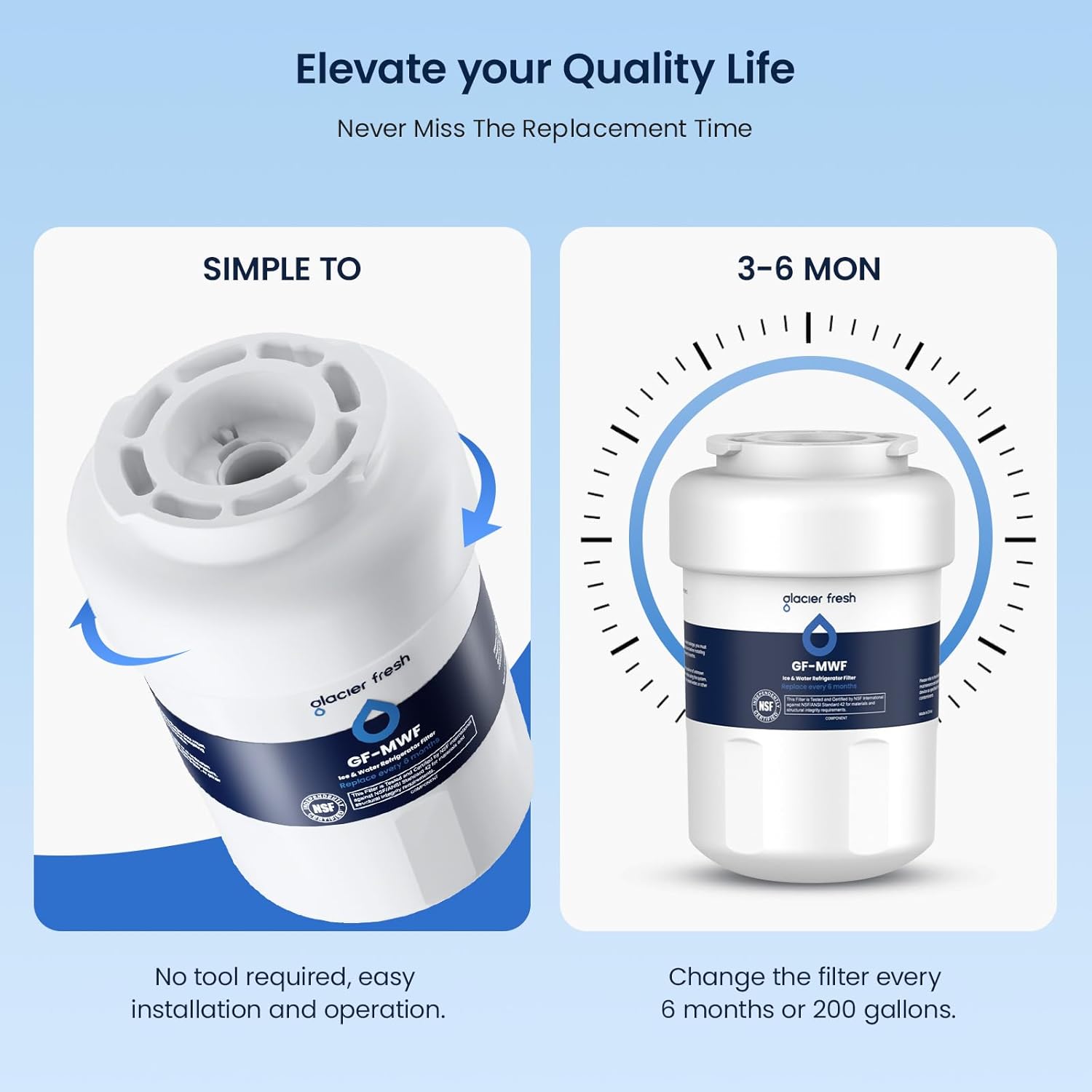
Video 1: Official GLACIER FRESH guide demonstrating compatibility and installation of the GE MWF water filter. This video shows the filter being inserted and twisted into place within a refrigerator.
Video 2: Official GLACIER FRESH video providing installation notes for the MWF water filter. It highlights key steps for a successful filter replacement.
5. Operating Instructions
Once installed and flushed, your GLACIER FRESH water filter operates automatically with your refrigerator's water dispensing system. Enjoy clean, filtered water and ice.
6. Maintenance
For optimal performance and water quality, it is crucial to replace your GLACIER FRESH water filter regularly. The recommended replacement schedule is:
- Every six (6) months
- Or after filtering 300 gallons (1135 liters) of water, whichever comes first.
Using the provided month stickers can help you track your replacement date. Simply apply the sticker to the new cartridge and mark your calendar.

7. Troubleshooting
If you experience any issues with your water filter, consider the following:
- Slow Water Flow: Ensure the filter is correctly installed and fully twisted into place. Flush the filter again for a few minutes to remove any trapped air. If the issue persists, the filter may be clogged and require replacement.
- Leaking: Re-install the filter, ensuring it is securely twisted and seated properly. Check the O-rings for any damage or misalignment.
- Unusual Taste/Odor: Flush the filter with 3-4 gallons of water. If the taste or odor persists after flushing, the filter may be expired or defective. Replace the filter.
- Filter Indicator Light: After replacing the filter, reset the filter indicator light on your refrigerator according to your appliance's manual.
8. Specifications
| Attribute | Detail |
|---|---|
| Model Number | GF-MWF |
| Material | Sri Lankan activated carbon |
| Product Dimensions | 2.99"D x 3.3"W x 5.1"H |
| Item Weight | 16 ounces (1 pound) |
| External Testing Certification | NSF, IAPMO (NSF/ANSI 42) |
| Product Benefits | Reduces Chlorine, Taste, Odor, Sediment, Suspended Solids |
| Unit Count | 3.0 Count (per pack) |
| Filter Life | 6 months or 300 gallons (1135 liters) |
| Flow Rate | 0.5 gpm / 1.9 lpm |
| Operating Temperature | 34°F-100°F / 1°C-38°C |
| Min Operating Pressure | 30 psi / 207 kPa |
| Max Operating Pressure | 100 psi / 689 kPa |
9. Warranty and Support
GLACIER FRESH is committed to providing high-quality products and customer satisfaction. While specific warranty details are not provided in this manual, we offer 24-hour support for any use issues.
If you have questions, concerns, or require technical assistance, please contact us through Amazon. We will respond within 24 hours and work to resolve your issue completely.


