
Introduction
This manual provides detailed instructions for the setup, operation, maintenance, and troubleshooting of your TOZO T12 Wireless Earbuds. Please read this guide thoroughly to ensure optimal performance and longevity of your device.
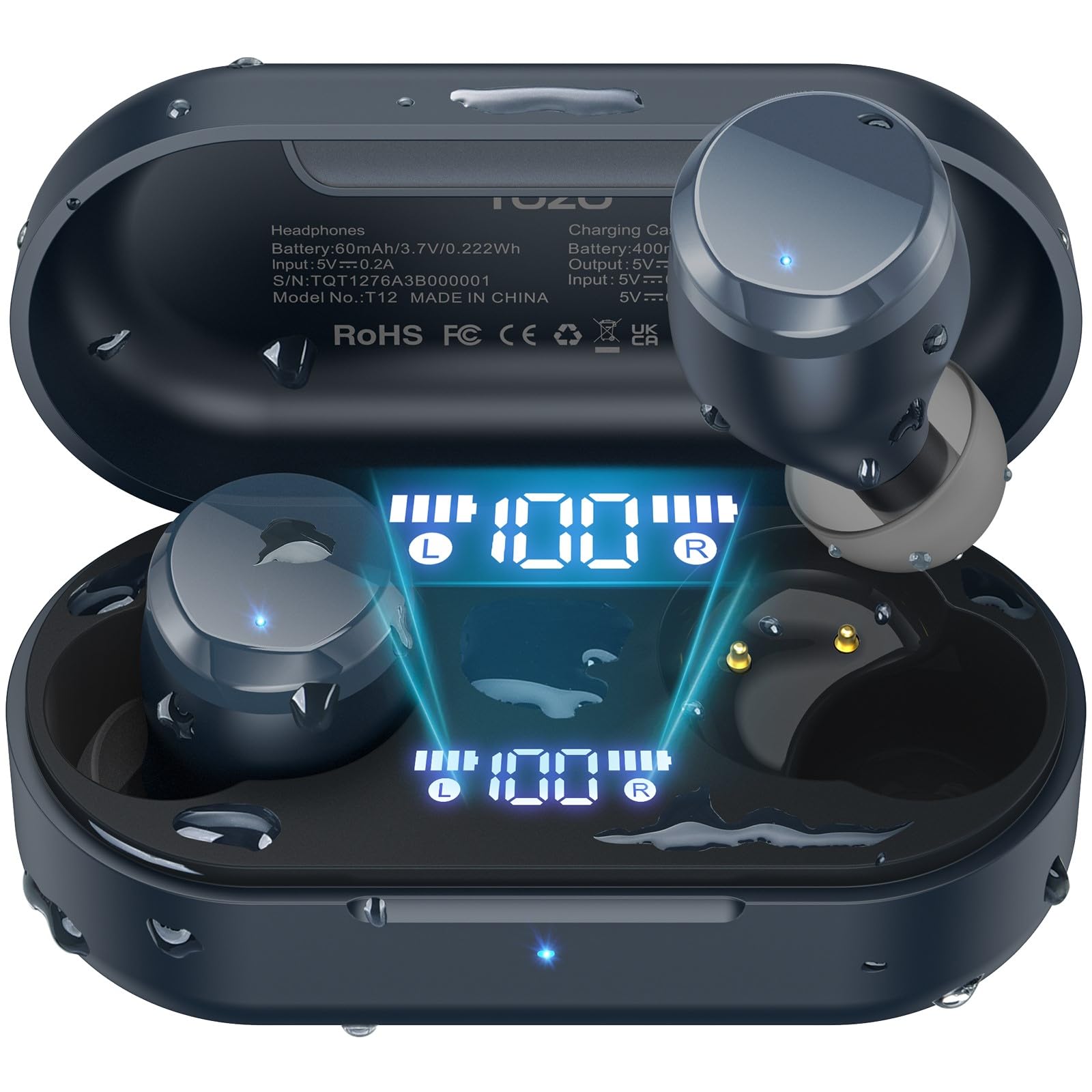
Image: TOZO T12 Wireless Earbuds and their charging case, showcasing the matte blue finish.
Package Contents
Verify that all items are present in the package:
- TOZO T12 Wireless Earbuds (Left and Right)
- Charging Case
- USB-C Charging Cable
- 5 Pairs of Ear Caps (various sizes)
- User Manual
Setup
1. Charging the Earbuds and Case
Before first use, fully charge the earbuds and charging case. The case features an LED digital display to show battery levels.
- Connect the provided USB-C cable to the charging port on the case and to a power source.
- Alternatively, place the charging case on a compatible wireless charging pad.
- The LED display will indicate charging status and battery percentage.

Image: The TOZO T12 charging case connected via USB-C cable and also shown on a wireless charging pad, illustrating both charging methods.

Image: The TOZO T12 earbuds and charging case, highlighting the 55-hour total battery life and 15-hour single charge playtime.
2. Ear Tip Selection and Fit
Choosing the correct ear tip size is crucial for sound quality and comfort. Experiment with the 5 provided pairs to find the best fit for your ear canal.
- Gently insert the earbud into your ear.
- Twist slightly to ensure a secure and comfortable seal.
- A good seal enhances bass response and noise isolation.
3. Bluetooth Pairing
The TOZO T12 earbuds utilize Bluetooth 5.3 for a stable connection.
- Take both earbuds out of the charging case. They will automatically enter pairing mode.
- On your device (smartphone, tablet, etc.), enable Bluetooth.
- Search for "TOZO T12" in the list of available devices and select it to connect.
- Once paired, the earbuds will automatically connect to your device when removed from the case.

Image: A visual representation of the Bluetooth 5.3 chip, indicating advanced wireless connectivity.
Operating Instructions
1. Power On/Off
- Power On: Remove earbuds from the charging case. They will power on automatically.
- Power Off: Place earbuds back into the charging case. They will power off automatically and begin charging.
2. Touch Controls
The TOZO T12 earbuds feature touch-sensitive controls. Specific functions may vary slightly based on your device and app settings.
- Play/Pause: Single tap on either earbud.
- Next Track: Double tap on the right earbud.
- Previous Track: Double tap on the left earbud.
- Volume Up: Triple tap on the right earbud.
- Volume Down: Triple tap on the left earbud.
- Answer/End Call: Single tap on either earbud.
- Reject Call: Press and hold either earbud for 2 seconds.
- Activate Voice Assistant: Press and hold either earbud for 3 seconds.
3. Call Management
The earbuds are equipped with Call ENC Noise Cancelling Microphones for clear communication.
- To answer an incoming call, single tap either earbud.
- To end an active call, single tap either earbud.
- To reject an incoming call, press and hold either earbud for 2 seconds.

Image: A woman wearing TOZO T12 earbuds, illustrating their use for clear phone calls and crystal sound quality.
4. TOZO App Integration
Enhance your audio experience by downloading the official TOZO App. The app allows for personalized settings and EQ customization.
- Download the "TOZO App" from your device's app store.
- Connect your TOZO T12 earbuds to the app.
- Explore 32 preset EQ modes or customize your own.
- Access additional features and settings.

Image: Screenshots of the TOZO App interface, demonstrating the 32 preset EQ modes and other customization options.
Maintenance
1. Cleaning
- Regularly clean the earbuds and charging case with a soft, dry, lint-free cloth.
- Remove ear tips and clean them with mild soap and water, then dry thoroughly before reattaching.
- Avoid using abrasive materials or harsh chemicals.
2. Waterproofing (IPX8)
The TOZO T12 earbuds are IPX8 waterproof, offering protection against water immersion. This makes them suitable for workouts and use in wet conditions.
- Ensure earbuds are dry before placing them back into the charging case to prevent damage to the charging contacts.
- The charging case is not waterproof.

Image: TOZO T12 earbuds partially submerged in water, illustrating their IPX8 waterproof capability.
3. Storage
Store the earbuds in their charging case when not in use to protect them and keep them charged.
Troubleshooting
| Issue | Solution |
|---|---|
| Earbuds not pairing |
|
| No sound from one earbud |
|
| Charging case not charging |
|
| Poor sound quality |
|
Specifications
| Feature | Detail |
|---|---|
| Brand | TOZO |
| Model Number | T12 |
| Bluetooth Version | 5.3 |
| Ear Placement | In Ear |
| Noise Control | Call ENC Noise Cancelling Mic |
| Total Playtime (with case) | Up to 55 Hours |
| Single Charge Playtime | Up to 15 Hours |
| Waterproof Rating | IPX8 |
| Audio Driver Type | 10mm Dynamic Driver |
| Frequency Range | 14Hz - 20kHz |
| Control Method | App, Media Control |
Warranty and Support
TOZO provides a warranty for this product. For detailed warranty information and customer support, please visit the official TOZO website or contact their customer service.
Manufacturer: TOZO
Warranty Description: TOZO
Official Product Videos
TOZO T12 Ergonomic Edition (APP2024) Overview
Video: An official overview of the TOZO T12 Ergonomic Edition earbuds, highlighting features and design. This video is provided by the seller, Worgo.
TOZO T12 (Compact Ergonomic Edition) Features
Video: A detailed look at the features of the TOZO T12 Compact Ergonomic Edition wireless earbuds. This video is provided by the seller, Worgo.


