
Introduction
This manual provides essential instructions for setting up, operating, and maintaining your Timex Men's Big Digit DGTL 48mm Watch, model TW5M27000. Please read this guide thoroughly to ensure proper use and to maximize the lifespan of your timepiece.
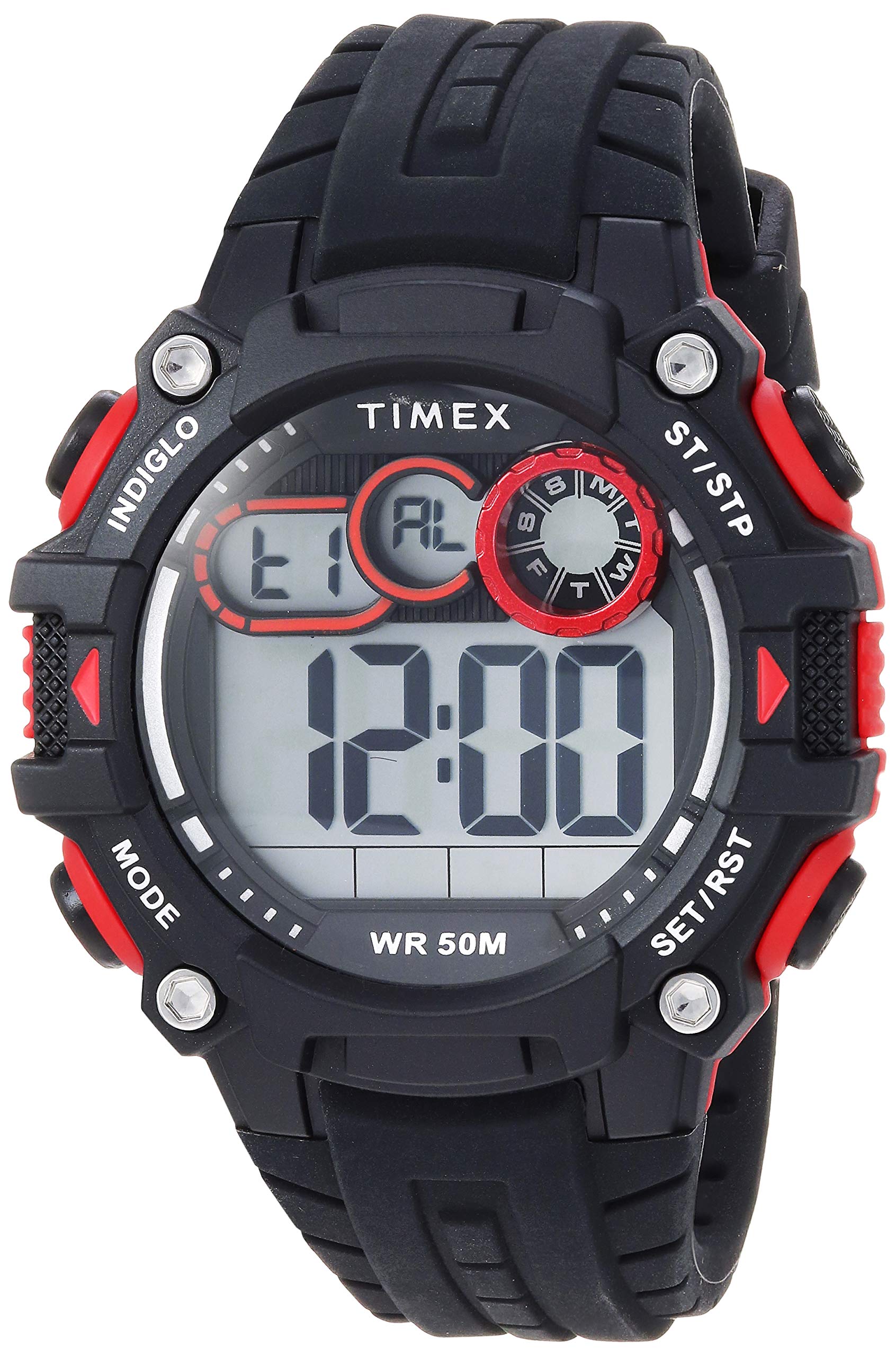
Front view of the Timex Men's Big Digit DGTL 48mm Watch, displaying the large digital time.
Watch Overview
The Timex Big Digit DGTL 48mm Watch features a robust design with multiple functions. Familiarize yourself with the watch's buttons and display areas.

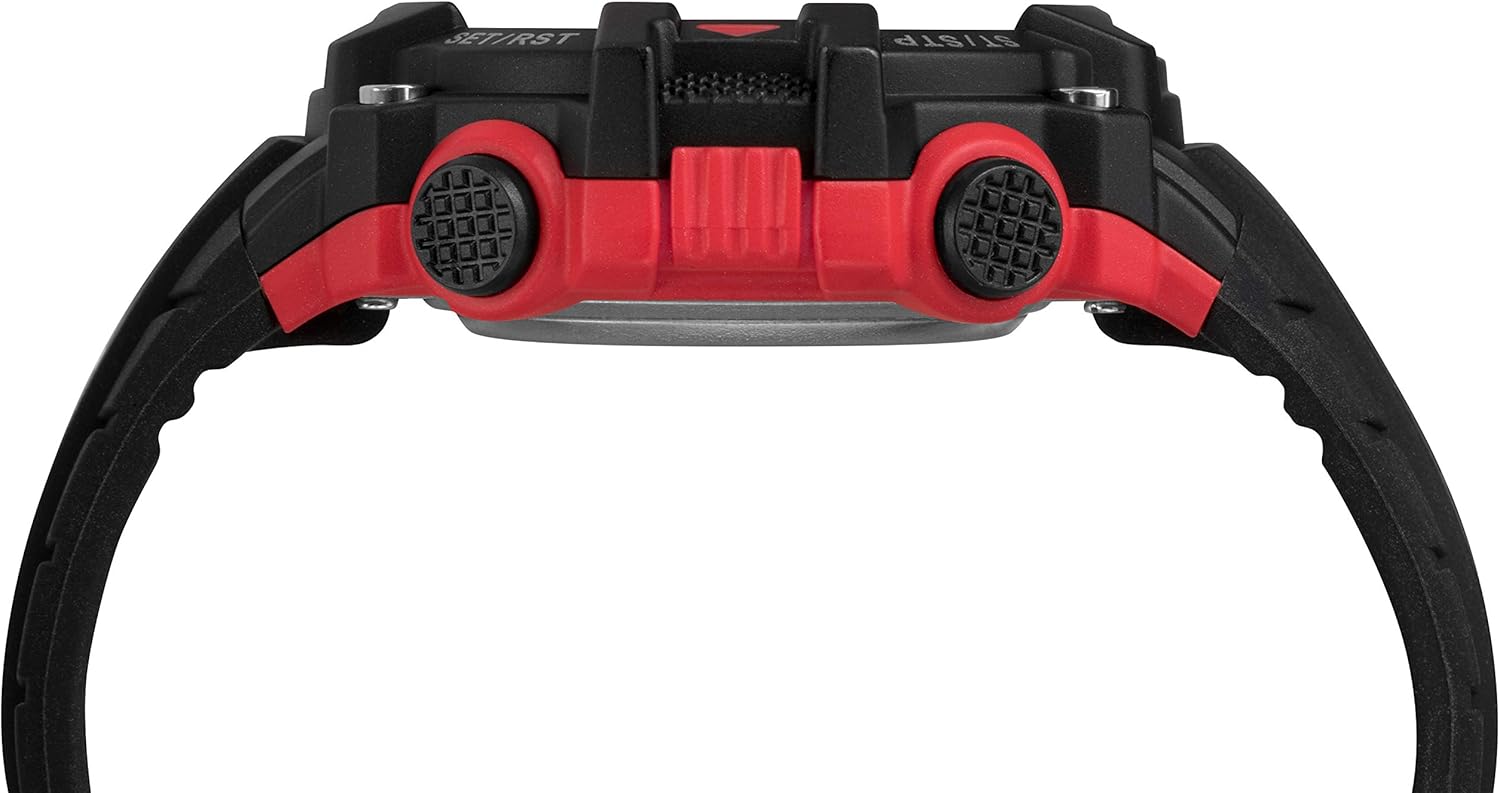
Side view of the watch, highlighting the control buttons for various functions. The buttons are labeled SET/RST and ST/STP.
Button Functions:
- INDIGLO: Activates the Indiglo night-light for illumination.
- MODE: Cycles through different display modes (Time, Chronograph, Alarm, Dual Time).
- ST/STP (Start/Stop): Used to start and stop the chronograph, and to adjust settings.
- SET/RST (Set/Reset): Used to enter setting modes and reset functions.
Setup Instructions
Setting Time and Date
- Press the MODE button repeatedly until the time setting display appears (often indicated by flashing digits).
- Use the ST/STP button to advance the flashing digit (hours, minutes, seconds).
- Use the SET/RST button to move to the next setting field (e.g., from hours to minutes, then to date, month, year).
- Once all settings are correct, press the MODE button to exit the setting mode.
Note: The watch supports 12-hour and 24-hour (military) time modes. This setting is typically adjusted within the time setting sequence.
Battery Information
Your watch comes with one Lithium Metal battery included. Battery life varies with usage, especially frequent use of the Indiglo feature. When the display dims or functions become erratic, it may be time for a battery replacement.
Operating Instructions
Indiglo Night-Light
Press the INDIGLO button (usually located on the top left of the watch face) to illuminate the display for easy viewing in low-light conditions.
Chronograph Function
The 24-hour chronograph has 1/100-second resolution.
- Press MODE until 'CHRONO' or similar is displayed.
- Press ST/STP to start timing.
- Press ST/STP again to pause timing.
- Press SET/RST to reset the chronograph to zero.
Daily Alarm
To set and activate the daily alarm:
- Press MODE until 'ALARM' or 'AL' is displayed.
- Use ST/STP and SET/RST to set the desired alarm time.
- Activate or deactivate the alarm using a specific button press (refer to the watch's on-screen indicators, often a small bell icon).
Dual Time Zones
Your watch supports two time zones. To set and switch between them:
- Press MODE until 'T2' or 'DUAL TIME' is displayed.
- Use ST/STP and SET/RST to set the second time zone.
- The watch will typically display the primary time zone by default. Consult the full manual for specific instructions on switching the main display to the second time zone.
Water Resistance
This watch is water resistant to 50 meters (165 feet). This rating means it is suitable for short periods of recreational swimming. It is not suitable for diving or snorkeling. Avoid pressing buttons while the watch is wet or submerged to prevent water ingress.

The Timex Big Digit DGTL 48mm Watch displayed on a wrist, showcasing its size and fit.
Maintenance
Cleaning
Clean your watch regularly with a soft, damp cloth. Avoid using harsh chemicals or abrasive materials, which can damage the resin case and silicone strap.
Battery Replacement
The watch uses a Lithium Metal battery. While battery replacement is generally straightforward, it is recommended to have it performed by a qualified watch technician to ensure the water resistance seal is properly maintained.
Strap Care
The silicone strap is durable and adjustable. Clean it with mild soap and water if needed. Avoid prolonged exposure to direct sunlight or extreme temperatures, which can degrade the material.
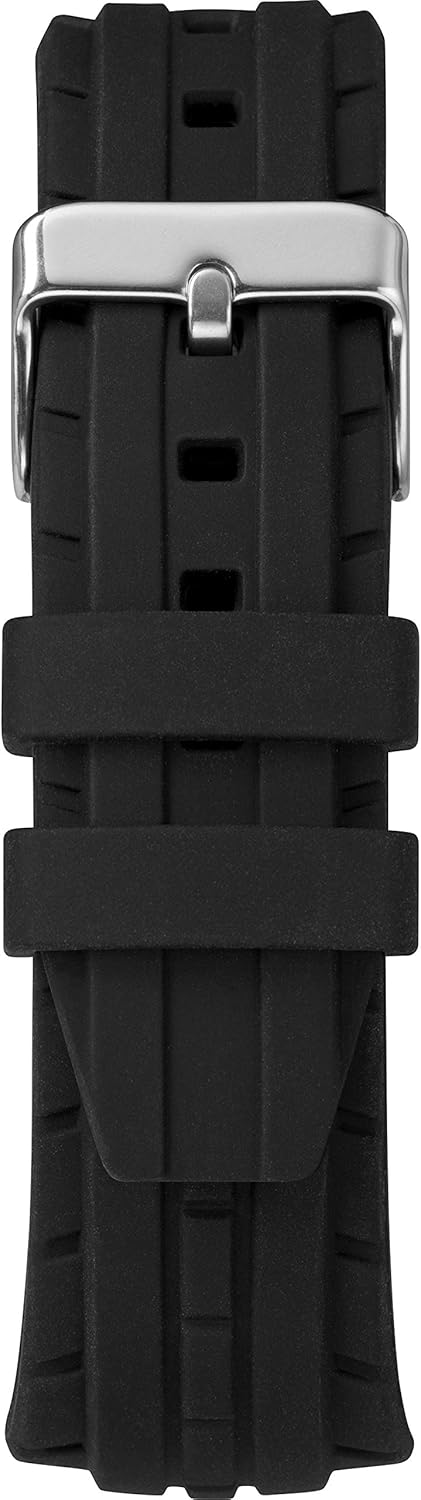
Back view of the watch, showing the black silicone strap and buckle closure.
Troubleshooting
Difficulty Setting Time
If you find it difficult to set the time or other functions, ensure you are pressing the buttons firmly and in the correct sequence as described in the 'Setup Instructions' section. If issues persist, refer to the official Timex support resources for detailed model-specific instructions.
Dim Indiglo Light
A dim Indiglo light can indicate a low battery. While the watch may still function, the backlight requires more power. Consider replacing the battery if the Indiglo light is noticeably weaker than usual.
Watch Not Responding
If the watch display is blank or unresponsive, the battery may be completely depleted. Replace the battery. If the issue continues after battery replacement, contact Timex customer support.
Specifications
| Feature | Detail |
|---|---|
| Model Number | TW5M27000 |
| Case Diameter | 48 millimeters |
| Case Thickness | 17 millimeters |
| Band Width | 17 millimeters |
| Band Length | 8 inches |
| Band Material Type | Silicone |
| Case Material Type | Resin |
| Crystal | Acrylic |
| Display Type | Digital |
| Watch Movement Type | Quartz |
| Water Resistance Depth | 50 meters (165 feet) |
| Included Components | Backlight |
| Batteries | 1 Lithium Metal battery (included) |
Product Videos
Timex Watch Product Overview
This video provides a general overview of a Timex digital watch, demonstrating its design and basic features. Note that specific button layouts or display details may vary slightly by model.
Timex Sizing Chart
This video illustrates how different watch case sizes appear on various wrist sizes, helping you understand the fit of your Timex watch.
Warranty and Support
Your Timex watch is covered by a manufacturer's warranty. For detailed warranty information, service, or additional support, please visit the official Timex website or contact their customer service.
You can also visit the Timex Store on Amazon for more product information and support resources.
The Timex watch presented in its retail packaging.


