
Introduction
The Superior Ready 5 is a universal self-learning remote control designed for ease of use and broad compatibility. It is pre-programmed for major TV brands including LG, Samsung, Sony, Panasonic, and Philips, and can learn commands from your original remote control for full functionality with any infrared-controlled television, including LED, LCD, OLED, and QLED models. Its large, clearly visible buttons make it suitable for all users.
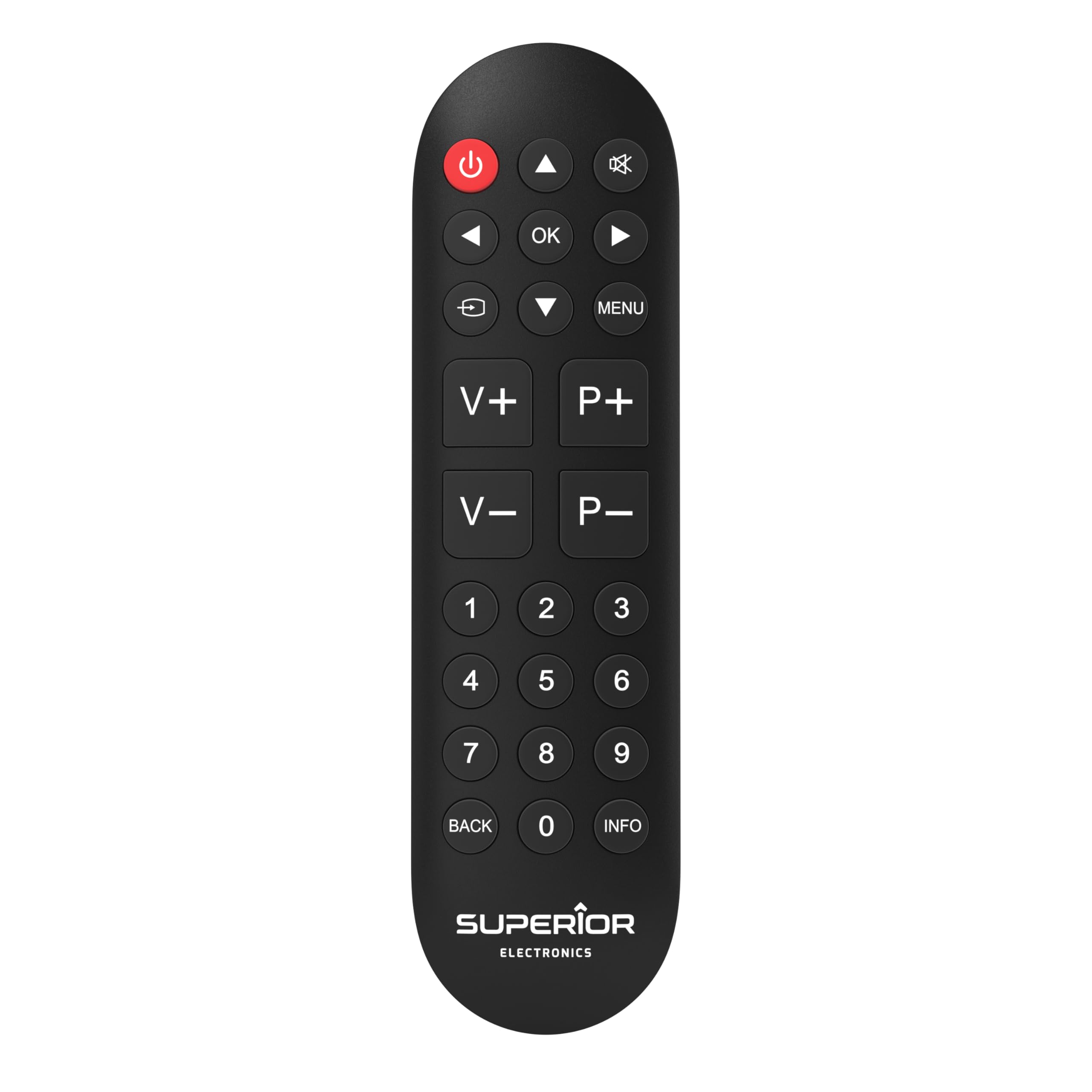
Image: Front view of the Superior Ready 5 Universal Remote Control, showing its packaging and key features like "Ready to Use" and compatibility with major TV brands.
Safety Information
- Do not expose the remote control to direct sunlight, high temperatures, or humidity.
- Avoid dropping the remote control or subjecting it to strong impacts.
- Do not mix old and new batteries, or different types of batteries.
- Remove batteries if the remote control will not be used for an extended period to prevent leakage.
- Keep batteries out of reach of children.
Package Contents
- 1 x Superior Ready 5 Universal Remote Control
- Instruction Manual (this document)
Note: 2 AAA batteries are required and not included in the package.
Product Overview
The Superior Ready 5 remote control features a compact and ergonomic design with large, easy-to-read buttons for intuitive operation. It is designed to replace your original TV remote, maintaining all primary and advanced functions.
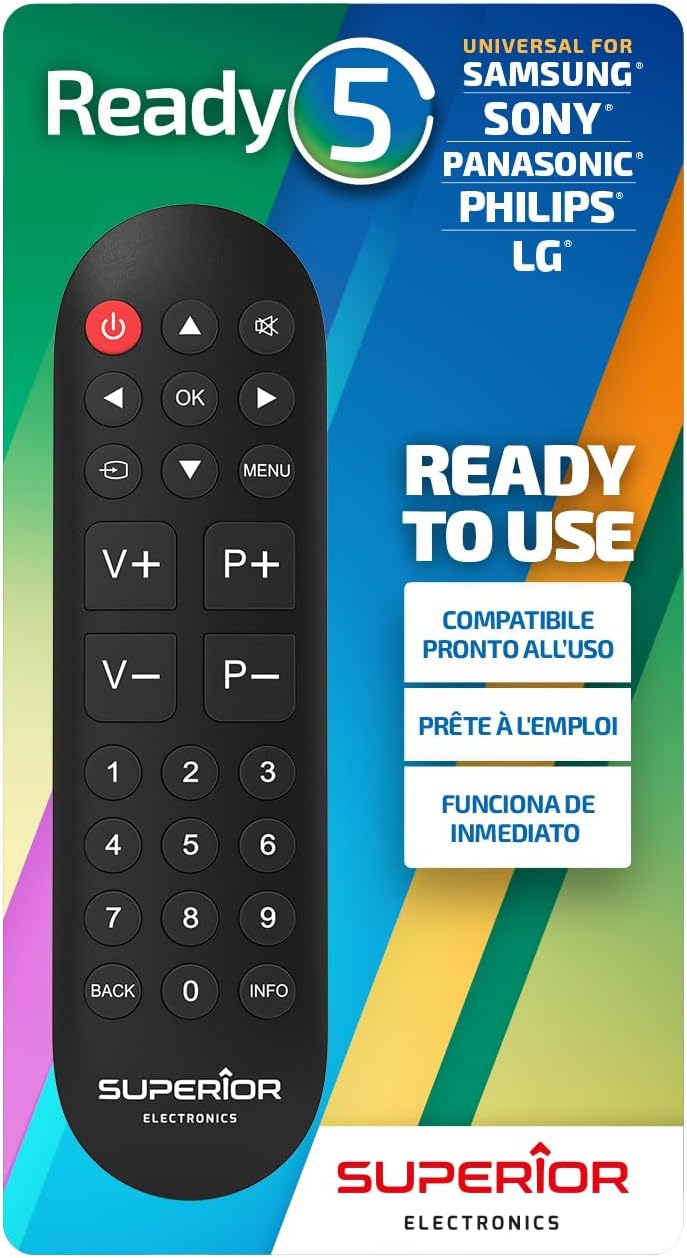
Image: Front view of the Superior Ready 5 remote control, highlighting its button layout.
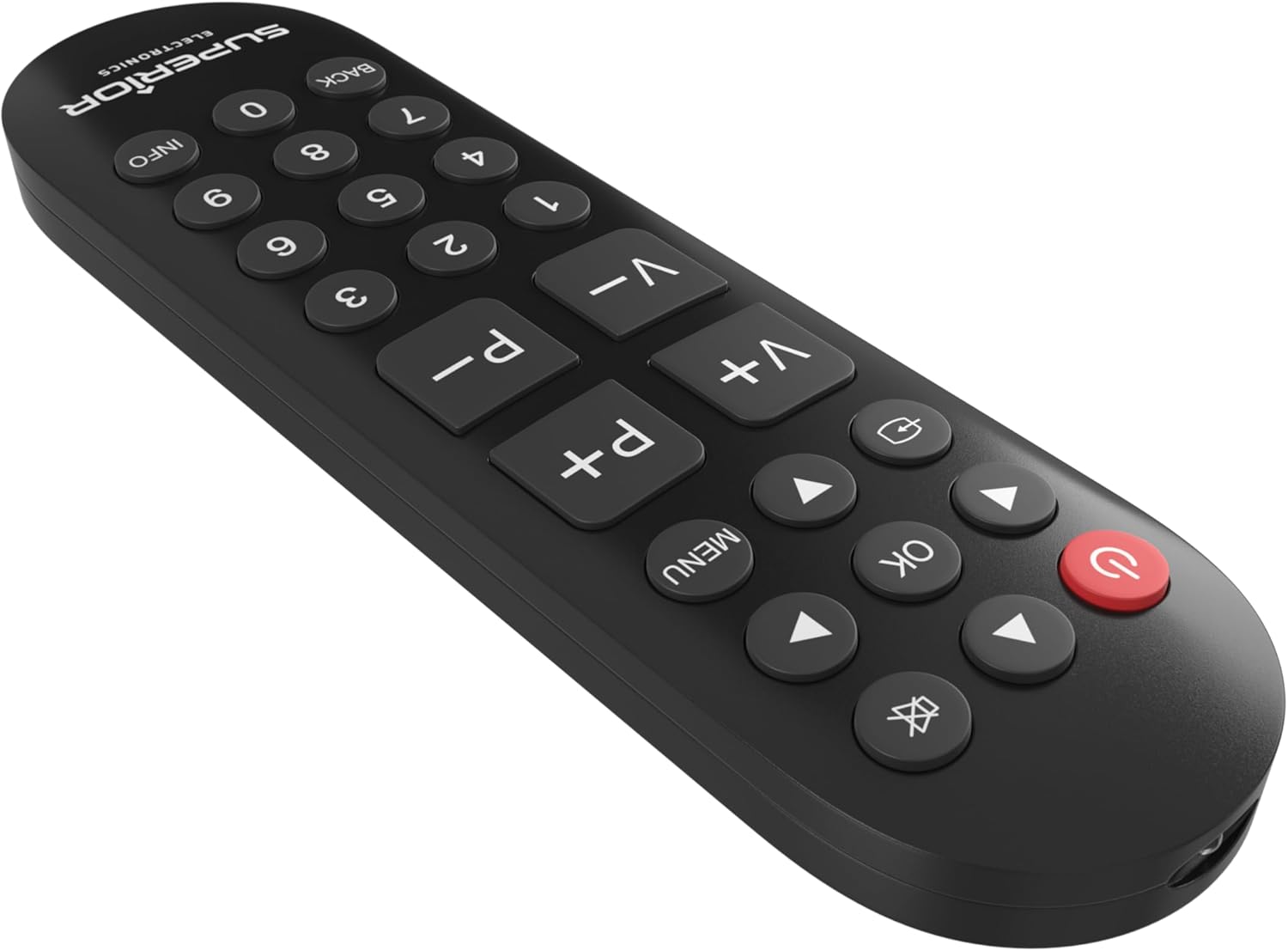
Image: Angled view of the Superior Ready 5 remote control, showing its ergonomic shape.

Image: A different angled view of the Superior Ready 5 remote control, emphasizing its button design.
Key Features:
- Universal Compatibility: Works with all infrared-controlled TVs, including Smart TVs and traditional models.
- Pre-programmed: Immediately ready for LG, Samsung, Sony, Panasonic, and Philips TVs.
- Self-Learning Function: Memorizes commands from your original remote for full functionality.
- Code Mixing: Allows customization by mixing codes from different remotes.
- Large Buttons: Designed for clear visibility and ease of use, especially for elderly users.
Setup
1. Battery Installation
- Open the battery compartment cover on the back of the remote control.
- Insert two (2) AAA batteries, ensuring correct polarity (+/-).
- Close the battery compartment cover securely.

Image: Back view of the Superior Ready 5 remote control, showing the battery compartment.
2. Initial Setup (Pre-programmed Brands)
For LG, Samsung, Sony, Panasonic, and Philips TVs, the remote is often ready to use immediately after battery installation. Point the remote at your TV and test basic functions like Power, Volume, and Channel. If it works, no further setup is required.
3. Self-Learning Function (for other brands or specific functions)
The self-learning function allows the Superior Ready 5 to learn commands directly from your original TV remote control. This is useful for brands not pre-programmed or for specific functions not covered by the default settings.
- Place the Superior Ready 5 remote and your original TV remote on a flat surface, facing each other, with their infrared emitters aligned at a distance of approximately 1-3 cm.
- Press and hold the ⏻ button on the Superior Ready 5 remote for approximately 5 seconds until the LED indicator lights up continuously.
- Press the button on the Superior Ready 5 remote that you wish to program (e.g., Volume Up). The LED will flash slowly.
- Press and hold the corresponding button on your original TV remote (e.g., Volume Up) until the LED on the Superior Ready 5 remote flashes rapidly three times and then stays on. This indicates successful learning.
- Repeat steps 3 and 4 for all other buttons you wish to program.
- To exit learning mode, press the ⏻ button again on the Superior Ready 5 remote. The LED will turn off.
Tip: Ensure both remotes have fresh batteries for optimal learning performance. If a command is not learned correctly, repeat the process for that specific button.
Operating Instructions
Once set up, operate the Superior Ready 5 remote control like your original TV remote. Point the remote directly at your television's infrared receiver.
- Power Button (⏻): Turns the TV on or off.
- Volume Up/Down (V+/V-): Adjusts the TV volume.
- Channel Up/Down (P+/P-): Changes TV channels.
- Number Buttons (0-9): Direct channel selection.
- OK Button: Confirms selections in menus.
- Arrow Buttons: Navigates through menus and options.
- MENU Button: Accesses the TV's main menu.
- BACK Button: Returns to the previous screen or menu.
- INFO Button: Displays program information.
Maintenance
- Clean the remote control with a soft, dry cloth. Do not use liquid cleaners or abrasive materials.
- Ensure the infrared emitter at the front of the remote is not obstructed.
- Replace batteries when the remote's response becomes sluggish or the LED indicator does not light up consistently.
Troubleshooting
| Problem | Possible Cause | Solution |
|---|---|---|
| Remote does not work. | Batteries are dead or incorrectly inserted. | Replace batteries with new AAA batteries, ensuring correct polarity. |
| Remote only controls some functions. | Not all functions were learned or pre-programmed. | Use the self-learning function to program missing commands from your original remote. |
| TV does not respond to remote. | Remote is not pointed directly at the TV's IR receiver; distance too far. | Ensure direct line of sight and reduce distance to the TV (max 10 meters). |
| Self-learning fails. | Original remote batteries are low; remotes not aligned correctly; ambient light interference. | Ensure fresh batteries in both remotes, align IR emitters closely, and try in a dimly lit room. Repeat the learning process carefully. |
Specifications

Image: Superior Ready 5 remote control with indicated dimensions (4.5 cm width, 16.5 cm length).
- Brand: Superior Electronics
- Model Name: Ready 5
- Color: Black
- Connectivity Technology: Infrared
- Special Feature: Universal, Self-Learning
- Material: Plastic
- Compatible Devices: Television (LED, LCD, OLED, QLED, Smart TV, Traditional TV)
- Maximum Range: 10 meters
- Number of Buttons: 25
- Controller Type: Button Control
- Batteries Required: 2 x AAA (not included)
Warranty Information
This product comes with a standard manufacturer's warranty. Please refer to the retailer's return policy or contact Superior Electronics directly for specific warranty terms and conditions. Keep your proof of purchase for warranty claims.
Support
For further assistance, technical support, or inquiries regarding your Superior Ready 5 Universal Remote Control, please visit the official Superior Electronics website or contact their customer service department.
Website: www.superiorelectronics.com
(Note: The website link is a placeholder as no specific support URL was provided in the product data.)


