
1. Product Overview
The EBTOOLS Universal Thumb Throttle Speed Control is designed for electric scooters and e-bikes, providing a convenient and precise method for speed regulation. This device is compatible with handlebars featuring a 22mm (7/8 inch) diameter. It features a durable construction and a simple three-wire connection for easy integration into your vehicle's electrical system.

Image 1.1: The EBTOOLS Universal Thumb Throttle, showing the main unit, coiled cable, and three wire connectors (red, black, green).
2. Safety Information
Please read and understand all safety instructions before installation and operation. Failure to follow these instructions may result in property damage, injury, or death.
- Always disconnect the vehicle's power source before performing any installation or maintenance.
- Ensure all electrical connections are secure and properly insulated to prevent short circuits.
- Verify that the throttle operates smoothly and returns to the idle position when released.
- Do not modify the throttle or its wiring. Use only as intended.
- Wear appropriate safety gear when operating electric scooters or e-bikes.
- Consult a qualified technician if you are unsure about any installation steps.
3. Package Contents
Verify that all items are present in the package:
- 1 x EBTOOLS Universal Thumb Throttle Speed Control
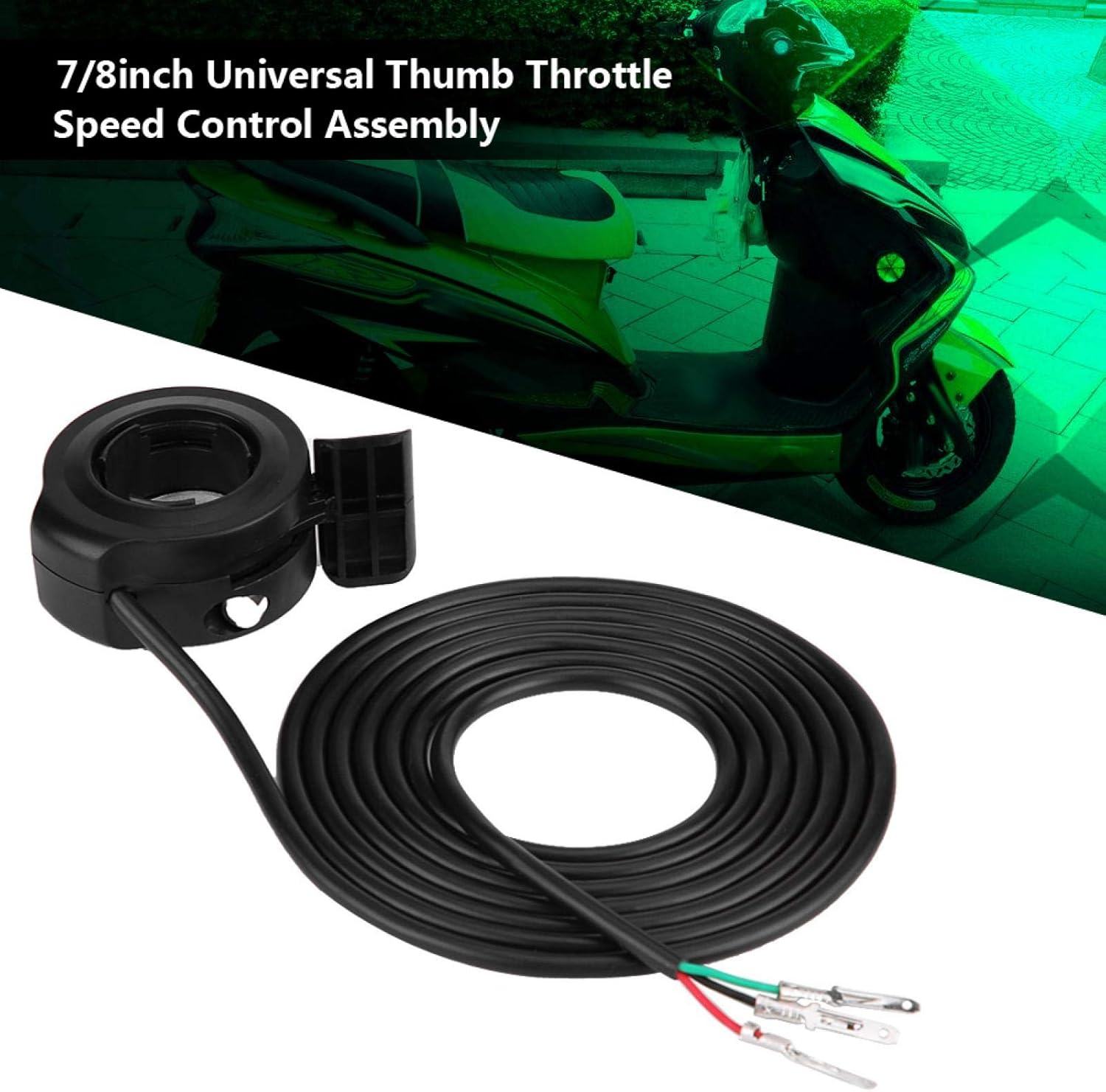
Image 3.1: The throttle unit, highlighting its universal compatibility for 7/8 inch handlebars, with an electric scooter visible in the background.
4. Product Features
- Universal Compatibility: Designed for 22mm (7/8 inch) diameter handlebars.
- Durable Construction: Made from high-quality ABS material for longevity.
- Easy Installation: Simple three-wire setup.
- Precise Speed Control: Ergonomic thumb lever for smooth acceleration.
- Wide Application: Suitable for various electric scooters, e-bikes, and similar vehicles.
5. Setup and Installation
Follow these steps to install the thumb throttle:
- Prepare the Handlebar: Ensure the handlebar is clean and free from obstructions where the throttle will be mounted. The throttle is designed for 22mm (7/8 inch) handlebars.
- Mount the Throttle: Slide the throttle unit onto the desired position on the handlebar. Secure it firmly using any provided fasteners or by tightening the integrated clamp.
- Connect the Wiring: The throttle uses a standard three-wire connection.
- Red Wire: Connect to the positive (+) power supply.
- Black Wire: Connect to the negative (-) ground.
- Green Wire: Connect to the signal input of your controller.
- Secure Connections: After connecting, ensure all wires are properly insulated and secured to prevent accidental disconnections or damage from vibration.
- Test Functionality: Before riding, perform a static test to ensure the throttle responds correctly and smoothly.

Image 5.1: Visual guide demonstrating the placement and mounting of the thumb throttle on a scooter's handlebar.
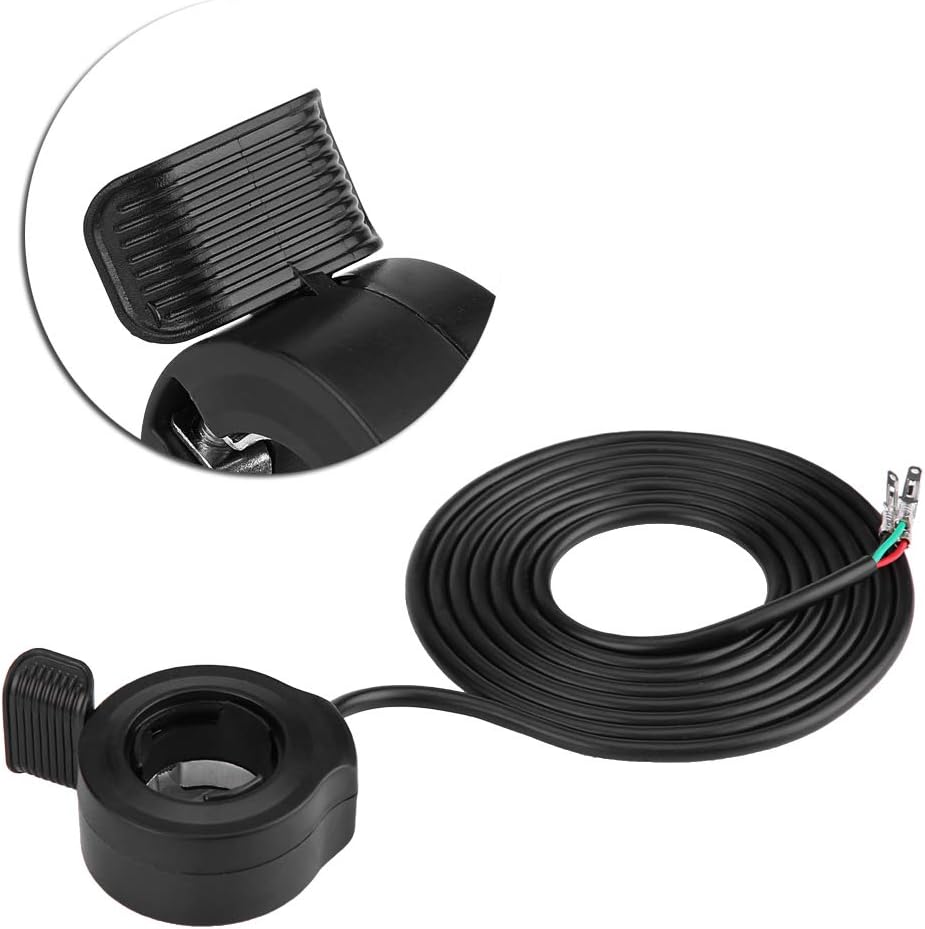
Image 5.2: Detailed view of the thumb lever mechanism and the three color-coded wires (red, black, green) for electrical connection.
6. Operating Instructions
To operate the EBTOOLS Thumb Throttle:
- Turn on your electric scooter or e-bike's power.
- Gently press the thumb lever forward to engage the motor and increase speed.
- Release the thumb lever to reduce speed or return to idle. The throttle is designed to return to its neutral position automatically.
- Always operate your vehicle responsibly and in accordance with local traffic laws.
7. Maintenance
Regular maintenance helps ensure the longevity and proper function of your thumb throttle:
- Cleaning: Wipe the throttle unit with a soft, damp cloth. Avoid using harsh chemicals or abrasive cleaners.
- Inspection: Periodically check the wiring for any signs of wear, fraying, or damage. Ensure all connections remain secure.
- Lever Movement: Ensure the thumb lever moves freely and smoothly without sticking. If it feels stiff, check for debris or damage.
- Environmental Protection: While durable, avoid prolonged exposure to extreme weather conditions (heavy rain, direct sunlight, extreme temperatures) to extend the product's lifespan.
8. Troubleshooting
If you encounter issues with your EBTOOLS Thumb Throttle, refer to the following common problems and solutions:
- Throttle Not Responding:
- Check all wire connections (red, black, green) to ensure they are correctly and securely attached.
- Verify that the vehicle's power supply is on and functioning.
- Inspect the wiring for any breaks or damage.
- Intermittent Operation:
- Ensure connections are tight and not loose.
- Check for any moisture or debris inside the throttle unit.
- Throttle Lever Sticking:
- Clean around the lever mechanism to remove any dirt or grit.
- Ensure the throttle is not overtightened on the handlebar, which could impede movement.
If the problem persists after attempting these solutions, contact customer support or a qualified technician.
9. Specifications
| Brand | EBTOOLS |
| Model | B07L8FJM8N |
| Product Weight | 60 g |
| Product Dimensions | 10 x 10 x 10 cm |
| Handlebar Diameter Compatibility | 22 mm (7/8 inch) |
| Material | ABS (inferred from common throttle materials) |

Image 9.1: Dimensional drawing of the thumb throttle, indicating measurements such as 4.8cm/1.9", 2.2cm/7/8", 4.3cm/1.7", 2.3cm/0.9", and 6.3cm/2.5".
10. Warranty and Support
For warranty information or technical support, please refer to the documentation provided with your purchase or contact the EBTOOLS customer service directly. Keep your purchase receipt as proof of purchase.