
Introduction
Thank you for choosing Padmate Pamu Scroll True Wireless Headphones. These earbuds are designed for sport and daily use, featuring IPX6 water resistance, noise cancelling capabilities, and graphene-enhanced drivers for superior sound quality. This manual provides detailed instructions to help you get the most out of your new headphones.
Please read this manual carefully before using the product and keep it for future reference.
Package Contents
- Pamu Scroll True Wireless Earbuds (Left and Right)
- Charging Case
- USB Charging Cable
- Multiple Sizes of Eartips (S/M/L)
- User Manual
Product Overview

Image: The Pamu Scroll True Wireless Earbuds resting in their unique scroll-design charging case. The earbuds are white with rose gold accents, and the case is white with a rose gold base and a pink suede-like cover.
The Pamu Scroll headphones feature an ergonomic design for a comfortable and secure fit, suitable for various ear sizes. They are equipped with 6mm graphene-enhanced drivers for high-quality audio and support voice assistant integration for smart control.

Image: A diagram illustrating the internal structure of the 6mm graphene-enhanced driver, showing sound waves emanating from the driver. This technology delivers excellent sound quality.
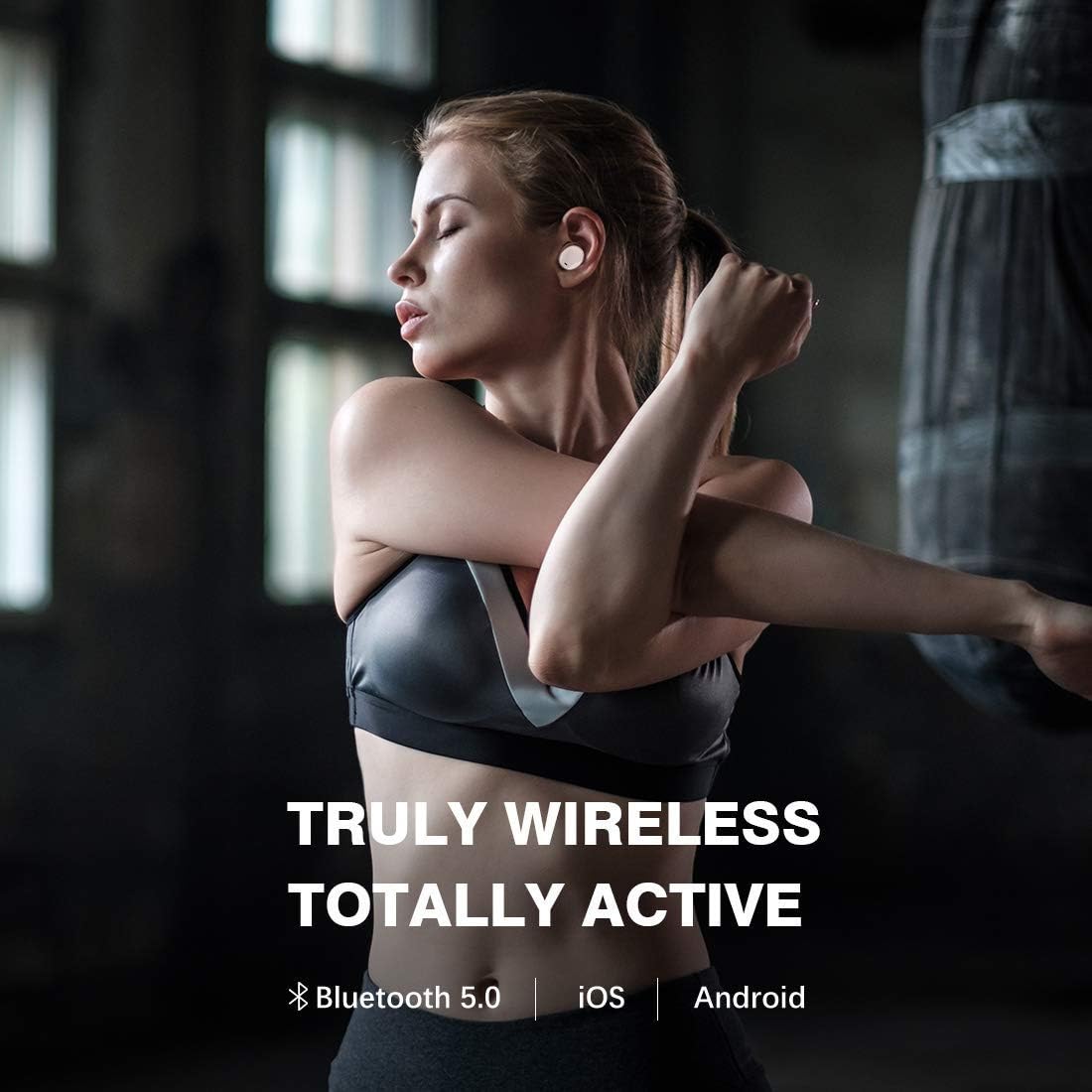
Image: A close-up of a person's ear with the Pamu Scroll earbud comfortably fitted. An inset circle shows a detailed view of the earbud's ergonomic shape, indicating its suitability for almost all ear sizes (S/M/L).
Setup
1. Charging the Headphones and Case
Before first use, fully charge both the earbuds and the charging case. Connect the USB charging cable to the charging case and a power source. The indicator lights on the case will show charging status.
- Insert earbuds into the charging case. Ensure they are properly seated to initiate charging.
- A full charge provides approximately 3.5 hours of playtime for the earbuds, with the charging case providing an additional 7 hours, totaling 10.5 hours of listening time.

Image: A person relaxing outdoors while wearing the Pamu Scroll earbuds, with text overlay indicating "USE ALL DAY WHATEVER YOUR LISTENING NEEDS" and a graphic showing "3.5hr + 7.0hr = 10.5hr" battery life, representing earbud playtime plus case charges.
2. Pairing with Your Device
- Ensure the earbuds are charged.
- Open the charging case. The earbuds will automatically enter pairing mode.
- On your device (smartphone, tablet, etc.), go to Bluetooth settings and turn Bluetooth on.
- Search for "Pamu Scroll" in the list of available devices and select it to connect.
- Once connected, you will hear a confirmation tone, and the indicator lights on the earbuds will change.
The Pamu Scroll headphones support Bluetooth 5.0 and are compatible with both iOS and Android devices.

Image: A woman stretching, wearing the Pamu Scroll earbuds, with text overlay "TRULY WIRELESS TOTALLY ACTIVE" and icons for Bluetooth 5.0, iOS, and Android, highlighting the wireless connectivity and compatibility.
Operating Instructions
Touch Controls
The Pamu Scroll earbuds feature intuitive touch controls on each earbud. Refer to the table below for common functions:
| Action | Function |
|---|---|
| Single Tap (Left/Right) | Play/Pause Music, Answer/End Call |
| Double Tap (Right) | Next Track |
| Double Tap (Left) | Previous Track |
| Long Press (Left/Right) | Activate Voice Assistant |
| Triple Tap (Left/Right) | Toggle Noise Cancelling (if applicable) |
Voice Assistant
The Pamu Scroll headphones allow you to easily access your device's voice assistant (Siri, Google Assistant, etc.) with a simple touch command. This enables hands-free control for navigation, calls, and information retrieval.

Image: A man touching his earbud, with a speech bubble graphic indicating voice assistant interaction, asking "Hey, where is the nearest rail way station". Text overlay states "HEADPHONES BECOME SMARTER WITH VOICE ASSISTANT".
IPX6 Water & Sweat Resistance
The Pamu Scroll headphones are rated IPX6, meaning they are resistant to powerful water jets. This makes them ideal for workouts and outdoor activities, protecting them from sweat and rain. Note: The charging case is not water resistant.

Image: A woman sweating after a workout, wearing the Pamu Scroll earbuds, with text overlay "IPX 6 WATER & SWEAT RESISTANT", demonstrating the product's durability during physical activity.

Image: A woman boxing, wearing the Pamu Scroll earbuds, with text overlay "YOU MOVE YOUR HEADPHONES DON'T", illustrating the secure and stable fit of the earbuds during intense physical activity.
Maintenance
Cleaning
- Regularly clean the earbuds and charging case with a soft, dry, lint-free cloth.
- Do not use abrasive cleaners, alcohol, or chemical solvents.
- Gently remove any earwax or debris from the earbud tips and speaker mesh using a small, soft brush or cotton swab.
Storage
- When not in use, store the earbuds in their charging case to protect them and keep them charged.
- Store the device in a cool, dry place, away from extreme temperatures and direct sunlight.
Troubleshooting
| Problem | Possible Solution |
|---|---|
| Earbuds not charging |
|
| Only one earbud playing sound |
|
| Earbuds not pairing with device |
|
| Poor sound quality |
|
Specifications
- Brand: Padmate
- Model Number: T3
- Connectivity Technology: Wireless (Bluetooth 5.0)
- Headphones Form Factor: In Ear
- Noise Control: Active Noise Cancellation
- Water Resistance Rating: IPX6 (Earbuds only)
- Driver Size: 6mm Graphene-Enhanced Driver
- Battery Type: Lithium Ion (3 required)
- Earbud Playtime: Approximately 3.5 hours
- Total Playtime with Charging Case: Approximately 10.5 hours
- Package Dimensions: 12.5 x 12.1 x 5.7 cm
- Item Weight: 233 g
- Color: Pink
Warranty and Support
Warranty Information
This product comes with a standard manufacturer's warranty. For specific warranty terms and conditions, please refer to the warranty card included in your product packaging or contact Padmate customer support.
Extended warranty options may be available from third-party providers. For example, 1-Year and 2-Year Extended Warranties by Salama Care are offered for this product.
Customer Support
For technical assistance, troubleshooting, or general inquiries, please visit the official Padmate website or contact their customer service department. Contact information can typically be found on the product packaging or their official website.
Please note: Always refer to the most current information provided by the manufacturer for the latest support details.


