
1. Introduction
This manual provides instructions for the proper use and care of your Triomph Body Fat Scale, model TRSC38BLACK. This digital bathroom scale is designed to measure body weight and analyze various body composition metrics, including body fat, water, muscle, BMI, bone mass, and calorie estimates. Please read this manual thoroughly before use to ensure accurate readings and safe operation.
2. Safety Information
- Do not use this device if you have a pacemaker or other internal medical device.
- Do not use this device if you are pregnant.
- The scale surface can be slippery when wet. Ensure the scale and your feet are dry before stepping on.
- Always place the scale on a hard, flat surface. Using it on carpet or uneven flooring may affect accuracy.
- Do not jump on the scale or drop heavy objects on it, as this may damage the tempered glass.
- Keep the scale away from extreme temperatures and direct sunlight.
- This scale is intended for household use only and should not be used for medical diagnosis or treatment.
- Keep batteries out of reach of children.
3. Product Features
- High Accuracy: Utilizes four high-precision sensors for measurements within 0.2 lb (0.1 kg). Bio Impedance Analysis (BIA) technology provides measurements for weight, body fat, BMI, water, muscle, calorie, and bone mass percentages.
- Convenient Functions: Features automatic zeroing, auto-on, and auto-off functions.
- Durable Construction: Constructed with 6mm impact-resistant tempered glass.
- Multiple Unit Modes: Supports three unit modes: kilograms (kg), pounds (lb), and stone-pounds (st:lb).
- User Recognition: Automatically recognizes and stores data for up to 10 individual users.
- Indicators: Includes indicators for low battery and weight overload.
- Step-On Technology: Provides immediate readings without activation tapping.
- Clear Display: Features a large LCD display with a cool-blue LED backlight for clear visibility in various lighting conditions.
- Certifications: The product is FDA, CE, FCC, and ROHS certified.
4. Package Contents
Please check the package for the following items:
- Triomph Body Fat Scale (TRSC38BLACK)
- 4 x AAA Batteries
- User Manual
5. Setup
5.1. Battery Installation
- Open the battery compartment cover on the back of the scale.
- Insert the 4 AAA batteries, ensuring correct polarity (+ and -).
- Close the battery compartment cover.

Image: The underside of the scale, highlighting the battery compartment for 4 AAA batteries and anti-skid padding for stability.
5.2. Initial Placement and Calibration
- Place the scale on a hard, flat, and stable surface. Avoid carpets or soft flooring.
- Step onto the scale briefly until the display shows a reading, then step off. The scale will display '0.0' or 'CAL' and then turn off. This calibrates the scale for its current position.

Image: The Triomph Body Fat Scale with its dimensions (10.2 inches / 260mm square, 1.0 inch / 25mm thick) and a maximum capacity of 400 lbs (180 kg) displayed on the screen.
6. Operating Instructions
6.1. Unit Selection
To change the weight unit (kg/lb/st:lb), press the 'UNIT' button located on the back of the scale. The selected unit will be displayed on the LCD screen.
6.2. Setting Up User Profiles
The scale can store data for up to 10 users. Follow these steps to set up a user profile:
- With the scale off, press the 'SET' button. The user number (P1, P2, etc.) will flash.
- Use the 'Up' or 'Down' arrows to select an empty user number (P1-P10). Press 'SET' to confirm.
- The gender icon will flash. Use the arrows to select male or female. Press 'SET'.
- The height value will flash. Use the arrows to adjust your height. Press 'SET'.
- The age value will flash. Use the arrows to adjust your age. Press 'SET'.
- The display will show '0.0' and then turn off, indicating the profile is saved.
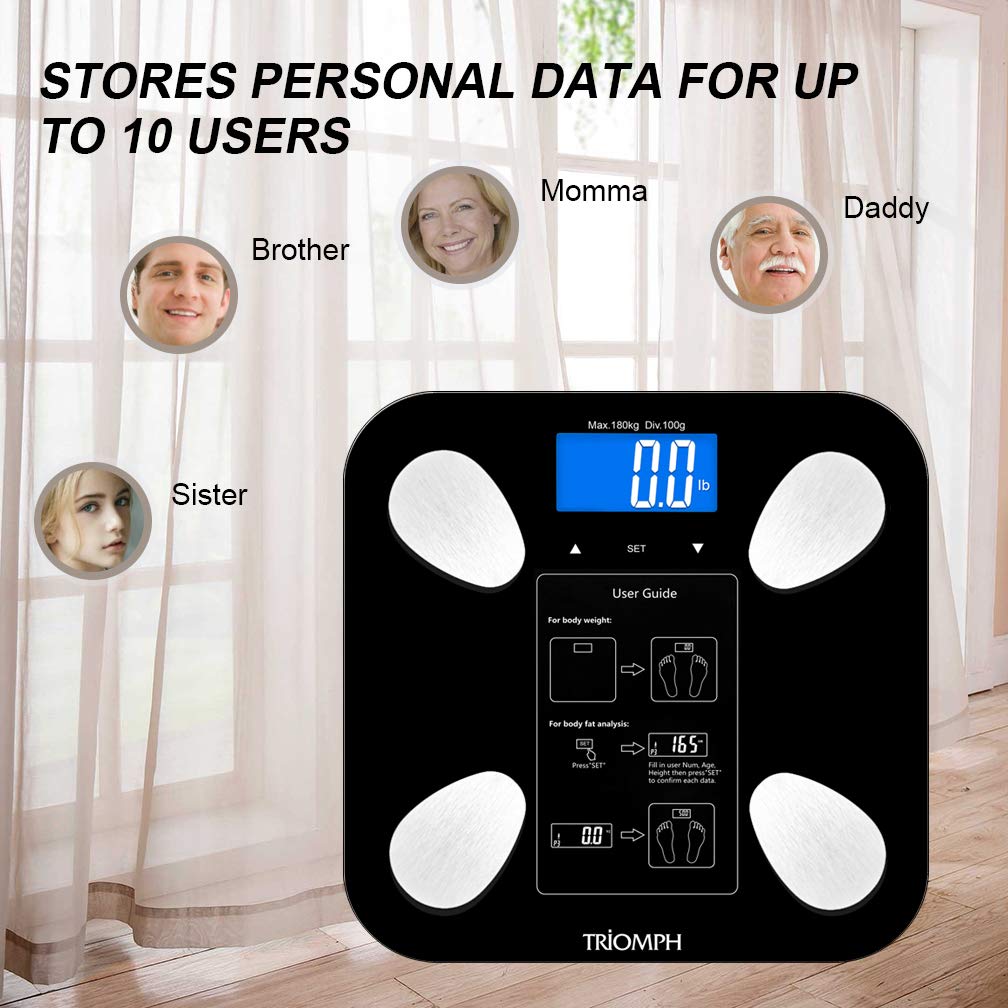
Image: The scale's display showing user profile indicators (P1, P2, etc.) and images representing different family members, illustrating its capacity to store data for up to 10 users.
6.3. Taking a Measurement
For accurate body composition analysis, ensure your feet are bare, clean, and dry. Stand still on the scale.
- Gently step onto the scale with bare feet, ensuring your feet are positioned on the metal electrodes. The scale will automatically turn on.
- Stand still until your weight is displayed and flashes.
- The scale will then process your body composition data. Your user number (P1-P10) should appear, followed by various metrics such as BMI, body fat percentage, body water percentage, muscle mass, bone mass, and calorie estimates.
- The scale will automatically turn off after a few seconds.

Image: A person standing barefoot on the Triomph Body Fat Scale, demonstrating the correct posture for taking a measurement.

Image: The scale's LCD display showing a detailed body composition analysis, including BMI (19.4), body fat percentage (19.6%), total body water (59.4%), muscle mass (42.9%), bone mass (4.1%), and calorie estimate (1154 Kcal).
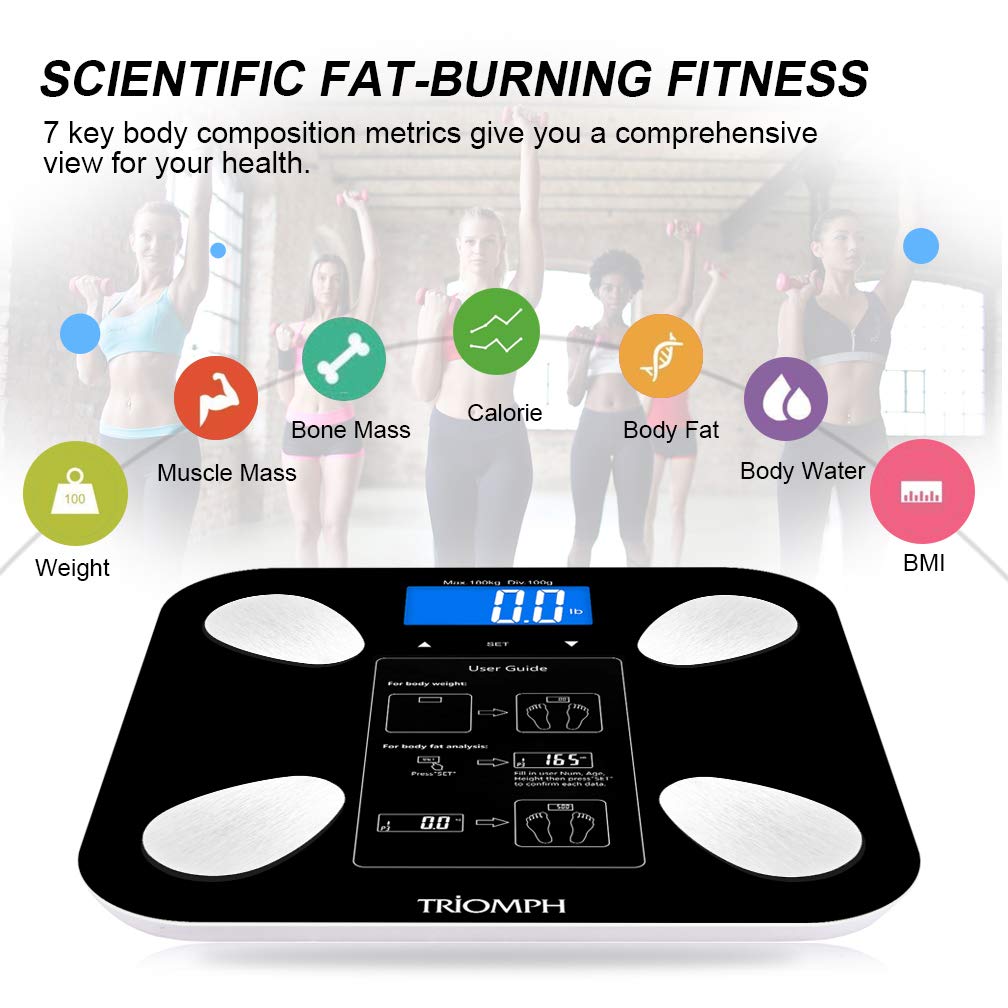
Image: An overview of the 7 key body composition metrics measured by the scale: Weight, Muscle Mass, Bone Mass, Calorie, Body Fat, Body Water, and BMI.
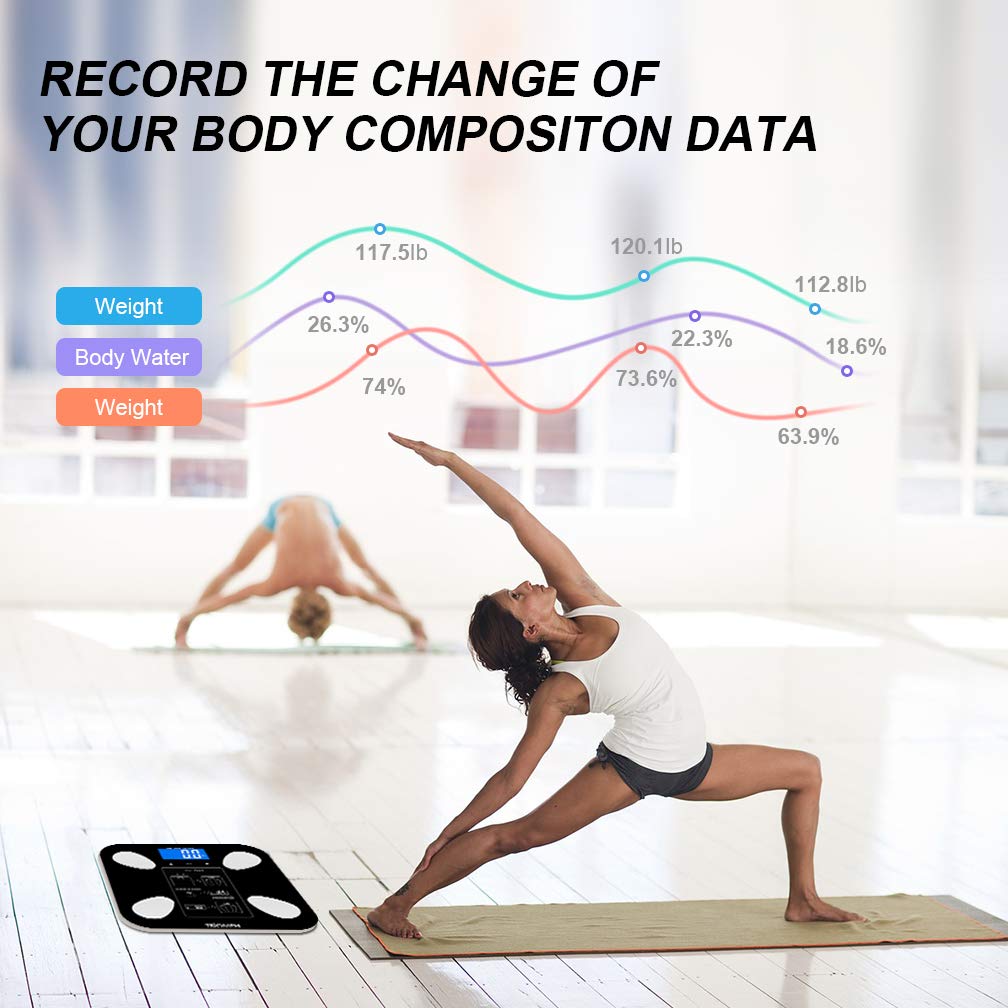
Image: A graphical representation demonstrating how the scale can help record and track changes in body composition data, such as weight and body water, over time.
7. Maintenance
7.1. Cleaning
Wipe the scale with a damp cloth and mild detergent. Do not use abrasive cleaners or immerse the scale in water. Ensure the scale is dry before storage or next use.
7.2. Battery Replacement
When the display shows 'Lo', it indicates low battery. Replace all 4 AAA batteries simultaneously with new ones, ensuring correct polarity.
7.3. Storage
Store the scale in a cool, dry place. Avoid storing it vertically or with heavy objects on top.
8. Troubleshooting
| Problem | Possible Cause | Solution |
|---|---|---|
| Scale does not turn on | Batteries are dead or incorrectly installed. | Check battery polarity or replace batteries. |
| 'Lo' displayed | Low battery. | Replace all 4 AAA batteries. |
| 'Err' displayed | Weight overload (exceeds 400 lbs / 180 kg). | Reduce weight on the scale. |
| Inaccurate weight readings | Scale on uneven surface; not calibrated; moved recently. | Place on a hard, flat surface. Step on briefly, then off to recalibrate. |
| Body composition data not displayed | Feet are not bare, clean, or dry; incorrect user profile. | Ensure bare, clean, dry feet are on electrodes. Verify user profile settings. |
9. Specifications
- Brand: Triomph
- Model: TRSC38BLACK
- Material: Tempered Glass
- Display Type: LCD with Backlit Display
- Maximum Capacity: 400 lbs (180 kg)
- Measurement Units: kg, lb, st:lb
- Item Weight: 1.45 kg
- Power Source: 4 x AAA Batteries (included)
- User Profiles: Up to 10 users
- Special Features: Auto-zero, Auto-on, Auto-off, Low Battery Indicator, Overload Indicator

Image: A close-up of the Triomph Body Fat Scale's LCD display, showing its clear readability with a cool-blue backlight.
10. Warranty and Support
Triomph provides a 1-year guarantee for this product and a 30-day money-back service. Lifetime support is available for customer inquiries. For assistance, please refer to the contact information provided on the product packaging or the official Triomph website.