
TP-Link DECO M4
TP-Link Deco M4 Whole Home Mesh Wi-Fi System User Manual
Model: Deco M4 | Brand: TP-Link
Introduction
The TP-Link Deco M4 is a Whole Home Mesh Wi-Fi System designed to provide seamless and reliable wireless coverage throughout your entire home. It eliminates Wi-Fi dead zones and ensures a stable, high-speed connection for all your devices. The Deco M4 units work together to form a unified network with a single Wi-Fi name, allowing your devices to automatically connect to the fastest Deco unit as you move around your home.
This manual provides detailed instructions on setting up, operating, maintaining, and troubleshooting your Deco M4 system, along with its technical specifications.

Figure 1: TP-Link Deco M4 Unit
The image displays a single TP-Link Deco M4 unit, which is a sleek, cylindrical device in white. The top features a black, ridged design, and the side reveals connectivity ports, indicating its function as a networking device.
Setup Guide
Setting up your TP-Link Deco M4 system is a straightforward process primarily managed through the Deco mobile application. Follow these steps to get your mesh Wi-Fi network operational.
1. Download the Deco App
Before you begin, download the TP-Link Deco app from the App Store (for iOS devices) or Google Play Store (for Android devices). Search for "TP-Link Deco".
2. Prepare Your Network
- Unplug your modem's power to turn it off.
- Connect one Deco M4 unit to your modem using an Ethernet cable. This unit will serve as your main Deco.
- Power on your modem, then power on the Deco M4 unit. Wait for the Deco's LED light to turn solid blue.
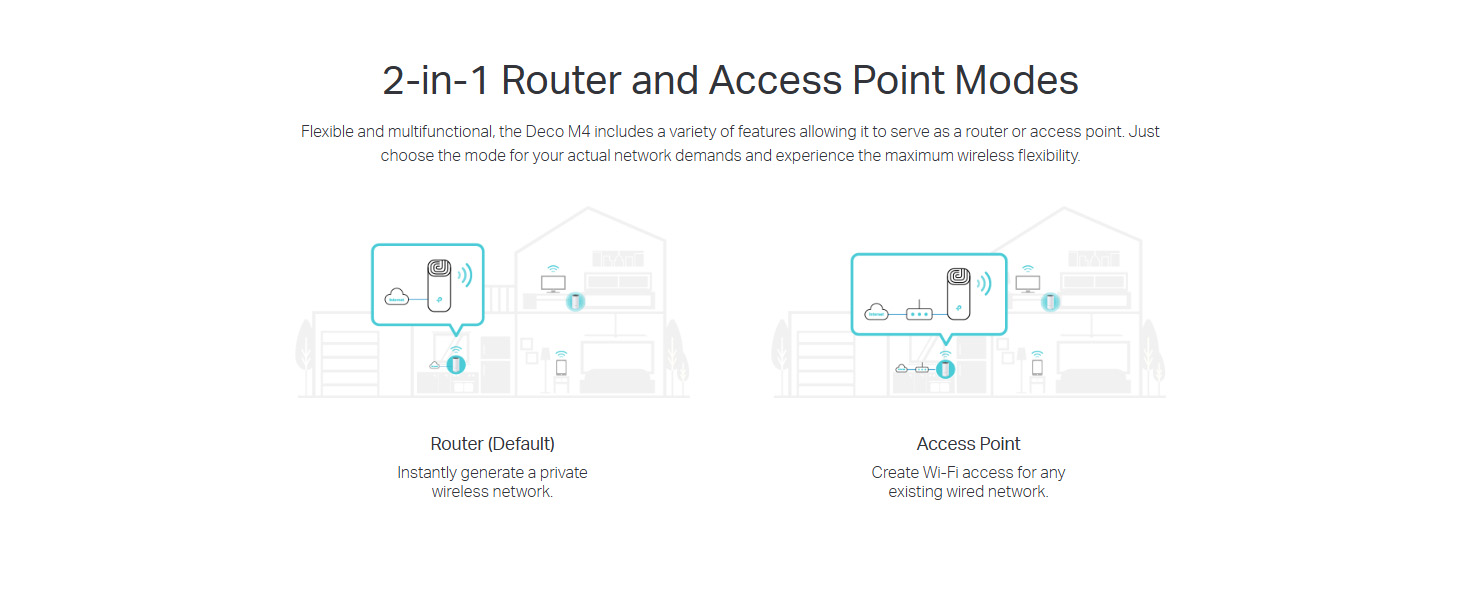
Figure 2: Deco M4 Router and Access Point Modes Setup
This diagram illustrates the two primary operational modes for the Deco M4: Router mode (default), where it creates a new private wireless network, and Access Point mode, where it extends an existing wired network's Wi-Fi coverage.
3. Configure via Deco App
- Open the Deco app and log in with your TP-Link ID. If you don't have one, create an account.
- Follow the on-screen instructions in the app to set up your main Deco unit. This includes creating a Wi-Fi network name (SSID) and password.
- Once the main Deco is set up, the app will guide you through adding additional Deco units (if applicable) to expand your mesh network coverage. Place additional units strategically to ensure optimal signal strength.
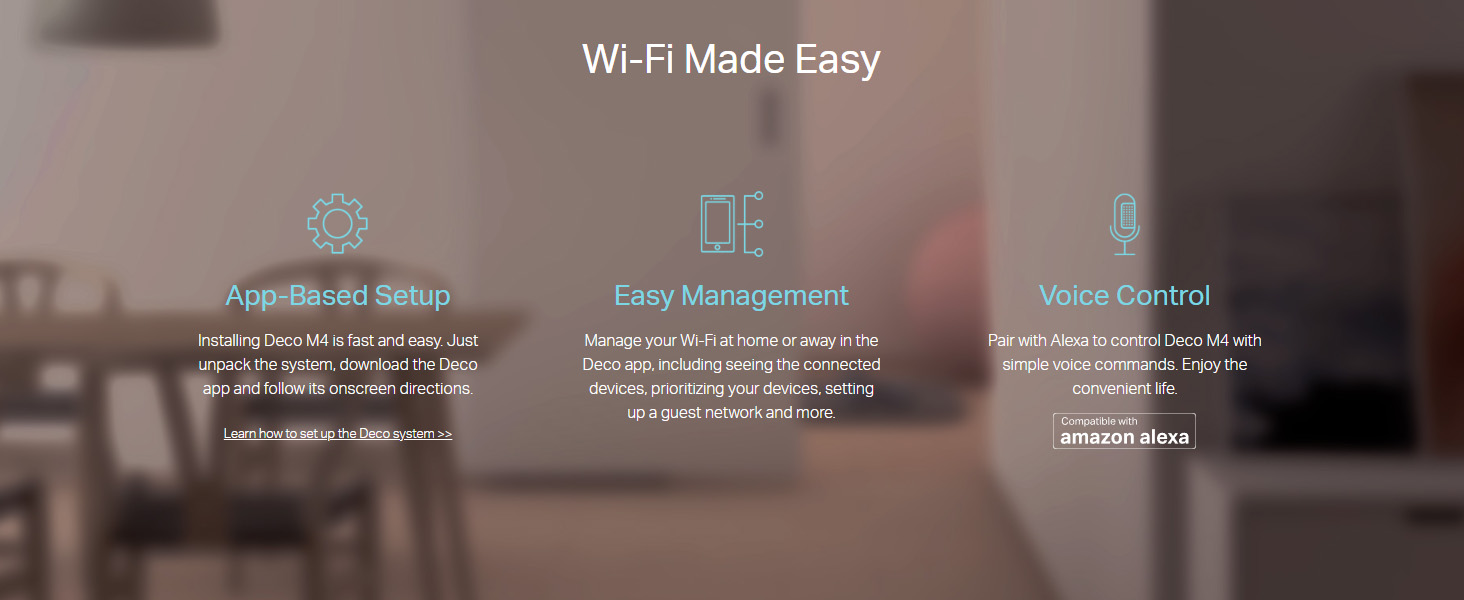
Figure 3: Wi-Fi Made Easy with Deco App
This image highlights the ease of use for the Deco M4 system, featuring icons for app-based setup, simple management through the Deco app, and voice control compatibility with Amazon Alexa.
Operating Your Deco M4 System
The Deco M4 system is designed for ease of use, providing a seamless Wi-Fi experience throughout your home.
Seamless Roaming
With TP-Link Mesh technology, all Deco units work together under a single Wi-Fi name. As you move through your home, your devices will automatically connect to the Deco unit with the strongest signal, ensuring an uninterrupted connection without manual switching.

Figure 4: Seamless Roaming Illustration
This graphic demonstrates how devices seamlessly switch between Deco units as a user moves through a multi-story home, maintaining a consistent Wi-Fi connection under a single network name.
Connecting Devices
Once your Deco network is active, connect your wireless devices (smartphones, tablets, laptops, smart home devices) using the Wi-Fi name and password you set during setup. The Deco M4 can handle traffic from up to 100 devices, providing lag-free connections.
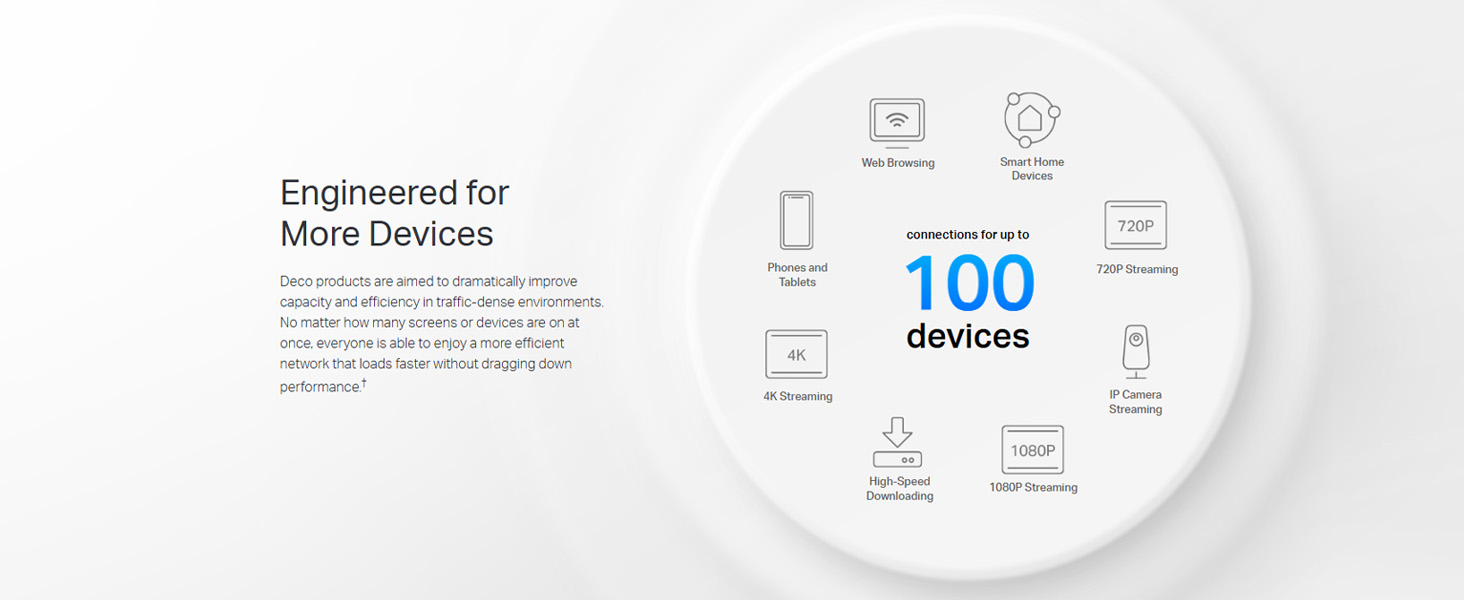
Figure 5: Support for Multiple Devices
This infographic highlights the Deco M4's capability to support connections for up to 100 devices simultaneously, accommodating various activities such as web browsing, 4K streaming, and high-speed downloading.
Parental Controls
The Deco app provides robust parental control features. You can create unique profiles for each family member, set time limits for online access, block inappropriate websites, and gain insights into online activity. This helps ensure a safe online environment for children.

Figure 6: Deco App Parental Controls Interface
This image displays a smartphone screen showing the TP-Link Deco app's interface for parental controls, including options for user profiles, filter levels, time limits, and insights into internet usage.
Voice Control with Alexa
The Deco M4 is compatible with Amazon Alexa. You can pair your Deco system with Alexa to control certain functions using simple voice commands, enhancing convenience in your smart home setup.
Maintenance
To ensure optimal performance and longevity of your TP-Link Deco M4 system, consider the following maintenance tips:
- Placement: Place Deco units in open areas, away from obstructions like large metal objects, thick walls, and other electronic devices that may cause interference.
- Cleaning: Gently wipe the exterior of the Deco units with a soft, dry cloth. Do not use liquid cleaners or abrasive materials.
- Firmware Updates: Regularly check for and install firmware updates through the Deco app. Updates often include performance improvements, security enhancements, and new features.
- Restarting: If you experience network issues, a simple restart of your modem and Deco units can often resolve them. Unplug the power, wait 30 seconds, then plug them back in.
Troubleshooting
If you encounter issues with your Deco M4 system, refer to the following common troubleshooting steps:
| Problem | Possible Cause | Solution |
|---|---|---|
| No Internet Connection | Modem issue, incorrect setup, or cable disconnection. |
|
| Weak Wi-Fi Signal / Dead Zones | Improper Deco unit placement, interference. |
|
| Devices Not Connecting Seamlessly | Firmware outdated, network congestion. |
|
| Slow Internet Speed | ISP issue, network congestion, or too many connected devices. |
|
Specifications
| Feature | Detail |
|---|---|
| Brand | TP-Link |
| Model Name | Deco M4(1-Pack) |
| Series | Deco M4(1-Pack) |
| Colour | white |
| Item Dimensions (LxWxH) | 9.1 x 9.1 x 19 Centimeters |
| Item Weight | 399 g |
| Connectivity Type | Wi-Fi |
| Wireless Type | 802.11n, 802.11b, 802.11a, 802.11g |
| Frequency Band Class | Dual-Band |
| Voltage | 12 Volts |
| Operating System Compatibility | Windows (for management software, though primarily app-controlled) |
| Included Components | 1 Deco unit |
| Country of Origin | China |
| Special Feature | Remote Access |
Warranty Information
The TP-Link Deco M4 system typically comes with a 3-year warranty from the date of purchase. Please retain your proof of purchase for warranty claims. For detailed warranty terms and conditions, refer to the documentation included with your product or visit the official TP-Link website.
Support
For technical assistance, product inquiries, or troubleshooting beyond this manual, please contact TP-Link customer support:
- Toll-Free Support: 1800 2094 168 (India)
- Email Support: support.in@tp-link.com
- Online Resources: Visit the official TP-Link website for FAQs, firmware downloads, and additional support documentation.
Related documentsDECO M4


Ask a question about this manual
Ask about setup, troubleshooting, compatibility, parts, safety, or missing instructions. Manuals+ will review the question and use this page’s manual context to help answer it.