
Aexit modle
Aexit DC0-500V Digital Voltmeter Instruction Manual
Model: modle
1. Introduction
This manual provides detailed instructions for the safe and effective operation of the Aexit DC0-500V Digital Voltmeter, Model modle. This device is designed for accurate measurement of DC voltage within the range of 0 to 500 volts, featuring a clear 3 1/2 digit blue LED display.
2. Safety Information
WARNING: Electrical shock hazard. Always exercise extreme caution when working with electrical circuits. Failure to follow these safety instructions may result in injury or damage to the device.
- Ensure the power supply is disconnected before making any connections to the voltmeter.
- Do not exceed the maximum input voltage of 500V DC.
- Verify all connections are secure and correct before applying power.
- Do not operate the device if it appears damaged.
- This device is intended for indoor use in a dry environment.
3. Product Overview
The Aexit DC0-500V Digital Voltmeter is a compact and reliable tool for voltage measurement. It features a bright blue LED display for easy readability.
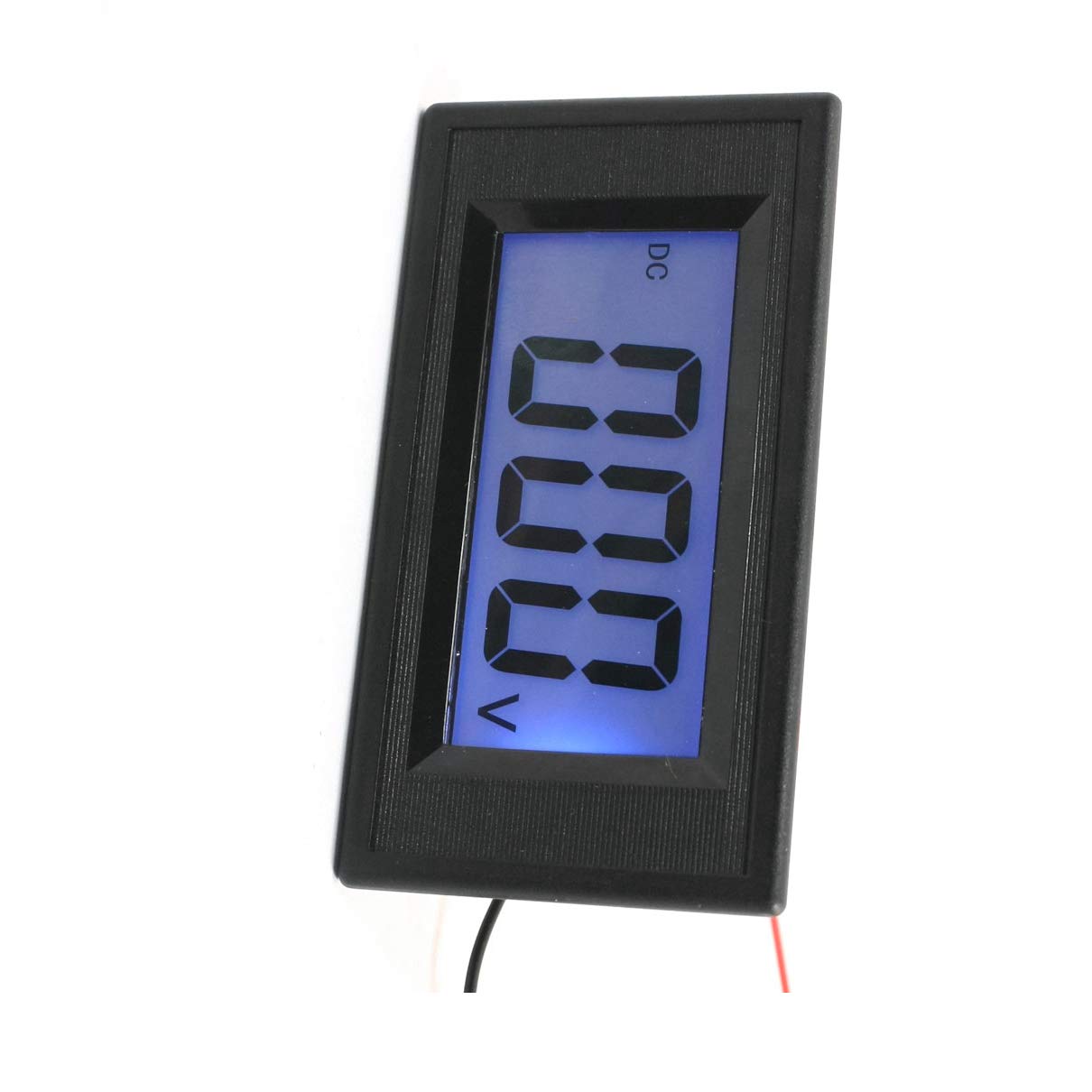
Figure 1: Front view of the Aexit DC0-500V Digital Voltmeter, showing the blue LED display and compact housing.
Key Features:
- Measuring Voltage Range: DC 0-500V
- Display Type: 3 1/2 Digital LED Display
- Display Color: Blue digits
- Power Supply: AC/DC 8-12V
- Connection: 4-wire system
- Overall Size (Approx): 7.8 x 4.3 x 2.3cm (3.1" x 1.7" x 0.9")
4. Setup and Installation
The voltmeter requires a 4-wire connection for both power supply and voltage measurement.
Wiring Instructions:
- Power Supply Connection:
- Connect the two thinner wires (typically red and black, or as indicated by markings) to an AC/DC 8-12V power source.
- Ensure correct polarity if using a DC power source.
- Voltage Measurement Connection:
- Connect the two thicker wires (typically yellow and black, or as indicated) to the DC voltage source you wish to measure.
- Connect the positive terminal of the DC source to the positive input wire of the voltmeter.
- Connect the negative terminal of the DC source to the negative input wire of the voltmeter.
- Mounting:
The voltmeter is designed for panel mounting. Cut an appropriate opening in your panel and secure the voltmeter using the integrated clips or mounting holes, if present.
IMPORTANT: Double-check all wiring before applying power to prevent damage to the voltmeter or the circuit being measured.
5. Operating Instructions
Once properly installed and powered, the Aexit DC0-500V Digital Voltmeter operates automatically.
- Ensure the voltmeter is correctly wired and powered on (AC/DC 8-12V).
- Connect the voltage measurement wires to the DC voltage source you intend to monitor.
- The blue LED display will immediately show the measured DC voltage.
- Read the voltage value directly from the 3 1/2 digit display.
The display will show "0.0" or a very low value when no voltage is applied or when the voltage is below the minimum measurable threshold.
6. Maintenance
The Aexit DC0-500V Digital Voltmeter requires minimal maintenance.
- Keep the device clean and free from dust and moisture. Use a soft, dry cloth for cleaning.
- Do not use abrasive cleaners or solvents.
- Avoid exposing the device to extreme temperatures or direct sunlight for prolonged periods.
- There are no user-serviceable parts inside. Do not attempt to open the casing.
7. Troubleshooting
| Problem | Possible Cause | Solution |
|---|---|---|
| Display is blank. | No power supply or incorrect power connection. | Check the AC/DC 8-12V power supply and ensure the power wires are correctly connected and receiving power. |
| Display shows "0.0" or very low value when voltage is expected. | Incorrect voltage measurement wiring or no voltage applied to inputs. | Verify the voltage measurement wires are correctly connected to the DC source and that the source is active. Check polarity. |
| Inaccurate voltage reading. | Poor connection, interference, or out of range voltage. | Ensure all connections are secure. Check for strong electromagnetic interference. Confirm the measured voltage is within the 0-500V DC range. |
8. Specifications
| Product Name | 3 1/2 Digital Voltmeter Display |
| Model Number | modle |
| Measuring Voltage Range | DC 0-500V |
| Power Supply | AC/DC 8-12V |
| Display Type | LED Digital |
| Display Digits | 3 1/2 |
| Display Color | Blue |
| Overall Size (Approx) | 7.8 x 4.3 x 2.3cm (3.1" x 1.7" x 0.9") |
| Wire Length | 9cm (3.5") |
| Net Weight | 40g |
9. Warranty and Support
For warranty information or technical support, please refer to the documentation provided with your purchase or contact the manufacturer directly. Keep your purchase receipt as proof of purchase.
Related documentsmodle


Ask a question about this manual
Ask about setup, troubleshooting, compatibility, parts, safety, or missing instructions. Manuals+ will review the question and use this page’s manual context to help answer it.