
Introduction
Thank you for choosing the T TICCI Kids Digital Vibrating Alarm Watch. This watch is designed to assist children with important reminders throughout the day, such as medication schedules, potty training, or staying on task. It features multiple alarms with vibration and/or sound options, a countdown timer, and a lockout function to prevent accidental changes. Please read this manual carefully to ensure proper use and maintenance of your watch.

Image: Front view of the T TICCI Kids Digital Vibrating Alarm Watch in purple.
Product Features
- 8 Individual Alarms: Set up to eight distinct alarms daily.
- Vibration and/or Sound Options: Choose between vibration only, sound (beep) only, or both for each alarm. Ideal for silent reminders.
- Auto-Repeat: Alarms automatically repeat each day once set.
- Countdown Timer: Adjustable interval from 15 minutes to 24 hours, automatically resets.
- Stopwatch Function: For timing activities.
- EL Backlight: For visibility in low-light conditions.
- Water Resistance: 30 meters (suitable for hand washing, cold showers, swimming; avoid hot water).
- Calendar Display: Shows Year, Month, Week, and Date.
- Lockout Function: Prevents accidental changes to settings.
- 12/24 Hour Format: Select preferred time display.
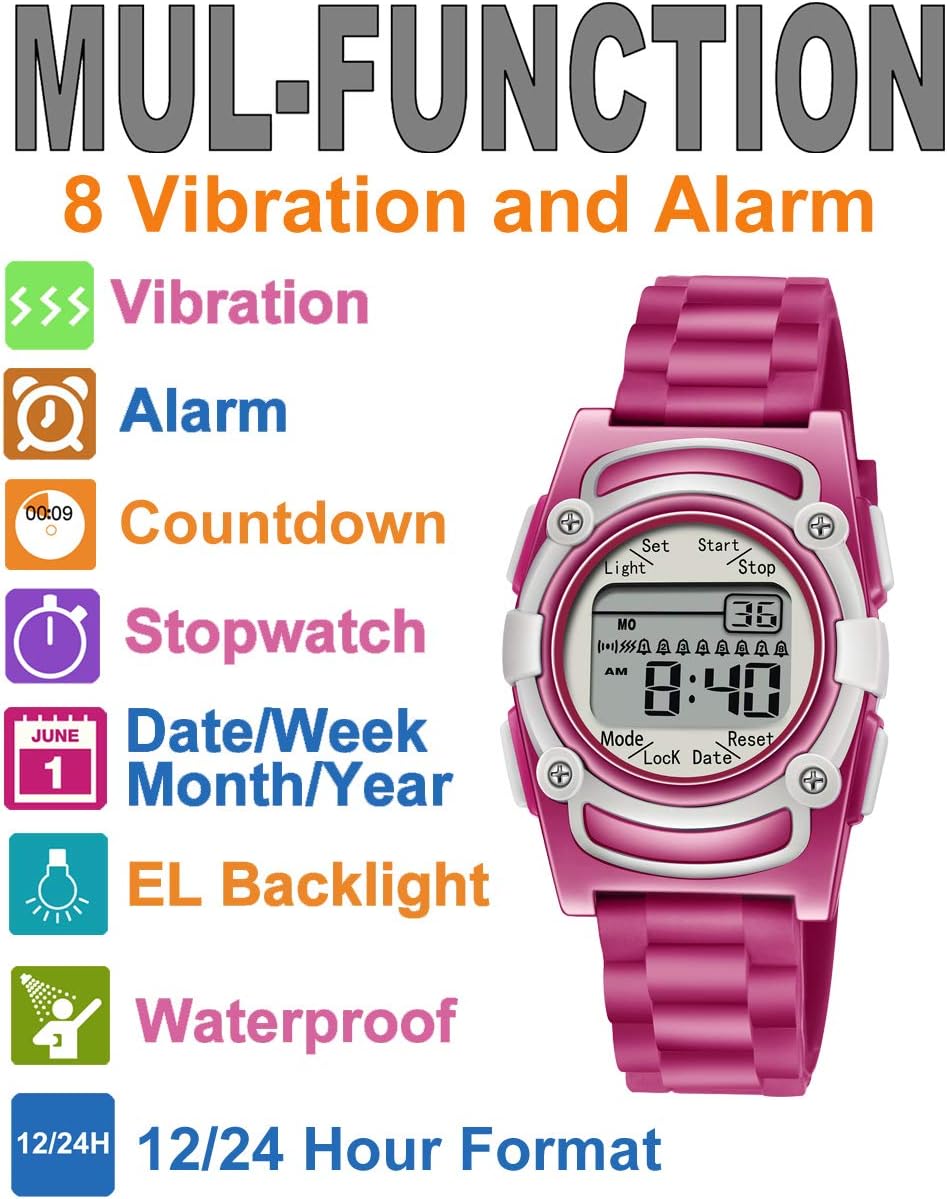
Image: Visual representation of the watch's multi-function capabilities.
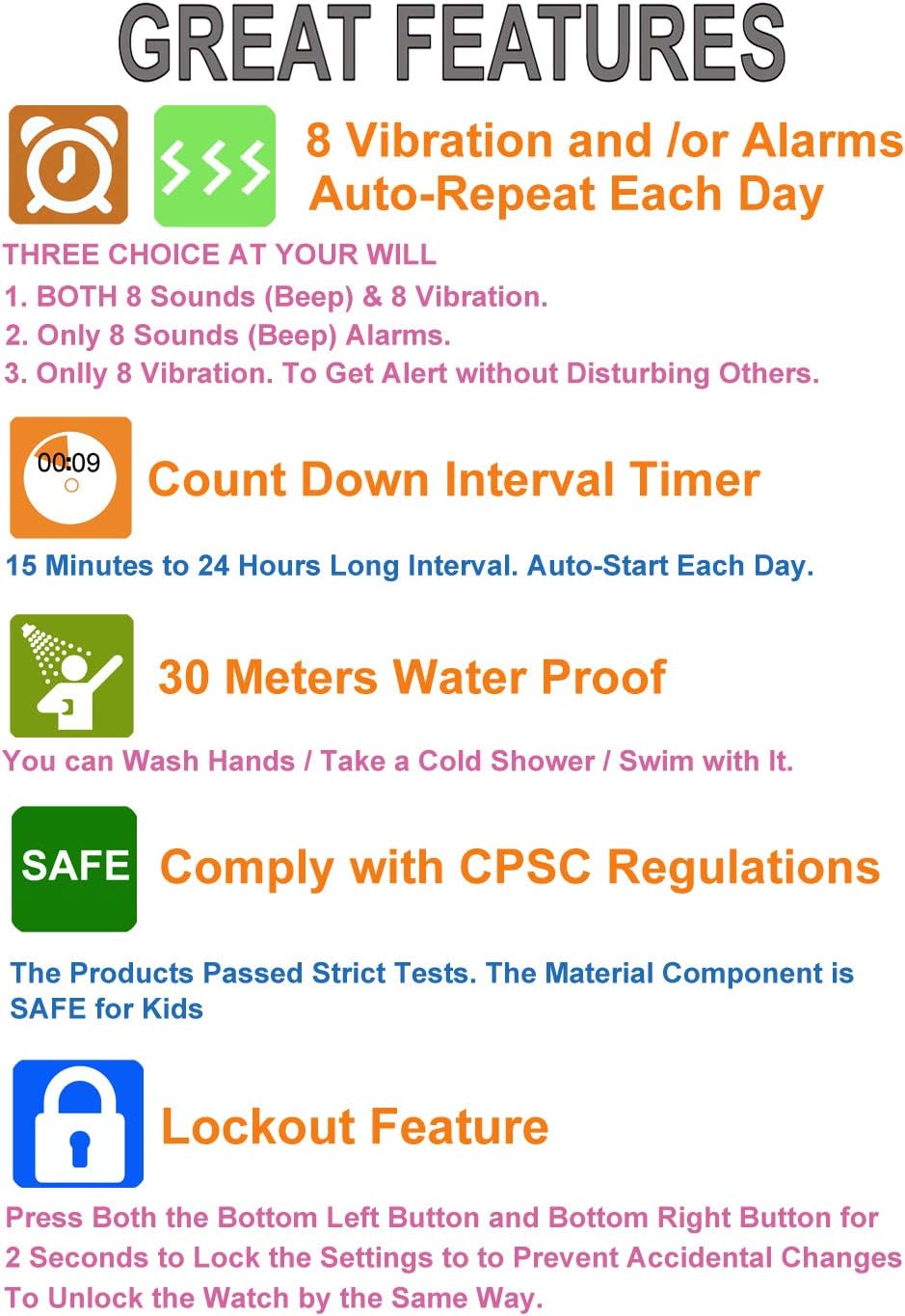
Image: Detailed view of the watch's main features and benefits.
Setup
Before using your watch, ensure the battery is installed. The watch typically comes with a pre-installed battery. If the display is blank or dim, the battery may need replacement (see Maintenance section).
Button Functions Overview:
- LIGHT: Activates the EL backlight.
- SET: Used to enter setting modes and confirm selections.
- START/STOP: Used for starting/stopping stopwatch, adjusting values in setting modes.
- MODE: Cycles through different watch modes (Time, Alarm, Timer, Stopwatch).
- LOCK/DATE: Used for lockout function and displaying date.
- RESET: Used for resetting stopwatch, adjusting values in setting modes.
Operating Instructions
1. Setting Time and Date
- From the Time Display mode, press and hold the SET button until the seconds begin to flash.
- Press the MODE button to cycle through the settings: Seconds → Hour → Minute → Year → Month → Day.
- Use the START/STOP or RESET buttons to adjust the flashing value.
- To switch between 12-hour and 24-hour format, adjust the hour setting past 12 or 24.
- Once all settings are correct, press the SET button to exit the setting mode.
2. Setting Alarms (8 Alarms)
The watch supports 8 independent alarms. Each alarm can be set with sound, vibration, or both.
- From the Time Display mode, press the MODE button repeatedly until you reach the Alarm mode (indicated by "AL" or an alarm icon).
- Press the SET button to select an alarm (AL1, AL2, etc.). The alarm number will flash. Use START/STOP or RESET to choose which of the 8 alarms you want to set.
- Once an alarm is selected, press SET again. The hour digit will flash. Use START/STOP or RESET to set the hour.
- Press MODE to move to the minute digit, then use START/STOP or RESET to set the minute.
- After setting the time, press MODE again to select the alarm type:
- Vibration Only: An icon resembling waves or a vibrating phone will appear.
- Sound Only: A bell icon will appear.
- Both Vibration and Sound: Both icons will appear.
- Press SET to confirm and save the alarm settings.
- To turn an alarm ON/OFF, in Alarm mode, select the alarm number and press START/STOP or RESET to toggle its active status.
3. Using the Countdown Timer
The countdown timer can be set from 15 minutes up to 24 hours and automatically resets after completion.
- From the Time Display mode, press the MODE button repeatedly until you reach the Timer mode (indicated by "TR" or a countdown icon).
- Press and hold the SET button until the hour digit flashes.
- Use START/STOP or RESET to set the desired hours.
- Press MODE to move to the minute digit, then use START/STOP or RESET to set the minutes.
- Press SET to confirm the timer setting.
- Press START/STOP to begin the countdown. Press START/STOP again to pause, and again to resume.
- To stop and reset the timer, press RESET while the timer is paused.
4. Using the Stopwatch
- From the Time Display mode, press the MODE button repeatedly until you reach the Stopwatch mode (indicated by "ST" or a stopwatch icon).
- Press START/STOP to begin timing.
- Press START/STOP again to pause the timing.
- Press RESET while paused to reset the stopwatch to zero.
5. EL Backlight
Press the LIGHT button to illuminate the display for a few seconds.
6. Lockout Function
To prevent accidental changes to the watch settings, you can activate the lockout function.
- Press and hold both the MODE button (bottom left) and the RESET button (bottom right) simultaneously for approximately 2 seconds.
- A lock icon will appear on the display, indicating that the settings are now locked.
- To unlock, repeat the same action: press and hold both MODE and RESET buttons for 2 seconds. The lock icon will disappear.
Maintenance
Water Resistance
The watch is water-resistant up to 30 meters. This means it can withstand splashes, hand washing, cold showers, and brief immersion in water (e.g., swimming). IMPORTANT: Avoid exposure to hot water, steam, or saunas, as this can compromise the watch's water resistance seals. Do not press buttons underwater.
Battery Replacement
The watch requires 1 C battery. When the display becomes dim or unresponsive, the battery may need replacement. Battery replacement should ideally be performed by a qualified technician to ensure water resistance is maintained. Opening the watch yourself may void the warranty.
Cleaning
Clean the watch regularly with a soft, damp cloth. Avoid using harsh chemicals or abrasive materials that could damage the watch's finish or seals.
Troubleshooting
| Problem | Possible Cause | Solution |
|---|---|---|
| Watch display is blank or dim. | Low or dead battery. | Replace the battery (refer to Maintenance). |
| Alarms are not sounding/vibrating. | Alarm is turned off or set to the wrong type (sound/vibration). | Check alarm settings in Alarm mode and ensure it's activated and set to the desired alert type. |
| Buttons are unresponsive. | Lockout function is active. | Deactivate the lockout function by pressing and holding MODE and RESET buttons simultaneously for 2 seconds. |
| Time/Date is incorrect. | Incorrectly set or reset. | Re-set the time and date following the "Setting Time and Date" instructions. |
| Water inside the watch. | Exposure to hot water or damaged seals. | Stop using the watch immediately. Contact customer support. Avoid hot water. |
Specifications
- Model Number: T1802
- Dimensions: 3.43 x 3.39 x 2.44 inches (Package); Watch face width: 31mm, Lug width: 16mm, Case height: 41.5mm.
- Weight: 3.53 ounces
- Water Resistance: 30 meters (3 ATM) - Note: Not for hot water.
- Battery: 1 C battery required (typically a button cell for watches, please verify upon replacement).
- Display: Digital with EL backlight
- Clasp Type: Buckle
- Recommended Age: 6-18 years old
- Minimum Wrist Circumference: 10.5 cm

Image: Watch dimensions for proper fit.
Warranty and Support
This product comes with an 18-month warranty from the factory. Please retain your proof of purchase for warranty claims.
For any questions, technical assistance, or warranty inquiries, please contact T TICCI customer support through the retailer where the product was purchased or visit the official T TICCI store page on Amazon: T TICCI Amazon Store.