
1. Introduction
Thank you for purchasing the iDance BBL10 Portable Bluetooth Speaker. This manual provides essential information for the safe and efficient operation of your device. Please read it thoroughly before use and retain it for future reference.
2. Important Safety Information
- Do not expose the device to water or excessive moisture.
- Avoid extreme temperatures.
- Do not attempt to disassemble or repair the unit yourself. Refer all servicing to qualified personnel.
- Keep away from direct sunlight and heat sources.
- Use only the specified charging accessories.
3. Package Contents
Ensure all items are present in the package:
- iDance BBL10 Portable Bluetooth Speaker
- Remote Control
- Batteries (for remote control, if included)
- User Manual (this document)
Note: Power adapter/charging cable may be included but is not explicitly listed in components.
4. Product Overview
The iDance BBL10 is a 30-watt portable Bluetooth speaker designed for wireless audio playback and dynamic light effects. It features a unique "Beat Boy" design with integrated RGB LEDs and offers multiple playback options including Bluetooth and USB MP3.

Figure 4.1: Front view of the iDance BBL10 Portable Bluetooth Speaker in white. The speaker features a stylized character design with headphones and a cap, and a smiling face.
Key Features:
- 30 watts with clear sound output.
- Integrated RGB LEDs on the speaker's body for dynamic lighting effects.
- Wireless audio streaming via Bluetooth.
- USB MP3 playback capability.
- Up to 8 hours of battery operation.
- Includes a remote control for convenient operation.
- Robust ABS casing.
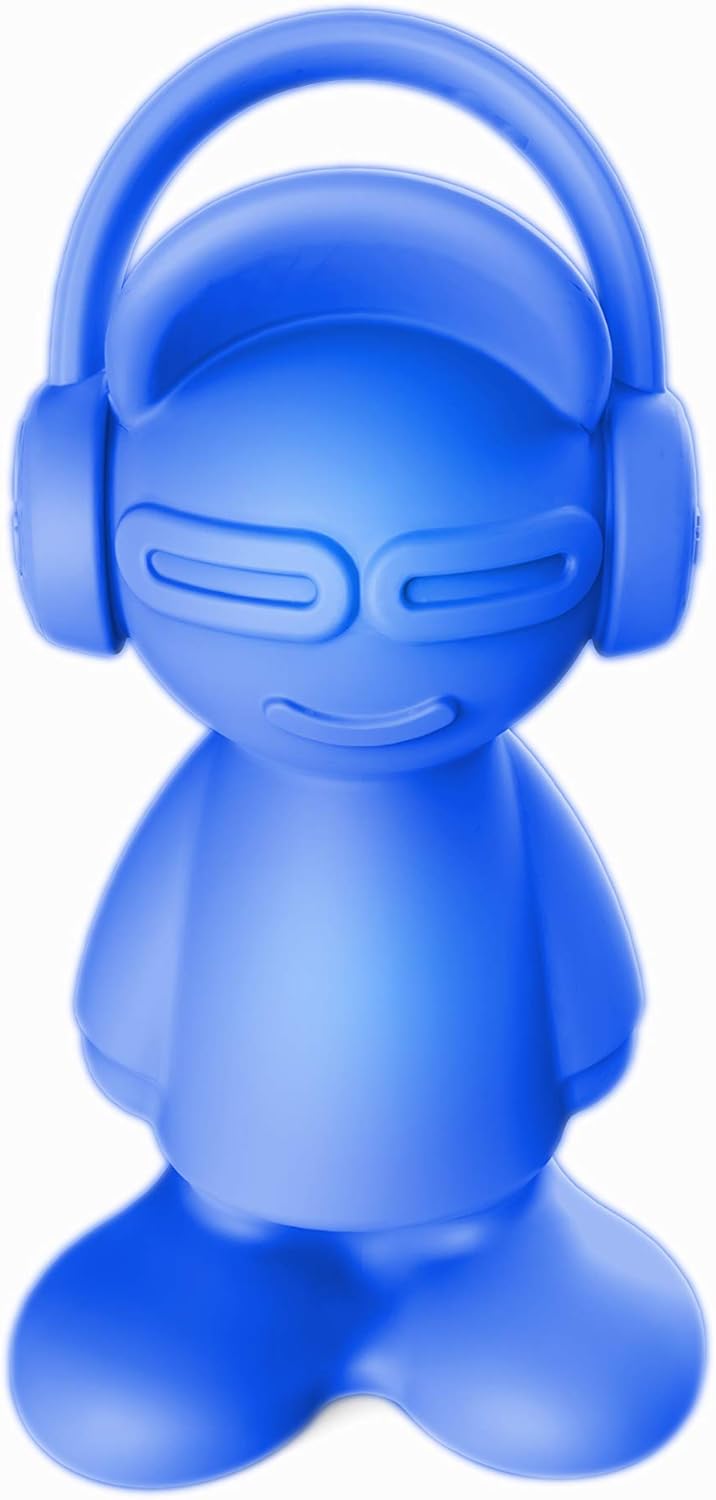
Figure 4.2: Front view of the iDance BBL10 Portable Bluetooth Speaker in blue. This image highlights the speaker's distinctive character design and color variation.
5. Setup
5.1 Charging the Speaker
- Locate the charging port on the speaker.
- Connect the appropriate charging cable (not explicitly listed but implied) to the speaker and a power source.
- Allow the speaker to charge fully before first use. The charging indicator (if present) will typically change color or turn off when charging is complete.
5.2 Powering On/Off
- To power on, press and hold the power button (location not specified, assume standard placement).
- To power off, press and hold the power button again.
6. Operating Instructions
6.1 Bluetooth Pairing
- Ensure the speaker is powered on and within range of your Bluetooth device (e.g., smartphone, tablet).
- The speaker will automatically enter Bluetooth pairing mode, indicated by a flashing LED (color/pattern not specified).
- On your device, go to Bluetooth settings and search for available devices.
- Select "iDance BBL10" from the list.
- Once paired, the speaker will emit a confirmation sound, and the LED indicator will change (e.g., solid blue).
6.2 USB MP3 Playback
- Insert a USB flash drive containing MP3 audio files into the USB port on the speaker.
- The speaker should automatically detect the USB drive and begin playing the first track.
- Use the controls on the speaker or the remote control to navigate tracks (play/pause, next/previous).
6.3 Light Modes
The iDance BBL10 features integrated RGB LEDs with various lighting modes, including a party mode and strobe effects. These can be controlled using the included remote control.
- Refer to the remote control section for specific buttons to change light modes.
- Experiment with different modes to find your preferred lighting effect.
6.4 Remote Control Operation
The included remote control allows for convenient operation of the speaker's functions from a distance. Functions typically include:
- Power On/Off
- Volume Up/Down
- Play/Pause
- Next/Previous Track
- Mode Selection (Bluetooth, USB)
- Light Mode Control (e.g., Party, Strobe, Solid Color)
Note: Ensure batteries are correctly inserted into the remote control.
7. Maintenance
- Cleaning: Use a soft, dry cloth to clean the speaker's surface. Do not use abrasive cleaners or solvents.
- Storage: When not in use for extended periods, store the speaker in a cool, dry place away from direct sunlight.
- Battery Care: To prolong battery life, avoid fully discharging the battery frequently. Charge the speaker regularly, even if not in use.
8. Troubleshooting
| Problem | Possible Cause | Solution |
|---|---|---|
| Speaker does not power on. | Battery is depleted. | Charge the speaker fully. |
| No sound from speaker. | Volume is too low; device not paired; incorrect source. | Increase volume; ensure Bluetooth is paired; select correct input mode (Bluetooth/USB). |
| Bluetooth device cannot find speaker. | Speaker not in pairing mode; too far from device. | Ensure speaker is in pairing mode; move device closer to speaker. |
| Remote control not working. | Dead batteries; obstruction. | Replace remote control batteries; ensure clear line of sight to speaker's IR receiver. |
9. Specifications
| Feature | Detail |
|---|---|
| Brand | iDance |
| Model Name | BBL10 |
| Output Power | 30 Watts |
| Connectivity Technology | Bluetooth |
| Wireless Communication | Bluetooth |
| Power Source | Battery Powered |
| Battery Life | Up to 8 hours |
| Special Features | Bluetooth, RGB LED Lights, Remote Control, USB MP3 Playback |
| Product Dimensions (L x W x H) | 13 x 16 x 30 cm |
| Item Weight | 505 Grams |
| Impedance | 4 ohms |
| Included Components | Remote control, batteries |
10. Warranty and Support
Warranty information for the iDance BBL10 Portable Bluetooth Speaker is typically provided at the point of purchase or can be found on the official iDance website. Please retain your proof of purchase for any warranty claims.
For technical support or further inquiries, please refer to the contact information provided by the manufacturer or your retailer.


