
1. Introduction
Thank you for choosing the DUDAO DT-721 Mini Bluetooth Earphone. This manual provides detailed instructions for the proper use, setup, and maintenance of your new earphone. Please read this manual carefully before use to ensure optimal performance and longevity of the device.
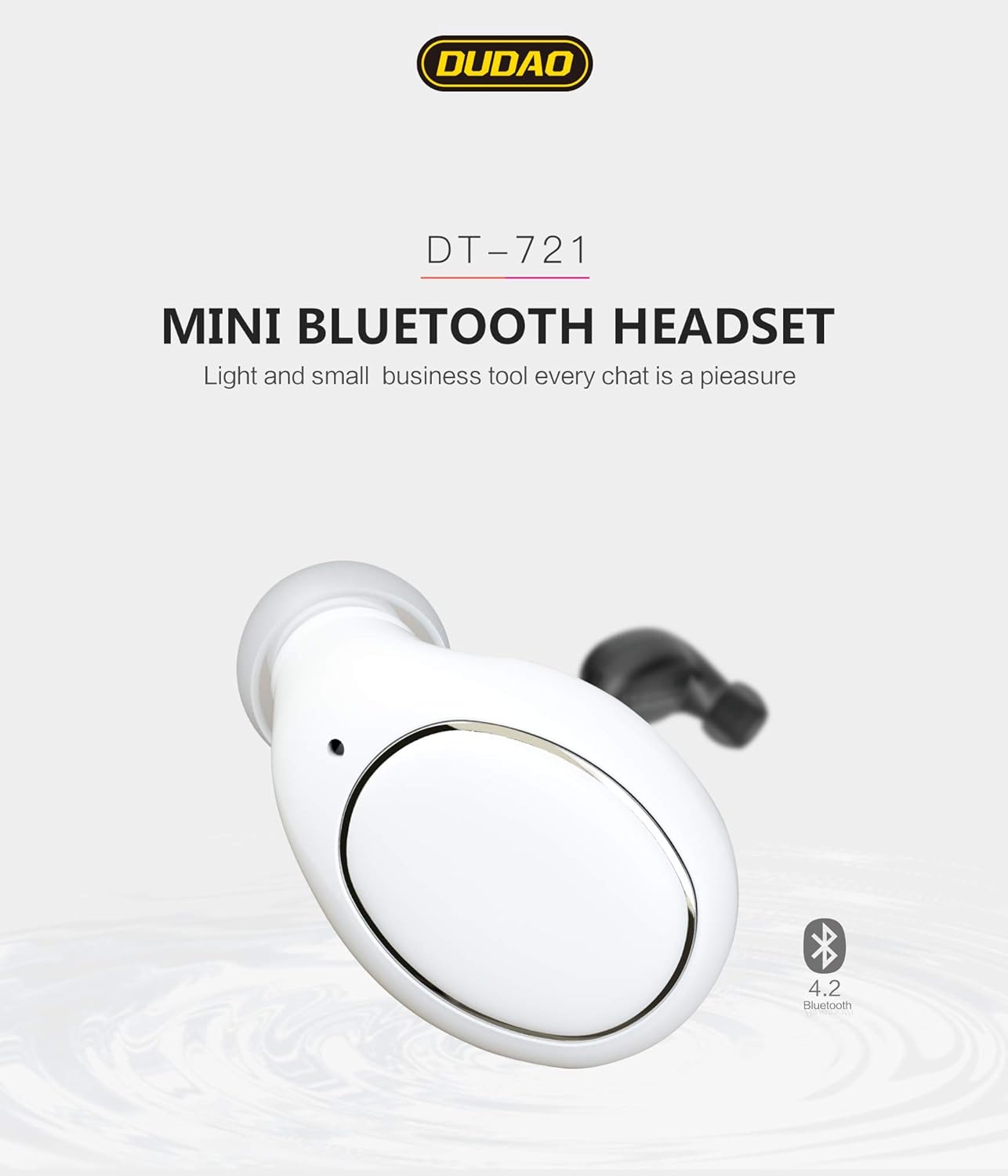
Image: The DUDAO DT-721 Mini Bluetooth Headset, showcasing its compact design and Bluetooth 4.2 technology.
2. Product Overview
The DUDAO DT-721 is a lightweight (3.5g) and compact mini Bluetooth earphone designed for comfortable wear and clear communication. It features advanced Bluetooth 4.2 technology for stable connections and efficient power consumption.
Key Features:
- Phone Call Voice Reminder: Notifies you of incoming calls.
- Two-in-One Connection: Supports simultaneous connection to two Bluetooth devices.
- Automatic Power Off: Powers off automatically when charging is complete.
- Language Switch: Supports switching between Chinese and English voice prompts.
- iPhone Battery Display: Shows the earphone's battery level on iOS devices.

Image: The DUDAO Mini Bluetooth Earphone, demonstrating its extremely small and lightweight design (3.5g) when held in a hand.
3. Setup
3.1. Charging the Earphone
Before first use, fully charge the earphone. Connect the charging cable to the earphone and a power source. The earphone will automatically power off once fully charged.
3.2. Pairing with a Device
The DT-721 supports connecting to one or two devices simultaneously.
- When the Bluetooth headset is turned off, press and hold the smart switch key for about 8 seconds. The headset indicator light flashes red and blue. It will flash alternately and enter the searched state.
- Turn on the Bluetooth function of the mobile phone 1 (e.g., Apple), search for the Bluetooth device, find "DUDAO-721", and click to complete the connection.
- Press and hold the headset to turn on the key until the indicator is off; turn off the headset. And turn off the Bluetooth of the phone 1 (such as Apple).
- Turn on the Bluetooth headset again to the searched state (press and hold the smart switch key for about 8 seconds, until the headphone indicator flashes red and blue alternately).
- Turn on the Bluetooth function of the mobile phone 2 (e.g., Samsung), search for the Bluetooth device, find "DUDAO-721", and click the pair to complete the connection.
- Turn on the Bluetooth function of the mobile phone 1 (such as Apple) and find the DUDAO-721 that was connected before, click the connection to complete one-drag-two.
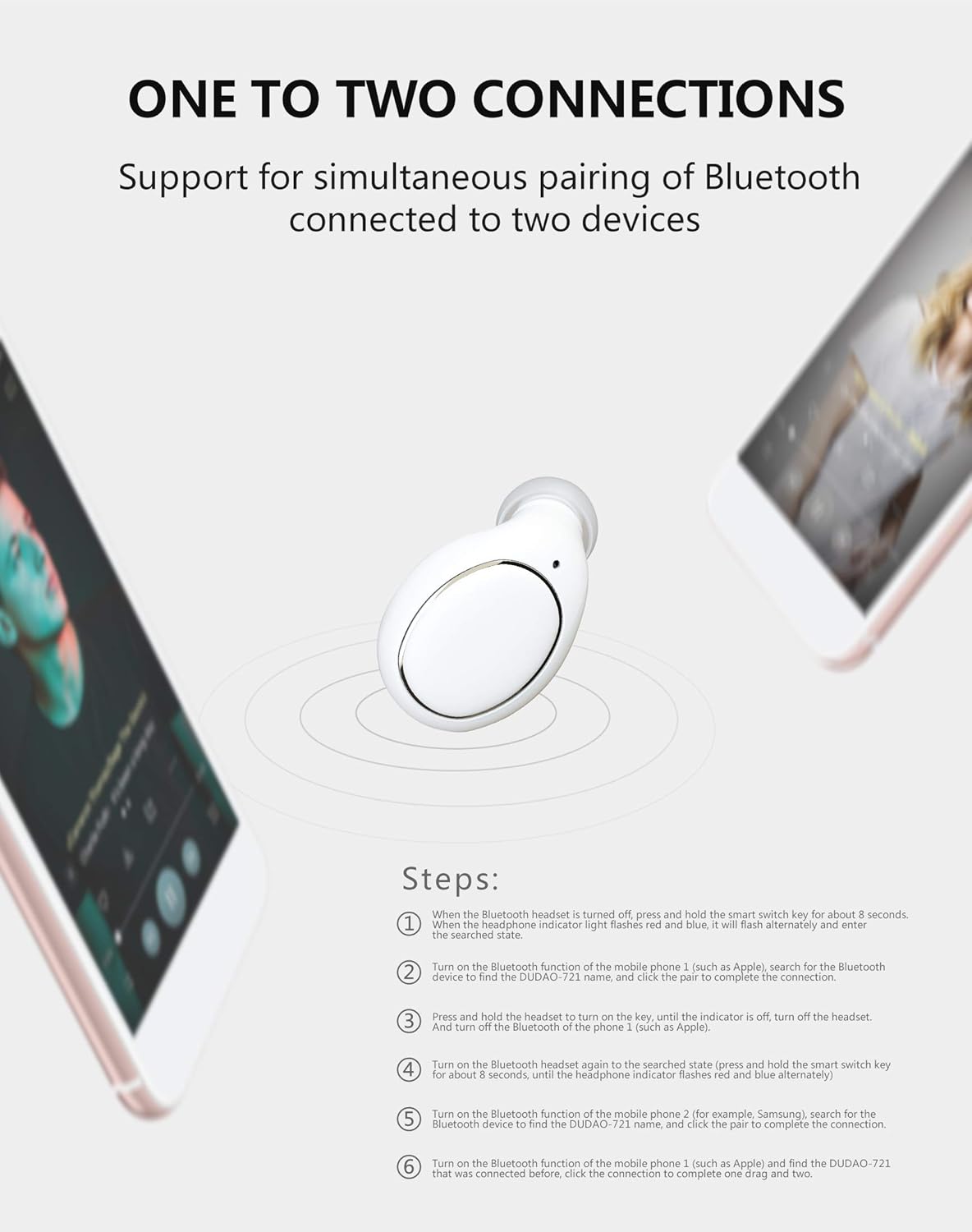
Image: Detailed steps for pairing the DUDAO DT-721 earphone with one or two Bluetooth devices simultaneously.
3.3. Language Switching
The earphone supports voice prompts in both Chinese and English. Refer to the product's specific button combinations for switching languages, usually a quick double-press of a specific button during pairing mode or standby.
4. Operating Instructions
4.1. Power On/Off
- Power On: Press and hold the multi-function button until the indicator light flashes.
- Power Off: Press and hold the multi-function button until the indicator light turns off.
4.2. Answering/Ending Calls
- Answer Call: Short press the multi-function button.
- End Call: Short press the multi-function button during a call.
- Reject Call: Press and hold the multi-function button for 2 seconds.
4.3. Music Playback
- Play/Pause: Short press the multi-function button.
4.4. Smart Voice Prompts
The earphone provides smart voice prompts for various statuses, including power on/off, successful connection, low battery, and incoming calls. These prompts can be switched between Chinese and English.

Image: An illustration of the DUDAO earphone's smart voice prompt feature, including real-time battery display on an iPhone and various status notifications.
5. Maintenance
- Keep the earphone dry. Do not expose it to moisture or extreme temperatures.
- Clean the earphone regularly with a soft, dry cloth. Avoid using harsh chemicals.
- Store the earphone in a safe place when not in use to prevent damage.
- Avoid dropping or subjecting the earphone to strong impacts.
6. Troubleshooting
- Earphone not turning on: Ensure the earphone is fully charged.
- Cannot pair with device: Make sure the earphone is in pairing mode (flashing red and blue). Turn off and on Bluetooth on your device. Clear previous Bluetooth connections on your device if necessary.
- No sound: Check the volume level on both the earphone and your connected device. Ensure the earphone is properly connected.
- Poor connection quality: Ensure there are no obstructions between the earphone and your device. Keep devices within the recommended Bluetooth range.
7. Specifications
- Model: DT-721
- Brand: DUDAO
- Bluetooth Version: 4.2
- Weight: Approximately 3.5g
- Connectivity: Wireless Bluetooth
- Features: Phone call voice reminder, two-in-one connection, auto power-off on charging, Chinese/English switch, iPhone battery display.

Image: Packaging and detailed specifications for the DUDAO DT-721 Mini Bluetooth Earphone, including model number and features.
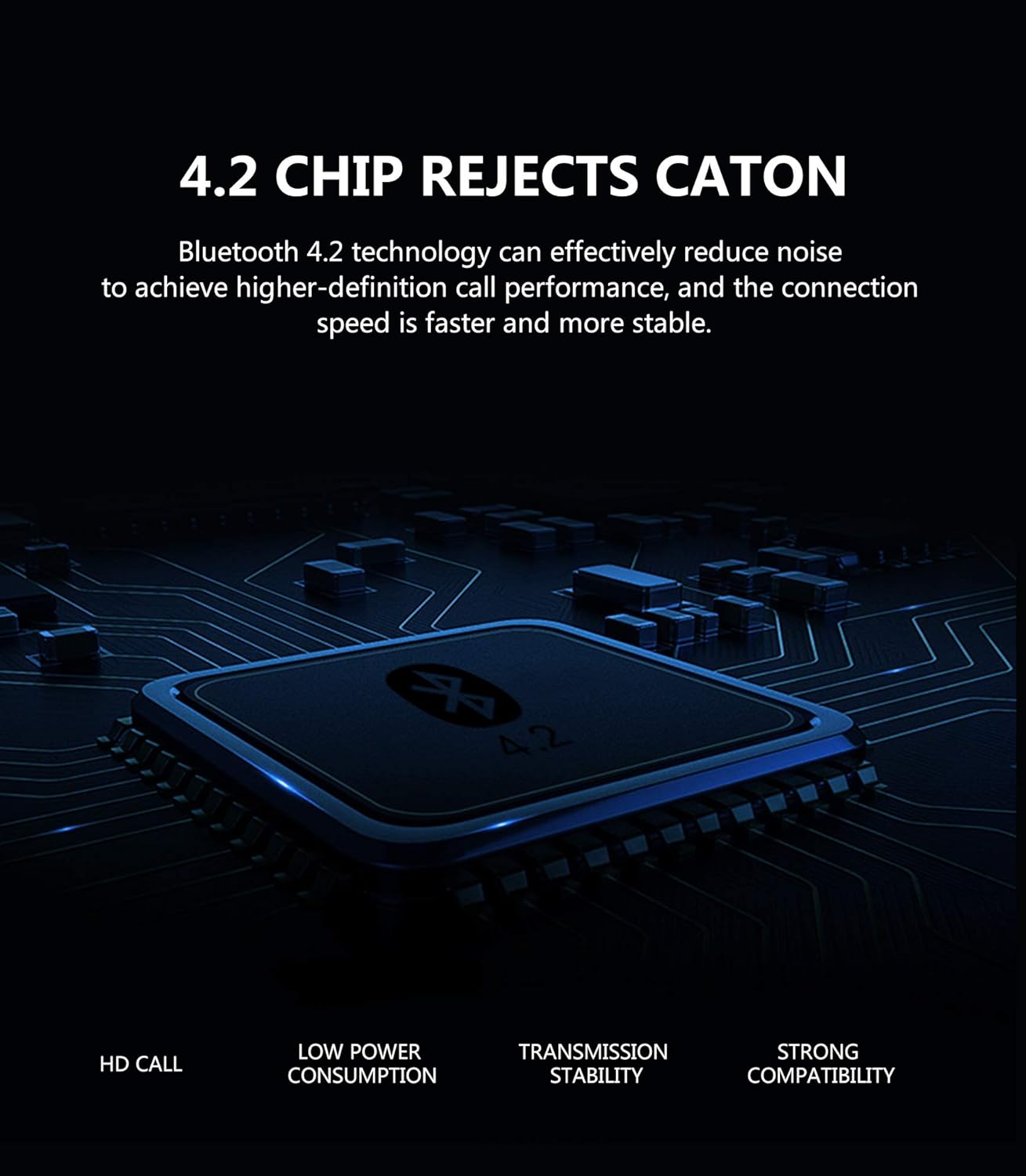
Image: A visual representation of the Bluetooth 4.2 chip, emphasizing its benefits such as HD call quality, low power consumption, stable transmission, and broad compatibility.
8. Warranty and Support
For warranty information, technical support, or further inquiries, please visit the official DUDAO website or contact their customer service.
Official Website: www.dgdudao.com