
Product Overview
The TFA Dostmann 60.2548.01 is a versatile digital radio alarm clock designed to provide accurate time, indoor and outdoor temperature readings, and a customizable color display. It features a radio-controlled clock for precise timekeeping, an alarm with snooze function, and a convenient USB charging port for mobile devices.

Figure 1: Front view of the TFA Dostmann 60.2548.01 Digital Radio Alarm Clock displaying time, alarm, and temperature.
Package Contents
- Digital Radio Alarm Clock (Main Unit)
- Outdoor Temperature Transmitter
- Power Adapter
- User Manual
Setup
1. Power Connection
Connect the provided power adapter to the main unit and plug it into a standard electrical outlet. The display will illuminate.
2. Battery Installation (Backup)
For backup power during outages, insert 2 x 1.5V AA batteries into the main unit and 2 x 1.5V AAA batteries into the outdoor temperature transmitter. Batteries are not included.
3. Outdoor Sensor Placement
Place the outdoor temperature transmitter in a sheltered location outside, away from direct sunlight and rain, to ensure accurate temperature readings. Ensure it is within range of the main unit.
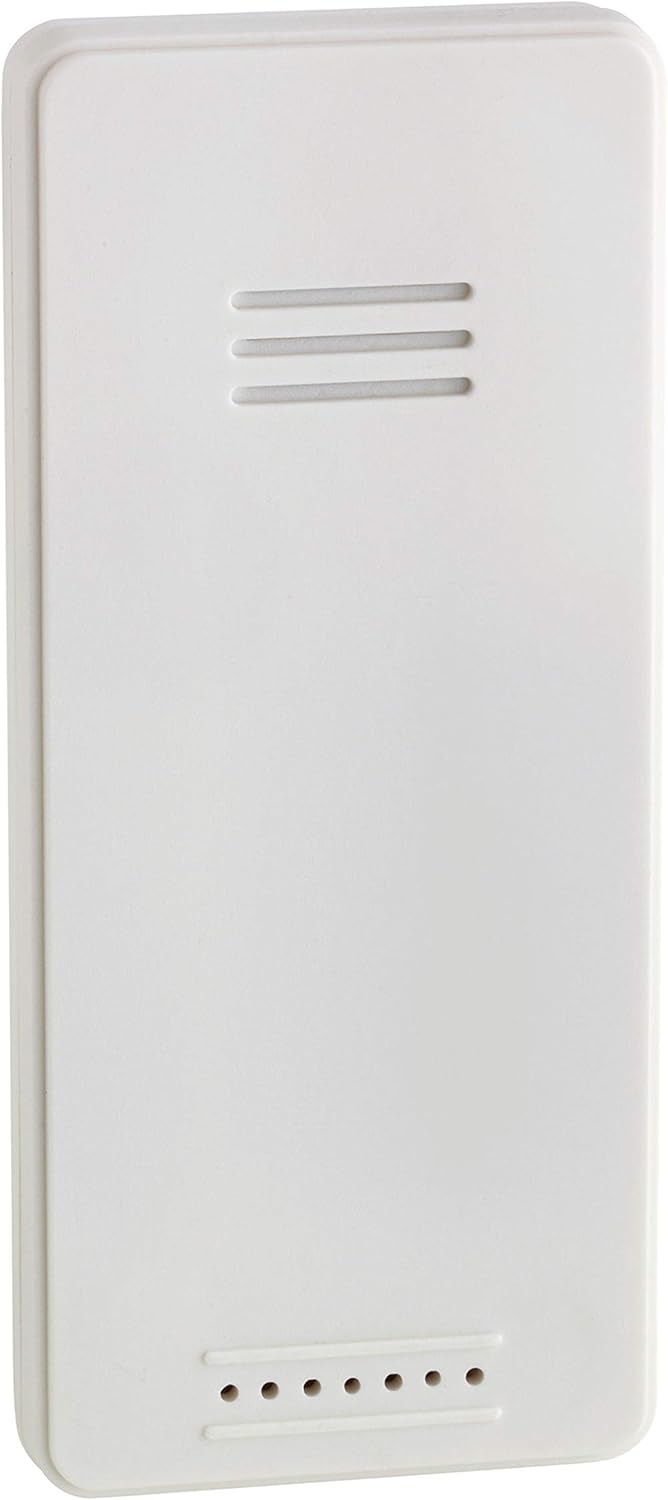
Figure 2: The outdoor temperature transmitter for the alarm clock.
4. Radio Signal Reception
The clock automatically receives the DCF77 radio signal for precise time synchronization. This process may take a few minutes upon initial setup. Ensure the clock is placed in an area with good signal reception.
Operating Instructions
1. Setting the Time and Date
The time is automatically set via the DCF77 radio signal. Manual adjustment is possible if needed, typically through dedicated 'SET' or 'TIME' buttons on the device. The display also shows the current date and day of the week, configurable in seven languages.
2. Alarm Function
- Setting Alarm: Use the 'ALARM' buttons to set your desired wake-up time.
- Snooze Function: Press the 'SNOOZE' button when the alarm sounds to temporarily silence it and get a few more minutes of sleep.
3. Display and Color Change
The color display offers two brightness levels. You can choose between an automatic color change mode, where the display transitions smoothly through 70 color shades, or select a fixed color.

Figure 3: Detailed view of the alarm clock's multi-color display.
4. Temperature Display
The clock displays both indoor temperature (at the installation location) and outdoor temperature (received from the wireless transmitter).
5. USB Charging Function
A USB port is integrated for convenient charging of mobile devices. Note that the charging cable is not included.
Maintenance
To clean the device, use a soft, dry cloth. Avoid abrasive cleaners or solvents that could damage the surface. Keep the device away from excessive moisture and direct heat sources.
Troubleshooting
- No Display/Power: Ensure the power adapter is securely connected and the electrical outlet is functional. Check backup batteries if applicable.
- Incorrect Time: Verify that the clock is in an area with good DCF77 radio signal reception. Manual time setting can be used as a temporary solution.
- No Outdoor Temperature Reading: Check the batteries in the outdoor transmitter. Ensure the transmitter is within range and not obstructed by large metal objects.
- Display Issues: Adjust the brightness settings. If the display is stuck on a single color, check the color change mode settings.
Specifications
| Feature | Detail |
|---|---|
| Model Number | 60.2548.01 |
| Material | Plastic |
| Clock Type | Radio-controlled |
| Indoor Temperature Range | -10°C to +50°C (+14°F to +122°F) |
| Outdoor Temperature Range | -20°C to +60°C (-4°F to +140°F) |
| Display | Color display with 2 brightness levels, 70 color shades (auto/fixed) |
| Alarm Features | Alarm with snooze function |
| Date & Day of Week | Displayed in 7 languages |
| USB Charging Port | Yes (charging cable not included) |
| Power Source | Power adapter, Battery backup (2x AA for main unit, 2x AAA for transmitter - not included) |
| Dimensions | 215 x 30 x 75 mm |
| Weight | 229 g |
Warranty and Support
For warranty information and customer support, please refer to the documentation included in your product packaging or visit the official TFA Dostmann website. Keep your purchase receipt for any warranty claims.


