
OREI WHD-PRO100-K
OREI Wireless HDMI Transmitter & Receiver User Manual
Model: WHD-PRO100-K
Introduction
This user manual provides detailed instructions for the setup, operation, maintenance, and troubleshooting of your OREI Wireless HDMI Transmitter & Receiver (Model: WHD-PRO100-K). Please read this manual thoroughly before using the product to ensure proper functionality and to prevent damage.
The OREI Wireless HDMI Transmitter & Receiver system allows you to extend a Full HD 1080p HDMI signal wirelessly up to 100 feet (line of sight). It operates on a 5 GHz wireless band, utilizing channels 128 & 132, and offers a plug-and-play setup without requiring any software installation.
Package Contents
Verify that all items are present in the package:
- 1 x OREI Wireless HDMI Transmitter (Dongle)
- 1 x OREI Wireless HDMI Receiver (Small Plastic Box)
- 1 x Power Adapter
- 1 x User Manual (this document)
Product Overview
The OREI Wireless HDMI system consists of two main components: a transmitter and a receiver.

Image: The OREI Wireless HDMI Transmitter (left, dongle-style) and Receiver (right, box-style) units. Both are black with the OREI logo.
Transmitter (TX)
The transmitter is a compact dongle designed to connect directly to an HDMI output port of a source device such as a laptop, PC, or media player. It requires power via a Micro USB cable.
Receiver (RX)
The receiver is a small plastic box that connects to the HDMI input port of a display device, such as a TV or projector. It requires external power via the included power adapter.

Image: A diagram illustrating the compact size of the OREI Wireless HDMI Receiver, with dimensions of approximately 3.5 inches by 3.25 inches and a thickness of 0.5 inches. It weighs approximately 12.5 ounces.
Setup Instructions
Follow these steps for a quick and easy setup:
- Connect the Receiver (RX): Plug the HDMI OUT port of the OREI Receiver into an available HDMI input port on your display device (TV, projector, monitor).
- Power the Receiver (RX): Connect the included power adapter to the DC 5V input on the Receiver and plug the adapter into a power outlet. The power indicator light on the receiver should illuminate.
- Connect the Transmitter (TX): Plug the HDMI connector of the OREI Transmitter dongle into the HDMI output port of your source device (laptop, PC, game console, media player).
- Power the Transmitter (TX): Connect a Micro USB cable (not always included, but often required for power) to the transmitter's power input and to a USB port on your source device or a USB power adapter. The power indicator light on the transmitter should illuminate.
- Pairing: The transmitter and receiver are pre-paired from the factory. Once both units are powered on and connected, they should automatically establish a connection. The "Pairing" indicator on the receiver will show connection status.
- Display Output: Select the correct HDMI input on your display device. The signal from your source device should now be wirelessly transmitted and displayed.
Important Note: For optimal performance, ensure a clear line of sight between the transmitter and receiver. Obstructions such as walls, furniture, or other wireless interference can reduce the transmission distance and signal quality.
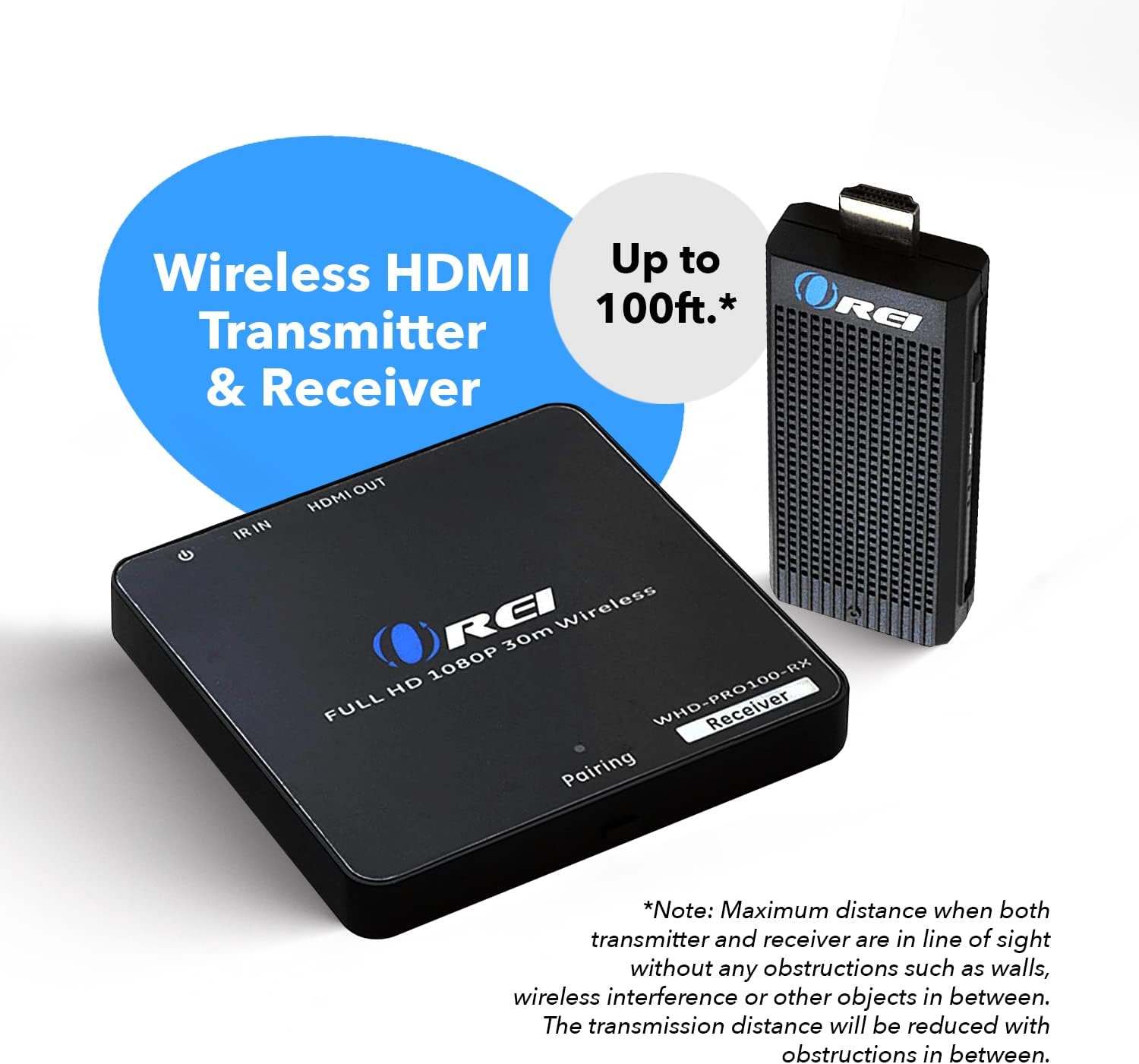
Image: A visual representation of the OREI Wireless HDMI Transmitter and Receiver system, demonstrating its ability to extend a signal up to 100 feet wirelessly. The image emphasizes the need for line-of-sight for maximum distance.
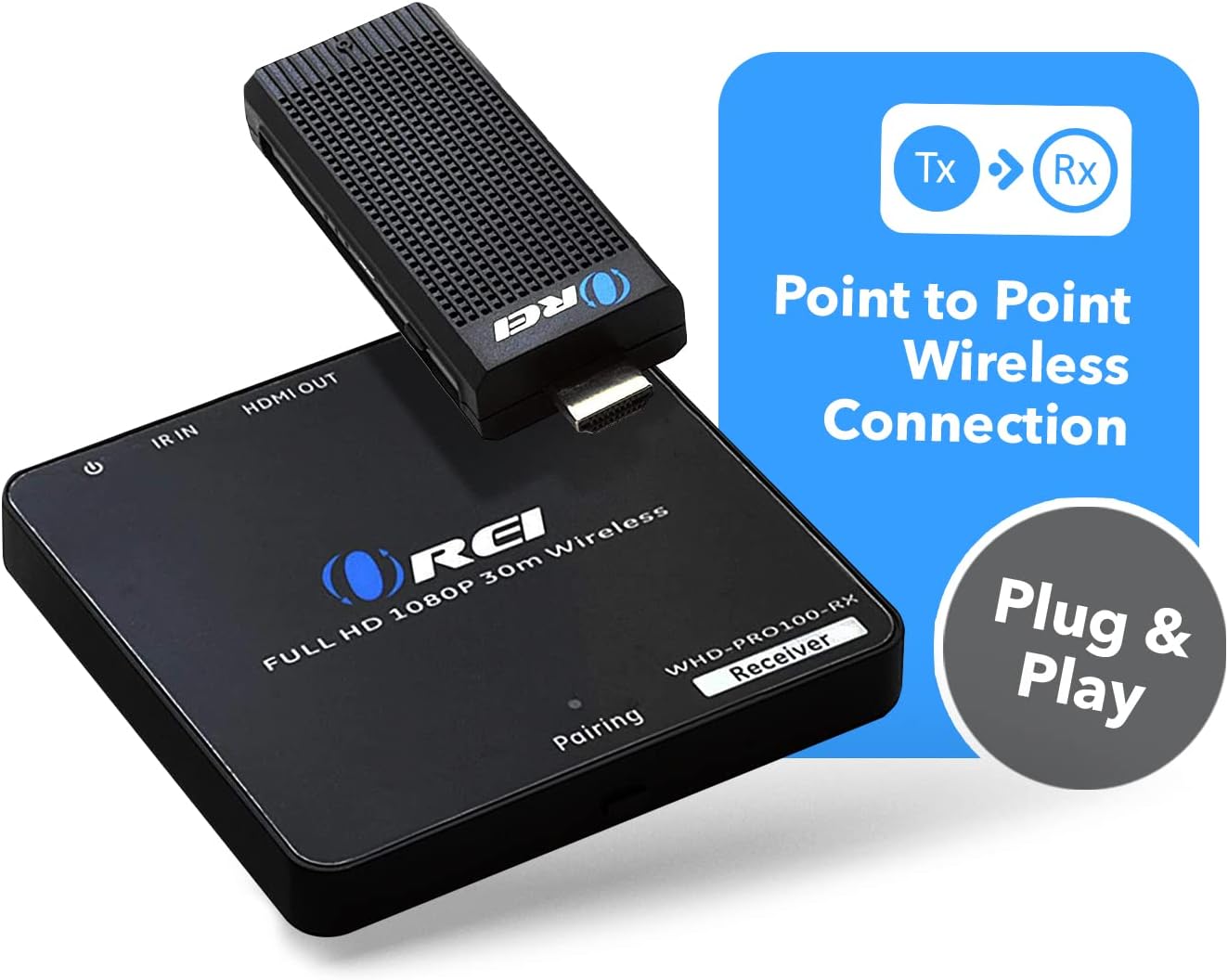
Image: A diagram highlighting the point-to-point wireless connection capability of the OREI system, along with its plug-and-play functionality, indicating no software installation is required.
Operating Instructions
Supported Resolutions and Frequencies
The OREI Wireless HDMI system supports a range of HDMI resolutions and frequencies, including:
- 480i 60Hz
- 480p 60Hz
- 576i 60Hz
- 576p 50Hz
- 720p 50/60Hz
- 1080i 50/60Hz
- 1080p 50/60Hz
Wireless Band Operation
The device operates on a 5 GHz wireless band, specifically utilizing channels 128 and 132 to minimize interference and ensure stable transmission.
Source Device Compatibility
The system is compatible with various HDMI source devices, including but not limited to:
- Laptops
- Desktop PCs
- Media Players
- Gaming Consoles (e.g., PS4, Xbox)
- Cable Boxes
- DVD/Blu-ray Players
It supports operating systems such as iOS, Android, macOS, and Windows for notebooks, tablets, and smartphones that can output HDMI signals.

Image: A visual representation of streaming content from an input device (laptop) to an output display (TV) using the OREI wireless HDMI system, highlighting the wireless connection up to 100 feet.

Image: An illustration depicting various media sources such as laptops, media devices, and DVD players, and their compatibility with the OREI wireless HDMI system for streaming to HDTVs or projectors.
Maintenance
To ensure the longevity and optimal performance of your OREI Wireless HDMI Transmitter & Receiver, follow these maintenance guidelines:
- Cleaning: Use a soft, dry cloth to clean the surfaces of the transmitter and receiver. Do not use liquid cleaners or aerosol sprays, as they may damage the internal components.
- Ventilation: Ensure that both units have adequate ventilation. Do not block any ventilation openings. Overheating can affect performance and lifespan.
- Storage: When not in use for extended periods, store the devices in a cool, dry place away from direct sunlight and extreme temperatures.
- Handling: Handle the units with care. Avoid dropping them or subjecting them to strong impacts.
- Power Supply: Only use the provided power adapter for the receiver. Using an incorrect power supply can damage the device.
Troubleshooting
If you encounter issues with your OREI Wireless HDMI system, refer to the following common troubleshooting steps:
| Problem | Possible Cause | Solution |
|---|---|---|
| No signal on display. |
|
|
| Flickering or unstable picture. |
|
|
| Audio/Video out of sync. |
|
|
| Transmitter gets warm. |
|
|
Specifications
| Feature | Detail |
|---|---|
| Model Number | WHD-PRO100-K |
| Brand | OREI |
| Connectivity Technology | HDMI, USB |
| Connector Type | HDMI |
| Special Feature | Wireless |
| Resolution Support | Up to 1080p (Full HD) |
| Wireless Range | Up to 100 feet (line of sight) |
| Wireless Band | 5 GHz (Channels 128 & 132) |
| Product Dimensions | 35 x 18 x 3 inches (packaging/overall product size) |
| Item Weight | 12.3 ounces |
| Color | Black |
Warranty and Support
The OREI Wireless HDMI Transmitter & Receiver comes with a 1-Year OREI Manufacturer's Warranty. OREI also offers lifetime technical support for its products.
For technical assistance, troubleshooting, or warranty claims, please contact OREI customer support. Refer to the official OREI website or the product packaging for the most current contact information.

Image: An illustration highlighting OREI's commitment to quality with a "Full 1 Year Limited Warranty" and stating that the company is "Based in the U.S.A." offering "Lifetime Local Support."
Related documentsWHD-PRO100-K


Ask a question about this manual
Ask about setup, troubleshooting, compatibility, parts, safety, or missing instructions. Manuals+ will review the question and use this page’s manual context to help answer it.