
Introduction
Thank you for choosing the Victiv T72 72-inch Camera Tripod. This versatile and sturdy tripod is designed to provide stable support for a wide range of photographic and videographic equipment, including DSLR cameras, mirrorless cameras, smartphones, and more. Its lightweight aluminum construction and dual tripod/monopod functionality make it an ideal companion for both amateur and professional users on the go. Please read this manual carefully to ensure proper setup, operation, and maintenance of your new tripod.
Product Features
- Tall & Lightweight Design: Extends from 21 inches to 72 inches (182cm) with 4-section column legs, weighing only 3.3 lbs (1.5 kg) for easy portability.
- Upgraded Solid Construction: Made from durable aluminum alloy with thicker leg tubes for enhanced stability and load capacity, suitable for long exposure photography.
- 2-in-1 Tripod & Monopod: Quickly converts into a 55-inch monopod, offering flexibility for various shooting scenarios and reducing travel weight.
- Wireless Remote Control & Phone Holder: Includes a wireless remote for hands-free photo and video capture, and a 360° rotatable phone mount compatible with 4-6.8 inch smartphones.
- Smooth 3-Way Swivel Head: Equipped with a stable 3-way pan head supporting 360° panning and tilting for precise adjustments in horizontal and vertical directions.
- Universal Compatibility: Standard 1/4" screw mount is compatible with DSLR/SLR cameras, webcams, camcorders, projectors, spotting scopes, and binoculars.
- Quick Release Plate: Features an extra universal Arca Swiss mounting plate for easy camera swapping.
Setup
Follow these steps to set up your Victiv T72 tripod:
- Unfold the Tripod Legs: Gently spread the tripod legs outwards until they are fully extended and stable.
- Adjust Leg Height: Unlock the flip locks on each leg section to extend them to your desired height. Ensure all locks are securely fastened before mounting equipment.
- Extend Center Column: Loosen the center column lock knob, raise the center column to the desired height, and then tighten the knob to secure it.
- Attach Quick Release Plate to Camera: Screw the quick release plate onto the 1/4" screw mount at the bottom of your camera or phone holder. Ensure it is tightly secured.
- Mount Camera to Tripod Head: Open the quick release clamp on the tripod's 3-way head. Insert the quick release plate with your camera/phone holder into the clamp and close it securely.
- Check Stability: Always ensure the tripod is stable on a level surface before leaving your equipment unattended. Use the built-in bubble level on the tripod head for precise leveling.
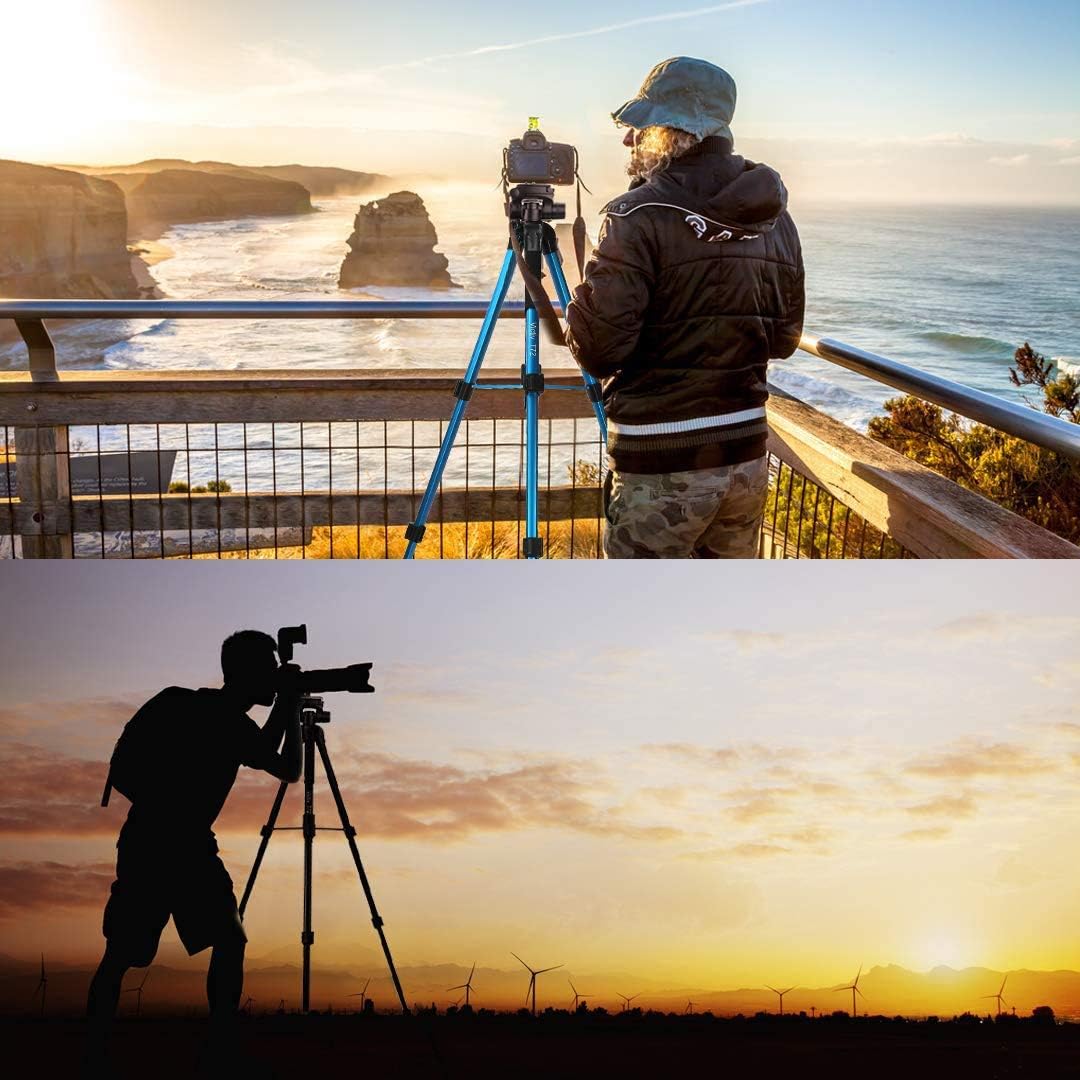
Figure 1: Victiv T72 tripod demonstrating its compact folded size and full extension capabilities.

Figure 2: The tripod's adjustable legs and center column allow for multiple height configurations, reaching up to 72 inches.

Figure 3: Detail of the quick release plate, essential for securely attaching your camera or device.
Operating Instructions
Using the 3-Way Swivel Head
The 3-way swivel head allows for precise control over your camera's position:
- Pan Adjustment: Loosen the horizontal lock knob to rotate the camera 360° horizontally. Tighten to secure.
- Tilt Adjustment: Use the pan handle to tilt the camera vertically. Loosen the tilt lock knob to adjust the angle, then tighten to secure.
- Portrait/Landscape Orientation: The head allows for quick switching between portrait and landscape modes by tilting the camera 90°.
Wireless Remote Control
The included wireless remote control allows for convenient hands-free operation:
- Pairing: Turn on the remote control. On your smartphone, enable Bluetooth and search for the remote (usually named AB Shutter3 or similar). Pair the devices.
- Operation: Open your camera app. Press the corresponding button on the remote (iOS or Android) to capture photos or start/stop video recording.

Figure 4: The 3-way head offers versatile positioning for various creative shots.

Figure 5: The wireless remote and universal phone holder enhance convenience for smartphone users.
Monopod Conversion
The Victiv T72 tripod can be quickly converted into a monopod for situations requiring greater mobility or when space is limited:
- Remove Center Column: Loosen the center column lock knob and fully extend the center column upwards to detach it from the tripod base.
- Attach Tripod Head: The detached center column, with the 3-way head still attached, now functions as a monopod.
- Secure: Ensure all connections are tight before use.

Figure 6: The tripod's versatile design allows for quick conversion to a monopod.
Compatibility
The Victiv T72 tripod is designed for broad compatibility:
- Cameras: Compatible with most DSLR, SLR, and digital cinema cameras via the standard 1/4" screw mount.
- Smartphones: The included phone mount accommodates smartphones with widths between 4-6.8 inches, including various iPhone and Galaxy models.
- Other Devices: Can be used with webcams, compact camcorders, projectors, spotting scopes, and binoculars.

Figure 7: The tripod supports a wide array of devices for diverse applications.
Maintenance
- Cleaning: Wipe the tripod with a soft, dry cloth after each use to remove dust and dirt. For stubborn grime, use a slightly damp cloth and mild soap, then dry thoroughly.
- Storage: Store the tripod in its provided carrying bag in a cool, dry place away from direct sunlight and extreme temperatures.
- Check Connections: Periodically check all screws, knobs, and leg locks to ensure they are tight and functioning correctly.
- Avoid Overloading: Do not exceed the specified weight limit to prevent damage to the tripod and your equipment.
Troubleshooting
- Tripod Instability: Ensure all leg locks are fully engaged and the legs are spread evenly. Check that the center column lock is tight.
- Stiff Head Movement: Loosen the pan and tilt lock knobs sufficiently. If movement remains stiff, check for any obstructions or debris.
- Wireless Remote Not Connecting: Ensure the remote is powered on and within range. Check your smartphone's Bluetooth settings to confirm it's paired. Replace the remote's battery if necessary.
- Camera Not Secure: Verify that the quick release plate is properly attached to your camera and securely clamped into the tripod head.
Specifications
| Feature | Detail |
|---|---|
| Model Name | Victiv-T72 |
| Material | Aluminum |
| Maximum Height | 72 Inches (182 cm) |
| Minimum Height | 21 Inches (53 cm) |
| Folded Length | 17 Inches (43 cm) |
| Item Weight | 3.3 Pounds (1.5 kg) |
| Weight Limit | 3.3 Pounds (1.5 kg) |
| Tripod Head Type | 3-Way Pan Head |
| Leg Sections | 4 |
| Compatible Devices | Camera, Smartphone, Camcorder, Projector, Telescope |
Warranty & Support
For warranty information or technical support, please refer to the product packaging or contact Victiv customer service directly. Keep your purchase receipt as proof of purchase for any warranty claims.
Additional Resources
Official Product Videos
Video 1: Victiv 72-inch Camera Tripod Aluminum T72 Max Height 182cm - Lightweight Tripod & Monopod Compact. This video provides a general overview of the tripod's features and compact design.
Video 2: Victiv 72 Inch Camera Tripod - Review & Demo. This video offers a detailed demonstration of the tripod's setup and various functionalities.
Video 3: Review - Victiv Tripod - My FAVORITE features & WHY I LOVE! This video highlights key features and user experience with the tripod.
Video 4: Very sturdy camera tripod, great quality and nice features! Highly recommend! This video provides a comprehensive look at the tripod's quality and features.
