
yuwell YU300/500 Remote Control
yuwell O2 Concentrator Remote Control User Manual
Model: YU300/500 Remote Control
Brand: yuwell
1. Introduction
This manual provides essential instructions for the proper setup, operation, and maintenance of your yuwell O2 Concentrator Remote Control. This remote control is specifically designed for use with yuwell YU300 and YU500 oxygen concentrators.
2. Safety Information
- Keep the remote control away from water and excessive moisture.
- Do not expose the remote control to direct sunlight or extreme temperatures.
- Handle batteries according to their instructions. Do not mix old and new batteries, or different types of batteries.
- Dispose of used batteries properly according to local regulations.
- Keep batteries out of reach of children. If swallowed, seek immediate medical attention.
3. Setup
3.1 Battery Installation
The remote control requires one CR2025 button cell battery. Please follow these steps to install or replace the battery:
- Locate the battery compartment on the back of the remote control.
- Gently push the battery cover in the direction indicated by the "PUSH" arrow and slide it open.
- Insert the CR2025 battery with the positive (+) side facing upwards, as shown in the diagram inside the compartment.
- Slide the battery cover back into place until it clicks securely.
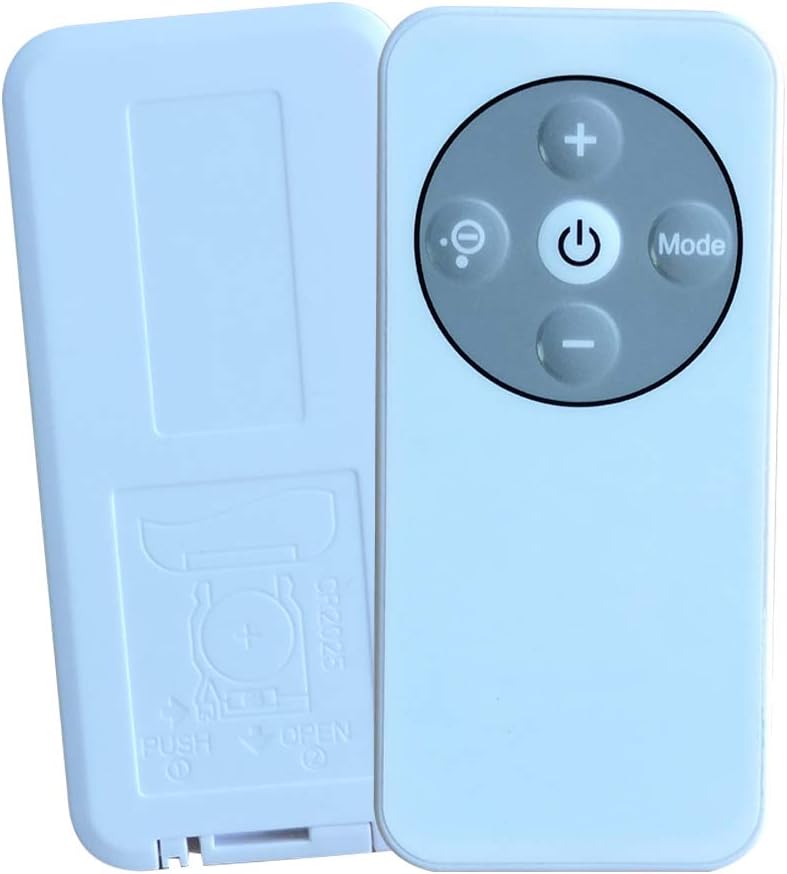
Image: Back of the remote control with the battery compartment open, revealing the CR2025 battery slot.

Image: Back of the remote control with the battery cover closed, indicating the "PUSH OPEN" mechanism.
3.2 Initial Use
Before first use, ensure any protective film or battery protector tab is removed from the remote control. Some units may have a small plastic tab inserted into the battery compartment to prevent discharge during shipping. Remove this tab before operation.
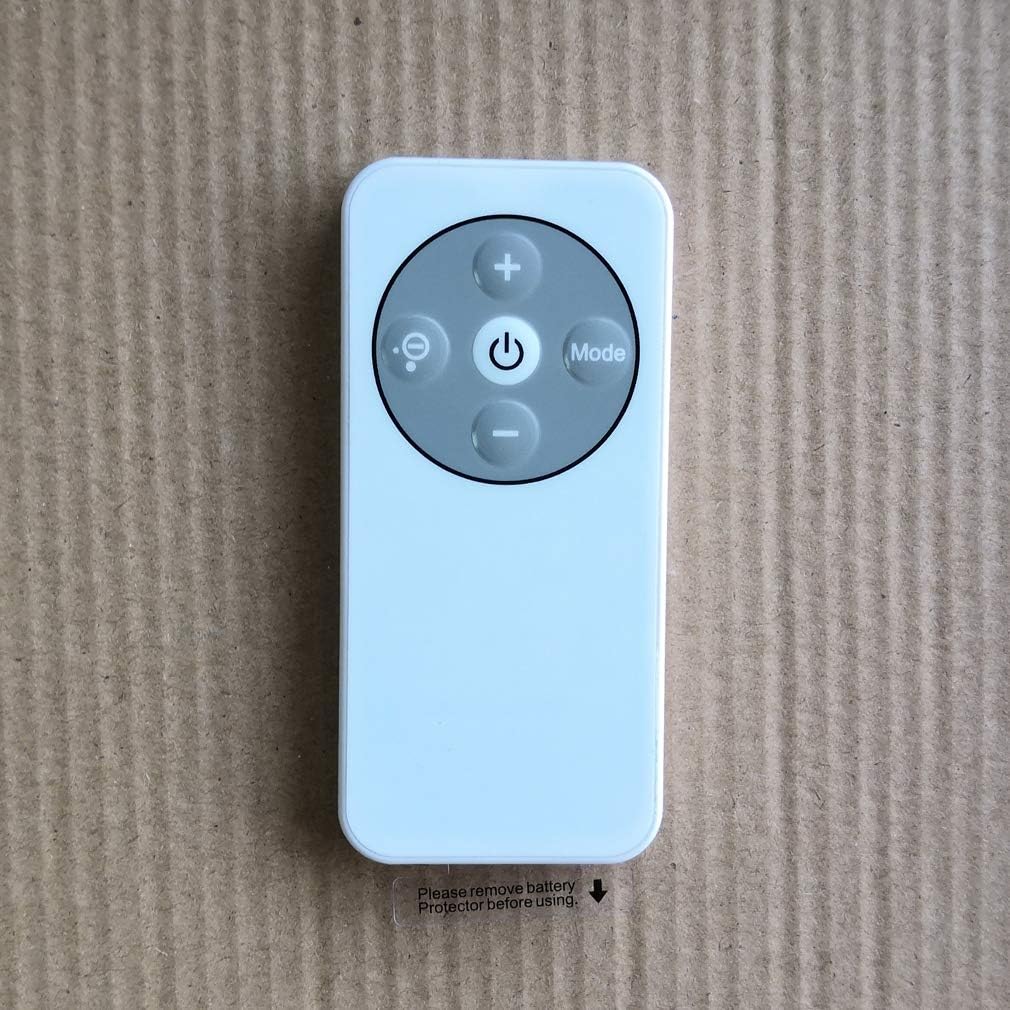
Image: Front of the remote control showing buttons and a reminder to remove the battery protector.
4. Operating Instructions
Point the remote control directly at the oxygen concentrator's receiver. Ensure there are no obstructions between the remote and the concentrator.
Button Functions:
- Power Button (⏻): Press to turn the oxygen concentrator ON or OFF.
- Plus Button (+): Increases the oxygen flow rate or timer setting.
- Minus Button (-): Decreases the oxygen flow rate or timer setting.
- Mode Button (Mode): Cycles through different operating modes or settings of the concentrator (e.g., continuous flow, pulse dose, sleep mode, if applicable).
- Display/Light Button (💡): Toggles the display backlight or changes display information on the concentrator.
5. Maintenance
5.1 Cleaning
Wipe the remote control with a soft, dry cloth. Do not use abrasive cleaners, solvents, or harsh chemicals, as these can damage the surface or internal components.
5.2 Battery Replacement
Replace the CR2025 battery when the remote control's range decreases significantly or it stops responding. Follow the battery installation steps in Section 3.1.
6. Troubleshooting
- Remote not responding:
- Check if the battery is installed correctly with the correct polarity.
- Replace the battery with a new CR2025 battery.
- Ensure there are no obstructions between the remote control and the oxygen concentrator.
- Make sure you are within the effective operating range of the remote control.
- Intermittent operation:
- This may indicate a low battery. Replace the battery.
- Ensure a clear line of sight to the concentrator.
7. Specifications
| Model | YU300/500 Remote Control |
| Compatibility | yuwell YU300, yuwell YU500 Oxygen Concentrators |
| Battery Type | 1 x CR2025 Button Cell (not included) |
| Manufacturer | yuwell |
8. Warranty and Support
For warranty information, technical support, or service inquiries, please refer to the documentation provided with your yuwell oxygen concentrator or contact yuwell customer service directly. Keep your purchase receipt as proof of purchase.
Ask a question about this manual
Ask about setup, troubleshooting, compatibility, parts, safety, or missing instructions. Manuals+ will review the question and use this page’s manual context to help answer it.