
Introduction
This manual provides detailed instructions for the Transformers Generations War for Cybertron Deluxe WFC-S37 Brunt Weaponizer Action Figure. Please read carefully to ensure proper assembly, transformation, and use of your figure.
Product Overview
The WFC-S37 Brunt figure is a Deluxe Class Weaponizer from the War for Cybertron: Siege series. It features two primary modes: Robot Mode and Cybertronian Tank Mode. Additionally, Brunt can disassemble into multiple weapon and armor accessories for other Transformers figures (sold separately).
What's Included:
- 1x WFC-S37 Brunt Action Figure

Figure shown in retail packaging.
Setup
Unboxing and Initial Inspection:
- Carefully remove the figure from its packaging.
- Inspect the figure for any loose parts or damage. If any issues are found, refer to the troubleshooting section or contact customer support.
- Familiarize yourself with the figure's articulation points in robot mode.
Transformation Instructions
The WFC-S37 Brunt figure converts between Robot Mode and Cybertronian Tank Mode in 23 steps. Apply gentle, even pressure during transformation to avoid damage.
Robot Mode to Cybertronian Tank Mode:
- Begin with the figure in Robot Mode.
- Fold the robot's arms inward and secure them to the torso.
- Collapse the legs and rotate them to form the tank treads.
- Position the main cannon from the robot's back to the top of the tank.
- Ensure all panels and tabs are securely locked into place to form a compact tank.
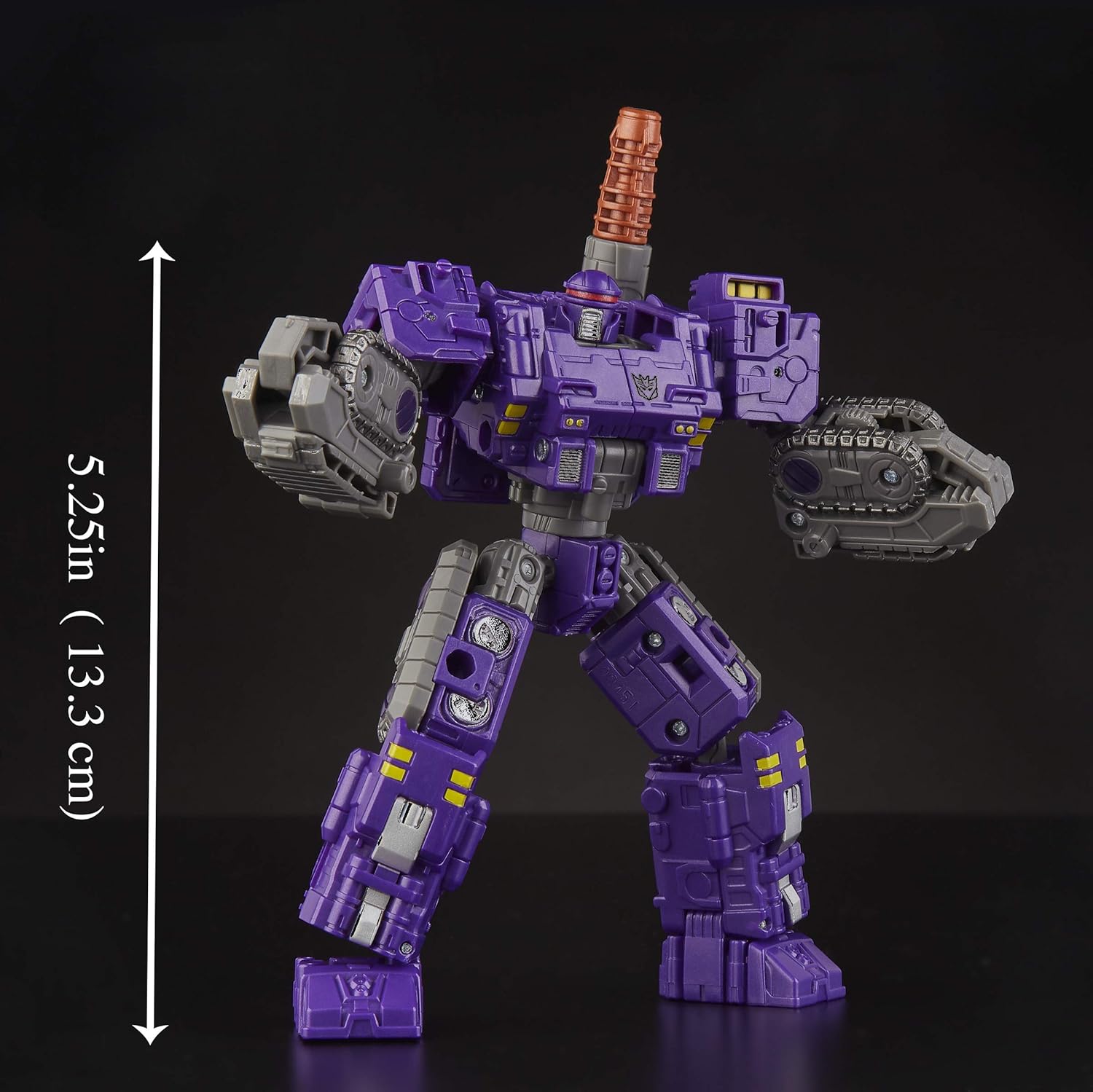
Brunt in Robot Mode, standing approximately 5.25 inches tall.

Brunt in Cybertronian Tank Mode.
Cybertronian Tank Mode to Robot Mode:
- Begin with the figure in Cybertronian Tank Mode.
- Disengage the main cannon and reposition it to the robot's back.
- Unfold the tank treads to form the robot's legs and feet.
- Extend the robot's arms and position them as desired.
- Ensure all joints are articulated and the figure stands stably.

Brunt in Tank Mode, measuring approximately 5 inches long.

Front view of Brunt in Tank Mode.

Rear view of Brunt in Tank Mode.
Weaponizer Features
Brunt is a Weaponizer figure, meaning it can be disassembled into multiple weapon and armor accessories. These accessories can be attached to other War for Cybertron: Siege figures (sold separately) using the C.O.M.B.A.T. System weapon ports.
Disassembly and Reassembly:
- Gently detach the limbs and other components from the main body.
- These parts can be reconfigured into various weapon and armor attachments.
- To reassemble Brunt, connect the parts back to their original positions, ensuring a secure fit.

Brunt in a dynamic robot pose, showcasing articulation.
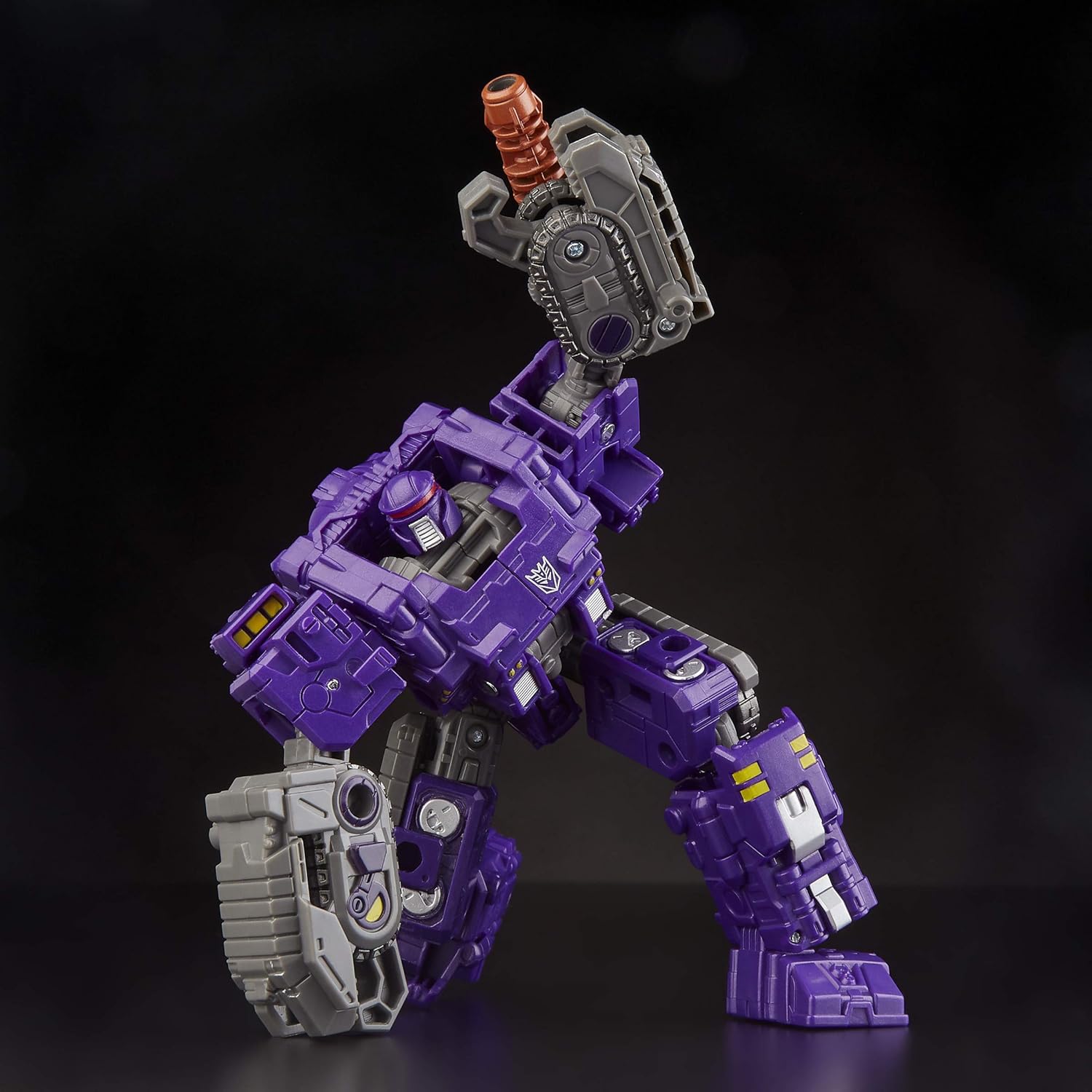
Brunt in a crouching pose, highlighting its articulation.
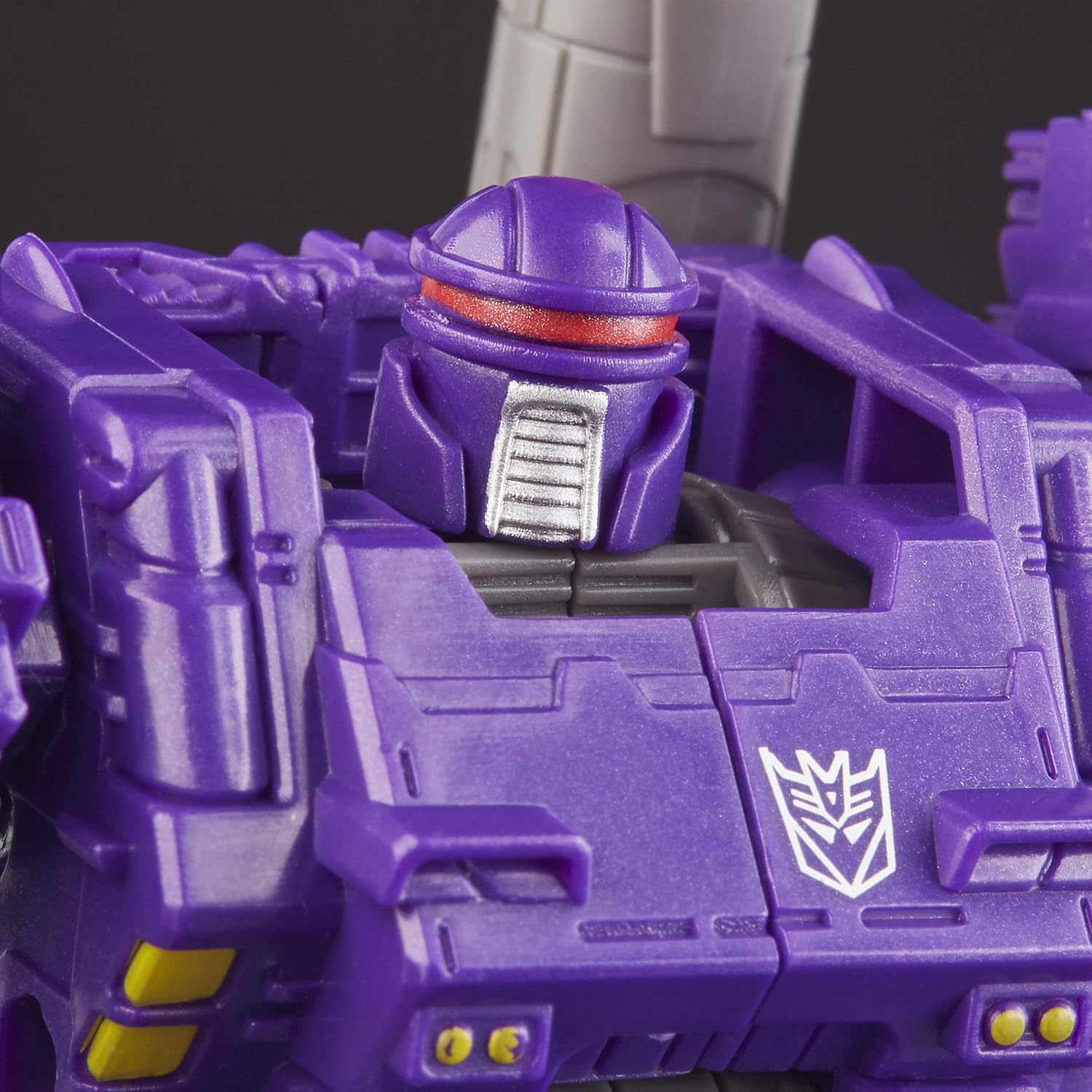
Close-up of Brunt's robot head.
Compatibility
Brunt's weaponizer components are designed to be compatible with other figures in the War for Cybertron: Siege line. This allows for custom weapon loadouts and enhanced play scenarios.

Brunt's components used as weapon and armor accessories on another figure.
Official Product Video
Official video demonstrating the Transformers Deluxe Brunt figure's transformation and features.
Specifications
| Feature | Detail |
|---|---|
| Brand | Transformers |
| Model Name | WFC-S37 Brunt Weaponizer |
| Model Number | E4499 |
| Toy Figure Type | Action Figure |
| Material Type | Plastic |
| Item Weight | 80 Grams |
| Robot Mode Height | Approximately 5.25 inches (13.3 cm) |
| Tank Mode Length | Approximately 5 inches (12.1 cm) |
| Recommended Age | 8 Years and Up |
| Power Source | Manual (No batteries required) |
Maintenance
Cleaning:
- Wipe the figure with a soft, dry cloth to remove dust.
- For stubborn dirt, use a slightly damp cloth with mild soap, then wipe dry immediately.
- Avoid harsh chemicals or abrasive cleaners, as these can damage the paint and plastic.
Storage:
- Store the figure in a cool, dry place away from direct sunlight to prevent discoloration or material degradation.
- Keep out of reach of small children if disassembled parts are present.
Troubleshooting
Common Issues:
- Difficulty Transforming: Ensure all previous steps are completed correctly. Do not force parts; check for proper alignment. Refer to the transformation steps again.
- Loose Joints: Over time, joints may become slightly loose. This is normal with repeated use.
- Parts Not Connecting Securely: Verify that all tabs and slots are correctly aligned. Some connections require a firm but gentle push to click into place.
Warranty and Support
For information regarding product warranty, returns, or further assistance, please refer to the manufacturer's official website or contact their customer support directly. Keep your proof of purchase for any warranty claims.


