
1. Introduction
This manual provides essential information for the safe and efficient use of your Onida 43UIB1 43-inch 4K UHD LED Smart TV. Please read it thoroughly before operating the device and retain it for future reference.
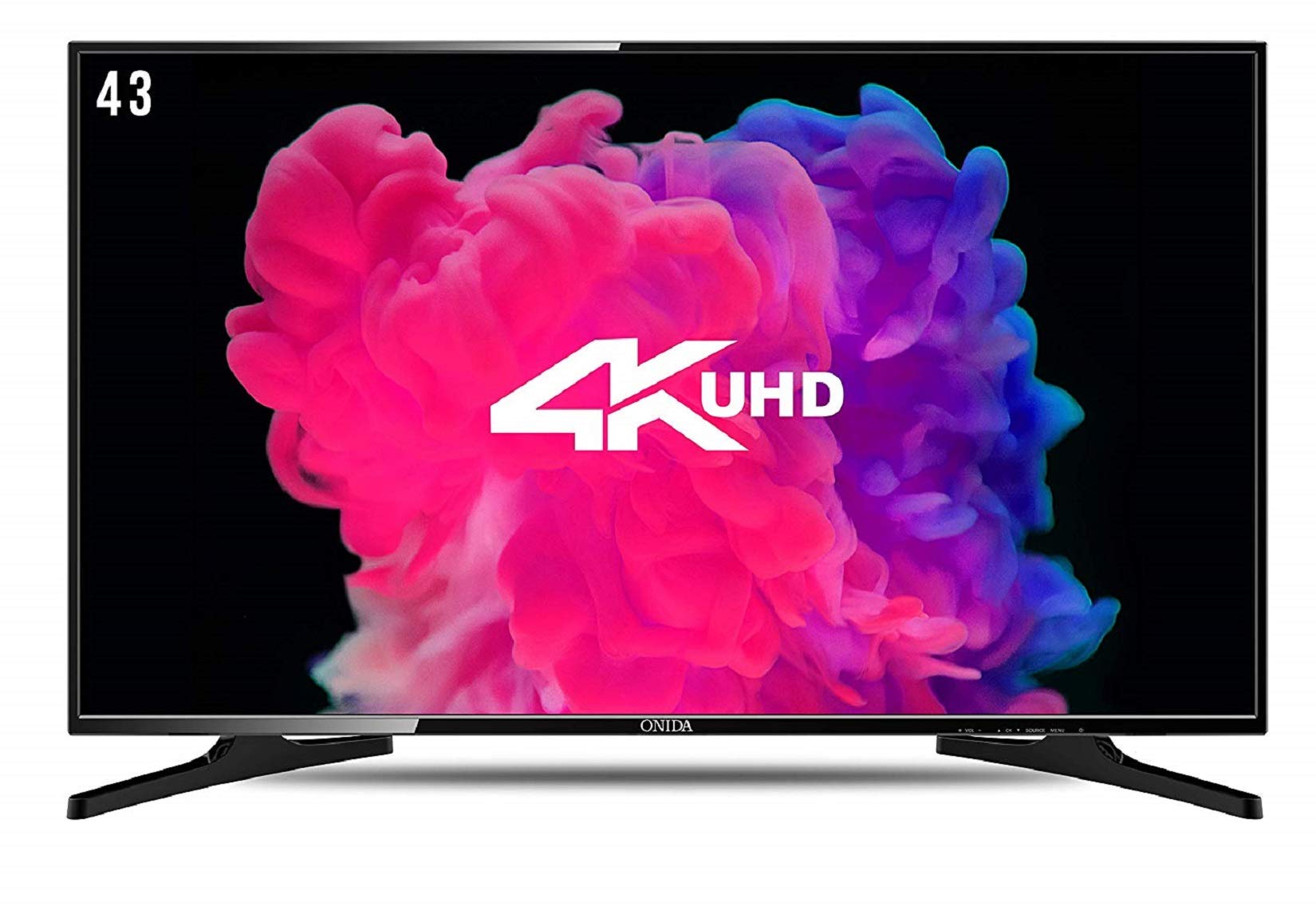
Image 1.1: Front view of the Onida 43UIB1 Smart TV.
2. Key Features Overview
The Onida 43UIB1 Smart TV offers a range of features designed for an enhanced viewing experience:
- Display: 4K Ultra HD (3840 x 2160) resolution with a 178-degree viewing angle and 60 Hertz refresh rate. Features an ADS Panel with 16.7 Million Colours and a High Contrast Ratio (4,000,000:1).
- Smart TV Capabilities: Powered by Android 7.0 Operating System with Google Playstore access. Includes 1GB RAM, 8GB Internal Memory, a Quad Core Processor, and built-in Wi-Fi. Supports Miracast for screen mirroring.
- Audio: 16 Watts output from built-in stereo speakers.
- Connectivity: Multiple ports for various devices, including 3 HDMI, 2 USB, and 1 VGA port.
Video 2.1: An overview of the Onida 43UIB1 Smart TV's key features, including display, sound, and smart functionalities.

Image 2.2: Graphic illustrating core features such as 4K UHD, Android OS, multi-core processor, and connectivity options.
3. Setup and Installation
3.1 Attaching the Base Stand
To attach the base stand, carefully place the TV screen-down on a soft, clean surface to prevent scratches. Align the stand with the designated slots on the bottom of the TV and secure it using the provided screws. Ensure the stand is firmly attached before placing the TV upright.
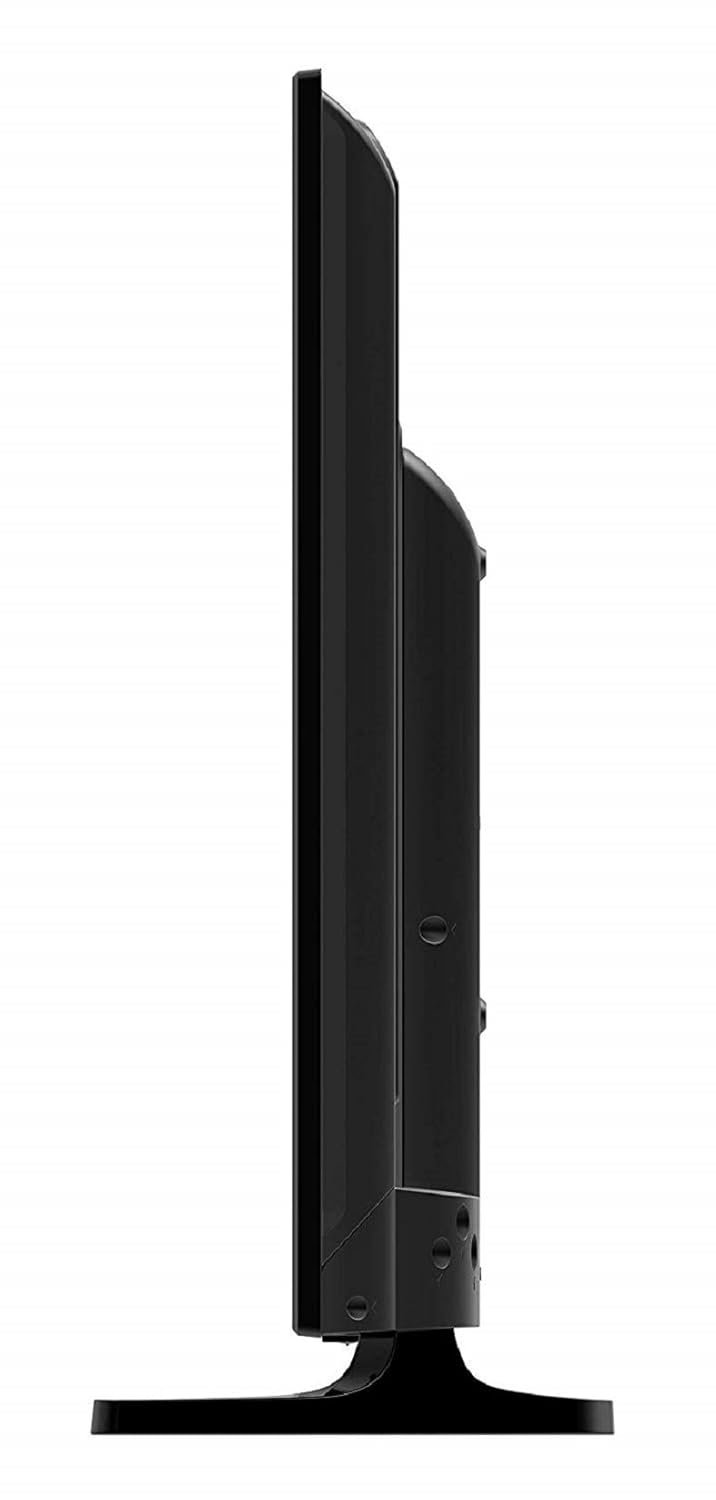
Image 3.1: Top view of the TV, showing the attachment points for the base stand.
3.2 Wall Mounting
For wall mounting, it is recommended to contact Onida customer service at 7490955555 for professional installation. Provide your product's model name and seller's details from your invoice. The service center will schedule a convenient slot for the service.
4. Connectivity Guide
Your Onida Smart TV is equipped with various ports to connect external devices:
- HDMI Ports (x3): Connect set-top boxes, Blu-Ray players, gaming consoles, and other HDMI-compatible devices.
- USB Ports (x2): Connect hard drives, USB flash drives, and other USB devices for media playback.
- VGA Port (x1): Connect your laptop or PC to use the TV as a monitor.
- Wi-Fi: Built-in Wi-Fi for internet access and smart features.
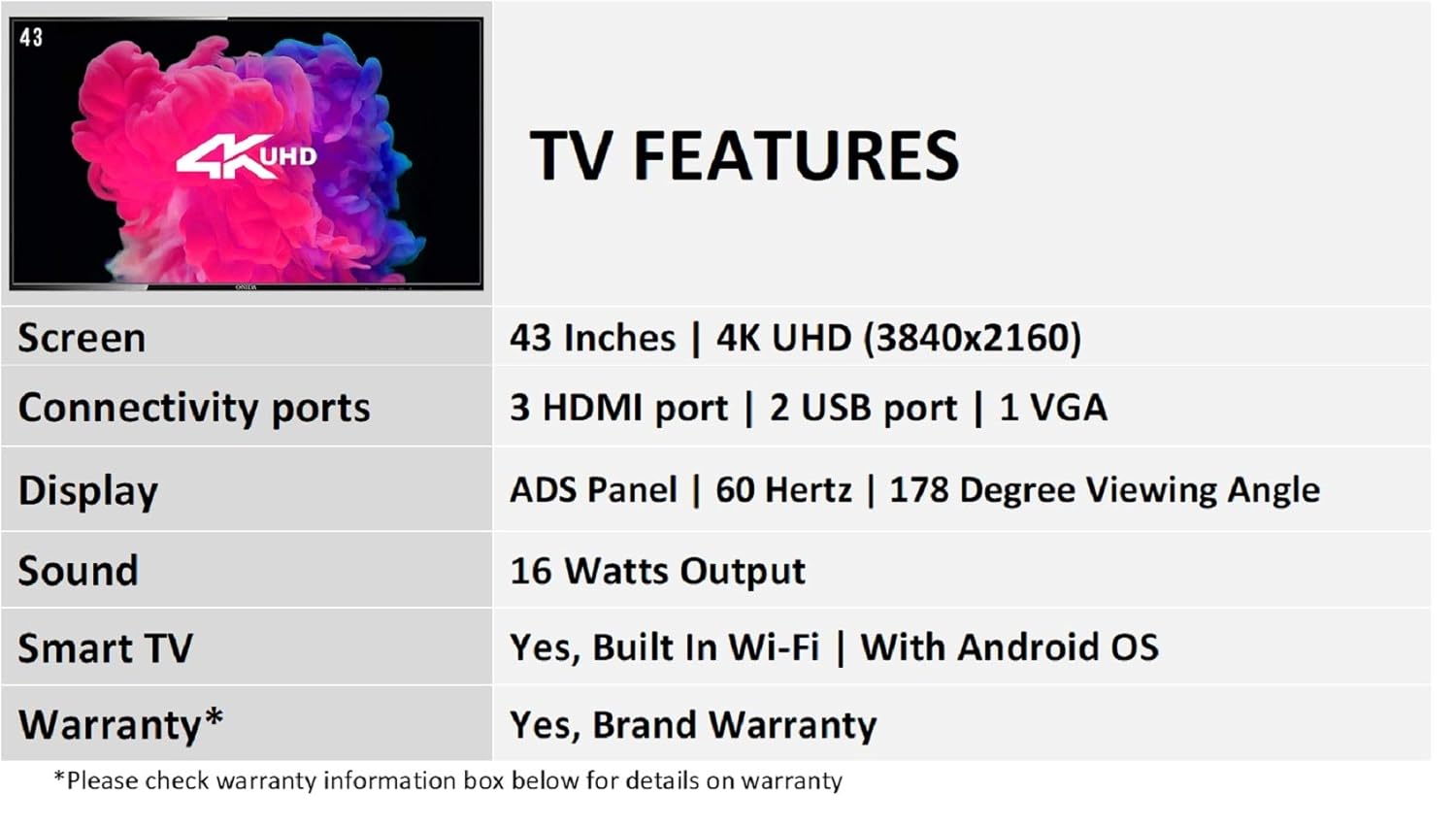
Image 4.1: Rear view of the TV, highlighting the various input and output ports.
5. Smart TV Operation
The Onida 43UIB1 runs on Android 7.0, providing access to a world of entertainment and applications.
5.1 Initial Setup
- Power on the TV.
- Follow the on-screen prompts to select your language, region, and connect to a Wi-Fi network.
- Log in with your Google account to access the Google Playstore and other Android services.
5.2 Using Apps and Services
Navigate the Smart TV interface using the remote control. You can download millions of apps from the Google Playstore. Pre-installed apps may include Netflix, YouTube, and Hotstar.
5.3 Miracast Functionality
Use Miracast to wirelessly mirror the screen of compatible devices (smartphones, tablets) to your TV. Refer to your device's manual for Miracast activation steps.
6. Specifications
| Feature | Detail |
|---|---|
| Screen Size | 43 Inches (107.9 cm) |
| Resolution | 4K Ultra HD (3840 x 2160) |
| Refresh Rate | 60 Hertz |
| Viewing Angle | 178 Degrees |
| Display Technology | LED, ADS Panel |
| Contrast Ratio | 4,000,000:1 |
| Sound Output | 16 Watts (Stereo) |
| Operating System | Android 7.0 |
| Processor | Quad Core |
| RAM | 1GB |
| Internal Memory | 8GB |
| Connectivity | 3 HDMI, 2 USB, 1 VGA, Built-in Wi-Fi |
| Power Consumption | 110 Watts |
| Weight | 9000 Grams |
| Model Year | 2018 |
7. What's in the Box
Upon unboxing your Onida 43UIB1 Smart TV, you should find the following items:
- Onida 43UIB1 4K UHD LED Smart TV
- Remote Control
- Base Stand
- Instruction Manual (this document)
8. Warranty and Support
Your Onida 43UIB1 Smart TV comes with a 1-year comprehensive warranty provided by Onida from the date of purchase.
For any service, installation, wall mounting, or demo requests, please contact Onida customer support directly:
- Toll-Free Number: 180030099000 / 74909 55555
When contacting support, please provide your product's model name (43UIB1) and the seller's details as mentioned on your invoice. The service center will assist you in scheduling a convenient service slot.


