Introduction
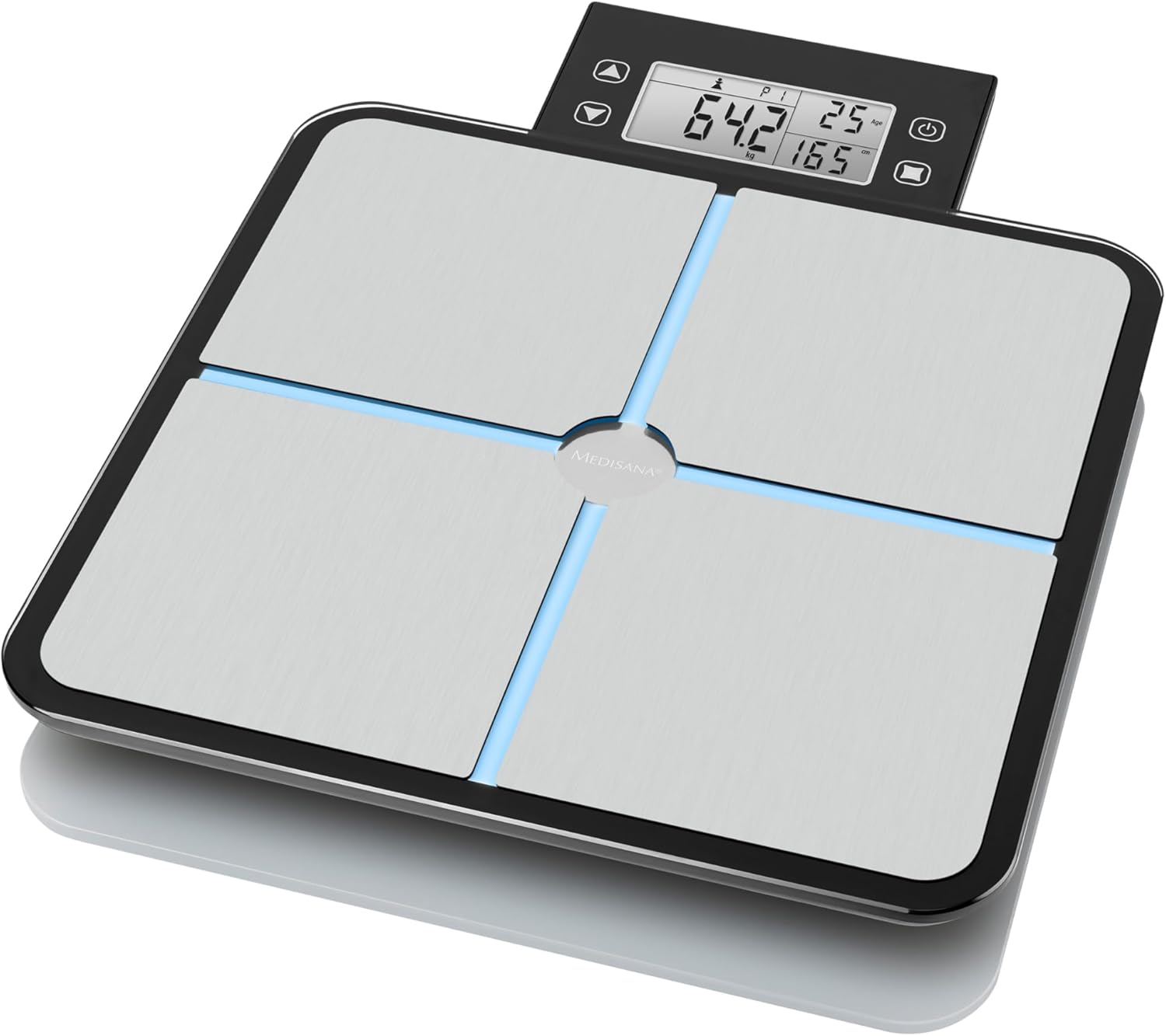
This manual provides essential information for the safe and effective use of your Medisana BS 460 Digital Body Analysis Scale. Please read these instructions thoroughly before first use and keep them for future reference. The Medisana BS 460 is designed to measure body weight, body fat, body water, muscle mass, and bone mass, calculate Body Mass Index (BMI), and provide an integrated calorie requirement analysis. It features a removable LCD display for enhanced convenience.
Safety Information
- Always use the scale on a firm, flat surface to ensure accurate measurements. Uneven or soft surfaces can affect precision.
- Step onto the scale barefoot and ensure your feet make full contact with all four electrodes for body analysis functions to work correctly.
- The scale is not intended for medical diagnosis or treatment. Consult a healthcare professional for any health concerns.
- Keep the scale dry. Do not immerse it in water or expose it to excessive moisture.
- Do not use abrasive cleaning agents or harsh chemicals on the scale.
- Keep batteries out of reach of children.
Package Contents
Verify that all components are present in the package:
- Medisana BS 460 Digital Body Analysis Scale
- Removable LCD Display Unit
- 4 x AAA Batteries
- Instruction Manual (this document)
Product Overview
The Medisana BS 460 scale is equipped with high-precision DMS sensors for accurate measurements. Its distinctive feature is the removable LCD display, which can be held in hand, placed on a stand, or mounted on a wall for convenient viewing. The display features modern LED backlighting.

Setup
1. Battery Installation
- Locate the battery compartment on the underside of the scale.
- Open the battery compartment cover.
- Insert the 4 AAA batteries, ensuring correct polarity (+/-).
- Close the battery compartment cover securely.
2. Initial Configuration (Unit and User Profiles)
Upon first use or after battery replacement, the scale may require initial setup.
- Unit Selection: The scale allows weighing in kilograms (kg), pounds (lb), and stones (st). Use the unit selection button (usually on the back or underside of the scale, or via the display unit) to choose your preferred unit.
- User Profile Setup: The scale can automatically recognize up to 8 users. To set up a user profile, follow the instructions in the display unit to enter personal data such as age, height, and gender. This information is crucial for accurate body analysis calculations.
Operating Instructions
1. Basic Weighing
- Place the scale on a hard, flat surface.
- Gently tap the scale with your foot to activate it, or simply step on it if it has an instant-on feature.
- Wait for the display to show '0.0' or 'CAL'.
- Step onto the scale with bare feet, standing still and centered.
- Your weight will be displayed.
2. Body Analysis Measurement
For body analysis (body fat, water, muscle, bone mass, BMI, calorie requirement), ensure your user profile is set up and you step on the scale barefoot.
- Activate the scale as described for basic weighing.
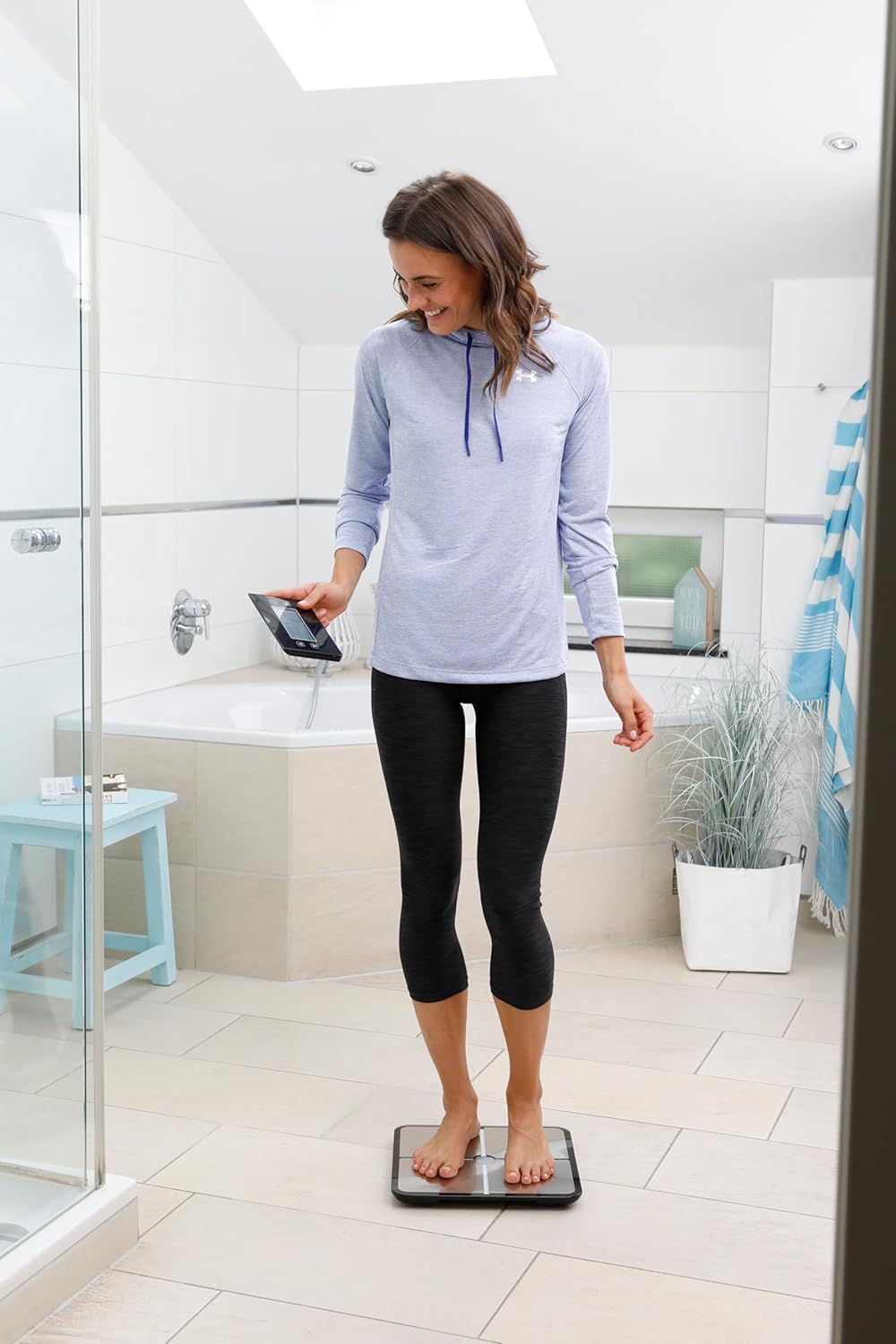
- Step onto the scale barefoot, ensuring both feet are firmly on the four electrode pads.
- Stand still until the measurement is complete. The display will cycle through your various body composition metrics.
- The scale will automatically identify the user based on previous measurements and stored data.
3. Removable Display Unit
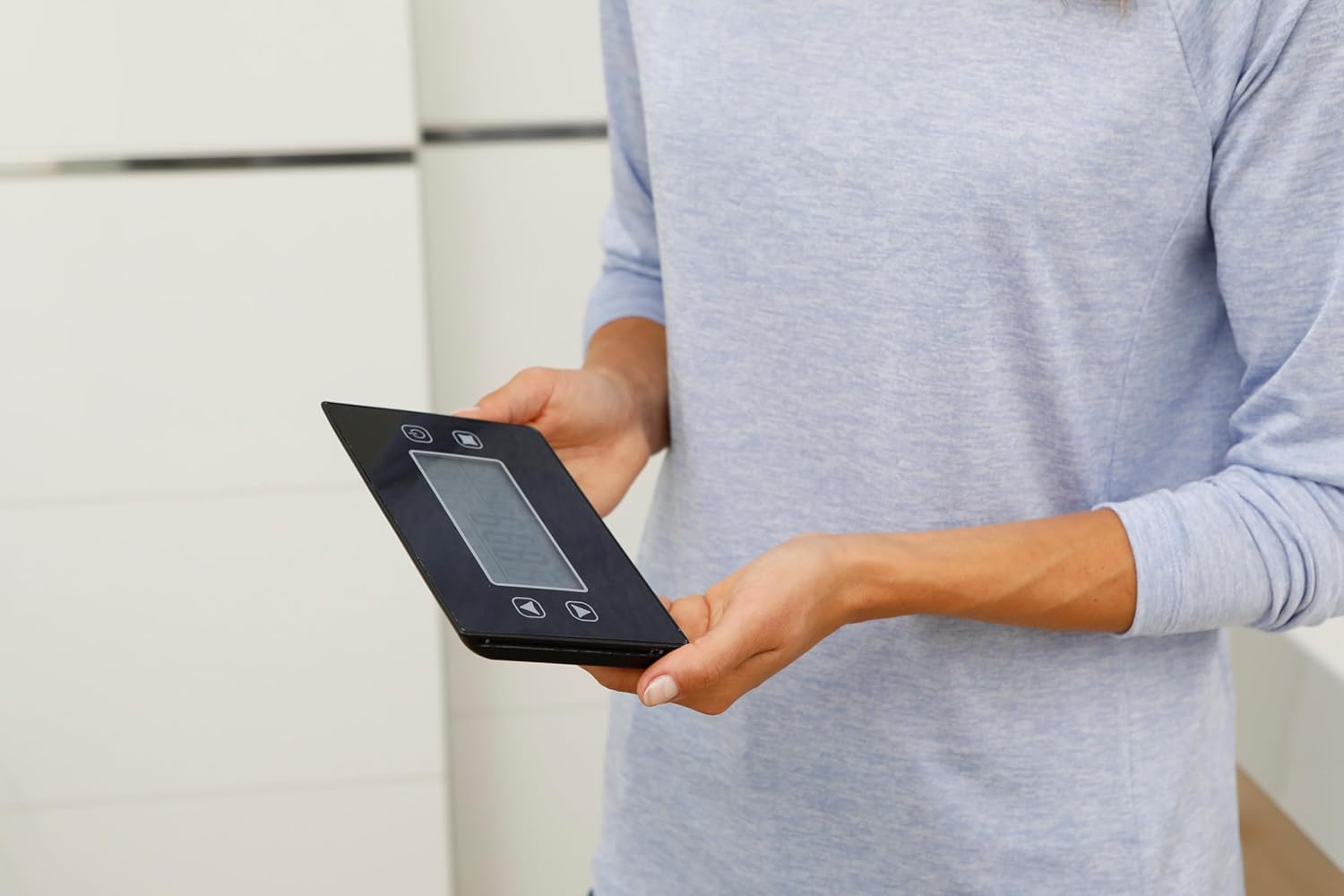
The display unit can be detached from the main scale body. This allows for flexible placement and viewing.
- Detaching: Gently pull the display unit upwards from its magnetic base on the scale.
- Placement Options: The display can be held in hand, placed on a nearby surface, or mounted on a wall using appropriate fixtures (not included).
- Reattaching: Align the display unit with the magnetic base on the scale and gently push it down until it clicks into place.

Maintenance and Care
- Clean the scale regularly with a slightly damp cloth. Do not use abrasive cleaners or immerse the scale in water.
- If the scale will not be used for an extended period, remove the batteries to prevent leakage.
- Store the scale in a cool, dry place, away from direct sunlight and extreme temperatures.
Troubleshooting
| Problem | Possible Cause | Solution |
|---|---|---|
| Inaccurate readings / inconsistent results | Scale not on a flat, hard surface; first use calibration; feet not properly placed on electrodes. | Ensure scale is on a stable, hard floor. Allow for initial self-calibration (first few readings may vary). Step barefoot, covering all four electrodes. |
| Display not working / blank | Batteries are low or incorrectly inserted. | Replace all 4 AAA batteries. Check battery polarity. |
| Body analysis not functioning | Not stepping barefoot; user profile not set up; feet not making full contact with electrodes. | Always step on barefoot. Ensure a user profile is configured. Make sure both feet fully cover the electrode pads. |
| Scale does not turn on | Batteries are dead or missing. | Install new batteries or check existing ones. |
Specifications
- Model: Medisana BS 460 (Model Number: 40482)
- Measurement Functions: Weight, Body Fat, Body Water, Muscle Mass, Bone Mass, BMI, Calorie Requirement
- Weight Limit: 180 kg (396 lb / 28 st)
- Measurement Precision: 100 grams
- Display Type: LED
- Power Source: 4 x AAA Batteries (included)
- Product Dimensions (L x W x H): 4.1 x 35.6 x 34.7 cm
- Product Weight: 2.5 Grams (Note: This seems to be an error in the source data, typically scales weigh more than 2.5 grams)
- Material: Acrylonitrile Butadiene Styrene
- User Profiles: Automatic recognition for up to 8 users
Warranty and Support
Medisana products are manufactured to high-quality standards. For warranty information, please refer to the warranty card included with your purchase or visit the official Medisana website. For technical support or further assistance, please contact Medisana customer service through their official channels.
You can find more information and support on the Medisana official website.


