
1. Introduction
This manual provides essential instructions for the safe and effective installation, operation, and maintenance of your BORYLI XL-2200 replacement TV lamp. Please read this manual thoroughly before attempting to install or use the product. Retain this manual for future reference.
2. Safety Information
Always observe the following safety precautions to prevent injury or damage to your television and the lamp:
- Disconnect Power: Always unplug the television from the power outlet before attempting any installation or maintenance.
- Allow Cooling: The lamp operates at high temperatures. Allow the television and the old lamp to cool down completely (at least 30 minutes) before handling.
- Handle with Care: Do not touch the glass bulb of the new lamp directly with bare hands. Oils from your skin can reduce lamp life. Use gloves or a clean cloth if necessary.
- Avoid Impact: Lamps are fragile. Avoid dropping or subjecting the lamp to strong impacts.
- Proper Disposal: Dispose of old lamps according to local regulations. Lamps may contain mercury.
- Ventilation: Ensure proper ventilation around your television to prevent overheating, which can shorten lamp life.
3. Package Contents
Verify that your package contains the following items:
- 1 x BORYLI XL-2200 Replacement TV Lamp Module with Housing
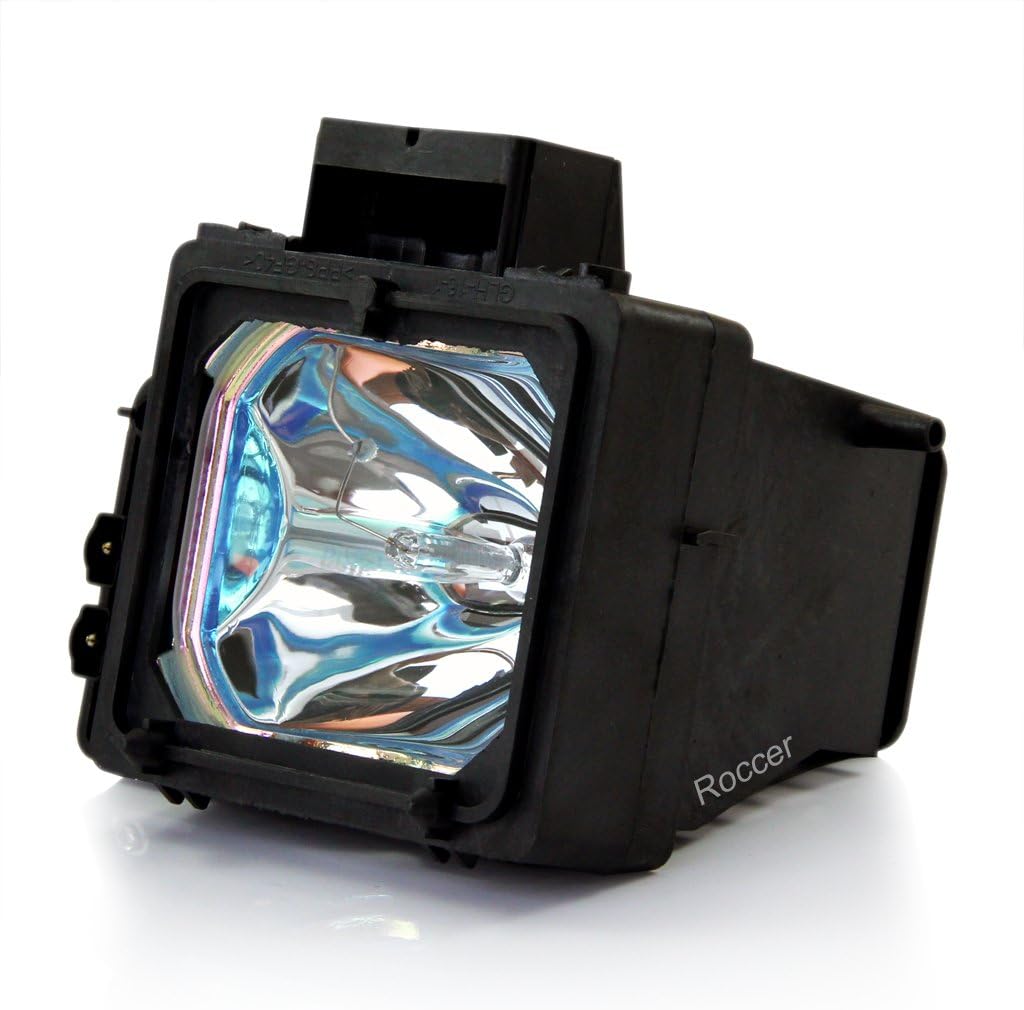
Image 1: The BORYLI XL-2200 TV lamp module, featuring the lamp bulb encased in its black plastic housing.
4. Setup (Installation)
The following steps provide general guidance for replacing your TV lamp. For specific instructions tailored to your television model, refer to your TV's original user manual.
- Power Off and Unplug: Turn off your television and unplug it from the wall outlet.
- Allow to Cool: Wait at least 30 minutes for the old lamp and the TV's internal components to cool down completely.
- Locate Lamp Compartment: Identify the lamp access panel on your television. This is typically located on the back or side of the TV and may be secured with screws.
- Remove Access Panel: Use a screwdriver to remove the screws securing the lamp access panel, then carefully remove the panel.
- Remove Old Lamp: The old lamp module will likely have a handle or a set of screws holding it in place. Carefully loosen any retaining screws and gently pull the old lamp module straight out. Do not force it.
- Insert New Lamp: Align the new BORYLI XL-2200 lamp module with the slot. Gently push it firmly into place until it is fully seated. Ensure all connections are secure.
- Secure New Lamp: Tighten any retaining screws that hold the new lamp module in place.
- Replace Access Panel: Reattach the lamp access panel and secure it with its screws. Ensure the panel is closed properly, as some TVs have safety switches that prevent operation if the panel is open.
- Power On: Plug your television back into the power outlet and turn it on.
5. Operating
The BORYLI XL-2200 TV lamp operates automatically once installed correctly and the television is powered on. No special operating procedures are required for the lamp itself.
- Initial Brightness: The new lamp may appear slightly brighter than your old, worn-out lamp.
- Picture Quality: This lamp is designed to provide clear and bright picture definition.
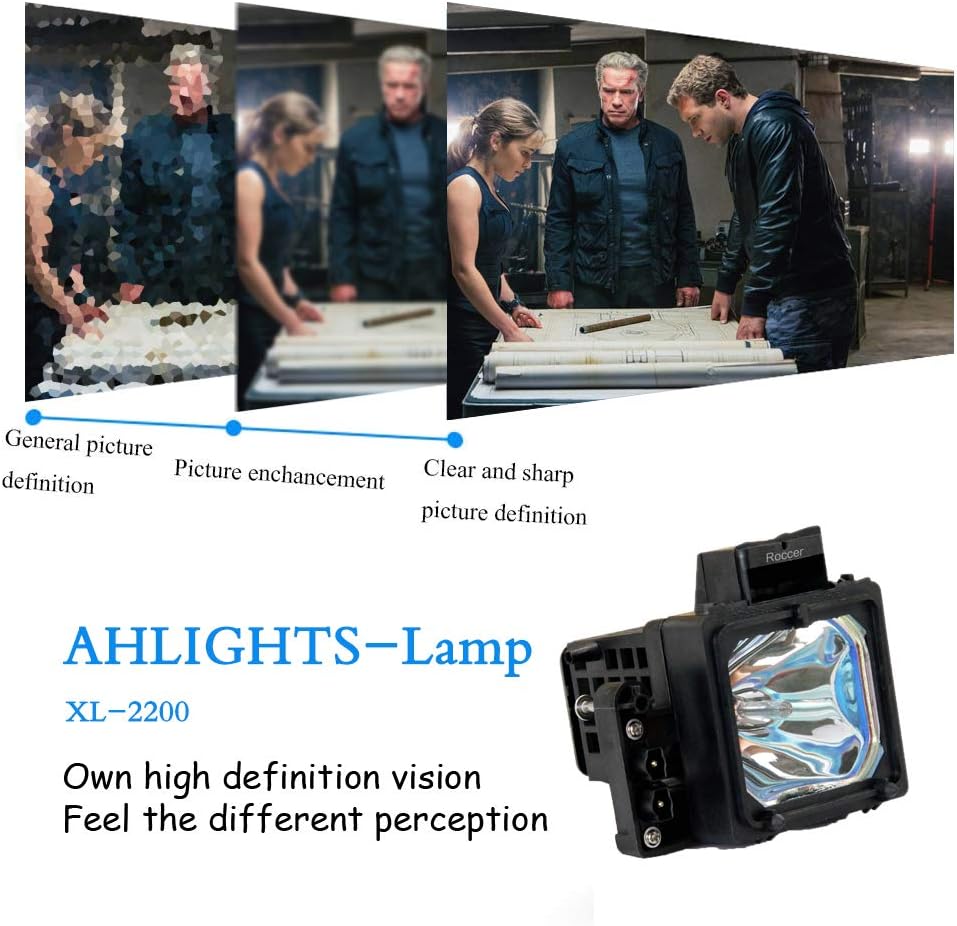
Image 2: A visual comparison demonstrating the difference between general picture definition, picture enhancement, and clear and sharp picture definition, illustrating the lamp's contribution to improved visual clarity.

Image 3: A side-by-side comparison of two television screens displaying the same image, one with low color brightness and the other with high color brightness, highlighting the lamp's capability for vibrant color reproduction.
6. Maintenance
To ensure optimal performance and longevity of your TV and lamp:
- Clean Lamp Compartment: When replacing the lamp, gently clean any dust or debris from the lamp compartment and ventilation areas using a soft, dry cloth or compressed air.
- Avoid Overheating: Ensure the television has adequate space for ventilation. Do not block air vents.
- Power Cycles: Frequent on/off cycles can reduce lamp life. If possible, avoid turning the TV on and off rapidly.
7. Troubleshooting
If you encounter issues after installing the new lamp, consider the following:
| Problem | Possible Cause | Solution |
|---|---|---|
| TV does not turn on or lamp indicator light flashes. | Lamp not fully seated; lamp compartment door not closed properly; safety switch engaged. | Unplug TV, re-check lamp installation, ensure compartment door is securely closed and latched. Consult TV manual for specific error codes. |
| Picture is dim or flickering. | Lamp not fully seated; lamp nearing end of life (unlikely for new lamp); TV settings. | Unplug TV, re-check lamp installation. Verify TV picture settings (brightness, contrast). If problem persists, contact support. |
| New lamp fails prematurely. | Overheating due to poor ventilation; manufacturing defect. | Ensure adequate ventilation around TV. Contact customer support for warranty claim if within warranty period. |
8. Specifications
- Brand: BORYLI
- Model: XL-2200
- Compatible Lamp Part Numbers: XL-2200, XL-2200U, A1085447A
- Compatible TV Models: Sony KDF-55WF655, KDF-55XS955, KDF-60WF655, KDF-60XS955, KDF-E55A20, KDF-E60A20
- Wattage: 200 Watts
- Voltage: 120 Volts
- Type of Bulb: Projector Lamp
- Item Weight: Approximately 11.3 ounces (320 grams)
- Package Dimensions: Approximately 5.75 x 5.67 x 4.65 inches
- Special Features: Not Dimmable
9. Warranty Information
This BORYLI XL-2200 TV lamp includes a 120-day warranty from the date of purchase. This warranty covers manufacturing defects. It does not cover damage resulting from improper installation, misuse, accident, or normal wear and tear. Please retain your proof of purchase for warranty claims.
10. Support
For technical assistance, warranty claims, or further inquiries, please contact the seller or manufacturer through the platform where the product was purchased. Provide your order number and a detailed description of the issue for prompt support.